
Files Magic AI File Rename & Organizer
Organize and Rename files with AI Locally or Cloud on mac
About Files Magic AI File Rename & Organizer
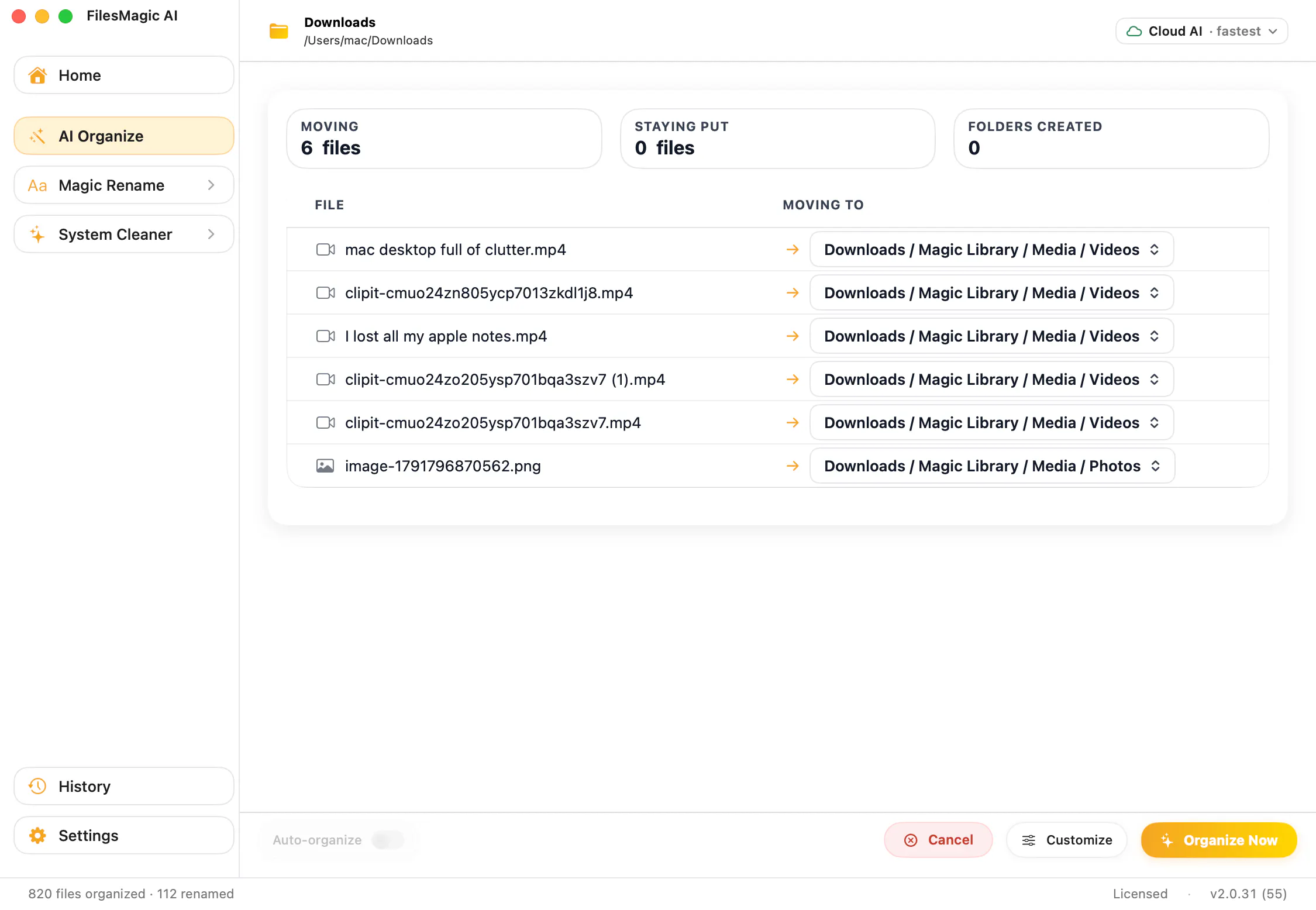
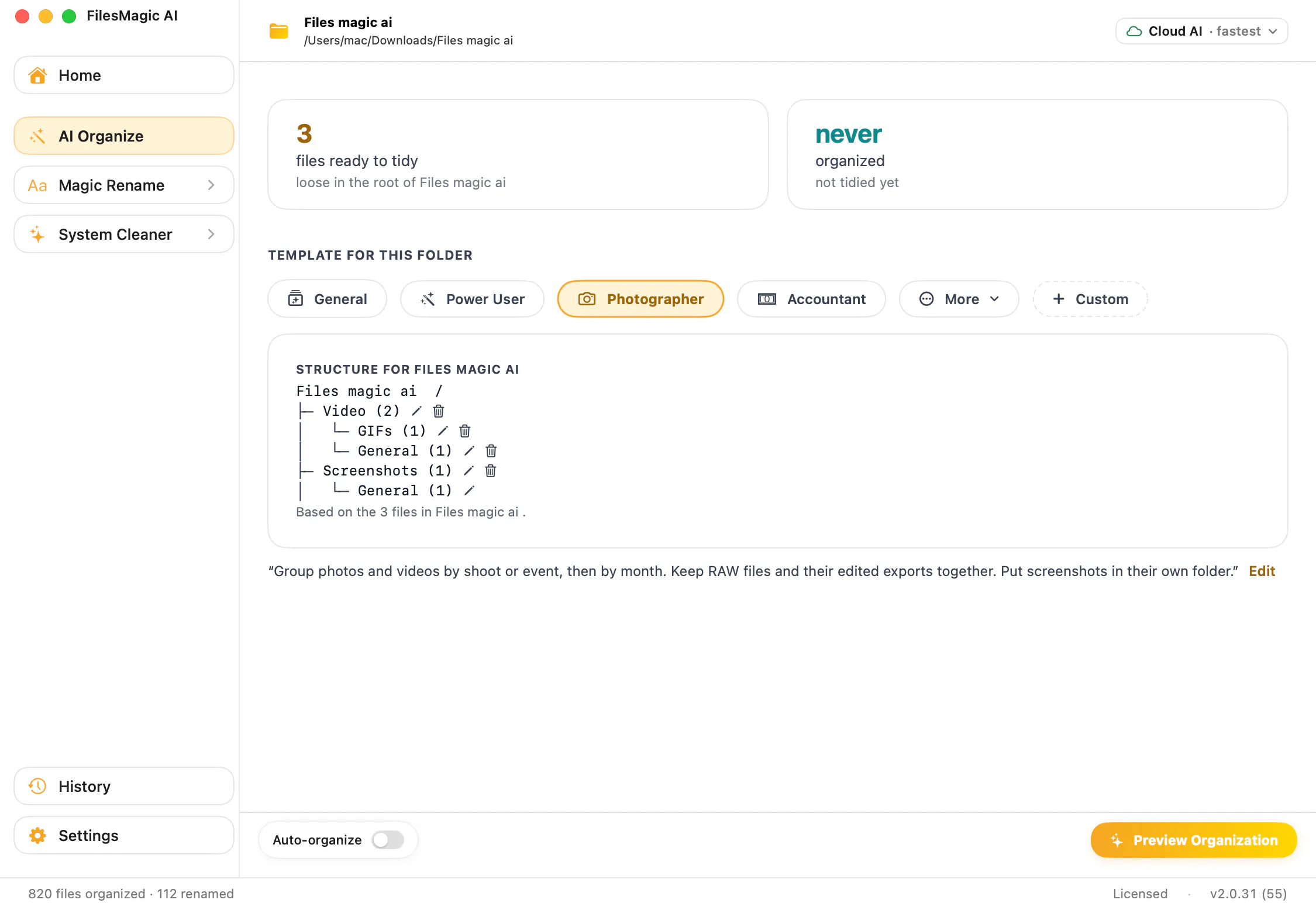
Files Magic AI File Rename & Organizer is a powerful Mac application designed to streamline file management through the use of artificial intelligence. It helps users organize cluttered folders by automatically sorting and renaming files, leveraging both local AI via Apple Intelligence (which is slower) and faster cloud-based AI. The tool offers customizable templates, preview options, and editing features, enabling users to set up their desired folder structures with just one click. Its renaming capabilities are particularly impressive, extracting clean, meaningful names from file content using AI, with offline rules and batch processing options. Additionally, it features duplicate detection, unwanted file removal, and an easy revert function, making file management both efficient and safe. Its one-time lifetime license makes it an attractive option for users seeking a comprehensive, AI-driven file organization solution on Mac.
Screenshots



Pros
- ✓AI-powered folder sorting and file renaming for enhanced efficiency
- ✓Dual processing options: local AI for privacy and cloud AI for speed
- ✓Preview and editing features for customized organization
- ✓Revert to original function ensures safe operations
- ✓One-time lifetime license provides long-term value
Cons
- ✗Cloud AI processing may involve data privacy considerations
- ✗Slower performance when using local AI option
- ✗Limited information on specific AI accuracy and customization options
Use Cases
Pricing
Pricing not verified
Quick Info
Topics
Makers

Raghul AV
Alternatives
Similar Tools in AI Assistants




Embed Badge
Add this badge to your website to show that Files Magic AI File Rename & Organizer is featured on Visalytica.
<a href="https://www.visalytica.com/tool/files-magic-ai-file-rename-organizer" target="_blank" rel="noopener noreferrer" style="display:inline-flex;align-items:center;gap:6px;padding:6px 14px;background:#7c3aed;color:#fff;border-radius:8px;font-family:-apple-system,system-ui,sans-serif;font-size:13px;font-weight:600;text-decoration:none;transition:background .2s" onmouseover="this.style.background='#6d28d9'" onmouseout="this.style.background='#7c3aed'"><svg width="14" height="14" viewBox="0 0 24 24" fill="none" stroke="currentColor" stroke-width="2.5" stroke-linecap="round" stroke-linejoin="round"><path d="M12 20V10"/><path d="M18 20V4"/><path d="M6 20v-4"/></svg>Featured on Visalytica</a>