
FileoPDF
Outils PDF 100% locaux, zéro upload, zéro compte
About FileoPDF

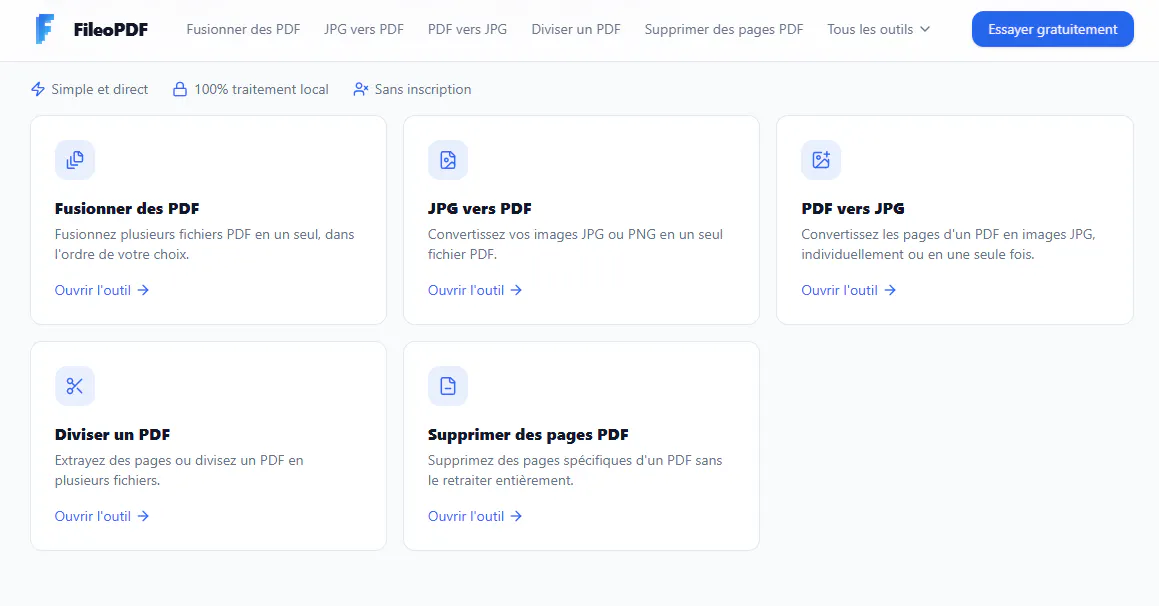
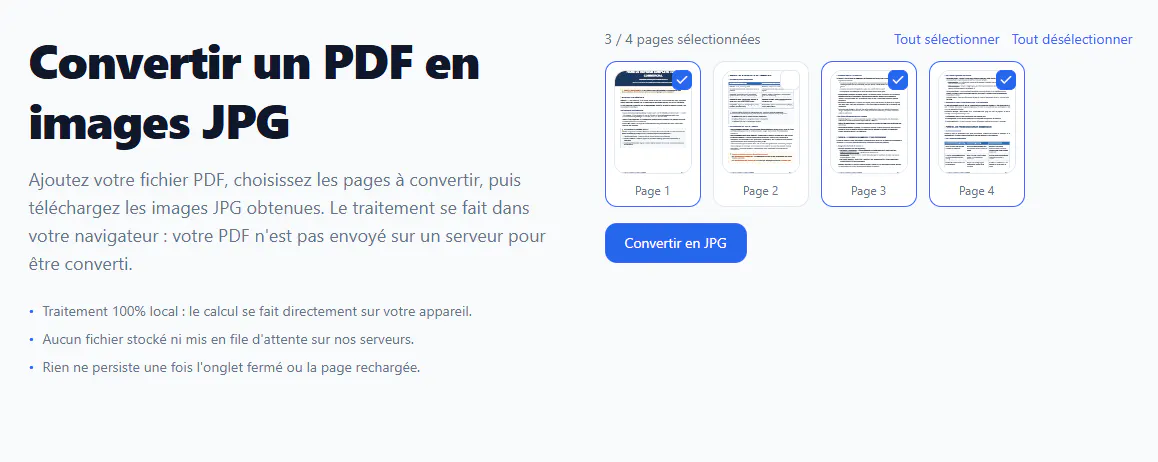
FileoPDF stands out as a privacy-focused, browser-based PDF toolkit designed for users who prioritize data security and ease of use. Unlike many free PDF tools that require uploading files to third-party servers, FileoPDF processes all documents locally within the browser, ensuring that sensitive files like contracts and invoices remain private and never leave your device. Its suite of features includes merging, splitting, deleting pages, and converting PDFs to JPG images and vice versa, making it a versatile solution for everyday PDF management. Its zero-account requirement and unlimited usage make it appealing for both individual users and small teams seeking a secure, no-fuss solution without the need for downloads or subscriptions. The emphasis on local processing not only enhances privacy but also reduces reliance on internet connectivity, providing a seamless experience for users concerned about data security.
Screenshots

Pros
- ✓100% local processing ensuring maximum privacy
- ✓No account needed, zero upload, and unlimited use
- ✓Intuitive and easy-to-use browser interface
- ✓No installation or downloads required
- ✓Free to use with all core features
Cons
- ✗Limited to browser-based functionality, may lack advanced PDF editing features
- ✗Performance can depend on browser and device capabilities
- ✗No cloud storage or collaboration features included
Use Cases
Pricing
Likely free to use with open access to all features, as no payment or subscription model is mentioned. Its emphasis on privacy and local processing suggests a free, ad-free tool.
Quick Info
Topics
Makers

Horatio Nguend
Similar Tools in AI Image & Design




Embed Badge
Add this badge to your website to show that FileoPDF is featured on Visalytica.
<a href="https://www.visalytica.com/tool/fileopdf" target="_blank" rel="noopener noreferrer" style="display:inline-flex;align-items:center;gap:6px;padding:6px 14px;background:#7c3aed;color:#fff;border-radius:8px;font-family:-apple-system,system-ui,sans-serif;font-size:13px;font-weight:600;text-decoration:none;transition:background .2s" onmouseover="this.style.background='#6d28d9'" onmouseout="this.style.background='#7c3aed'"><svg width="14" height="14" viewBox="0 0 24 24" fill="none" stroke="currentColor" stroke-width="2.5" stroke-linecap="round" stroke-linejoin="round"><path d="M12 20V10"/><path d="M18 20V4"/><path d="M6 20v-4"/></svg>Featured on Visalytica</a>