
File Generation in Gemini
Generate production-ready files directly in your chat
About File Generation in Gemini
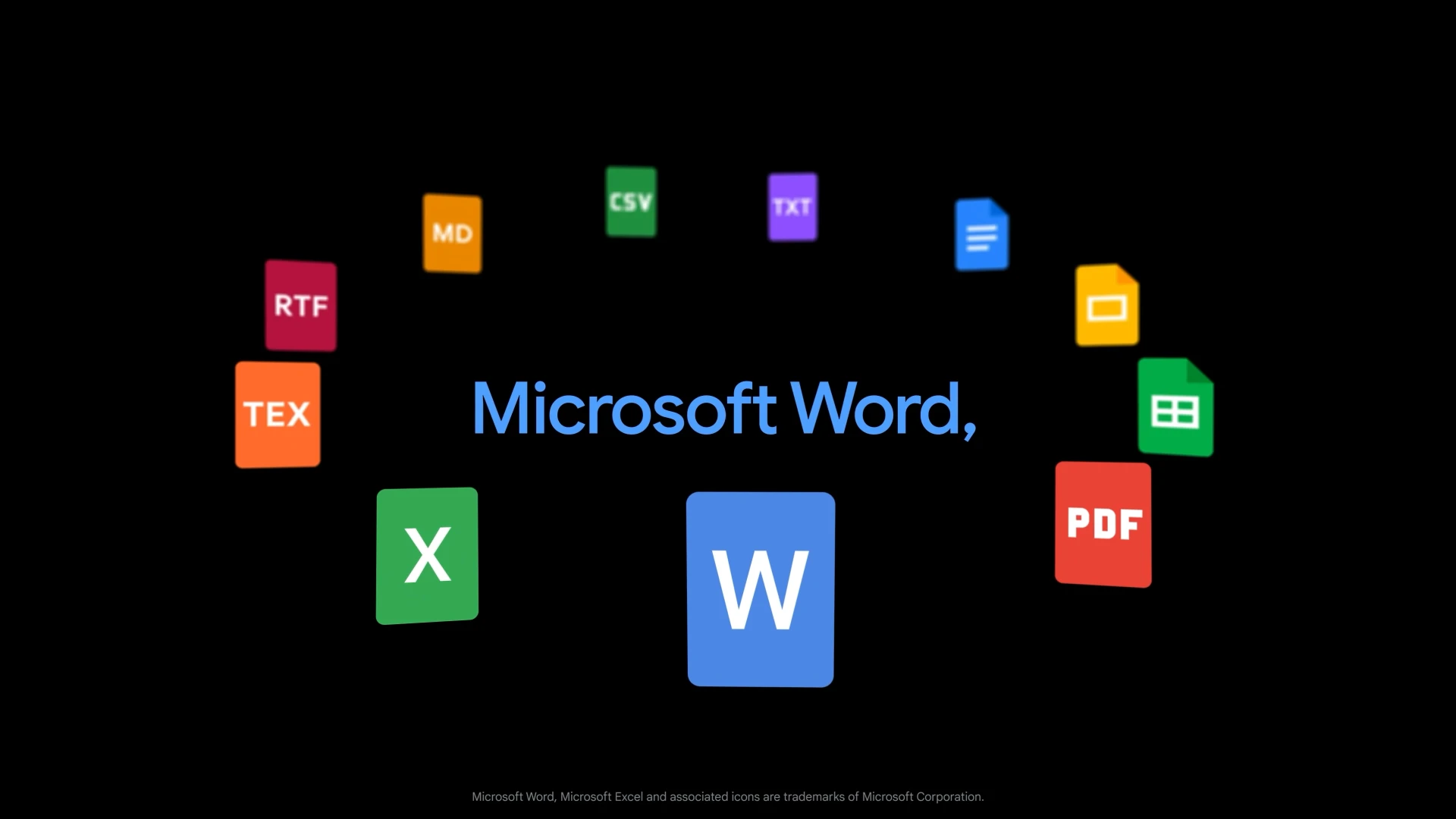
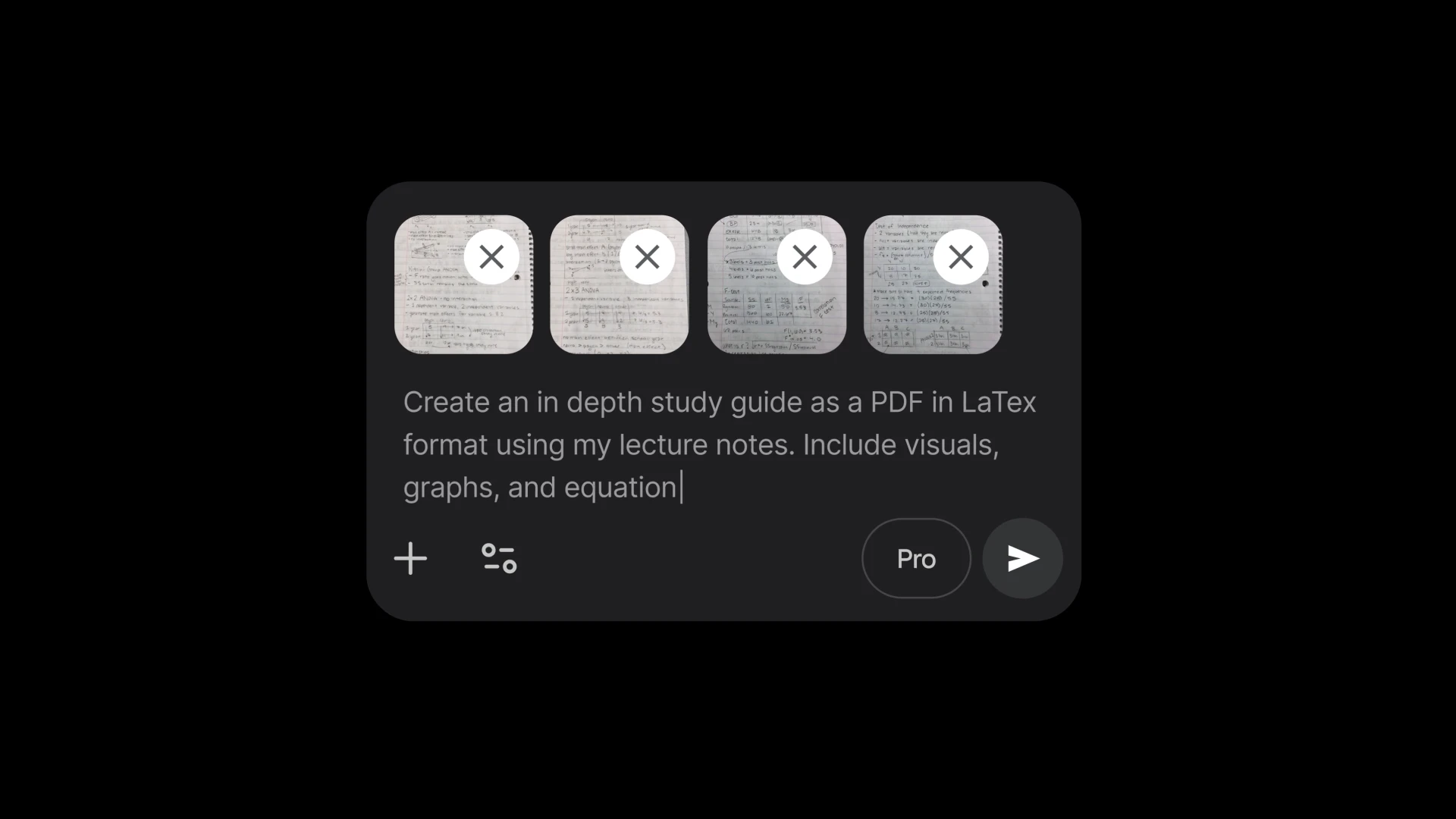
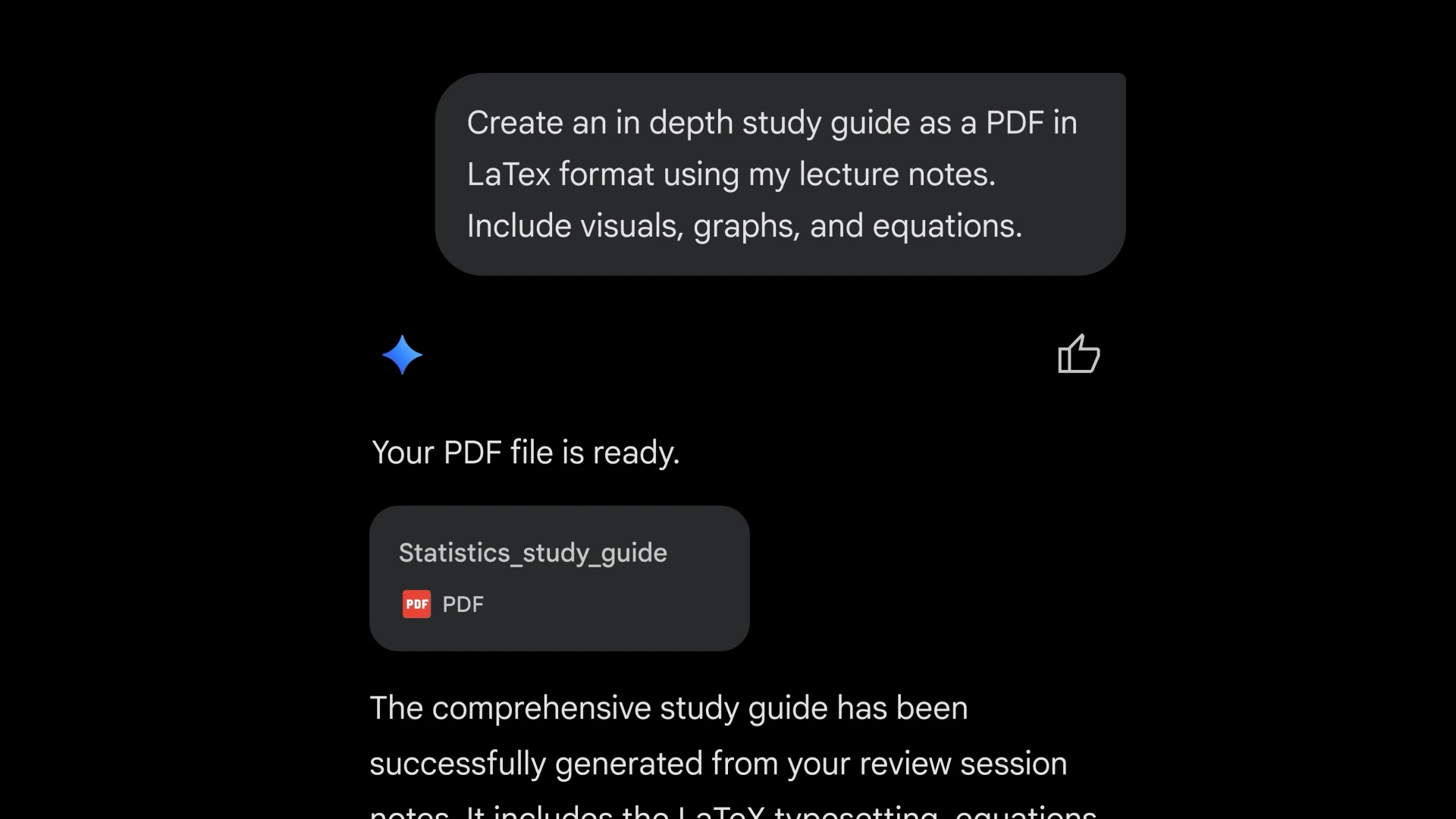
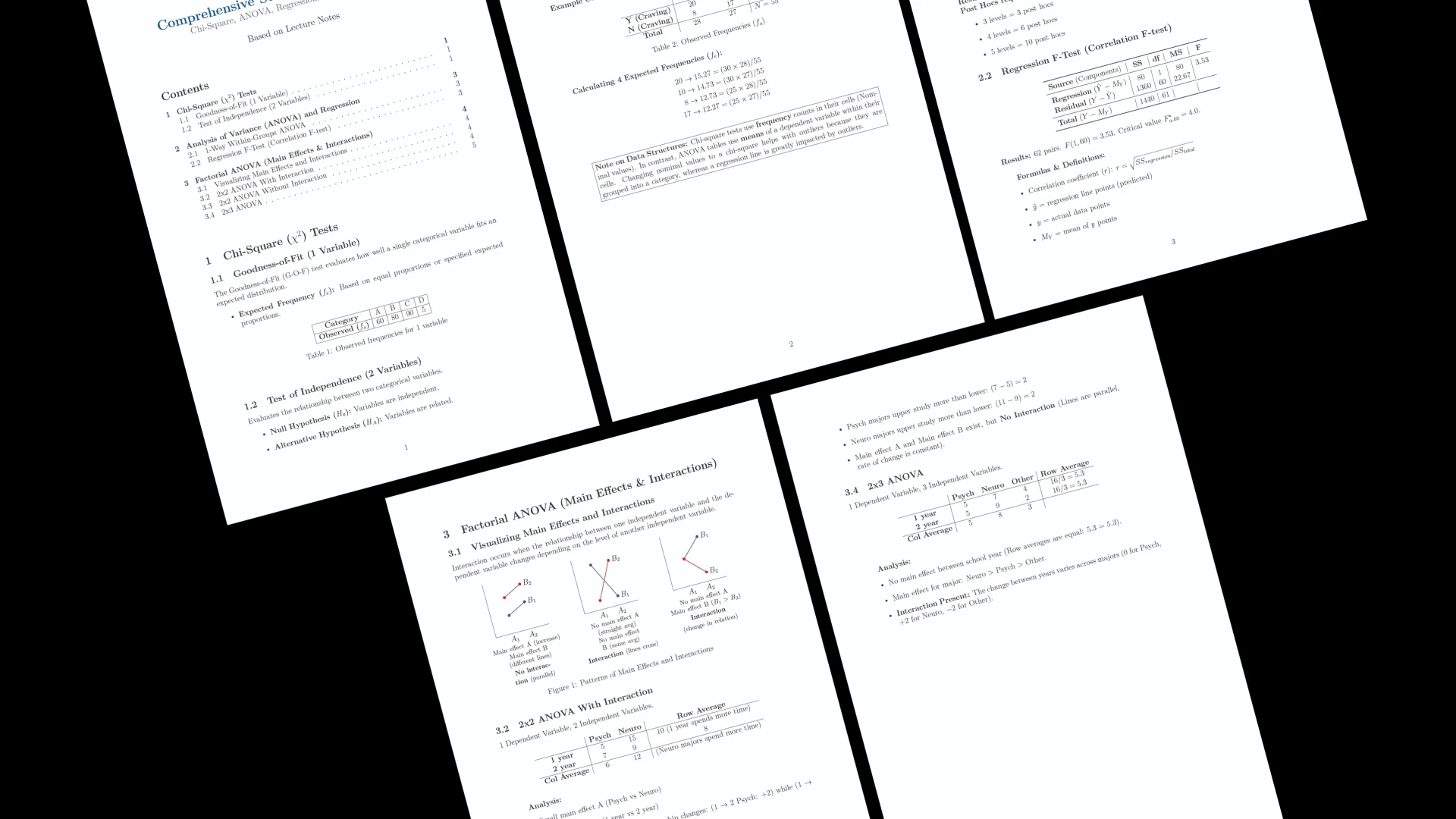
File Generation in Gemini is an innovative AI-powered tool that allows users to generate a variety of production-ready files directly within their chat interface. Supporting formats like Google Docs, Sheets, Slides, PDFs, Word, Excel, CSV, LaTeX, Markdown, TXT, and RTF, it streamlines the workflow from prompt to shareable document, eliminating the need for copying, pasting, or reformatting. This tool is ideal for professionals, content creators, and teams seeking to accelerate document creation and collaboration processes. Its seamless integration within chat enhances productivity by enabling quick generation of complex files without switching between multiple apps or manually formatting content. What makes Gemini unique is its ability to produce ready-to-download files instantly, saving time and reducing errors associated with manual file creation and conversion.
Screenshots

Pros
- ✓Supports a wide range of file formats for versatile output
- ✓Eliminates manual copying and reformatting, streamlining workflows
- ✓Generates ready-to-share files directly within chat
- ✓Enhances productivity for individuals and teams
- ✓User-friendly interface with quick file generation capabilities
Cons
- ✗Currently lacks detailed pricing transparency
- ✗May have limitations with highly complex or formatting-intensive documents
- ✗Dependent on chat interface, which might not suit all workflows
Use Cases
Pricing
Likely operates on a freemium model, offering basic features for free with premium plans for advanced capabilities or higher usage limits; exact pricing details are not specified.
Quick Info
Topics
Alternatives
Similar Tools in Customer Support




Embed Badge
Add this badge to your website to show that File Generation in Gemini is featured on Visalytica.
<a href="https://www.visalytica.com/tool/file-generation-in-gemini" target="_blank" rel="noopener noreferrer" style="display:inline-flex;align-items:center;gap:6px;padding:6px 14px;background:#7c3aed;color:#fff;border-radius:8px;font-family:-apple-system,system-ui,sans-serif;font-size:13px;font-weight:600;text-decoration:none;transition:background .2s" onmouseover="this.style.background='#6d28d9'" onmouseout="this.style.background='#7c3aed'"><svg width="14" height="14" viewBox="0 0 24 24" fill="none" stroke="currentColor" stroke-width="2.5" stroke-linecap="round" stroke-linejoin="round"><path d="M12 20V10"/><path d="M18 20V4"/><path d="M6 20v-4"/></svg>Featured on Visalytica</a>