
Figr AI
Product-aware AI that thinks through UX
About Figr AI
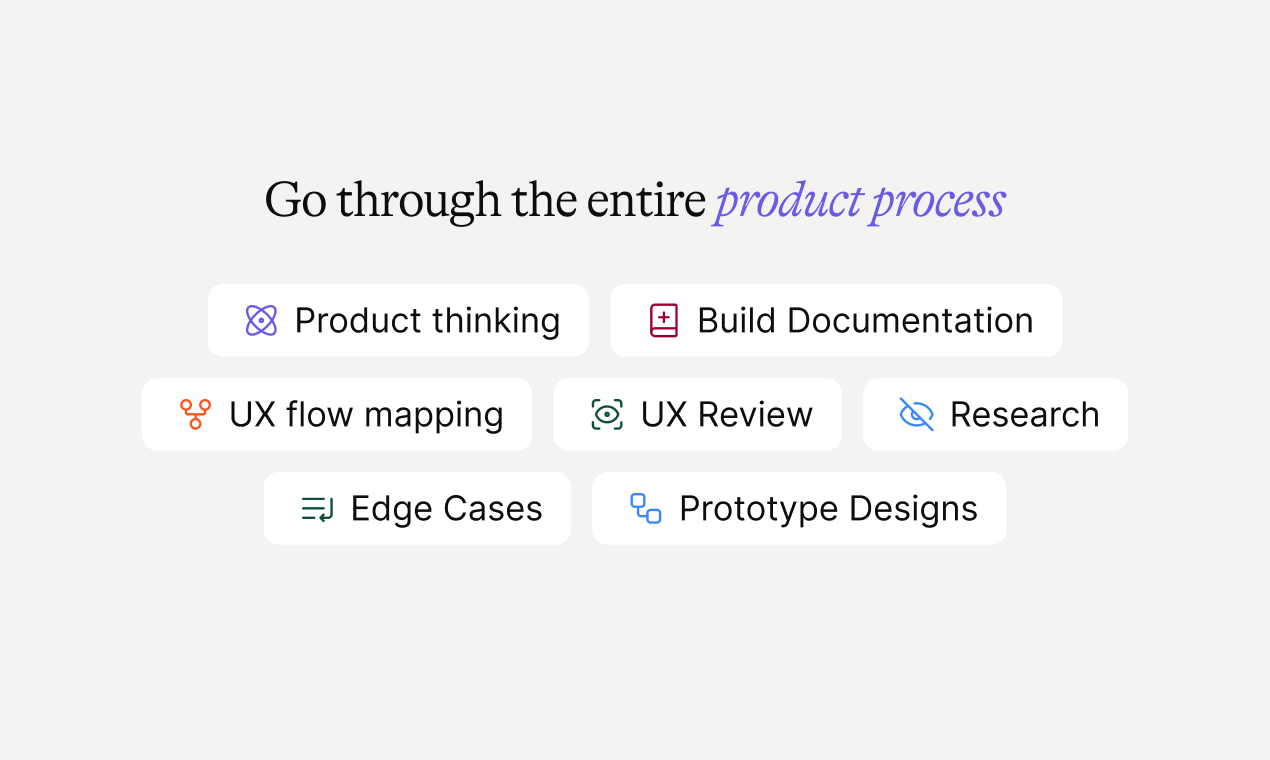
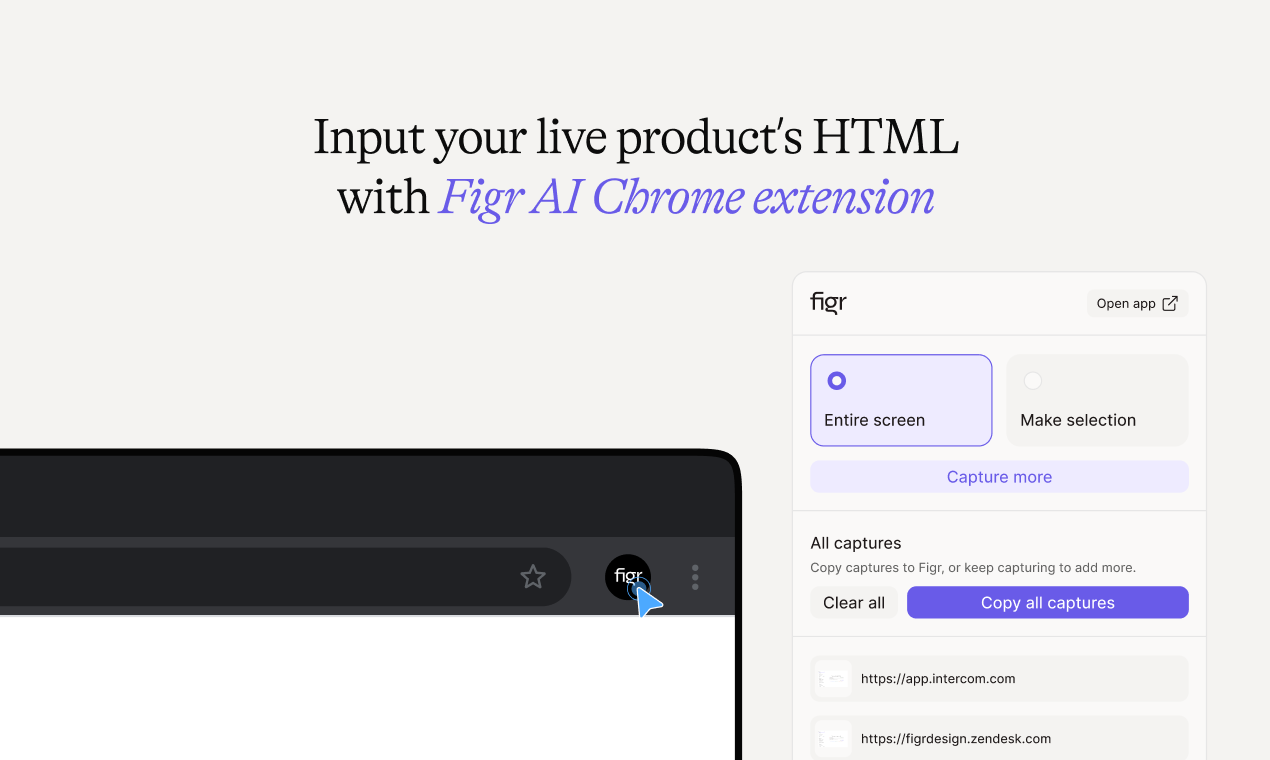
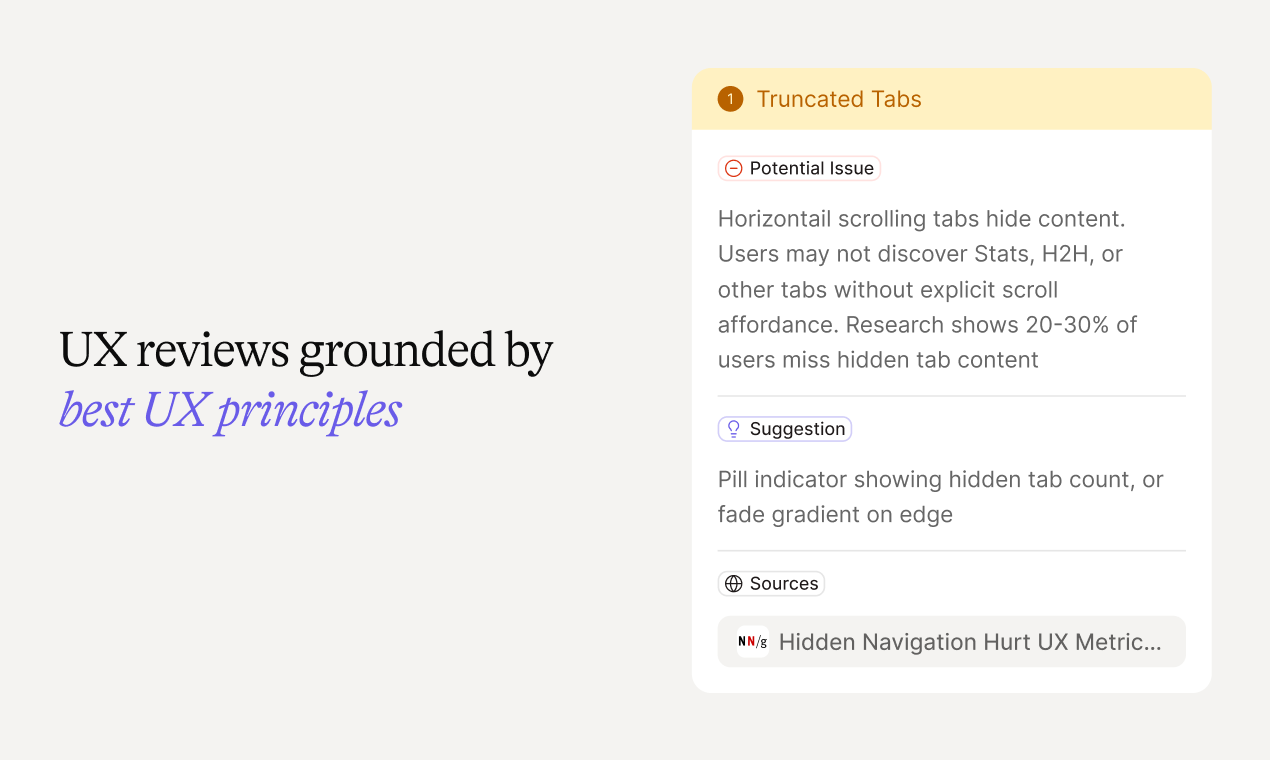
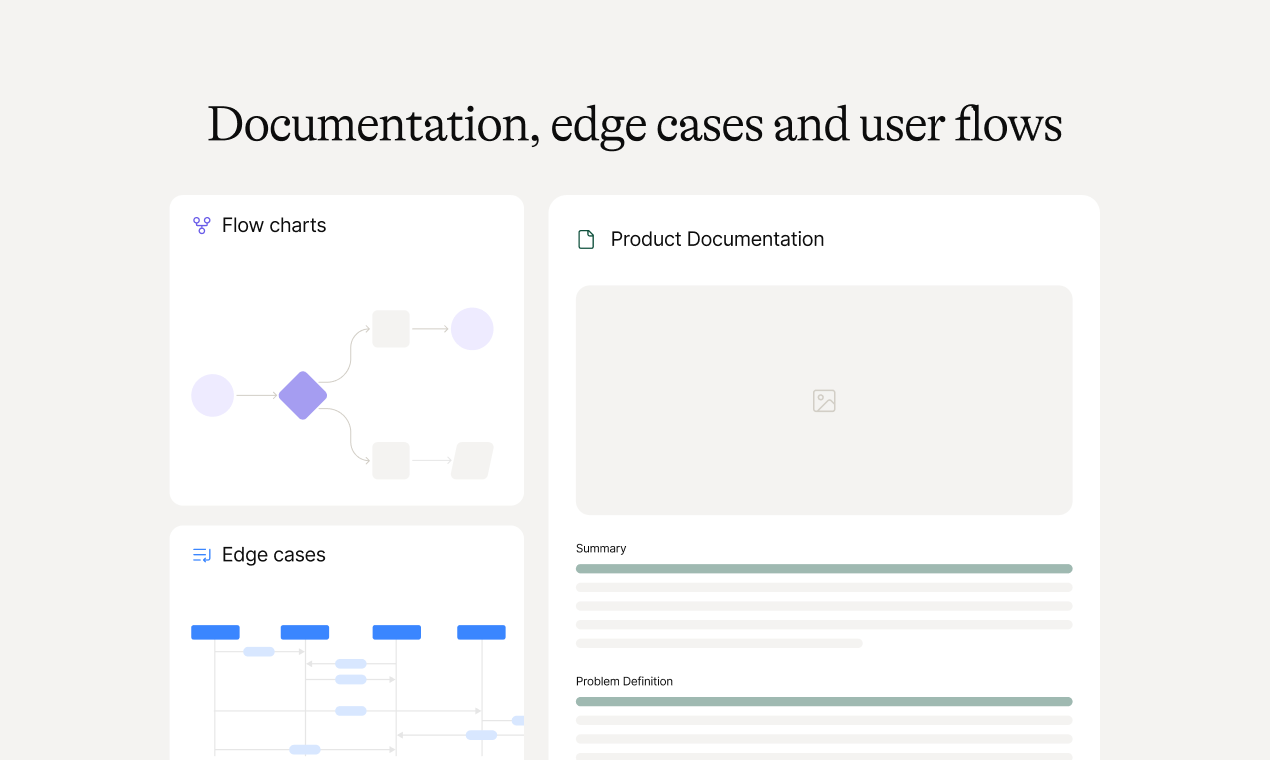
Figr AI is an innovative product-aware AI assistant designed specifically for product managers and UX teams. It seamlessly integrates with live applications through a Chrome extension, allowing users to parse app flows, identify edge cases, and conduct comprehensive UX reviews. Additionally, Figr can import design assets from Figma, incorporate documentation and analytics, and generate A/B testing variations and prototypes that align perfectly with the existing design language. Powered by a vast database of over 200,000 UX patterns, Figr provides actionable recommendations to optimize user experience and streamline product development. Its unique combination of real-time app analysis, design integration, and UX expertise makes it a powerful tool for improving product quality and user satisfaction.
Screenshots

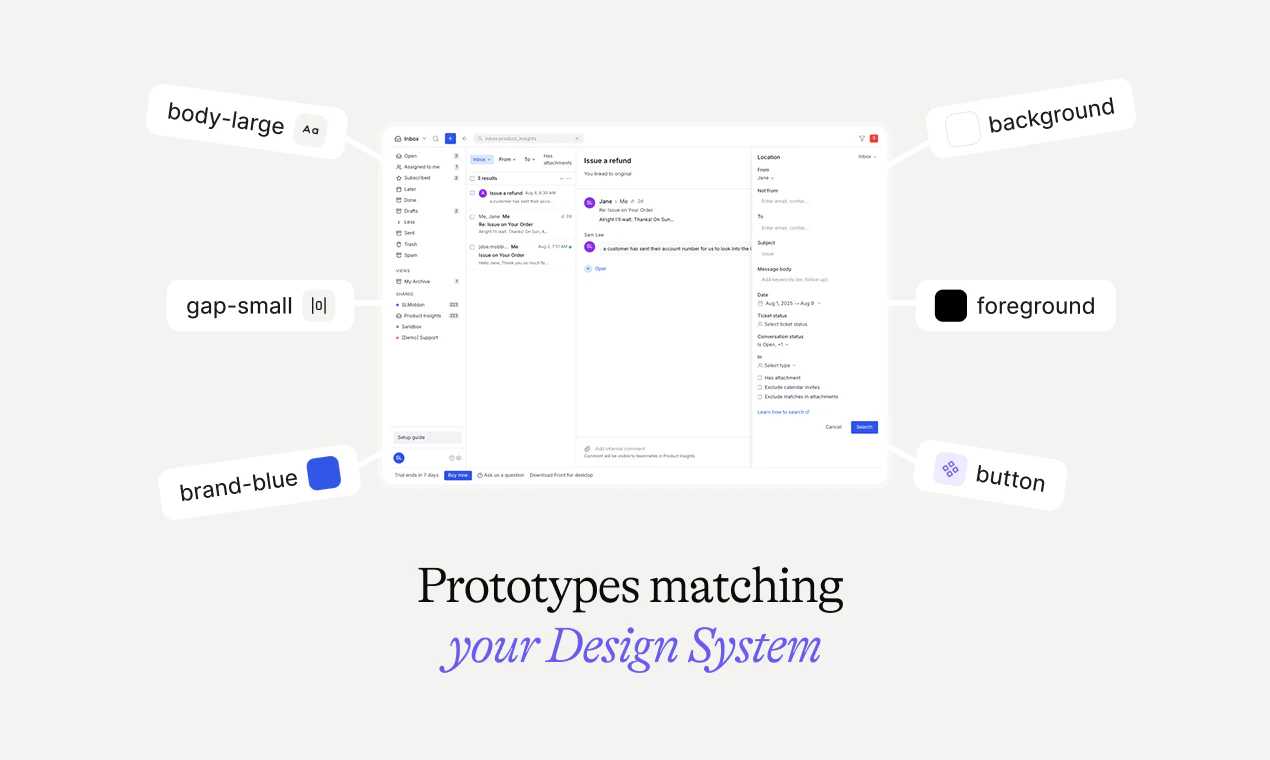
+2 more screenshots
Pros
- ✓Real-time app parsing and UX analysis via Chrome extension
- ✓Integration with Figma and analytics for comprehensive insights
- ✓Automated generation of prototypes and A/B variations
- ✓Backed by a vast library of UX patterns for reliable recommendations
- ✓Helps identify edge cases and improve overall user flows
Cons
- ✗Potential learning curve for new users unfamiliar with UX design tools
- ✗Uncertain pricing details; likely subscription-based with tiered plans
- ✗May require technical setup for full integration with existing workflows
Use Cases
Pricing
Likely operates on a subscription model with tiered plans, offering a freemium option or trial period. Exact pricing details are not publicly specified but are expected to be based on usage and feature access.
Quick Info
Topics
Similar Tools in AI Assistants




Embed Badge
Add this badge to your website to show that Figr AI is featured on Visalytica.
<a href="https://www.visalytica.com/tool/figr-ai" target="_blank" rel="noopener noreferrer" style="display:inline-flex;align-items:center;gap:6px;padding:6px 14px;background:#7c3aed;color:#fff;border-radius:8px;font-family:-apple-system,system-ui,sans-serif;font-size:13px;font-weight:600;text-decoration:none;transition:background .2s" onmouseover="this.style.background='#6d28d9'" onmouseout="this.style.background='#7c3aed'"><svg width="14" height="14" viewBox="0 0 24 24" fill="none" stroke="currentColor" stroke-width="2.5" stroke-linecap="round" stroke-linejoin="round"><path d="M12 20V10"/><path d="M18 20V4"/><path d="M6 20v-4"/></svg>Featured on Visalytica</a>