
Figma code layers
Design, code and specs together on one Figma canvas
About Figma code layers
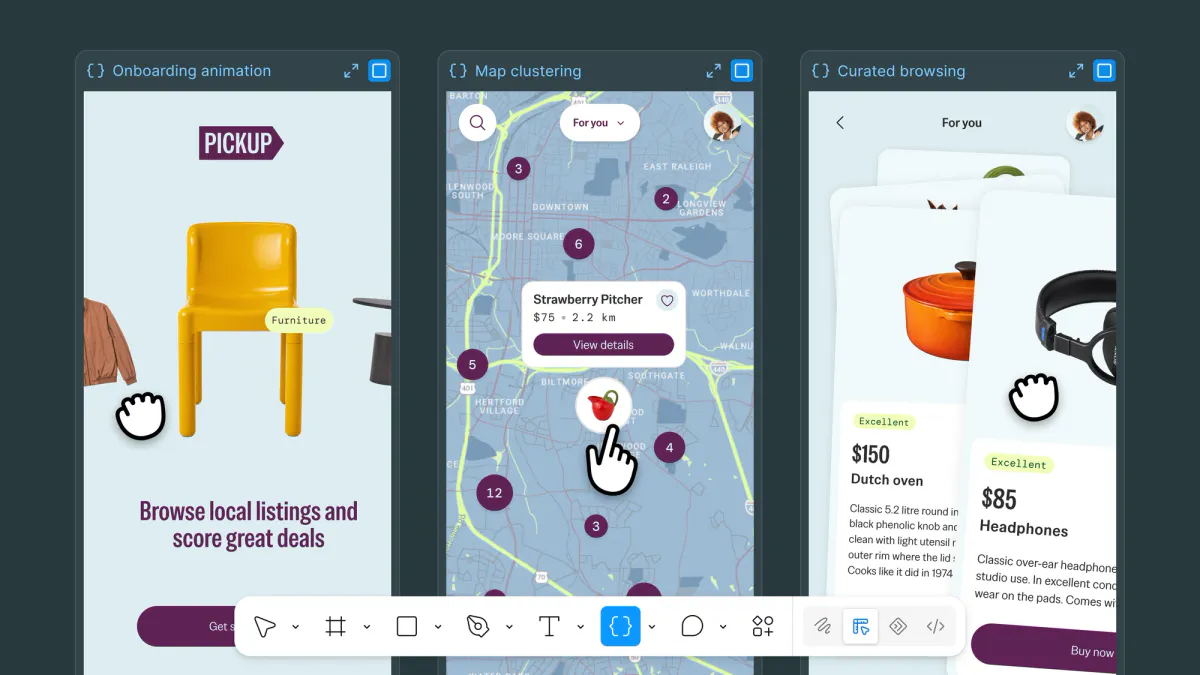
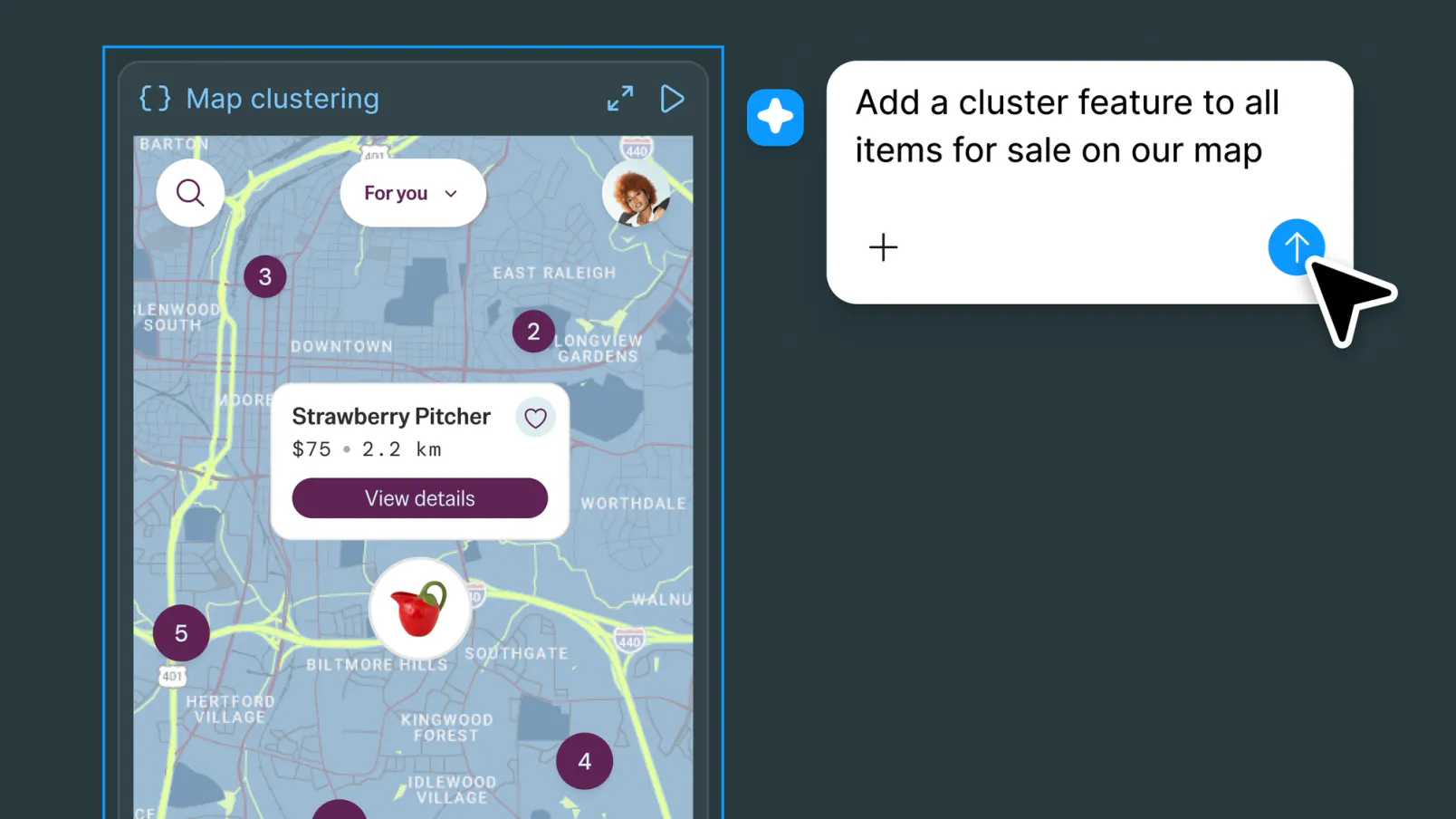
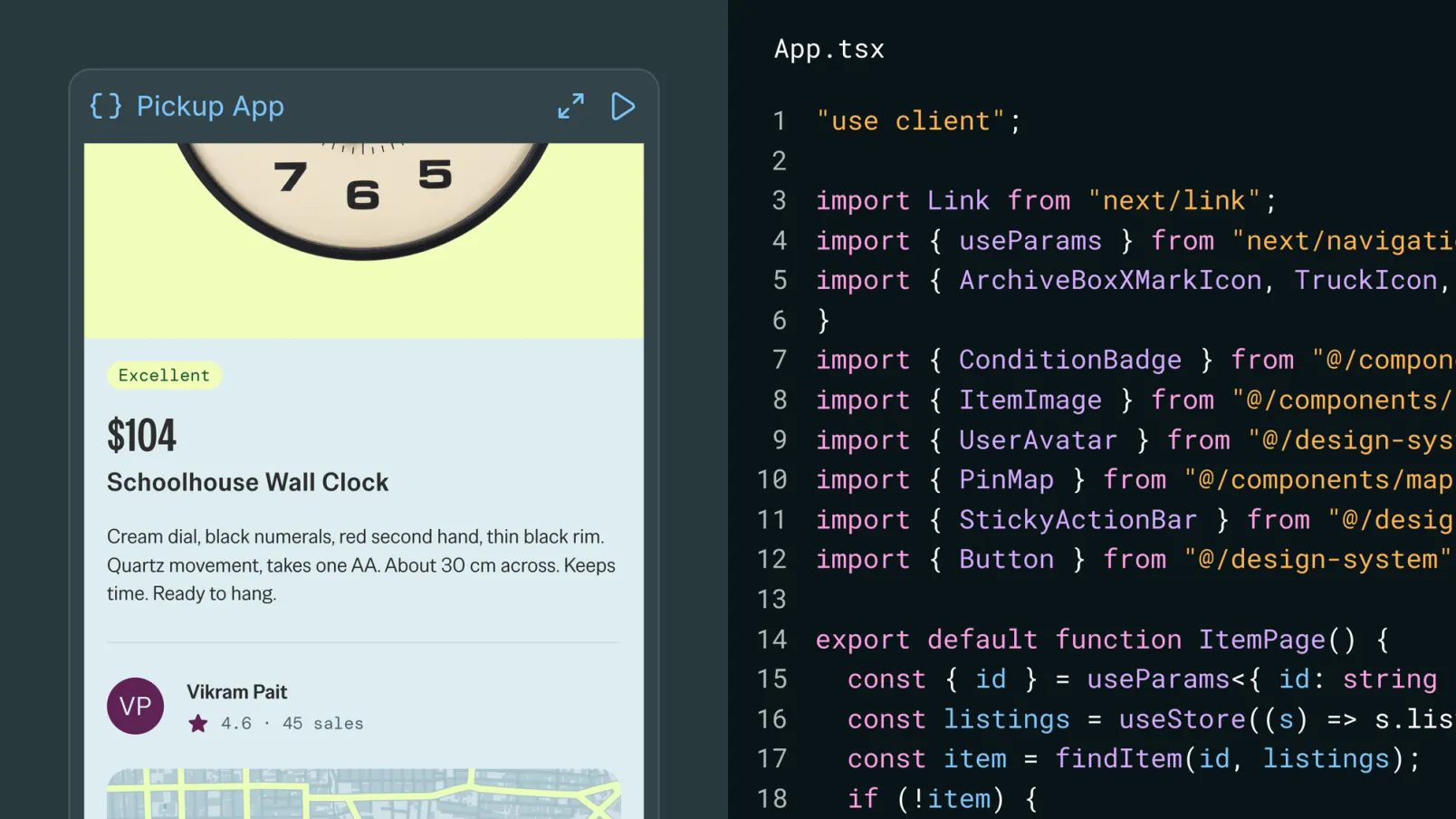
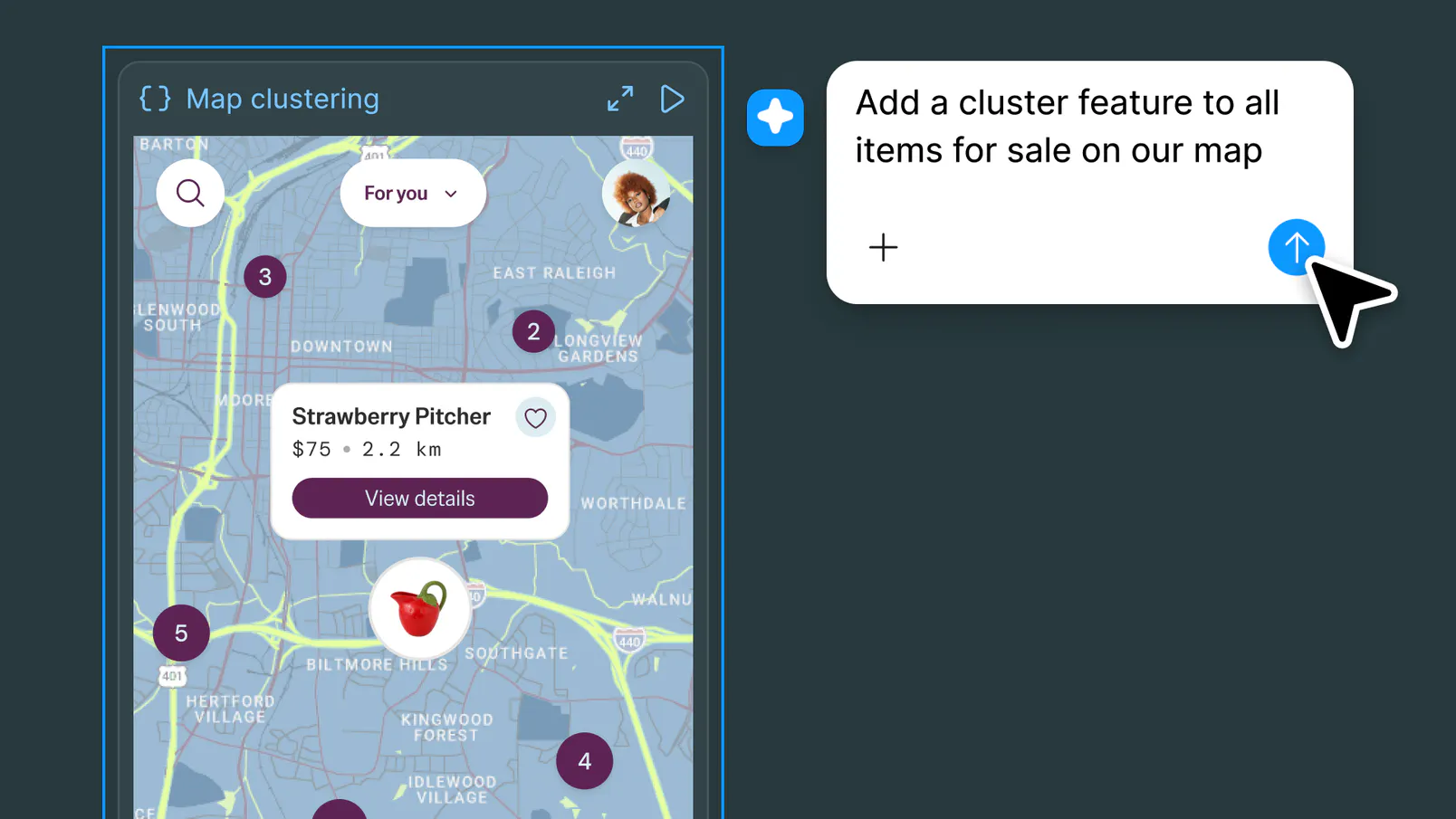
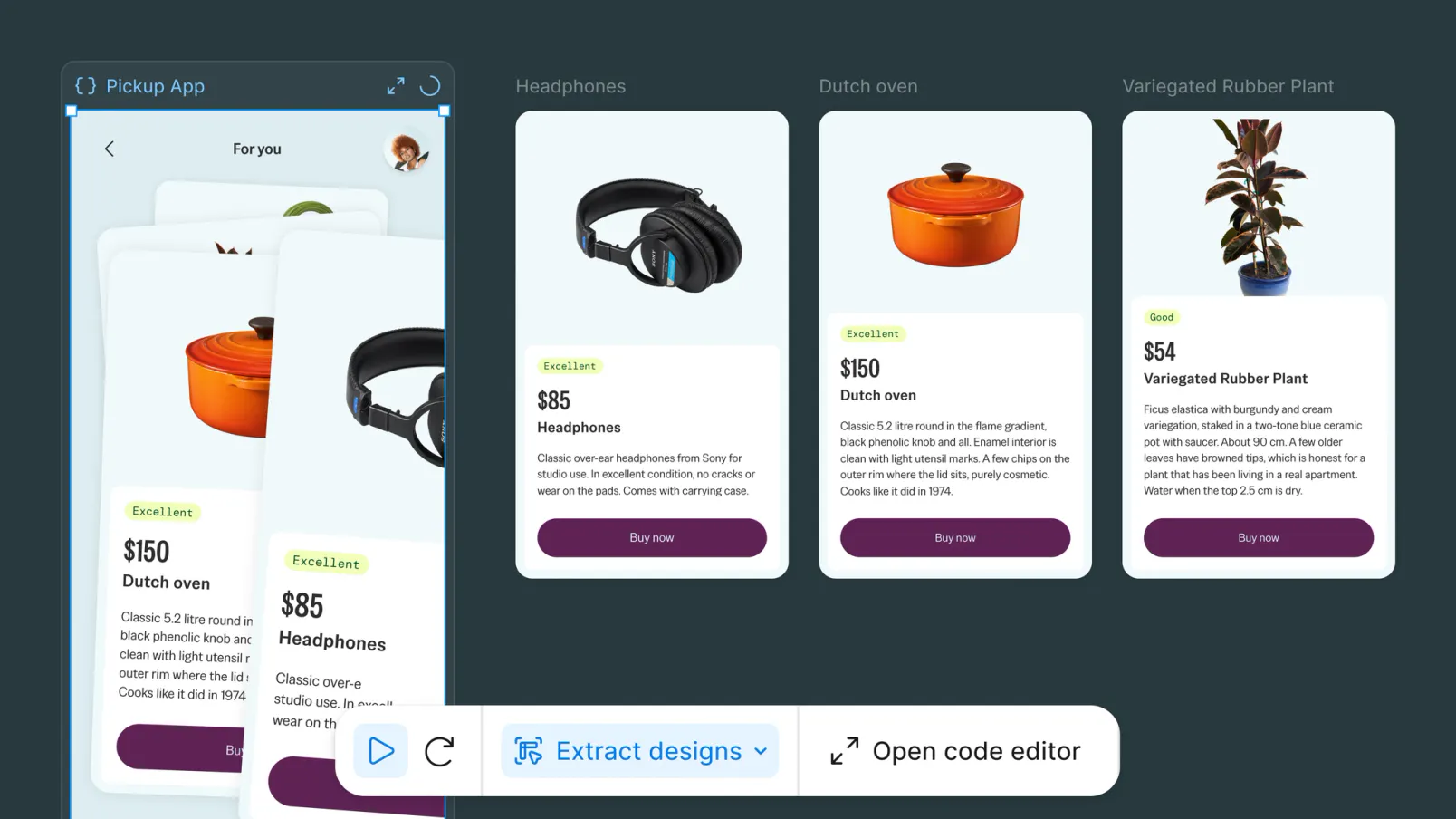
Figma Code Layers is an innovative extension that seamlessly integrates code, design, and specifications directly within the Figma canvas. It allows designers and developers to work collaboratively by embedding live code next to their designs, making it easier to visualize, compare, and iterate on both design and development aspects in one unified space. Users can generate code from various sources such as a frame, a GitHub repository, a webpage via a Chrome extension, or through the Figma agent, providing multiple flexible options for code integration. Additionally, the platform enables users to convert code states back into editable design layers, fostering a dynamic and iterative workflow. Figma Specs further enrich the canvas by adding detailed design and technical requirements, while Payload connects real data to Make, enhancing prototypes with real-world content. Currently in public beta, Figma Code Layers is tailored for teams seeking a more integrated and transparent design-to-development process.
Screenshots
Pros
- ✓Integrates code, design, and specs seamlessly within Figma
- ✓Multiple options for generating code, including GitHub and Chrome extension
- ✓Enables side-by-side comparison of design and code
- ✓Supports converting code states back into editable layers
- ✓Enhances collaboration between designers and developers
Cons
- ✗Currently in public beta, which may mean limited stability or features
- ✗Potential learning curve for users unfamiliar with code integration
- ✗May not support all development frameworks or code types
Use Cases
Pricing
Pricing not verified
Quick Info
Topics
Alternatives
Similar Tools in Developer Tools




Embed Badge
Add this badge to your website to show that Figma code layers is featured on Visalytica.
<a href="https://www.visalytica.com/tool/figma-code-layers" target="_blank" rel="noopener noreferrer" style="display:inline-flex;align-items:center;gap:6px;padding:6px 14px;background:#7c3aed;color:#fff;border-radius:8px;font-family:-apple-system,system-ui,sans-serif;font-size:13px;font-weight:600;text-decoration:none;transition:background .2s" onmouseover="this.style.background='#6d28d9'" onmouseout="this.style.background='#7c3aed'"><svg width="14" height="14" viewBox="0 0 24 24" fill="none" stroke="currentColor" stroke-width="2.5" stroke-linecap="round" stroke-linejoin="round"><path d="M12 20V10"/><path d="M18 20V4"/><path d="M6 20v-4"/></svg>Featured on Visalytica</a>