
Figma Agent
Prompt, edit and prototype without leaving the canvas
About Figma Agent
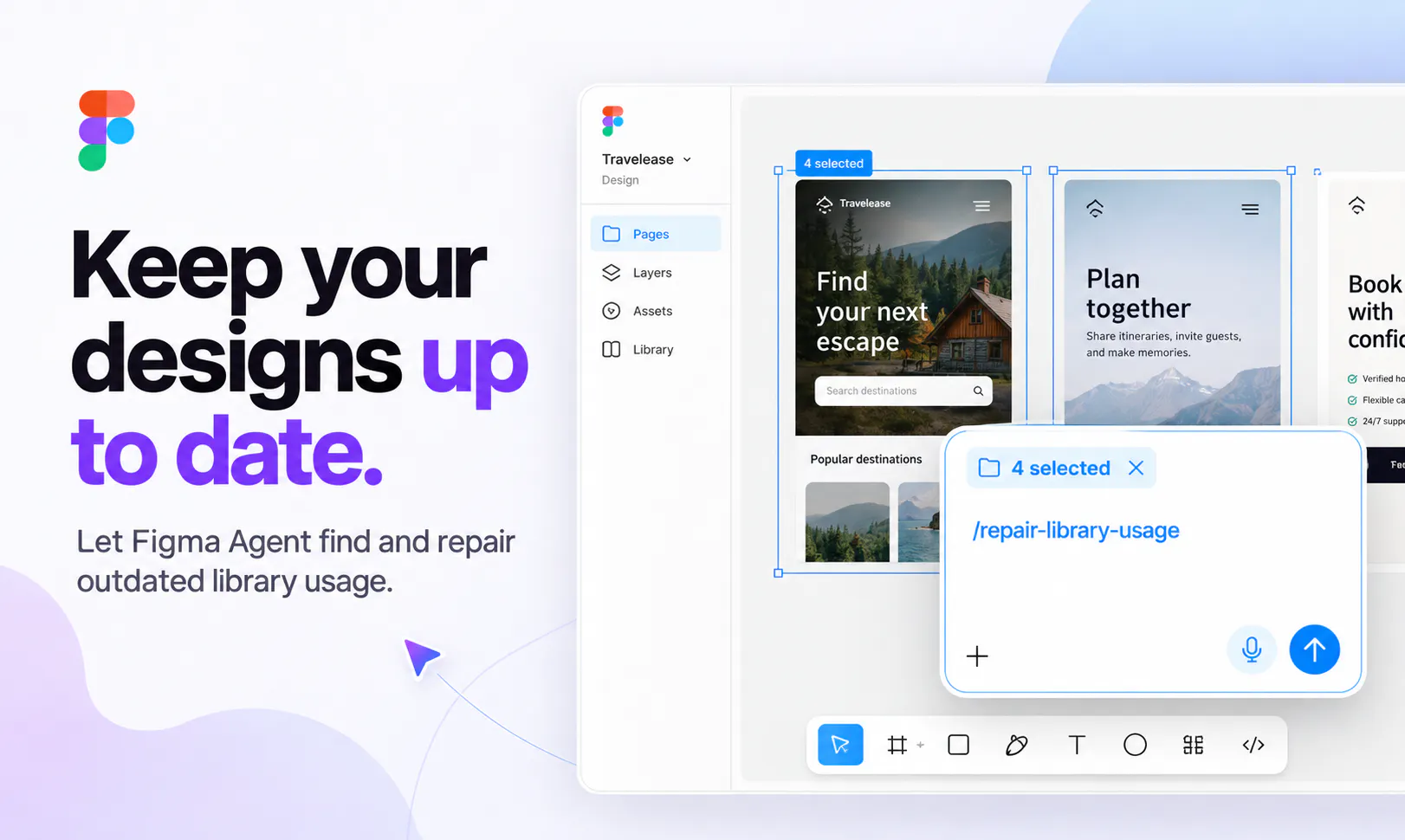
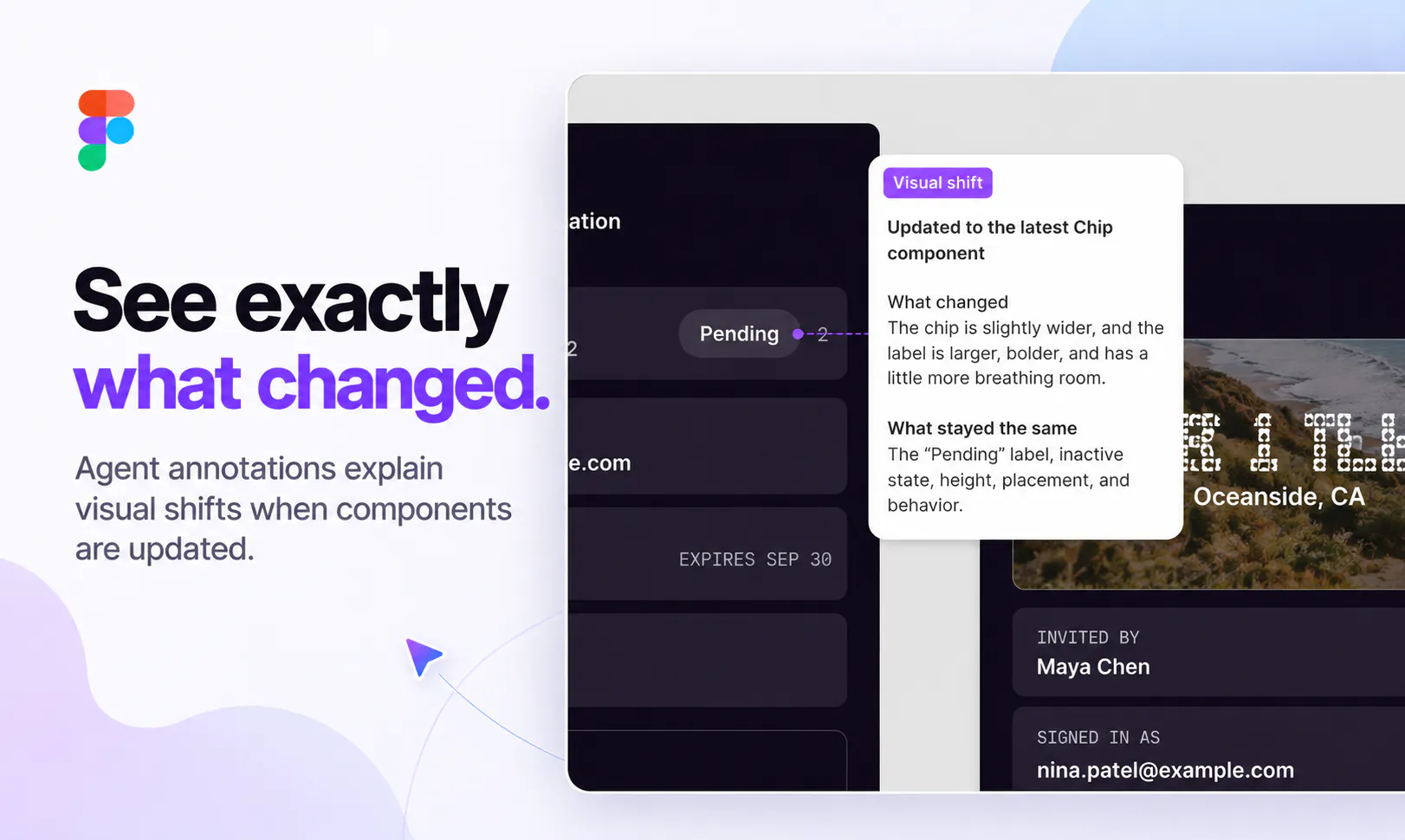
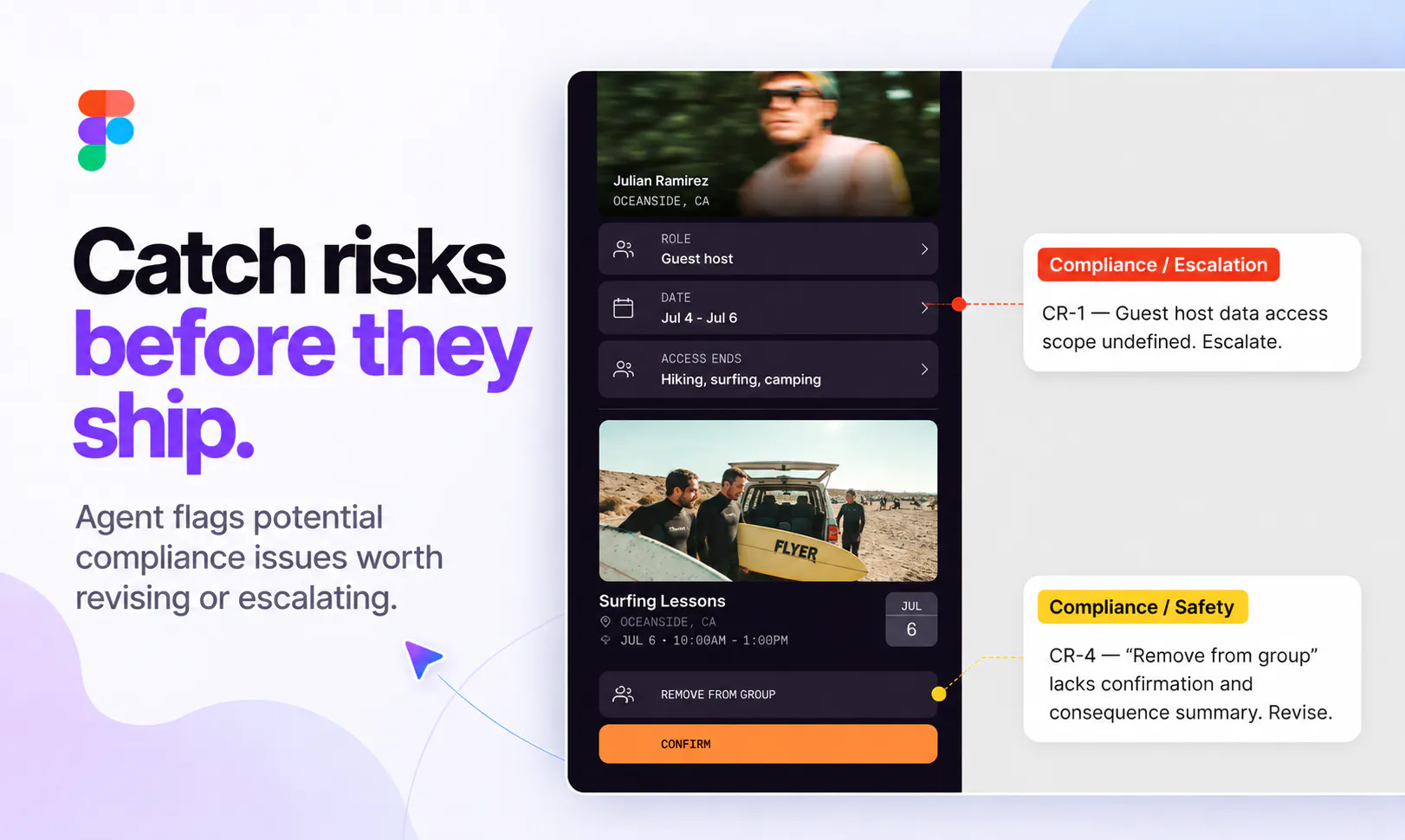
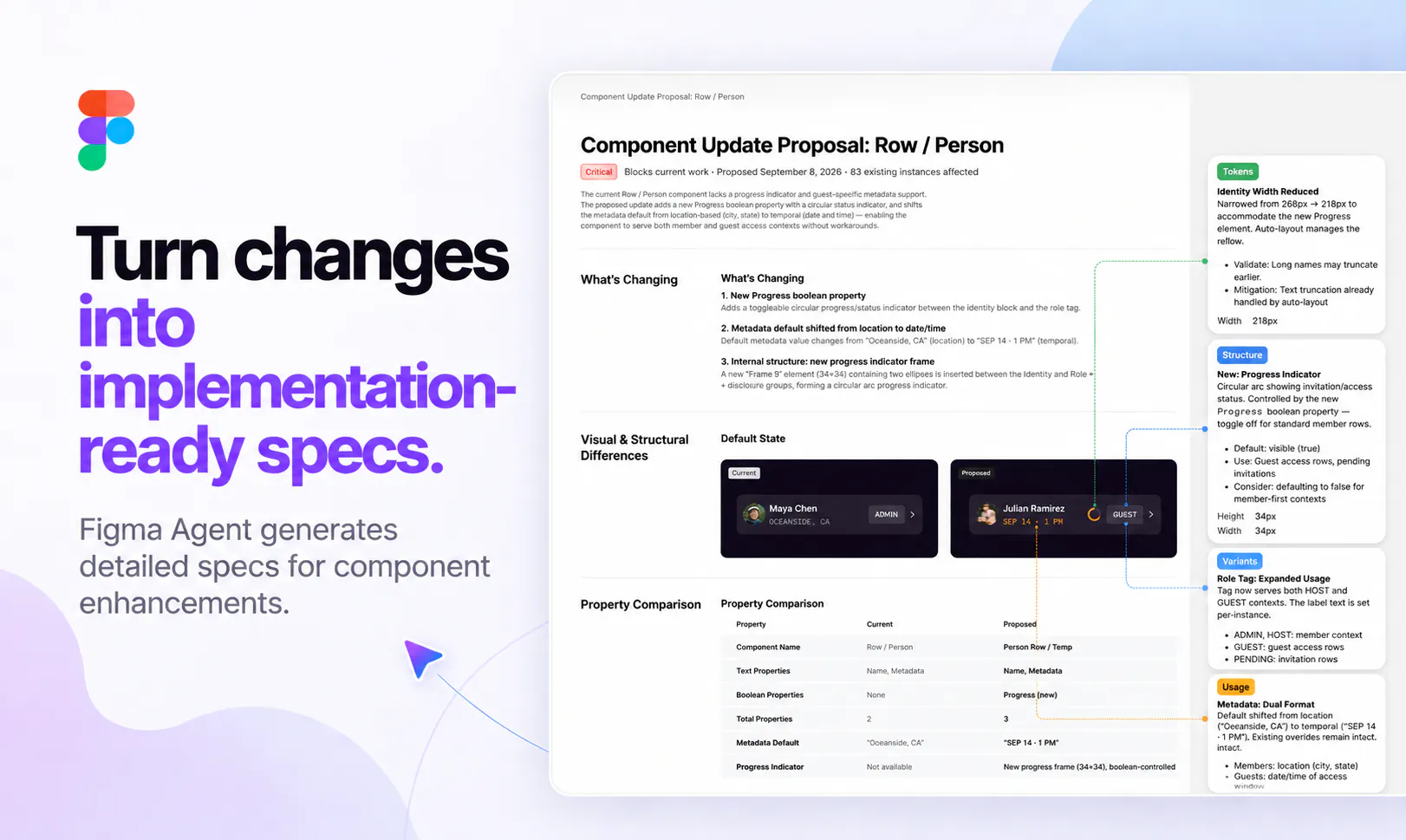
Figma Agent revolutionizes the design workflow by integrating directly into the Figma canvas, allowing designers and teams to prompt, edit, and prototype without switching contexts. It works seamlessly with real components, variables, and team files, enabling users to generate layout directions, perform bulk edits across multiple screens, convert comments into actionable changes, and create prototypes from simple prompts. Its ability to pull context from tools like Notion, Slack, GitHub, and Linear via MCP enhances collaboration and streamlines workflows. Additionally, users can build custom plugins, shaders, and save repeatable processes as skills that teams can execute with commands like '/'. This fusion of AI-driven automation and real-time design manipulation keeps teams in flow from initial ideas through review stages, making it ideal for collaborative design teams seeking efficiency and innovation.
Screenshots
Pros
- ✓Seamless integration within the Figma canvas for real-time editing and prototyping
- ✓Supports complex workflows with context pulling from popular tools like Notion and Slack
- ✓Enables automation through custom plugins, shaders, and saved workflows
- ✓Facilitates collaboration by turning comments into design changes
- ✓Enhances productivity by enabling prompt-based design and editing
Cons
- ✗Limited information on pricing and subscription plans
- ✗Potential learning curve for users unfamiliar with advanced automation features
- ✗Dependence on Figma environment may limit usage outside of the platform
Use Cases
Pricing
Pricing not verified
Quick Info
Topics
Makers

Brendan O'Driscoll
Alternatives
Similar Tools in AI Image & Design




Embed Badge
Add this badge to your website to show that Figma Agent is featured on Visalytica.
<a href="https://www.visalytica.com/tool/figma-agent" target="_blank" rel="noopener noreferrer" style="display:inline-flex;align-items:center;gap:6px;padding:6px 14px;background:#7c3aed;color:#fff;border-radius:8px;font-family:-apple-system,system-ui,sans-serif;font-size:13px;font-weight:600;text-decoration:none;transition:background .2s" onmouseover="this.style.background='#6d28d9'" onmouseout="this.style.background='#7c3aed'"><svg width="14" height="14" viewBox="0 0 24 24" fill="none" stroke="currentColor" stroke-width="2.5" stroke-linecap="round" stroke-linejoin="round"><path d="M12 20V10"/><path d="M18 20V4"/><path d="M6 20v-4"/></svg>Featured on Visalytica</a>