
FieldForge for Salesforce
Bulk-create Salesforce fields from CSV & Excel
About FieldForge for Salesforce
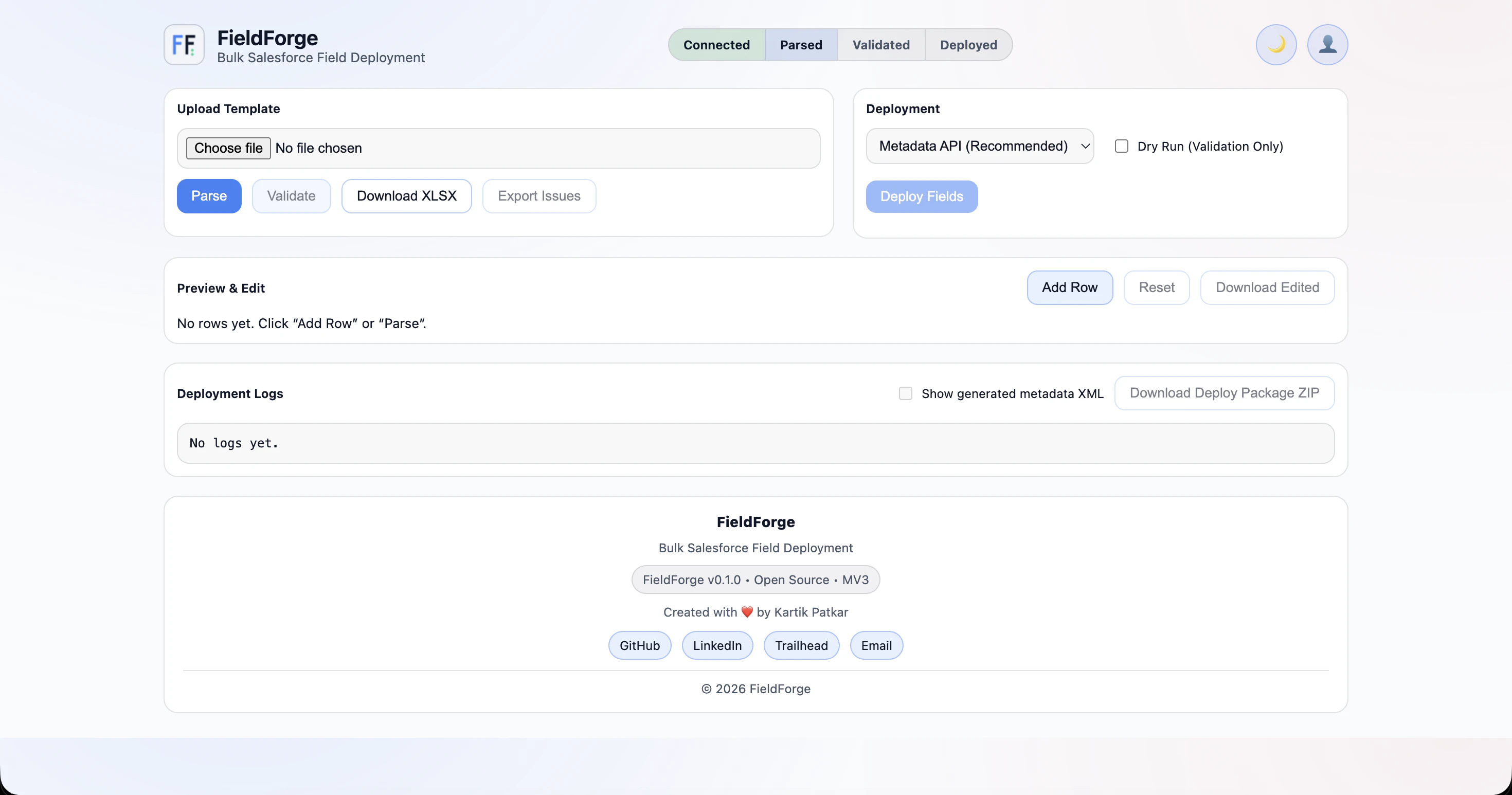
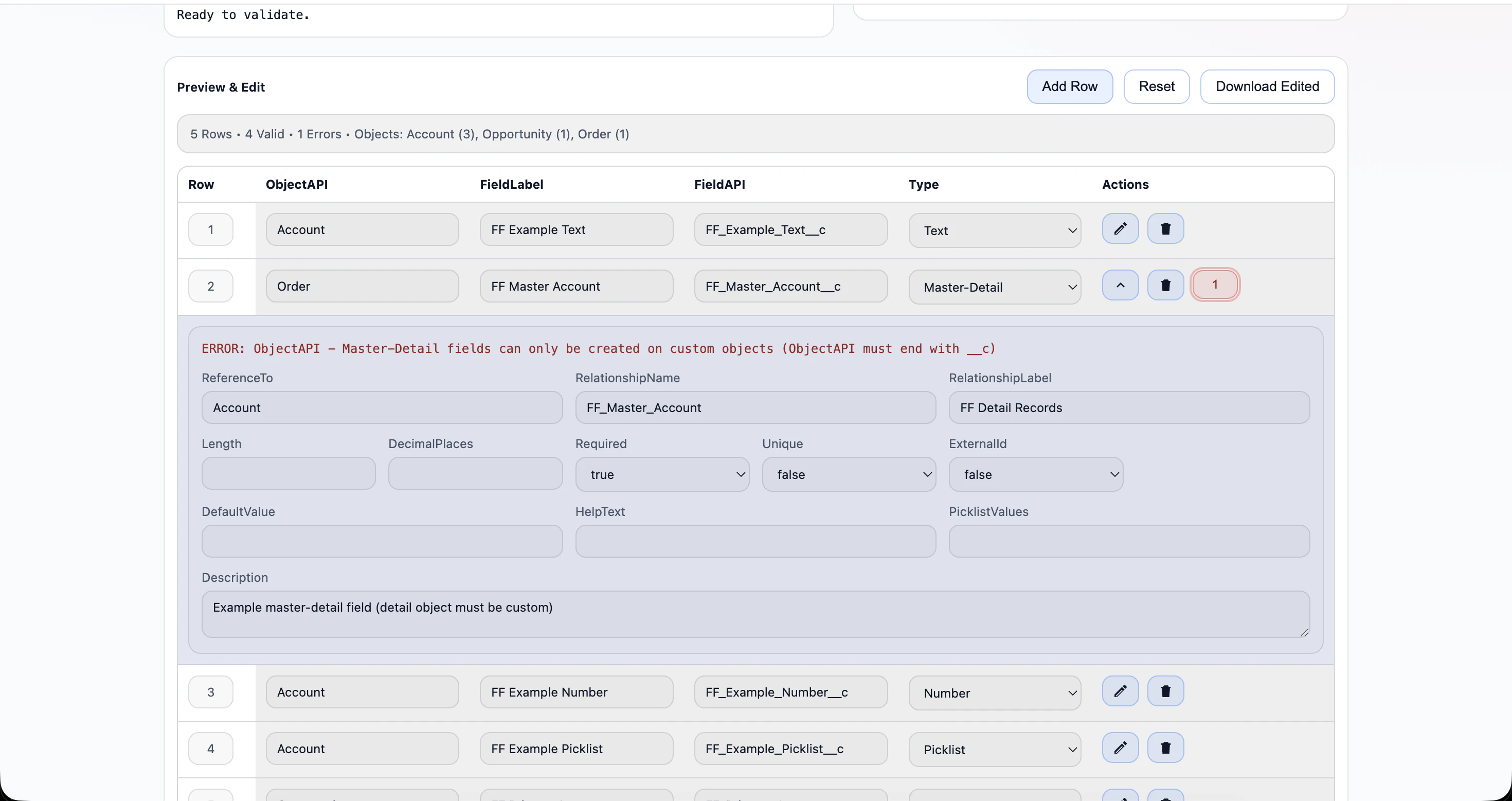
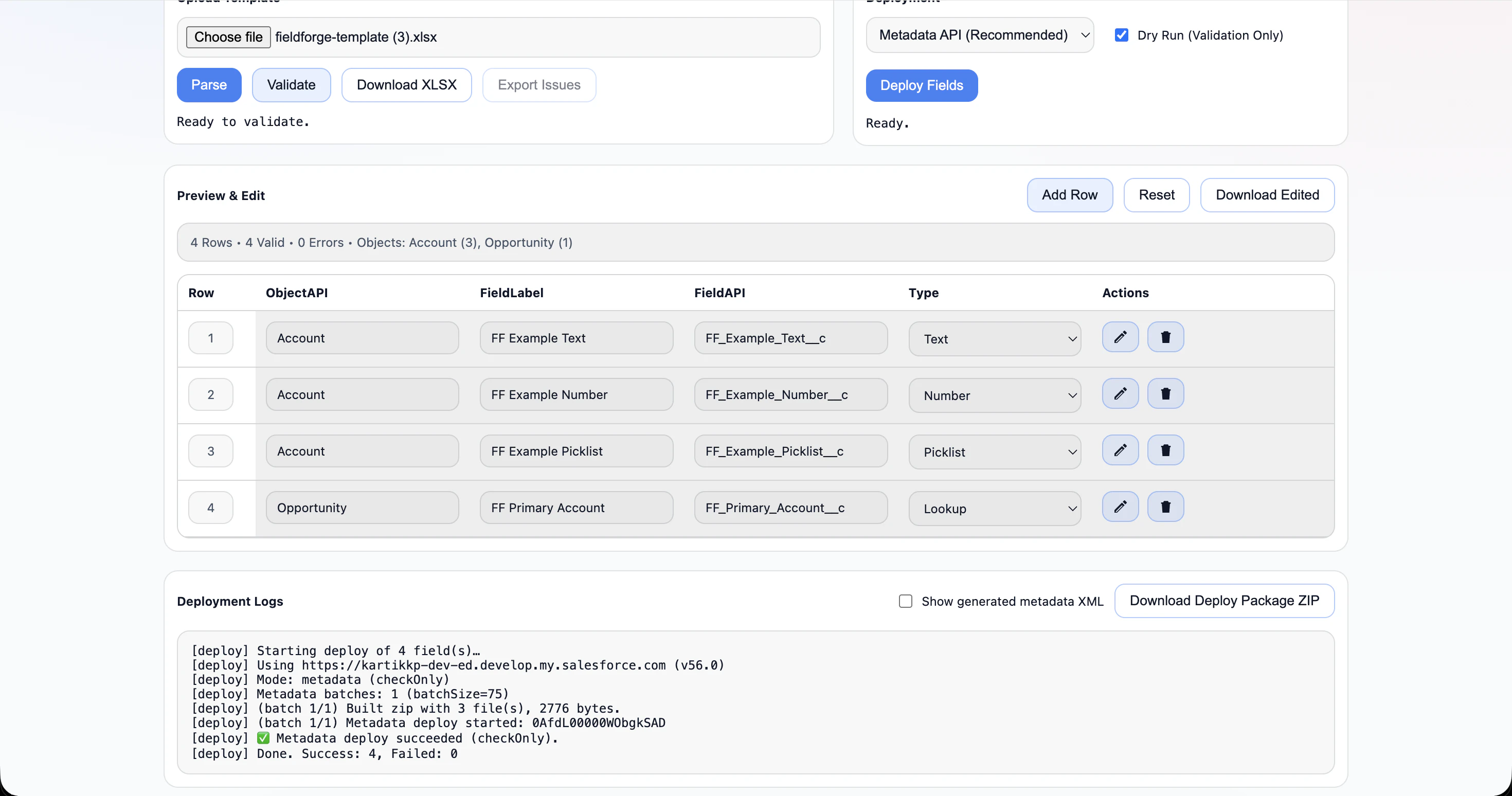
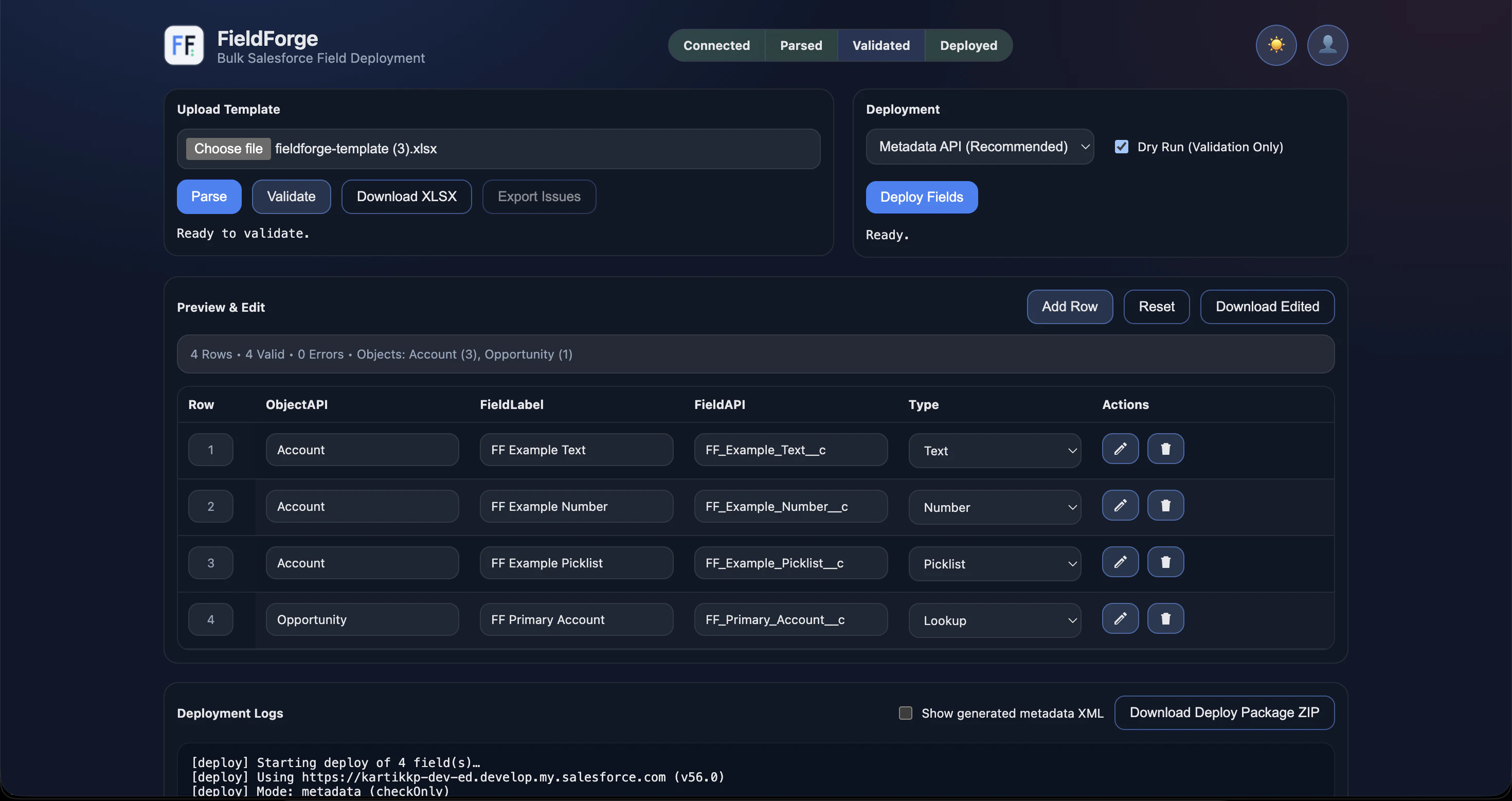
FieldForge for Salesforce is a powerful Chrome extension designed to streamline the process of creating custom fields within Salesforce. It enables developers and administrators to bulk-import fields from CSV and Excel files, significantly reducing manual effort and minimizing errors. Users can preview, edit, validate, and deploy metadata safely through Salesforce's Metadata API, all within a user-friendly interface. What sets FieldForge apart is its emphasis on transparency, with detailed deployment logs and safety checks for production environments, while ensuring data security by not storing credentials. Ideal for Salesforce teams aiming to accelerate customization workflows, this tool simplifies what traditionally involves complex setup and deployment steps, making it accessible even for those with limited development experience.
Screenshots
Pros
- ✓Enables bulk creation and editing of Salesforce fields from CSV/Excel files
- ✓Provides preview, validation, and deployment within a Chrome extension
- ✓Ensures metadata transparency with detailed logs and safety checks
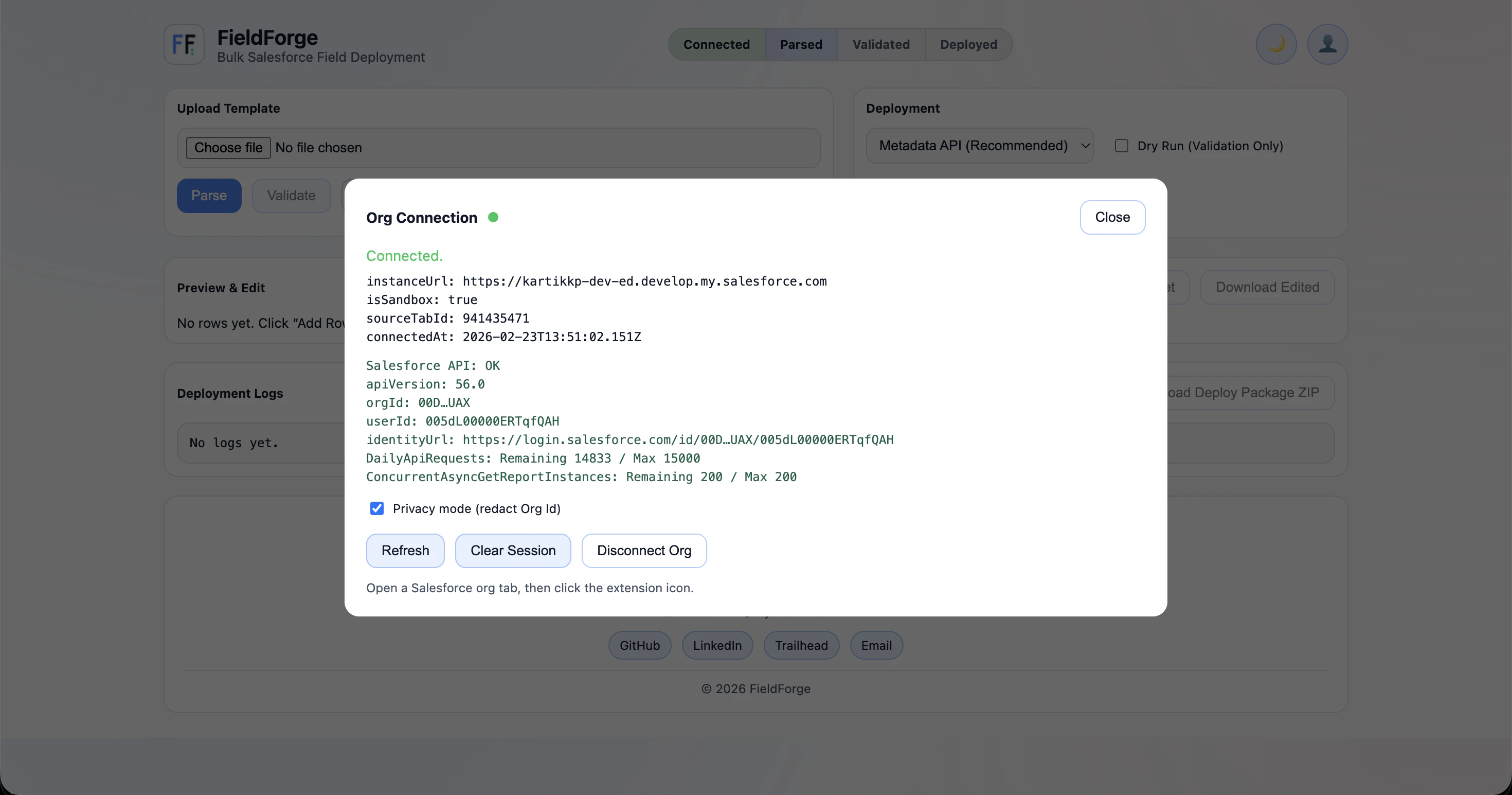
- ✓No credential storage enhances security
- ✓Simplifies complex deployment processes for Salesforce customization
Cons
- ✗Limited to users comfortable with CSV/Excel data management
- ✗Requires familiarity with Salesforce Metadata API for advanced use
- ✗May not replace all features of comprehensive deployment tools
Use Cases
Pricing
Likely offered as a freemium model, with basic features available for free and premium options for advanced capabilities and enterprise use. Exact pricing details are not specified, but it is common for such tools to have tiered plans starting around $10-$30/month.
Quick Info
Topics
Makers

Kartik Patkar
Alternatives
Similar Tools in Developer Tools




Embed Badge
Add this badge to your website to show that FieldForge for Salesforce is featured on Visalytica.
<a href="https://www.visalytica.com/tool/fieldforge-for-salesforce" target="_blank" rel="noopener noreferrer" style="display:inline-flex;align-items:center;gap:6px;padding:6px 14px;background:#7c3aed;color:#fff;border-radius:8px;font-family:-apple-system,system-ui,sans-serif;font-size:13px;font-weight:600;text-decoration:none;transition:background .2s" onmouseover="this.style.background='#6d28d9'" onmouseout="this.style.background='#7c3aed'"><svg width="14" height="14" viewBox="0 0 24 24" fill="none" stroke="currentColor" stroke-width="2.5" stroke-linecap="round" stroke-linejoin="round"><path d="M12 20V10"/><path d="M18 20V4"/><path d="M6 20v-4"/></svg>Featured on Visalytica</a>