
Fide Island
Make your MacBook notch actually useful
About Fide Island
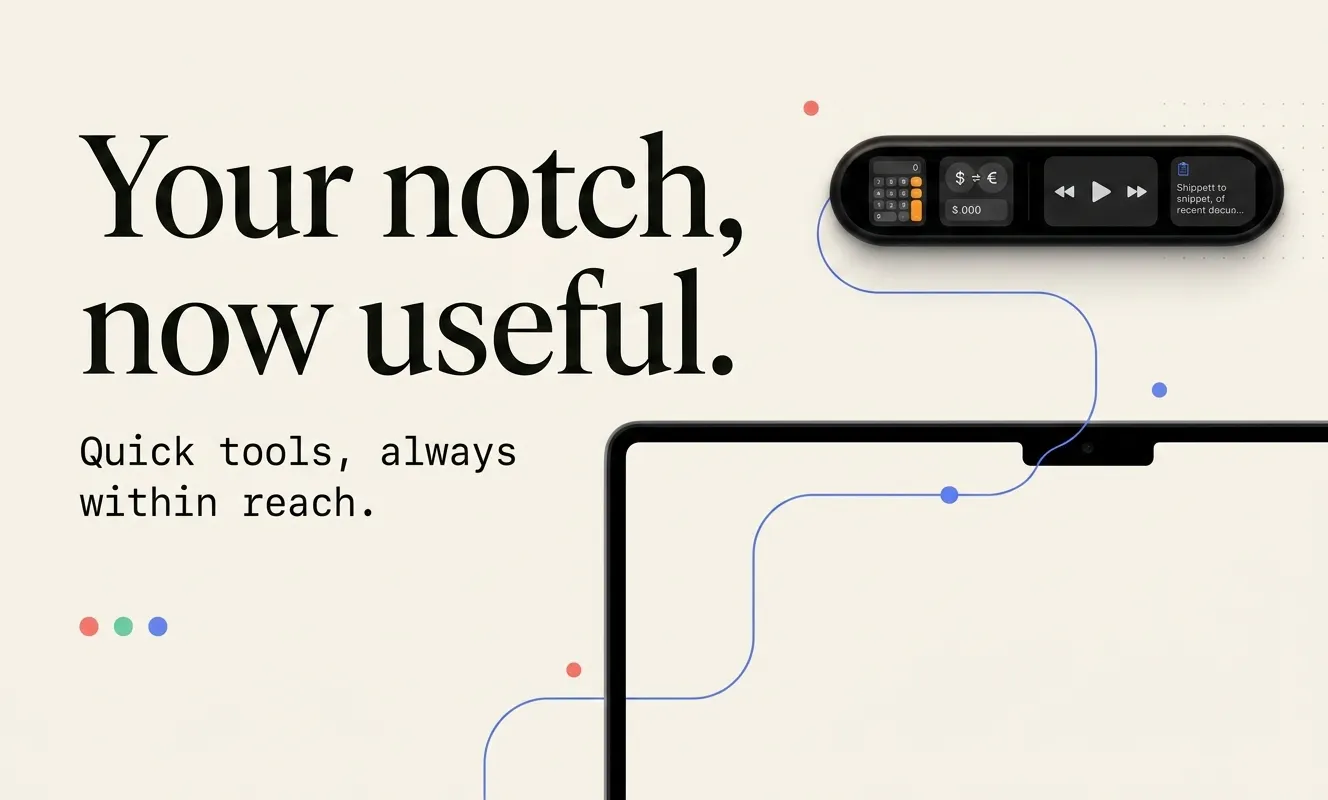
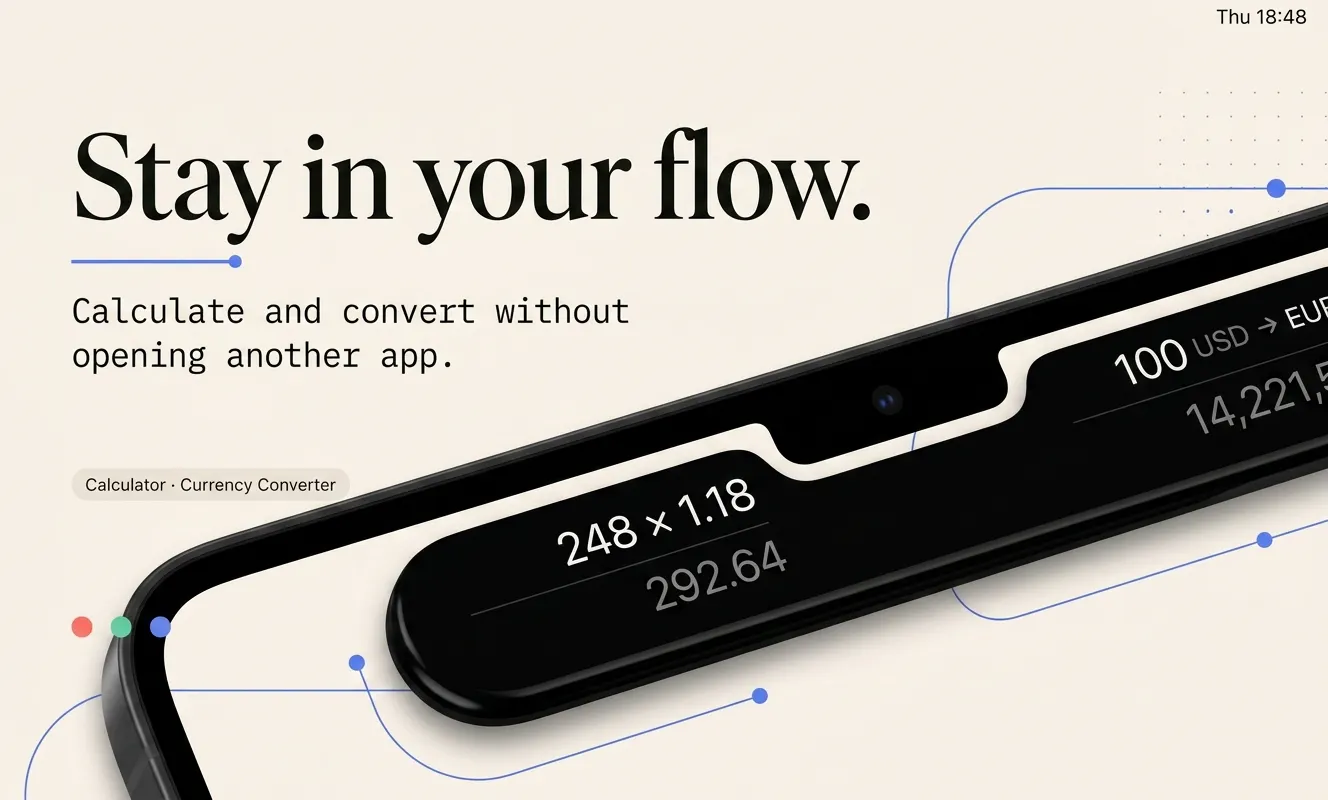
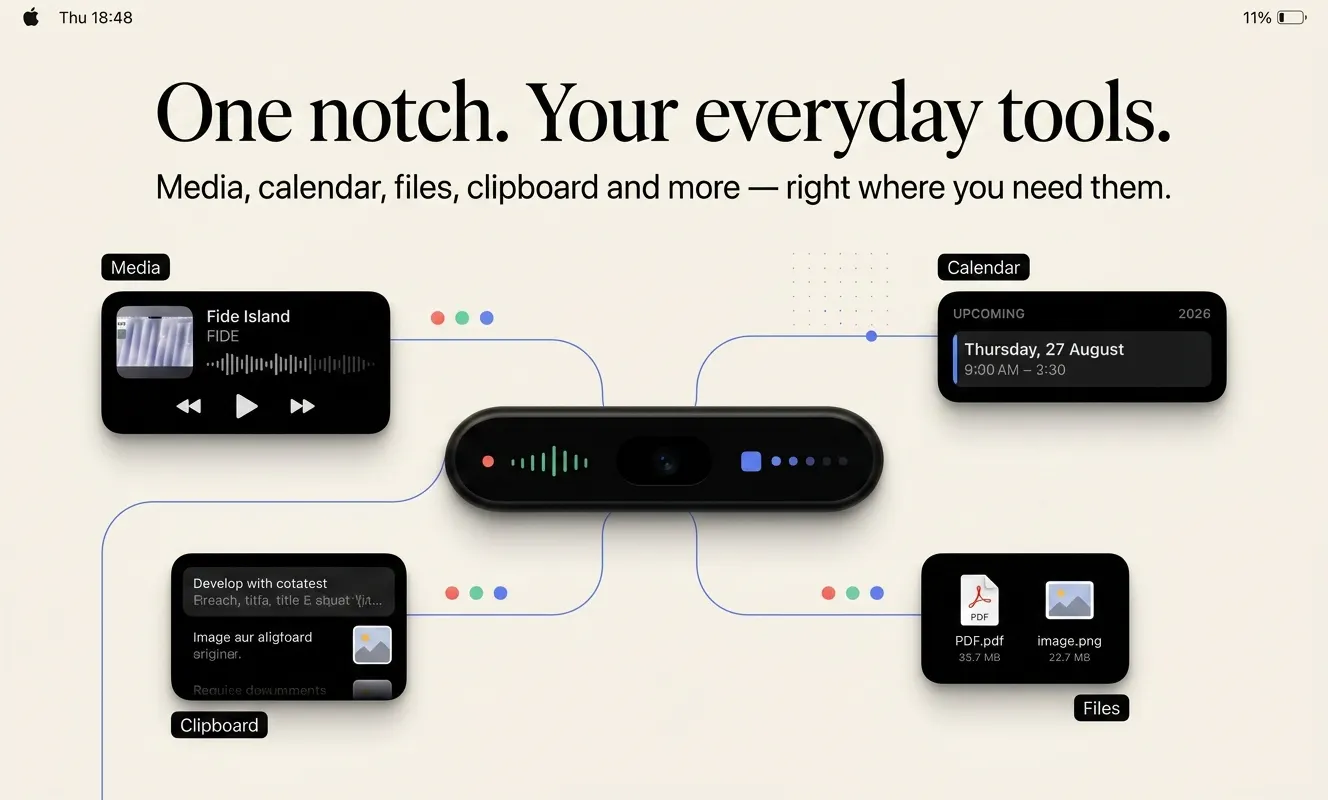
Fide Island transforms the often underutilized MacBook notch into a versatile, fluid command surface. Designed for Mac users seeking to maximize productivity without distraction, it offers quick access to media controls, calendar views, clipboard management, and system feedback, all within the notch area. This innovative approach turns a design element into a functional workspace, allowing users to stay focused on their tasks while maintaining easy access to essential controls. Its seamless integration ensures that users can perform quick calculations, monitor system status, and manage files effortlessly, making it ideal for professionals, students, and power users looking to streamline their workflow. What sets Fide Island apart is its ability to enhance the MacBook experience without cluttering the screen or requiring additional hardware, making it a unique and practical tool for modern Mac users.
Screenshots
Pros
- ✓Utilizes the MacBook notch creatively, maximizing its functionality
- ✓Provides quick access to media, calendar, clipboard, and system info
- ✓Enhances productivity by keeping essential controls within reach
- ✓Seamless integration with macOS for effortless operation
Cons
- ✗Limited information on customization options and features
- ✗Potential compatibility issues with certain MacBook models or macOS versions
- ✗No user ratings or reviews available yet to gauge overall satisfaction
Use Cases
Pricing
Pricing not verified
Quick Info
Topics
Makers

Sergey Murzak
Alternatives
Similar Tools in Developer Tools




Embed Badge
Add this badge to your website to show that Fide Island is featured on Visalytica.
<a href="https://www.visalytica.com/tool/fide-island" target="_blank" rel="noopener noreferrer" style="display:inline-flex;align-items:center;gap:6px;padding:6px 14px;background:#7c3aed;color:#fff;border-radius:8px;font-family:-apple-system,system-ui,sans-serif;font-size:13px;font-weight:600;text-decoration:none;transition:background .2s" onmouseover="this.style.background='#6d28d9'" onmouseout="this.style.background='#7c3aed'"><svg width="14" height="14" viewBox="0 0 24 24" fill="none" stroke="currentColor" stroke-width="2.5" stroke-linecap="round" stroke-linejoin="round"><path d="M12 20V10"/><path d="M18 20V4"/><path d="M6 20v-4"/></svg>Featured on Visalytica</a>