
Fellow for iOS
Your secure AI meeting assistant, always within reach.
About Fellow for iOS
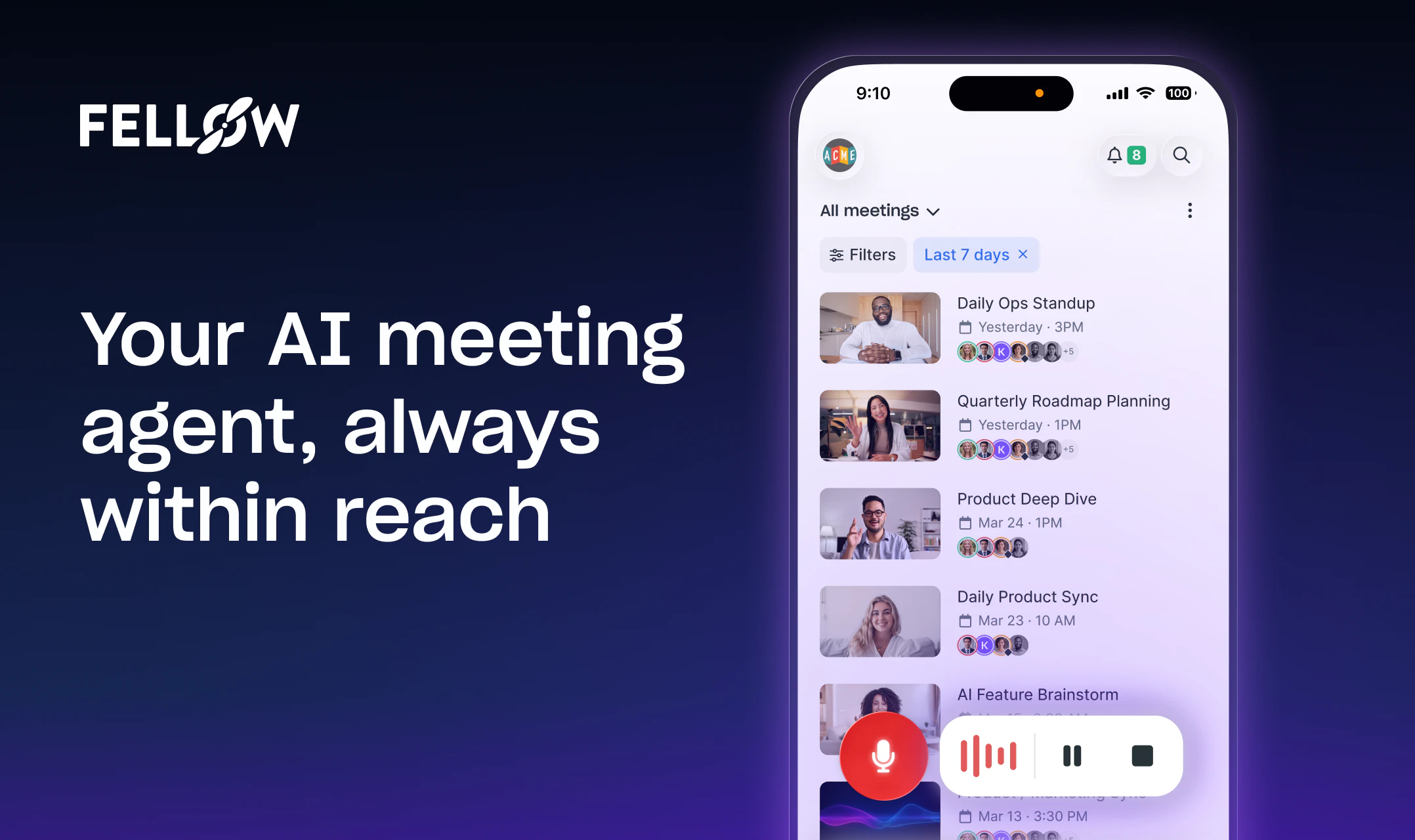
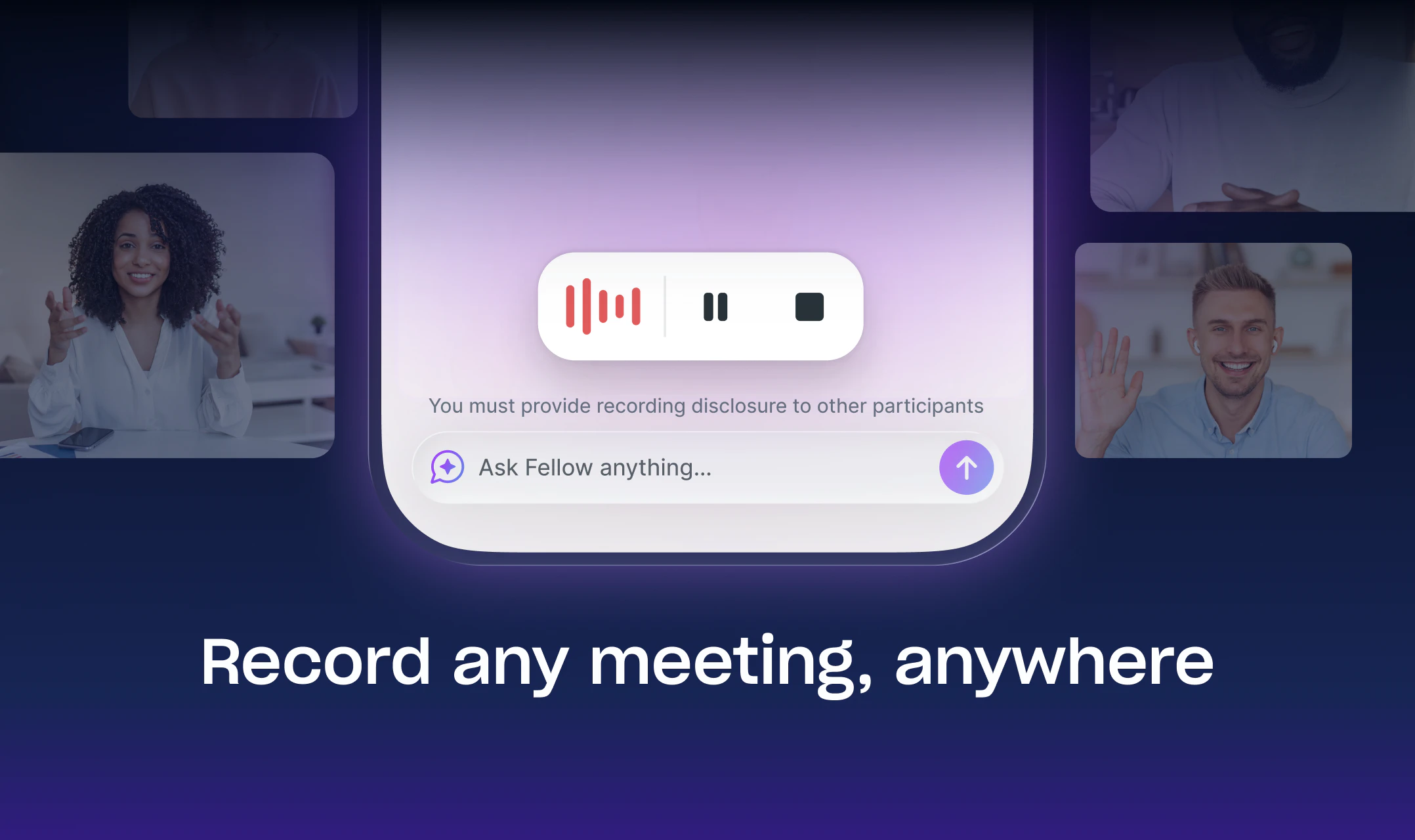
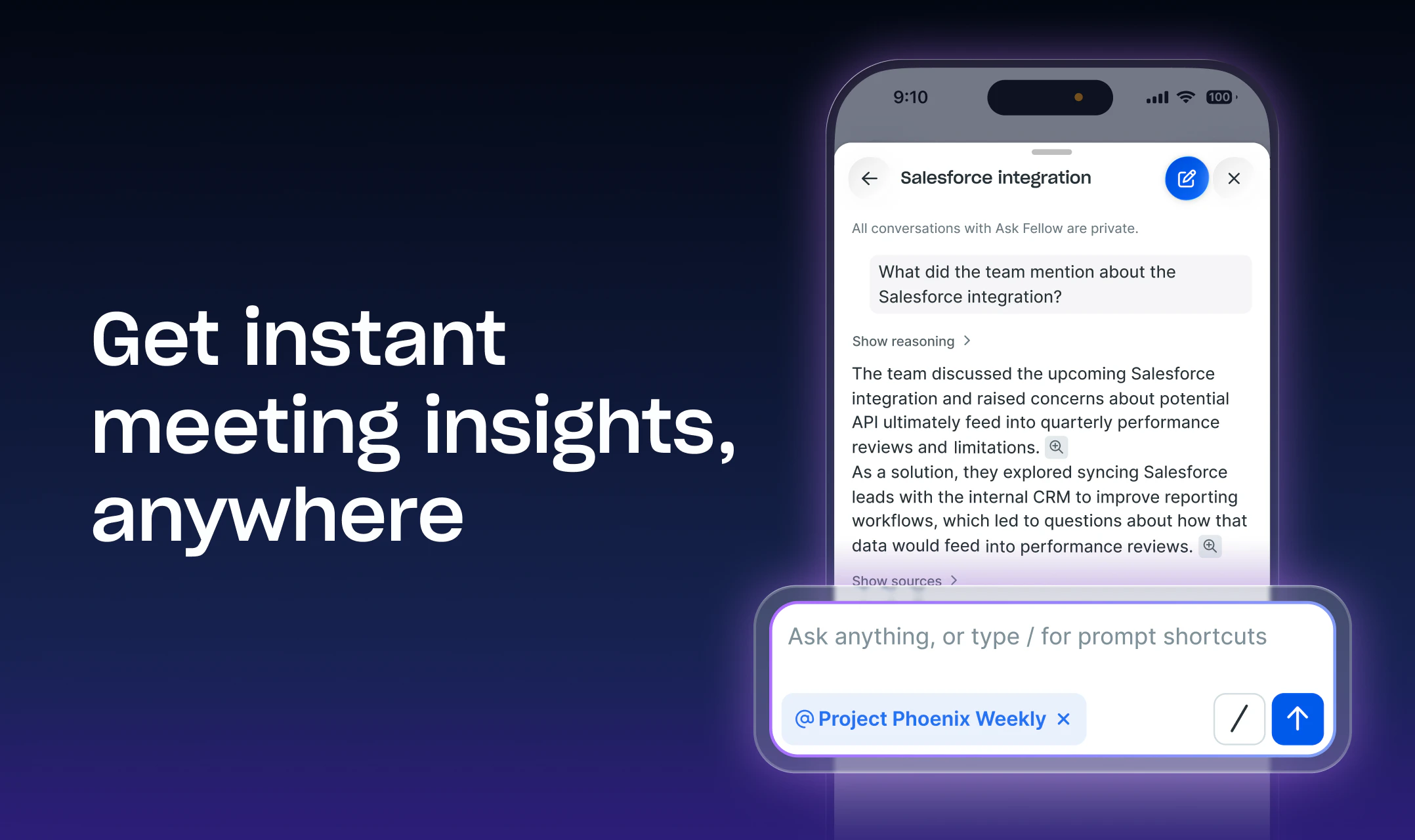
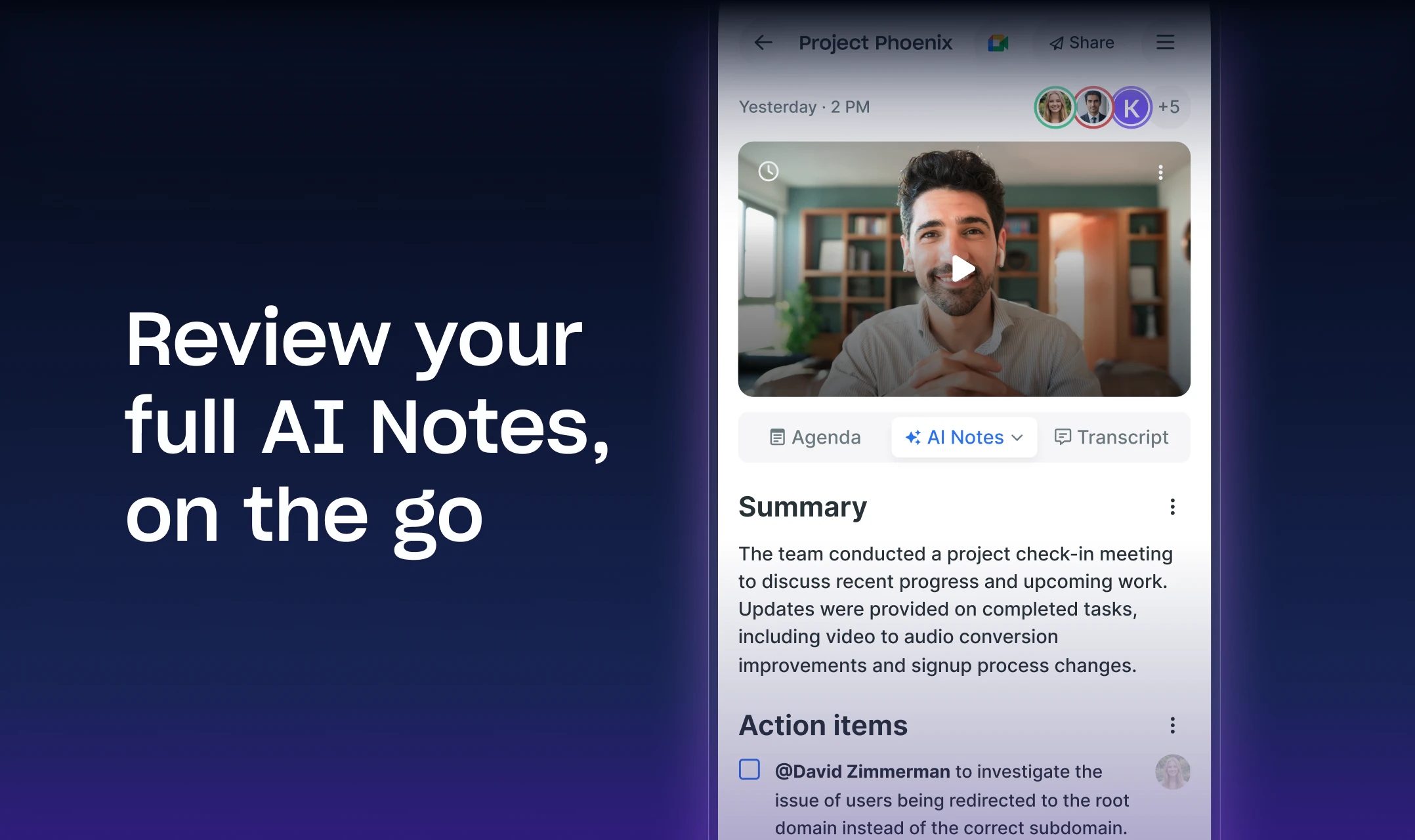
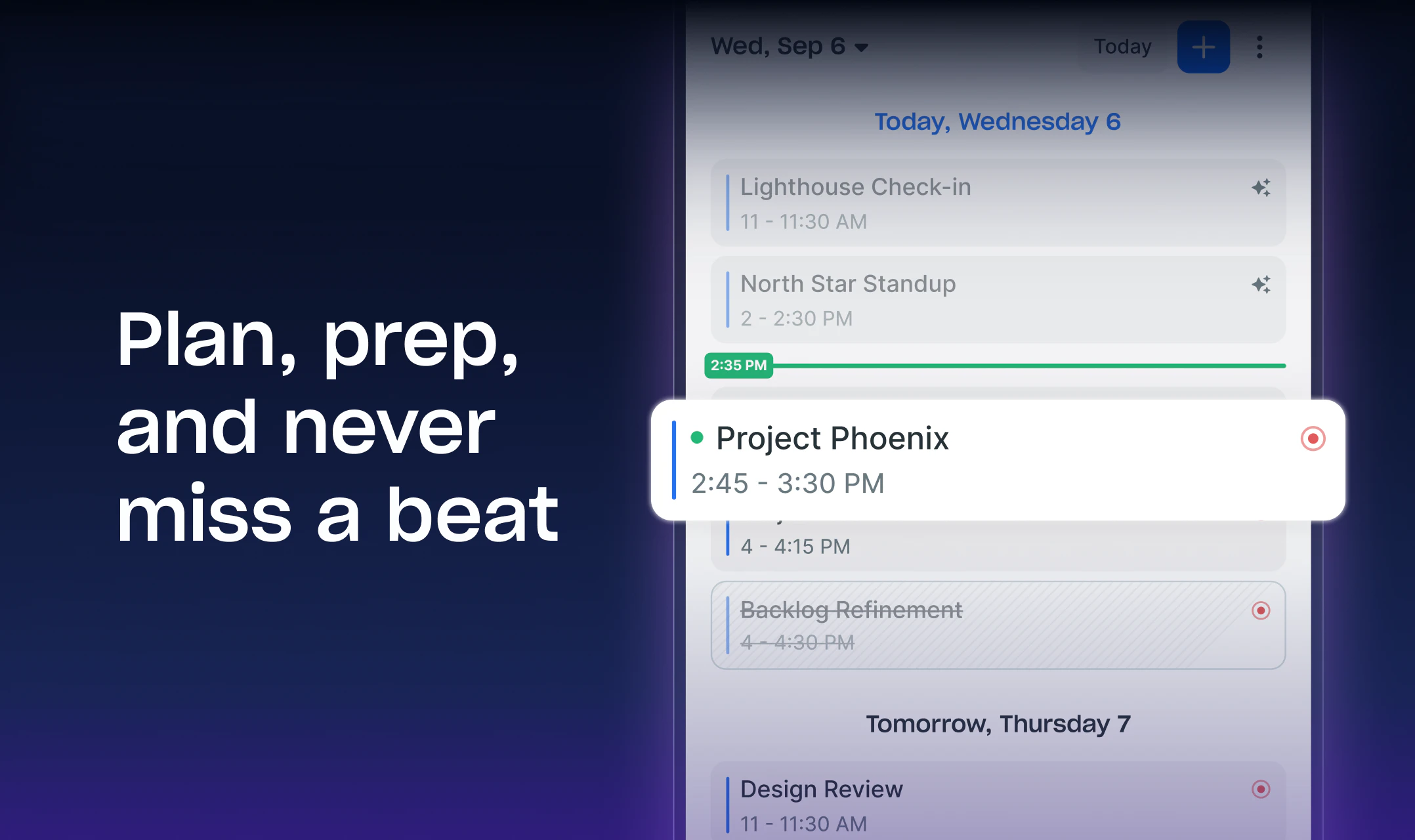
Fellow for iOS is an innovative AI-powered meeting assistant designed specifically for mobile users. It transforms your iPhone into a portable, intelligent note-taker that automatically transcribes meetings, captures audio and video, and generates actionable notes without the need for a separate device or complex setup. With features like pre-meeting preparation through Ask Fellow, agenda editing, and customizable recording preferences directly from your calendar, it streamlines the entire meeting workflow. Post-meeting, users can replay recordings, review transcripts, and manage action items by accepting AI suggestions or creating their own, making it ideal for busy professionals, students, and teams seeking efficient meeting management on the go. What sets Fellow apart is its seamless integration with iOS, ensuring that users can focus on the conversation while the app handles the documentation effortlessly, all within a secure environment.
Screenshots
Pros
- ✓Automatic transcription and AI note-taking reduce manual effort
- ✓Easy integration with iOS calendar and native device features
- ✓Pre-meeting planning tools streamline agenda setting
- ✓Post-meeting playback and action item management enhance productivity
- ✓Secure, mobile-first design for on-the-go use
Cons
- ✗Limited to iOS devices, excluding Android users
- ✗Dependent on internet connection for transcriptions and AI features
- ✗No details on free tier or pricing structure available publicly
Use Cases
Pricing
Likely operates on a freemium model with basic features available for free and premium plans offering advanced AI tools and integrations, with paid plans potentially starting around $10-$20/month. Exact pricing details are not publicly specified.
Quick Info
Topics
Alternatives
Similar Tools in AI Assistants




Embed Badge
Add this badge to your website to show that Fellow for iOS is featured on Visalytica.
<a href="https://www.visalytica.com/tool/fellow-for-ios" target="_blank" rel="noopener noreferrer" style="display:inline-flex;align-items:center;gap:6px;padding:6px 14px;background:#7c3aed;color:#fff;border-radius:8px;font-family:-apple-system,system-ui,sans-serif;font-size:13px;font-weight:600;text-decoration:none;transition:background .2s" onmouseover="this.style.background='#6d28d9'" onmouseout="this.style.background='#7c3aed'"><svg width="14" height="14" viewBox="0 0 24 24" fill="none" stroke="currentColor" stroke-width="2.5" stroke-linecap="round" stroke-linejoin="round"><path d="M12 20V10"/><path d="M18 20V4"/><path d="M6 20v-4"/></svg>Featured on Visalytica</a>