
FDM AI PSD to JPG, PNG & PDF Online
Free browser PSD converter. No Photoshop needed.
About FDM AI PSD to JPG, PNG & PDF Online
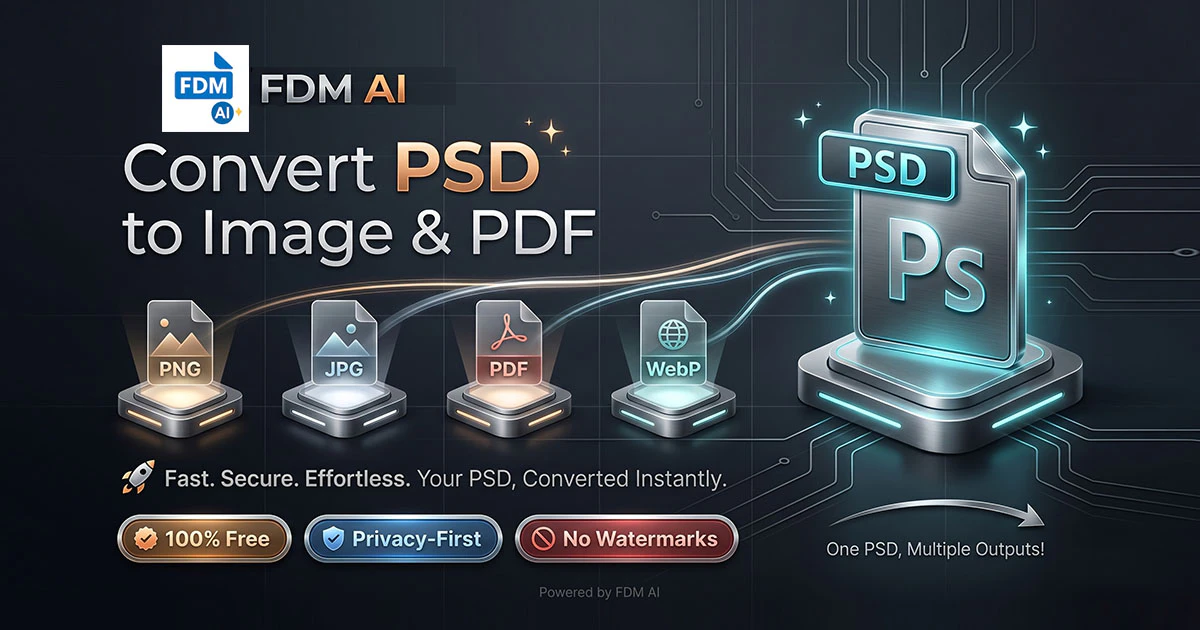
FDM AI PSD to JPG, PNG & PDF Online is a zero-installation, browser-based tool that allows users to convert layered Photoshop PSD files into widely-used formats such as JPG, PNG, and PDF instantly. Its client-side processing ensures that users' files are never uploaded to external servers, maintaining high data privacy and security. Designed for web developers, designers, and social media managers, this tool is perfect for those who need quick, reliable conversions without the hassle of installing software or signing up. Its intuitive, no-signup interface makes it accessible for users of all skill levels, enabling seamless integration into busy workflows. Whether for preparing images for websites, presentations, or social media, FDM AI simplifies the conversion process with speed and privacy at its core, all directly within the browser.
Screenshots
Pros
- ✓Client-side processing ensures high data privacy and security
- ✓No software installation or registration required
- ✓Instant conversion with fast processing speeds
- ✓Supports multiple output formats (JPG, PNG, PDF)
- ✓User-friendly, accessible interface suitable for all skill levels
Cons
- ✗Limited to PSD conversions; no advanced editing features
- ✗Dependent on browser performance and internet connection
- ✗Lacks batch processing for multiple files simultaneously
Use Cases
Pricing
Likely free to use with no sign-up required, as it emphasizes quick, browser-based conversions. There may be premium features or higher volume limits, but basic conversion appears to be free.
Quick Info
Topics
Makers

Saddam Hosen (SHSaad)
@freedocmakerAlternatives
Similar Tools in AI Image & Design




Embed Badge
Add this badge to your website to show that FDM AI PSD to JPG, PNG & PDF Online is featured on Visalytica.
<a href="https://www.visalytica.com/tool/fdm-ai-psd-to-jpg-png-pdf-online" target="_blank" rel="noopener noreferrer" style="display:inline-flex;align-items:center;gap:6px;padding:6px 14px;background:#7c3aed;color:#fff;border-radius:8px;font-family:-apple-system,system-ui,sans-serif;font-size:13px;font-weight:600;text-decoration:none;transition:background .2s" onmouseover="this.style.background='#6d28d9'" onmouseout="this.style.background='#7c3aed'"><svg width="14" height="14" viewBox="0 0 24 24" fill="none" stroke="currentColor" stroke-width="2.5" stroke-linecap="round" stroke-linejoin="round"><path d="M12 20V10"/><path d="M18 20V4"/><path d="M6 20v-4"/></svg>Featured on Visalytica</a>