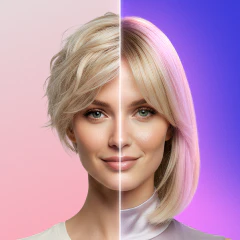
Face Swap AI · Photo Editor
This app puts you in photos you never took
About Face Swap AI · Photo Editor
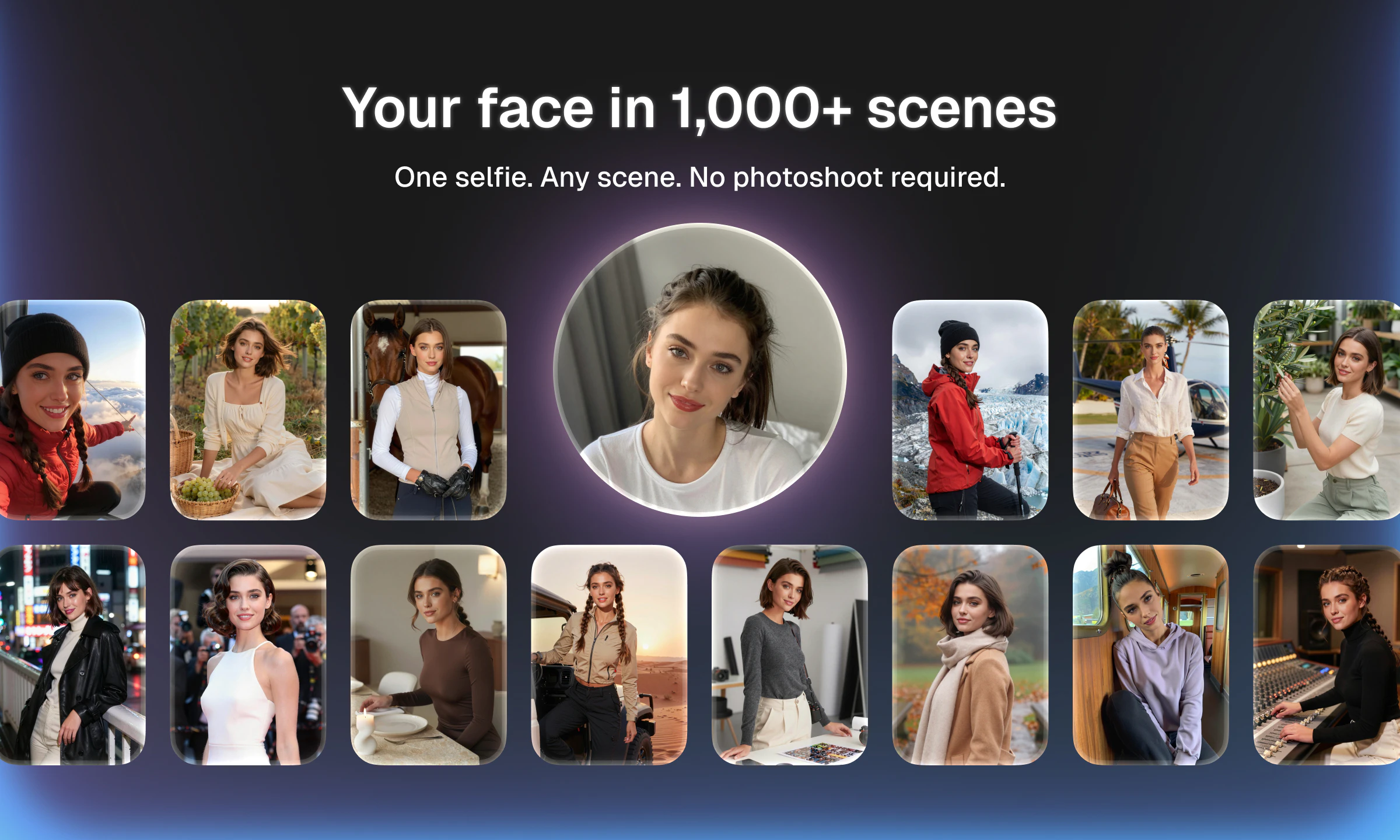
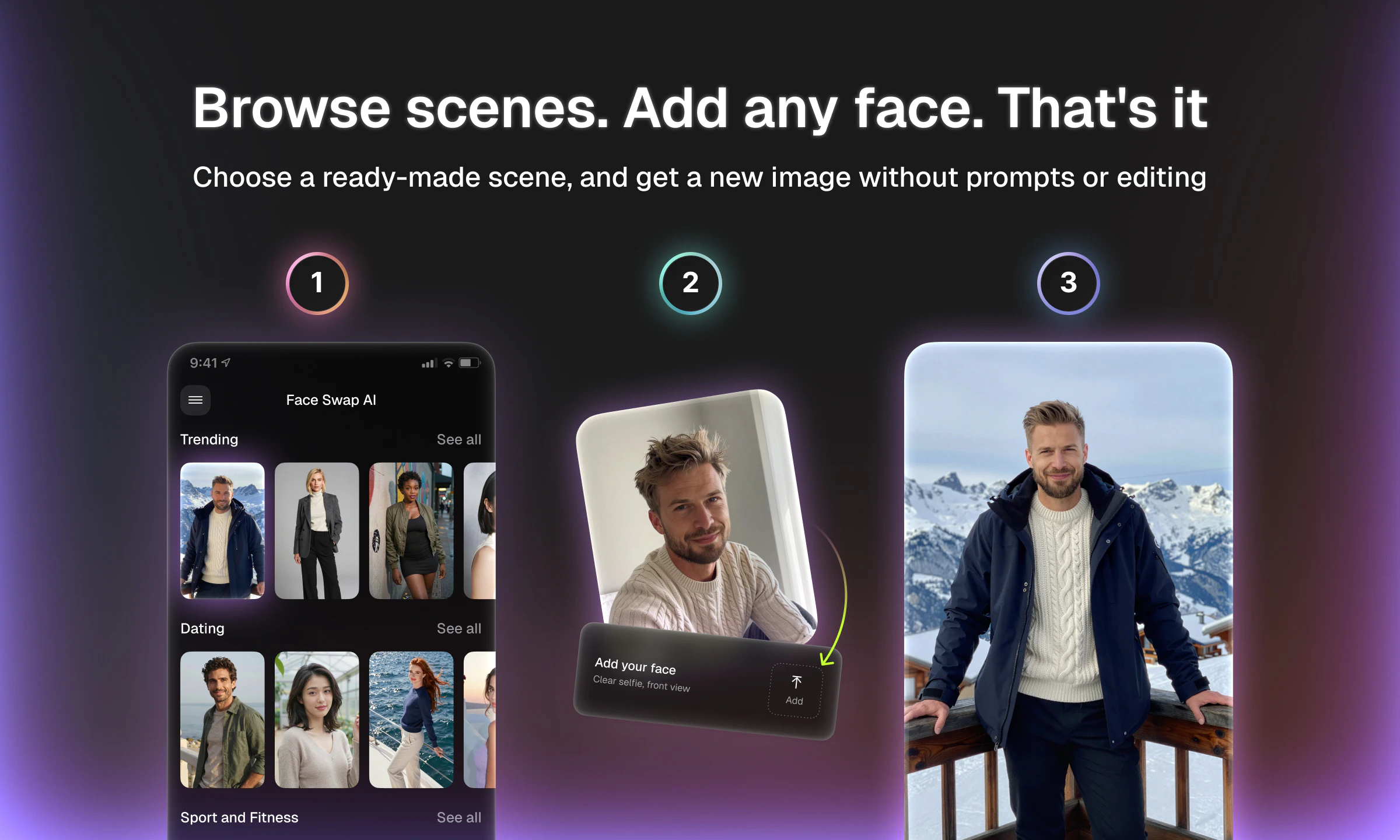
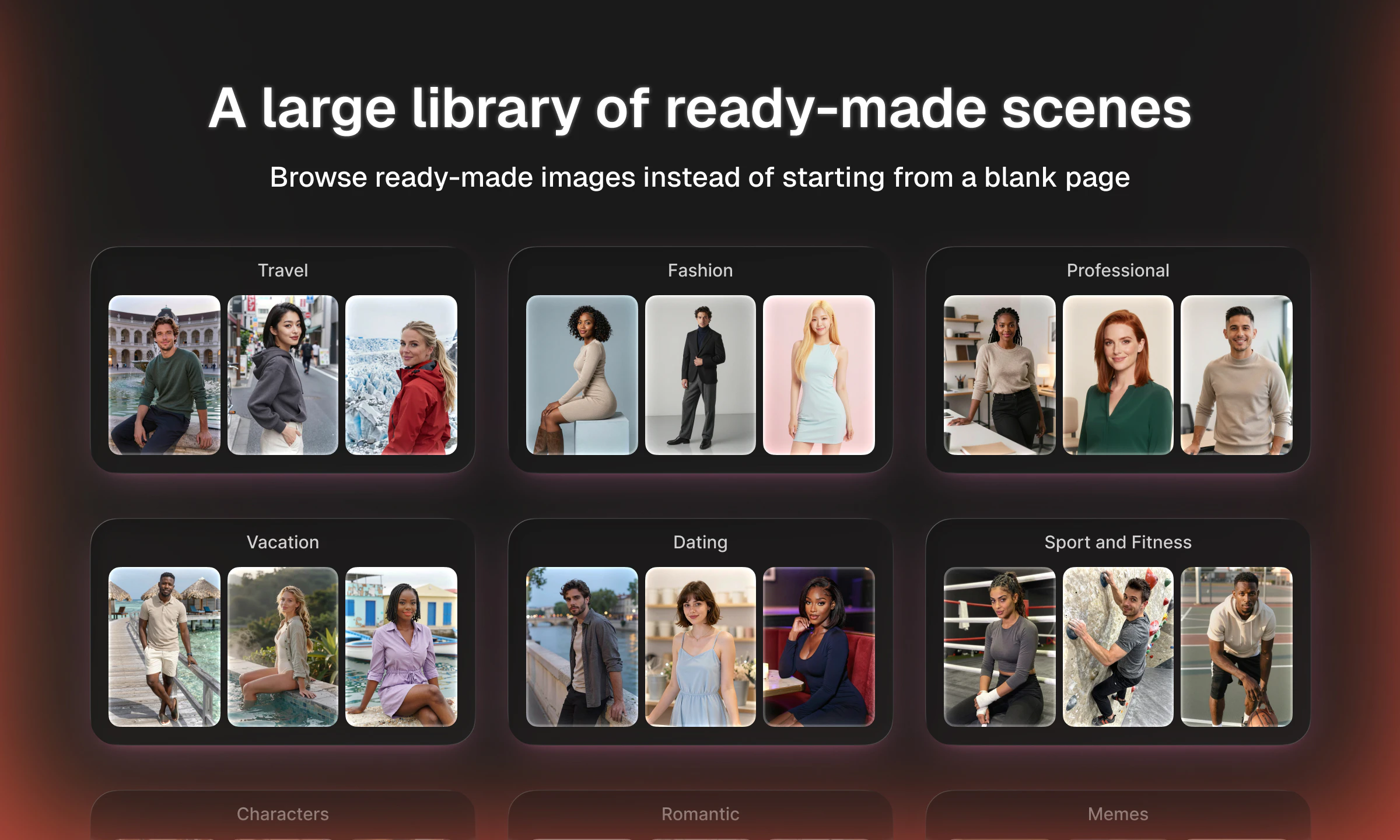
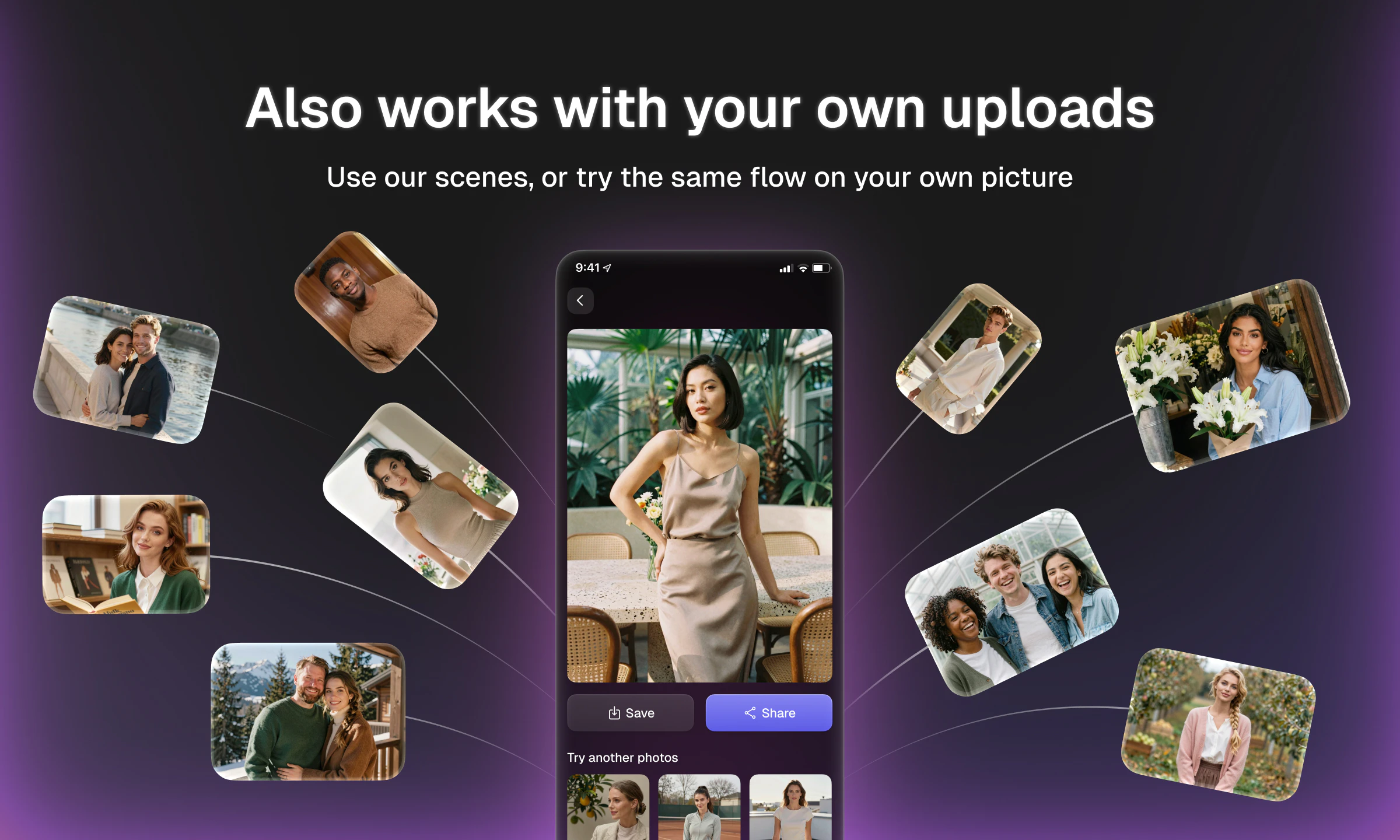
Face Swap AI · Photo Editor offers a fresh take on face swapping by providing a vast library of over 1,000 curated scene images across more than 20 categories, including memes, fashion, movie posters, and magazine covers. Unlike typical face swap apps that rely on limited templates and basic AI, this app emphasizes variety and ease of use, allowing users to insert their selfies into diverse scenes with just one tap. Designed specifically for Android users, it eliminates the need for prompts or waiting, making it ideal for quick, fun photo edits. The app is perfect for social media enthusiasts, meme creators, or anyone wanting to generate unique images effortlessly. Its regularly updated scene library ensures fresh content, keeping the experience engaging and dynamic.
Screenshots
Pros
- ✓Extensive library of over 1,000 curated scenes across multiple categories
- ✓Simple, one-tap process for quick results
- ✓No prompts or waiting, providing instant photo creation
- ✓Regular updates with new scenes added weekly
- ✓User-friendly interface tailored for Android
Cons
- ✗Android-only currently, limiting iOS users
- ✗Limited customization options beyond scene selection
- ✗No mention of advanced editing features or controls
Use Cases
Pricing
Likely follows a freemium model, offering free access with optional in-app purchases or premium features; specific pricing details are not publicly disclosed.
Quick Info
Topics
Similar Tools in AI Image & Design




Embed Badge
Add this badge to your website to show that Face Swap AI · Photo Editor is featured on Visalytica.
<a href="https://www.visalytica.com/tool/face-swap-ai-photo-editor" target="_blank" rel="noopener noreferrer" style="display:inline-flex;align-items:center;gap:6px;padding:6px 14px;background:#7c3aed;color:#fff;border-radius:8px;font-family:-apple-system,system-ui,sans-serif;font-size:13px;font-weight:600;text-decoration:none;transition:background .2s" onmouseover="this.style.background='#6d28d9'" onmouseout="this.style.background='#7c3aed'"><svg width="14" height="14" viewBox="0 0 24 24" fill="none" stroke="currentColor" stroke-width="2.5" stroke-linecap="round" stroke-linejoin="round"><path d="M12 20V10"/><path d="M18 20V4"/><path d="M6 20v-4"/></svg>Featured on Visalytica</a>