
Extract Text from Image
Copy text from any image, right in your browser
About Extract Text from Image
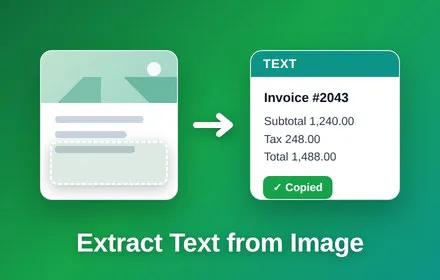
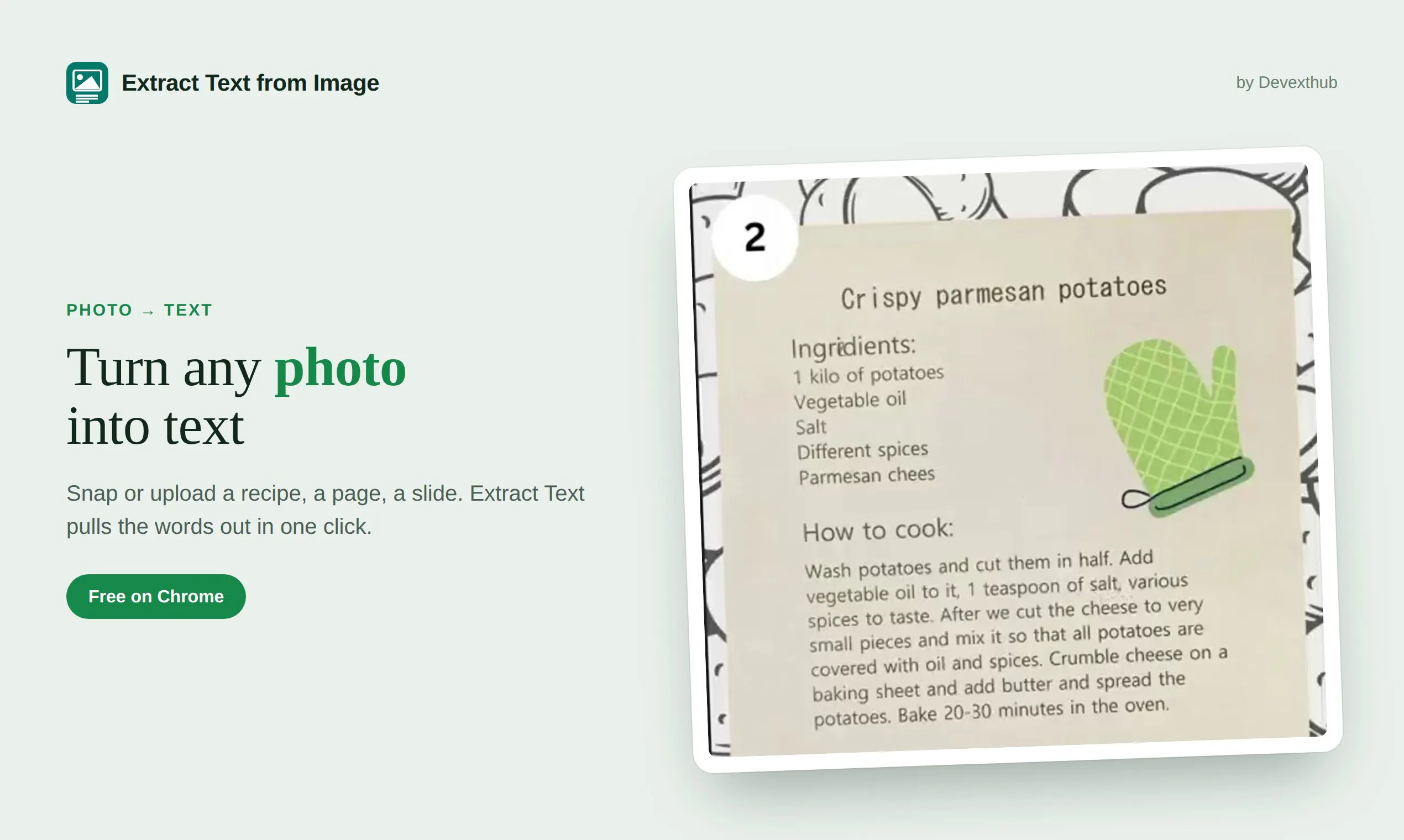
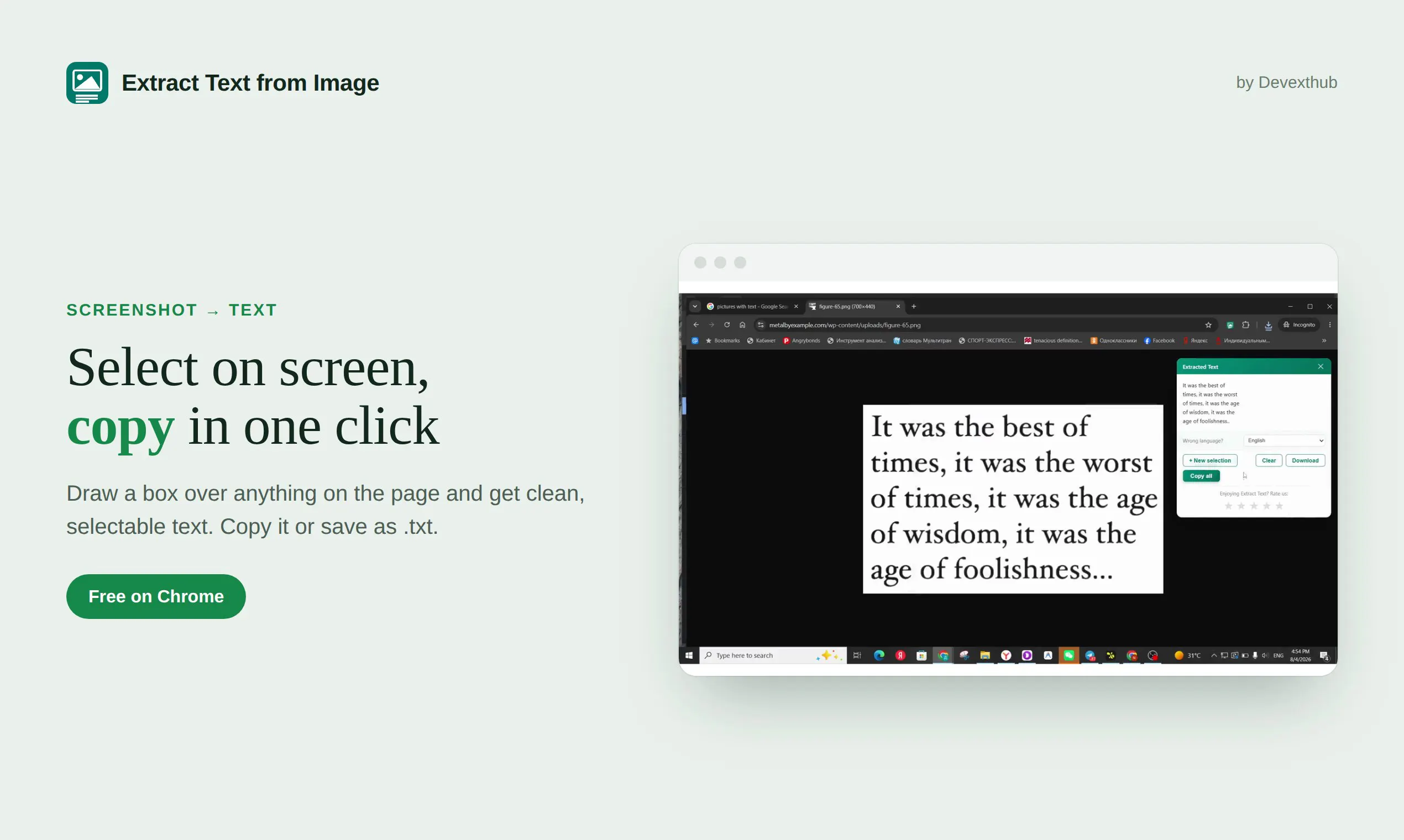
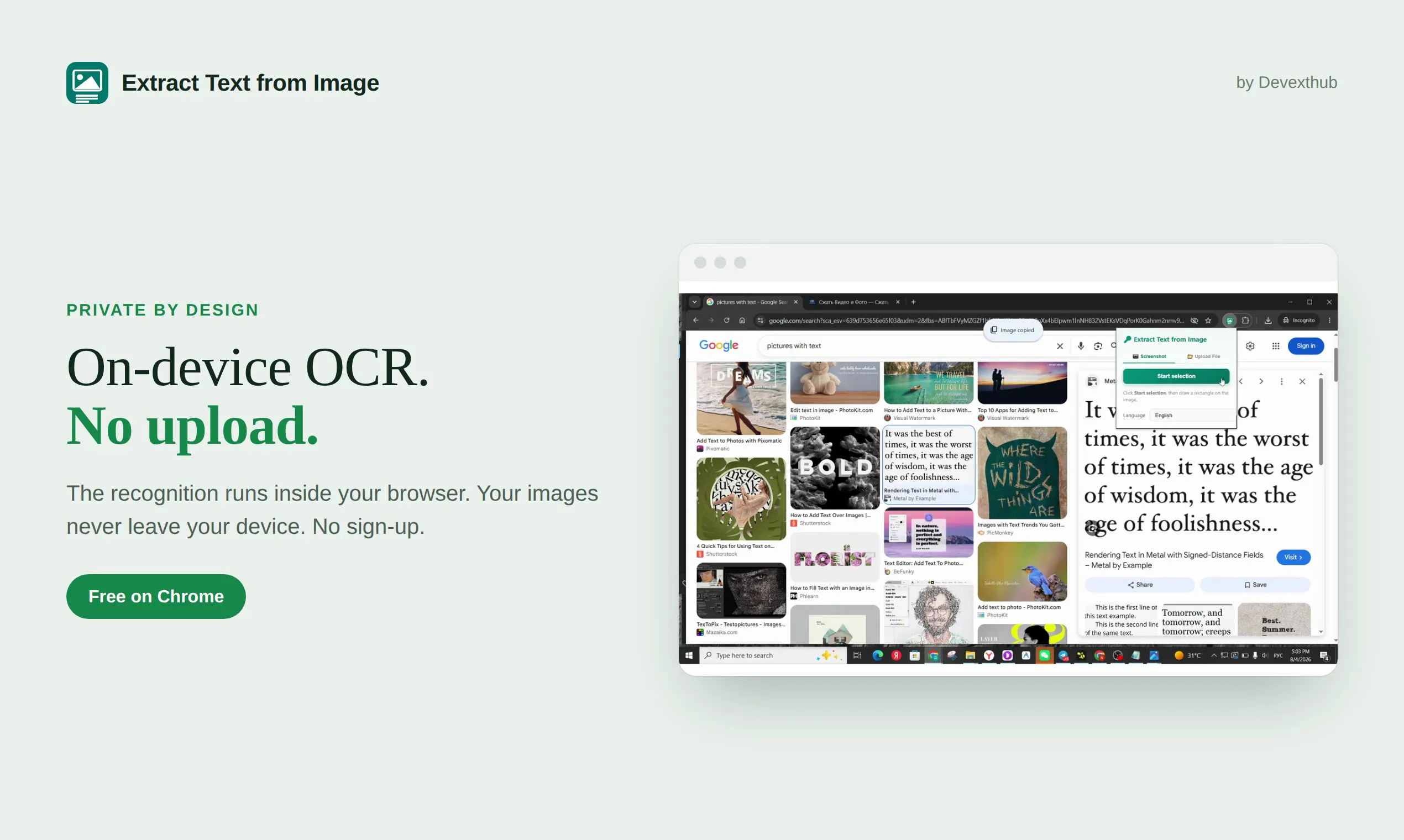
Extract Text from Image is a lightweight, browser-based OCR Chrome extension designed to make text extraction quick and effortless. It allows users to copy or download text from any image, screenshot, or graphic in formats like JPG or PNG with just a single click. What sets this tool apart is that it runs entirely on your local machine, ensuring that images and sensitive data stay private without the need for server uploads or AI APIs. Supporting over 50 languages, it caters to a global user base, making it ideal for students, designers, researchers, and professionals who frequently work with visual content. Its no-sign-up requirement and ease of use make it a practical addition to any workflow, especially for those prioritizing privacy and speed.
Screenshots
Pros
- ✓Runs locally on your device, ensuring privacy and security
- ✓No sign-up required, quick and easy to use
- ✓Supports over 50 languages for broad usability
- ✓No reliance on cloud servers or external APIs
- ✓Free to use, with instant results
Cons
- ✗Limited to browser-based functionality, no desktop app
- ✗May have performance limitations with very large or complex images
- ✗Lacks advanced editing or correction features
Use Cases
Pricing
Free and open source with no paid plans; operates as a free Chrome extension without subscription requirements.
Quick Info
Topics
Makers

Denis
@TdvToropovdAlternatives
Similar Tools in AI Writing




Embed Badge
Add this badge to your website to show that Extract Text from Image is featured on Visalytica.
<a href="https://www.visalytica.com/tool/extract-text-from-image" target="_blank" rel="noopener noreferrer" style="display:inline-flex;align-items:center;gap:6px;padding:6px 14px;background:#7c3aed;color:#fff;border-radius:8px;font-family:-apple-system,system-ui,sans-serif;font-size:13px;font-weight:600;text-decoration:none;transition:background .2s" onmouseover="this.style.background='#6d28d9'" onmouseout="this.style.background='#7c3aed'"><svg width="14" height="14" viewBox="0 0 24 24" fill="none" stroke="currentColor" stroke-width="2.5" stroke-linecap="round" stroke-linejoin="round"><path d="M12 20V10"/><path d="M18 20V4"/><path d="M6 20v-4"/></svg>Featured on Visalytica</a>