
ExpenseTracker
Know where every dollar went
About ExpenseTracker
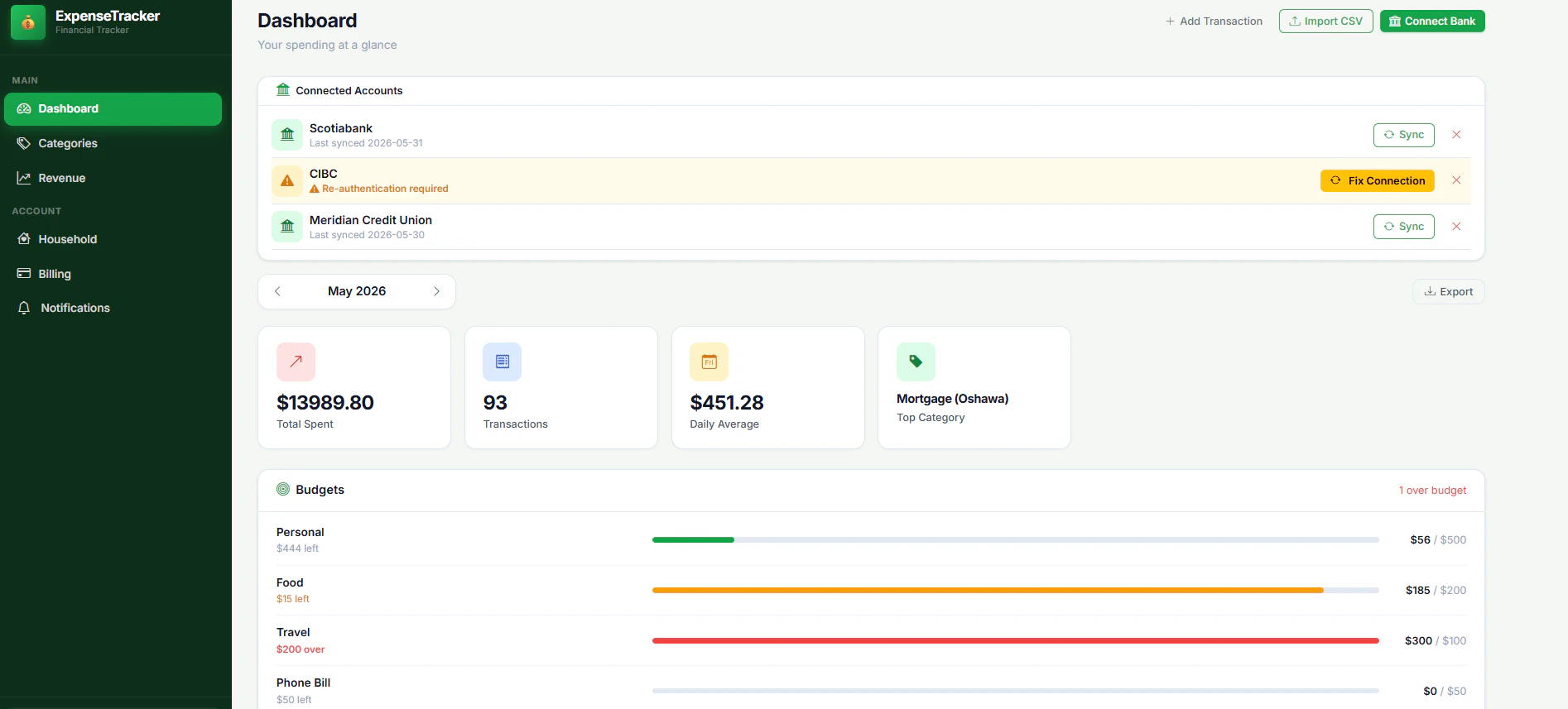
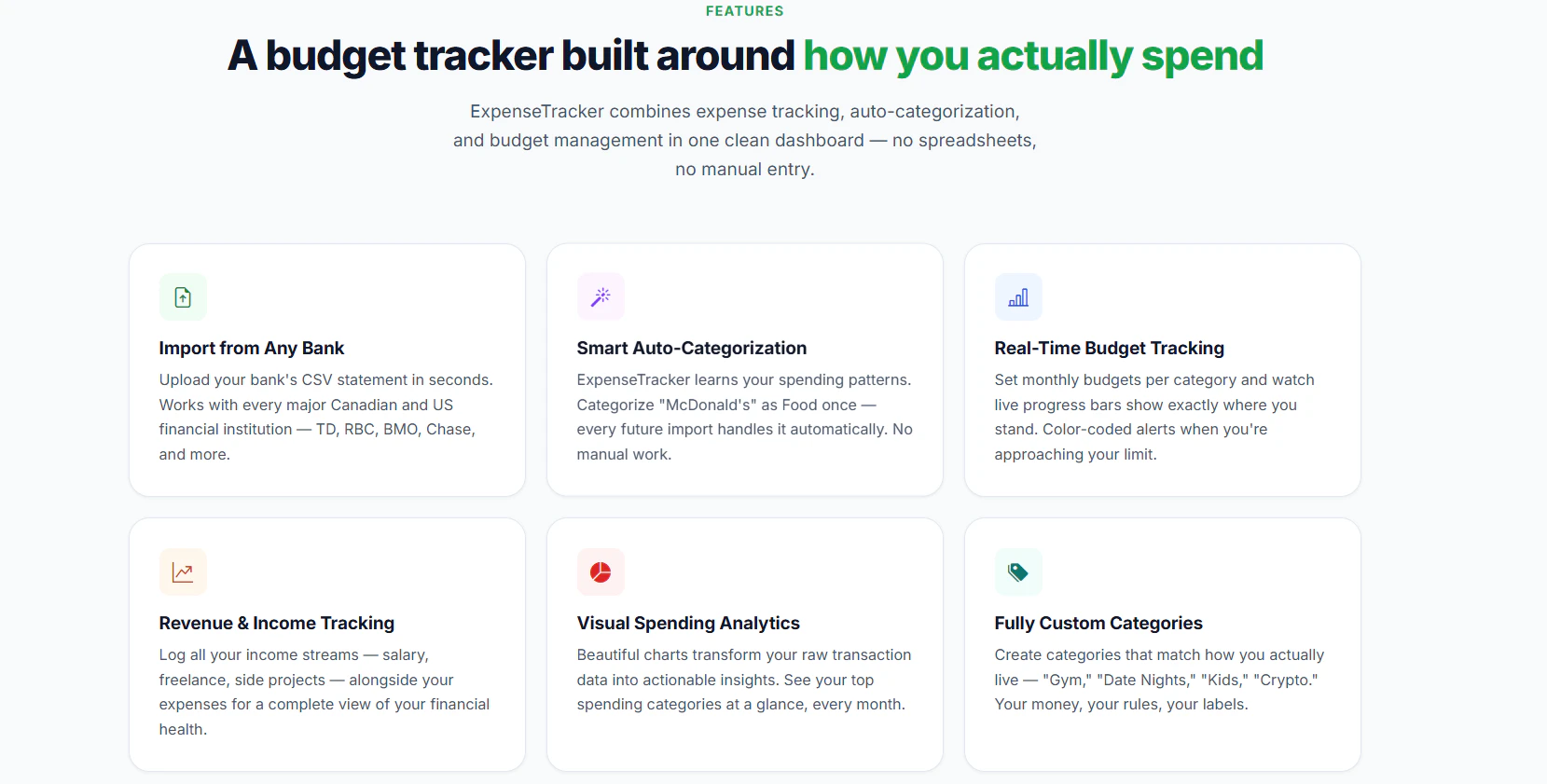
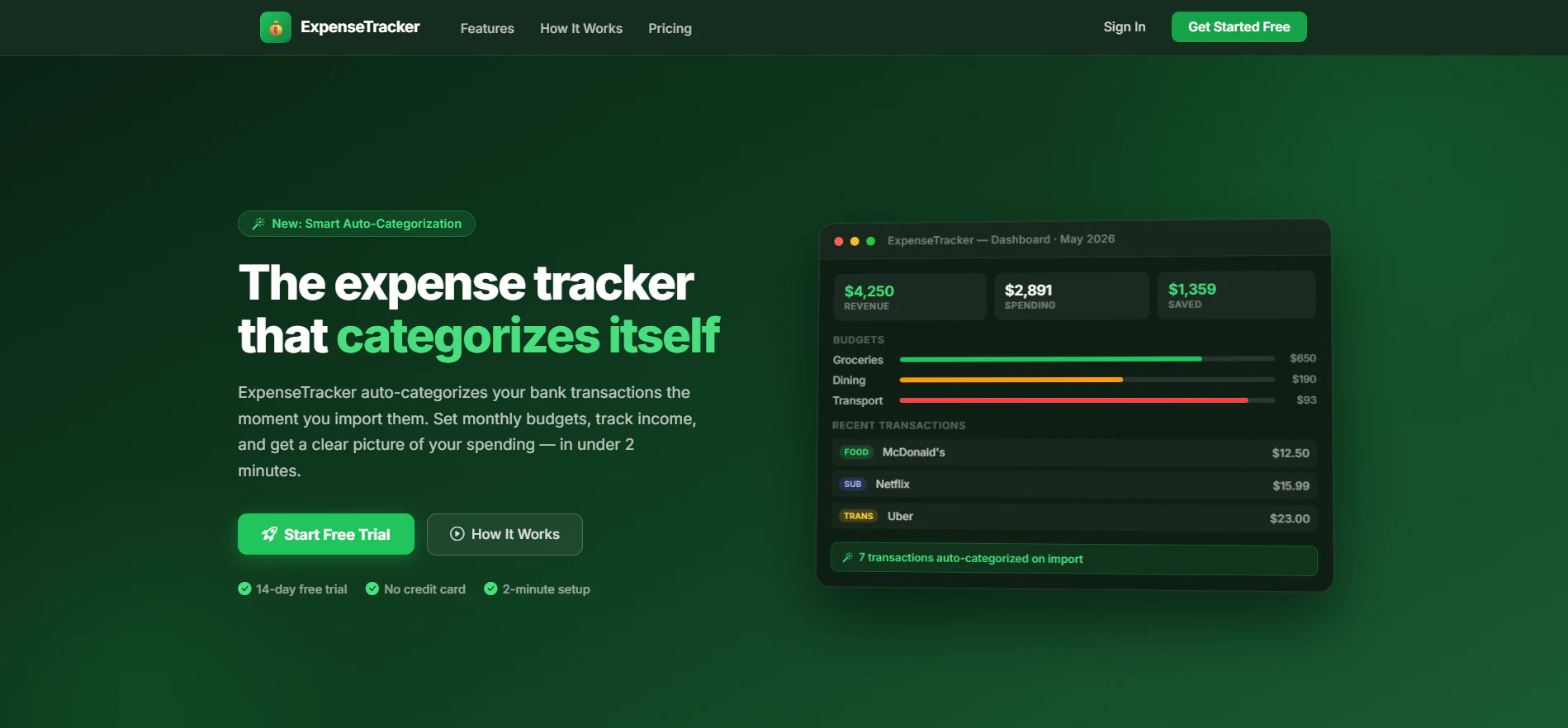
ExpenseTracker is an intuitive financial management tool designed to help users understand and control their spending. By automatically learning your transaction patterns, it categorizes expenses, making budgeting and financial tracking effortless. Users can import transactions from their bank accounts, set monthly budgets, track income, and generate detailed spending reports, all within a sleek interface. Its AI-powered categorization reduces manual input, saving time and increasing accuracy. Perfect for individuals seeking to get a clearer picture of their finances without complex accounting software, ExpenseTracker offers a user-friendly experience for both novices and experienced budgeters. Its 14-day free trial, with no credit card required, allows users to explore its features risk-free and discover how it can improve their financial habits.
Screenshots
Pros
- ✓Automatic transaction categorization using AI learning
- ✓Easy import of bank transactions and real-time updates
- ✓Customizable monthly budgets and income tracking
- ✓Detailed, visual spending reports for better insights
- ✓No credit card needed for the free trial
Cons
- ✗Limited features in the free trial period
- ✗No information on advanced integrations or multi-currency support
- ✗Potential learning curve for users unfamiliar with budgeting tools
Use Cases
Pricing
Likely operates on a freemium model, offering a free trial period with core features, and paid plans starting around $10-$15 per month for advanced functionalities and integrations.
Quick Info
Topics
Alternatives
Similar Tools in Productivity




Embed Badge
Add this badge to your website to show that ExpenseTracker is featured on Visalytica.
<a href="https://www.visalytica.com/tool/expensetracker" target="_blank" rel="noopener noreferrer" style="display:inline-flex;align-items:center;gap:6px;padding:6px 14px;background:#7c3aed;color:#fff;border-radius:8px;font-family:-apple-system,system-ui,sans-serif;font-size:13px;font-weight:600;text-decoration:none;transition:background .2s" onmouseover="this.style.background='#6d28d9'" onmouseout="this.style.background='#7c3aed'"><svg width="14" height="14" viewBox="0 0 24 24" fill="none" stroke="currentColor" stroke-width="2.5" stroke-linecap="round" stroke-linejoin="round"><path d="M12 20V10"/><path d="M18 20V4"/><path d="M6 20v-4"/></svg>Featured on Visalytica</a>