
Expand Board for macOS
Expand ideas, concepts, and plans across limitless boards
About Expand Board for macOS
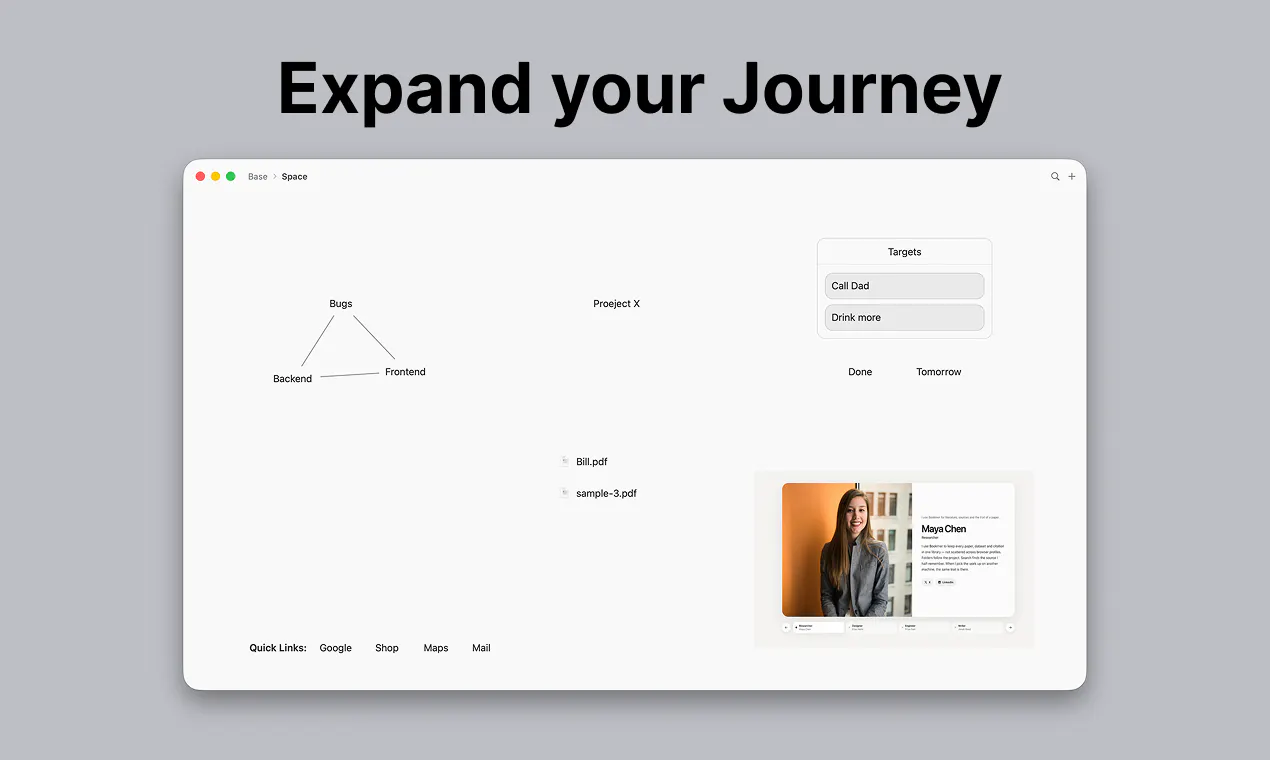
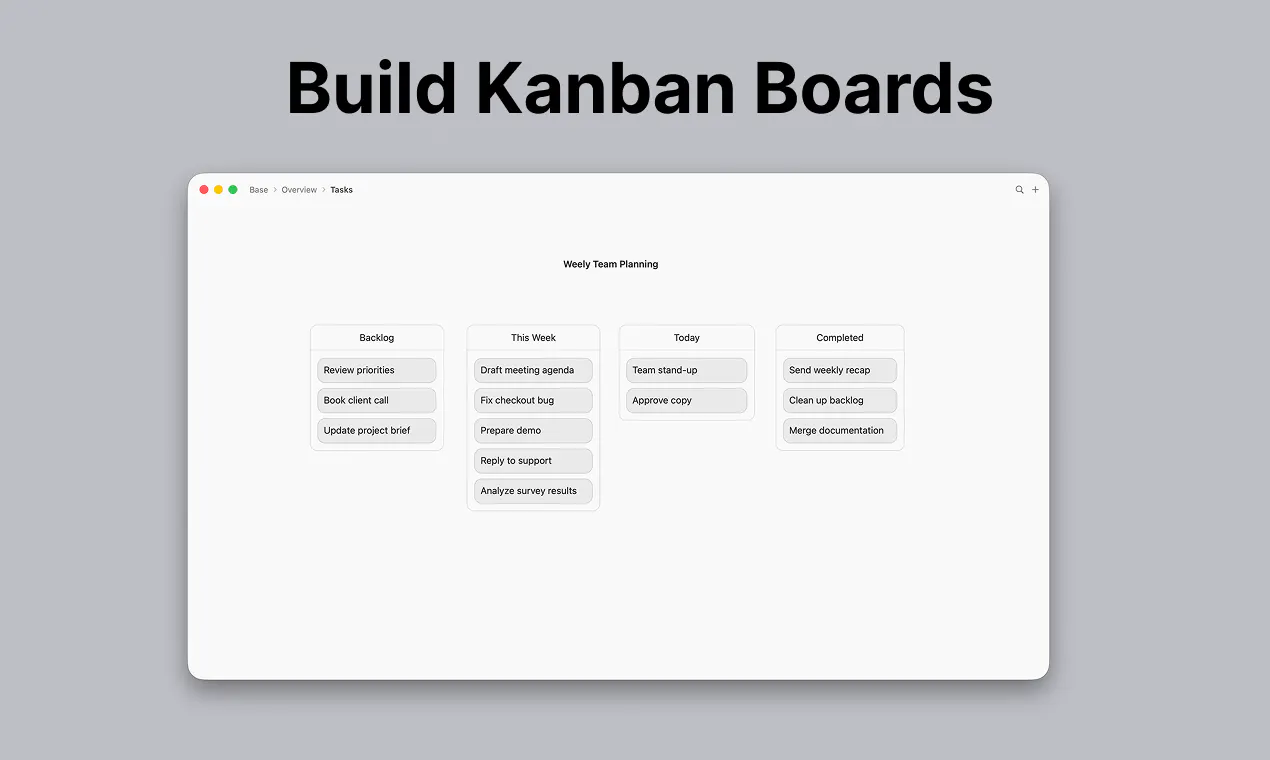
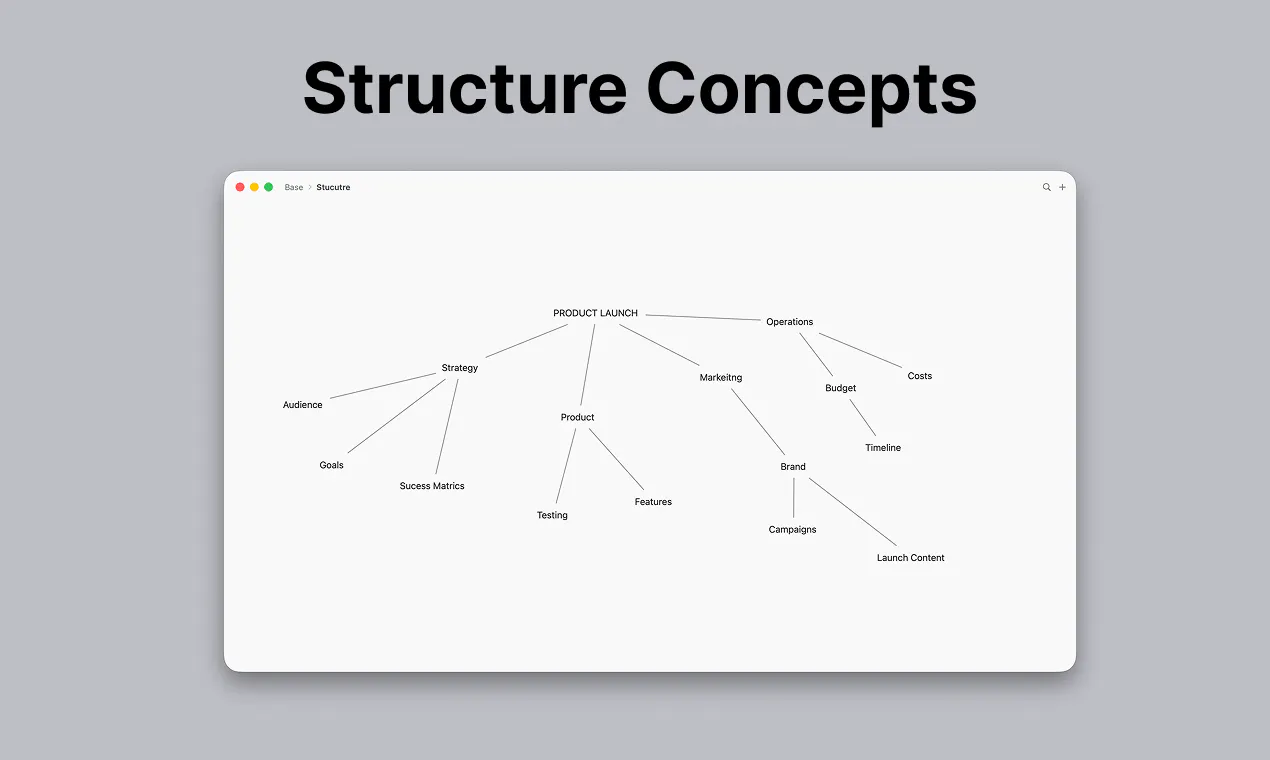
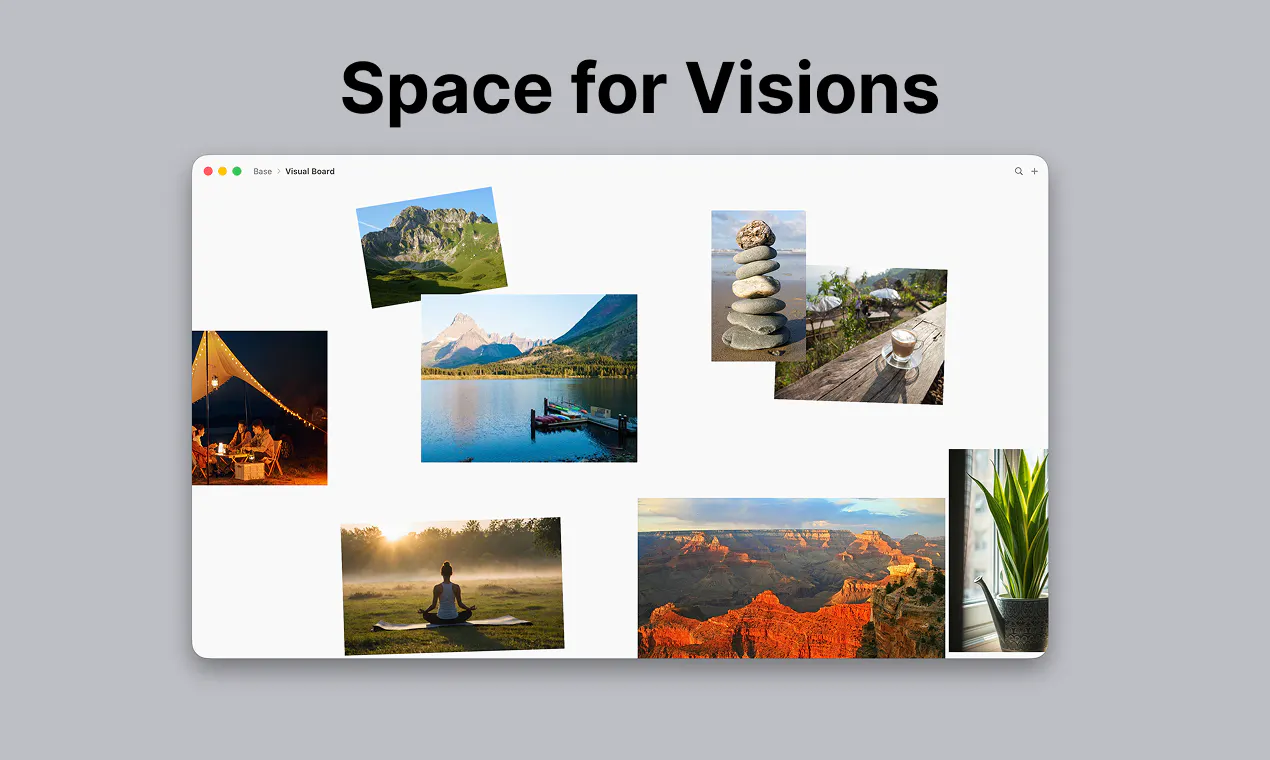
Expand Board for macOS is a versatile spatial workspace designed to enhance brainstorming, planning, and organization. It provides a large, open canvas where users can place text, images, files, and shapes to visualize ideas more dynamically. Its nested board feature allows users to create detailed sub-boards, enabling deep dives into specific topics without cluttering the main workspace. The intuitive interface—double-click to add elements, right-click for options, and drag to arrange—makes it accessible for both casual users and professionals seeking a flexible visual tool. Ideal for project planning, mind mapping, and creative workflows, Expand Board stands out with its focus on spatial organization and nested boards, fostering a more natural, spatial way of thinking. Its seamless navigation through breadcrumbs and open canvas design makes it a compelling choice for users craving a visual, interactive environment on macOS.
Screenshots
Pros
- ✓Flexible open canvas supporting diverse content types
- ✓Nested boards for deep, organized hierarchies
- ✓Intuitive interface with easy element addition and arrangement
- ✓Supports visual thinking and spatial organization
- ✓Mac-native design optimized for seamless workflow
Cons
- ✗Limited information on collaboration features
- ✗No details on pricing or subscription plans
- ✗Might have a learning curve for new users unfamiliar with spatial tools
Use Cases
Pricing
Pricing not verified
Quick Info
Topics
Makers

Gabriel
@sgroigaAlternatives
Similar Tools in Developer Tools




Embed Badge
Add this badge to your website to show that Expand Board for macOS is featured on Visalytica.
<a href="https://www.visalytica.com/tool/expand-board-for-macos" target="_blank" rel="noopener noreferrer" style="display:inline-flex;align-items:center;gap:6px;padding:6px 14px;background:#7c3aed;color:#fff;border-radius:8px;font-family:-apple-system,system-ui,sans-serif;font-size:13px;font-weight:600;text-decoration:none;transition:background .2s" onmouseover="this.style.background='#6d28d9'" onmouseout="this.style.background='#7c3aed'"><svg width="14" height="14" viewBox="0 0 24 24" fill="none" stroke="currentColor" stroke-width="2.5" stroke-linecap="round" stroke-linejoin="round"><path d="M12 20V10"/><path d="M18 20V4"/><path d="M6 20v-4"/></svg>Featured on Visalytica</a>