
Exit Bell
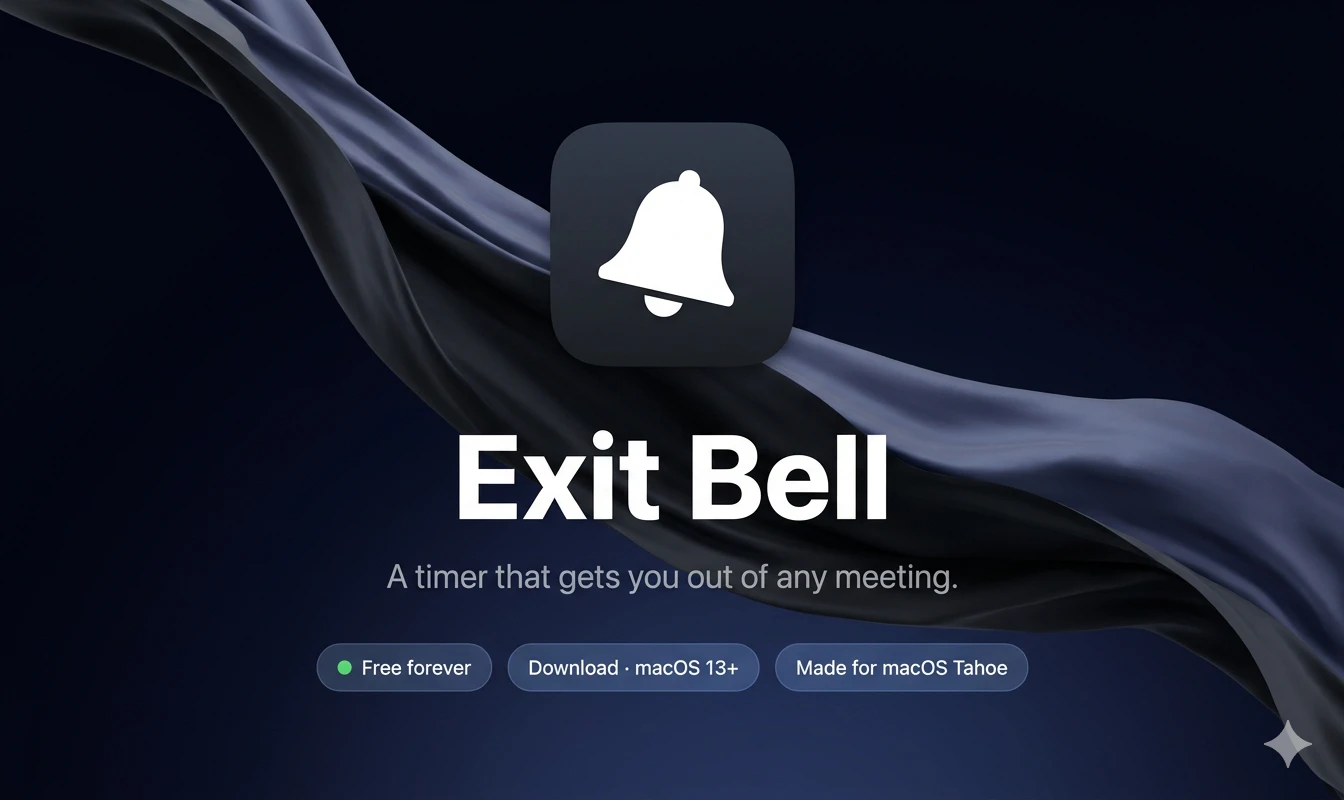
A timer that plays a sound to get you out of any meeting
About Exit Bell
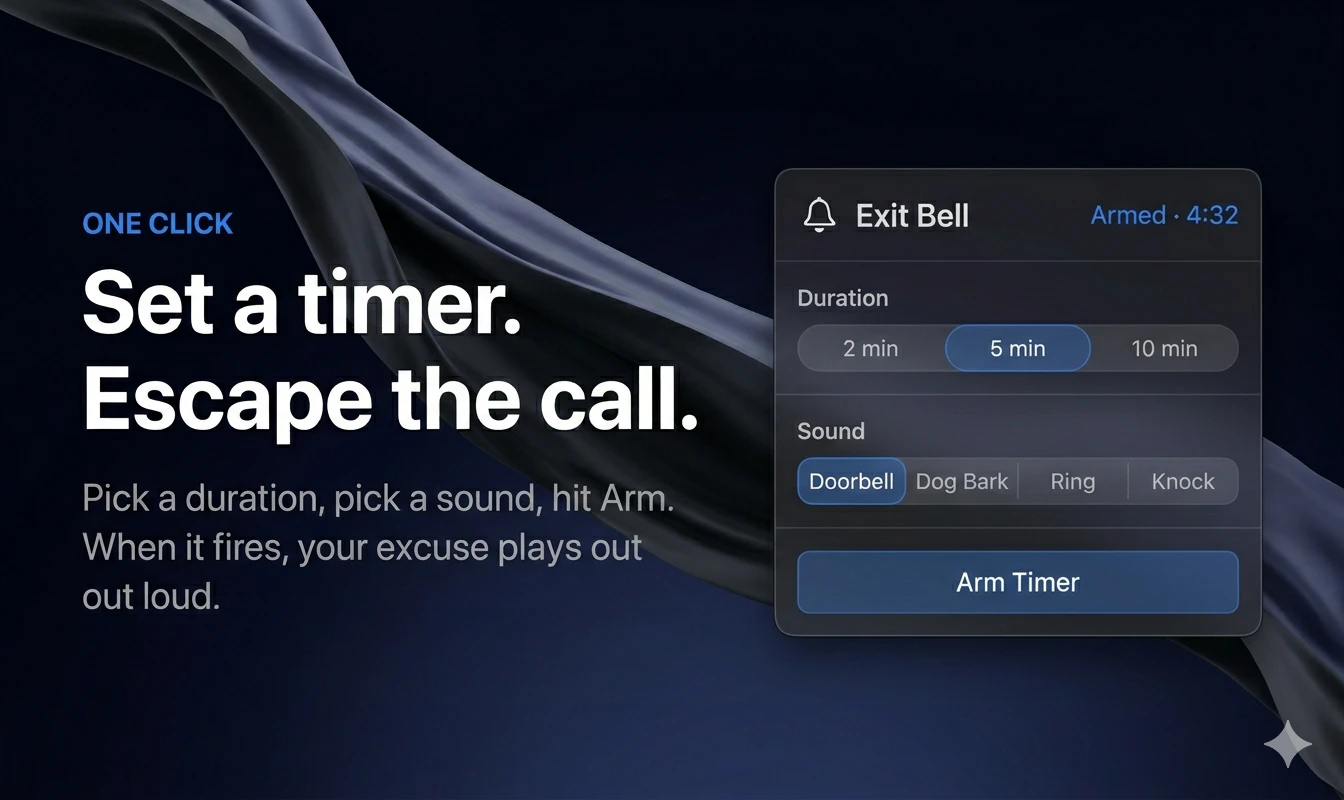
Exit Bell is a simple yet effective macOS menubar app designed for remote workers, meeting participants, and anyone who wants to discreetly exit calls without fuss. By setting a timer of 2, 5, or 10 minutes and selecting from a variety of sounds—like a doorbell, dog bark, phone ring, or knock—users can signal their departure at just the right moment. Once armed, the sound plays aloud when the timer fires, prompting the user to excuse themselves confidently. Its minimalistic design, with no subscriptions, accounts, or App Store requirements, makes it an accessible tool for quick setup and instant use. Exit Bell's straightforward approach emphasizes convenience and privacy, helping professionals manage their meeting time effectively without disruptions or awkward interruptions. Its open-source nature and focus on simplicity make it unique among productivity tools, appealing to those who prefer lightweight, no-fuss solutions in their remote work toolkit.
Screenshots
Pros
- ✓Simple, intuitive interface with quick setup
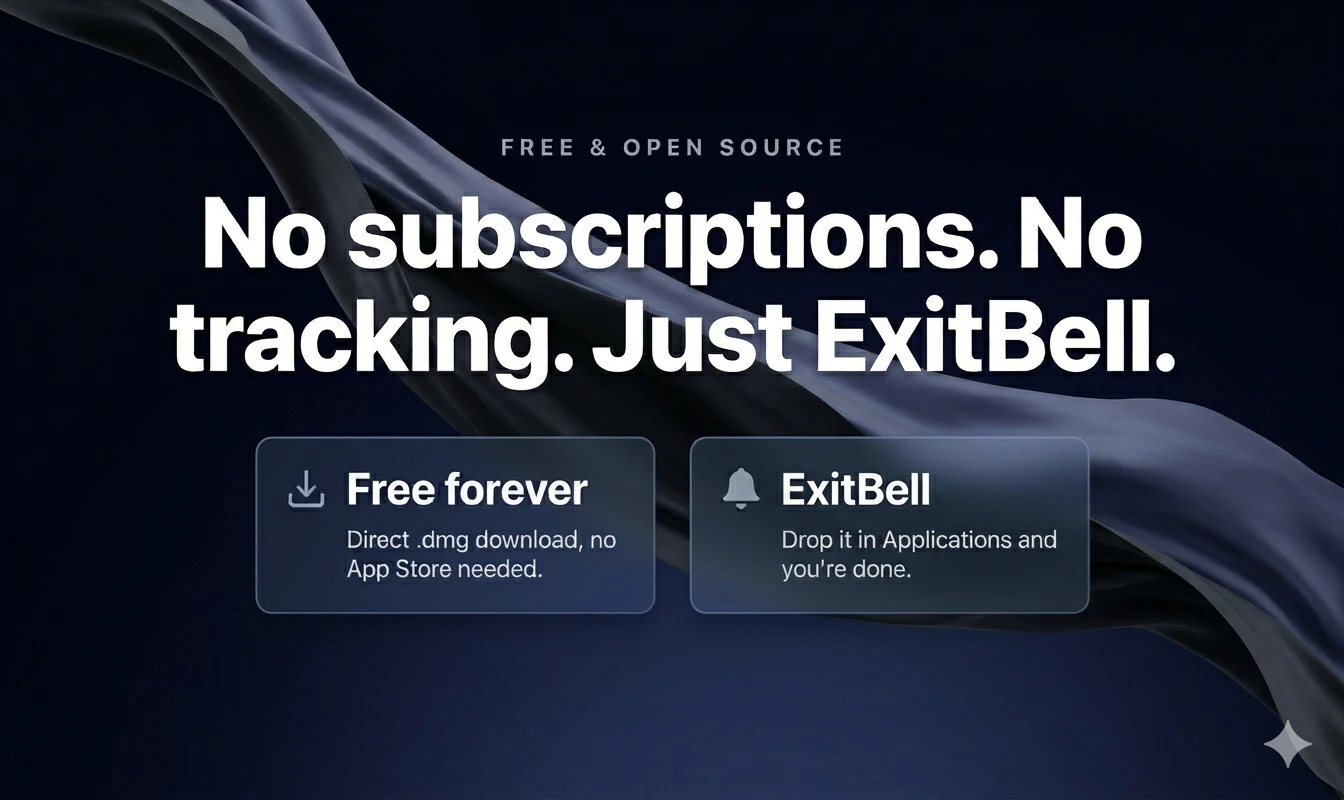
- ✓No subscriptions, accounts, or App Store restrictions
- ✓Customizable sound options for different scenarios
- ✓Lightweight and non-intrusive in the menubar
- ✓Open-source, customizable for advanced users
Cons
- ✗Limited to macOS, not available on other platforms
- ✗Basic functionality with no advanced scheduling or automation
- ✗Requires initial command-line setup for first launch
Use Cases
Pricing
Exit Bell appears to be a free and open-source tool, with no subscription or payment requirements, relying on user contributions or customization for advanced features.
Quick Info
Topics
Alternatives
Similar Tools in Productivity




Embed Badge
Add this badge to your website to show that Exit Bell is featured on Visalytica.
<a href="https://www.visalytica.com/tool/exit-bell" target="_blank" rel="noopener noreferrer" style="display:inline-flex;align-items:center;gap:6px;padding:6px 14px;background:#7c3aed;color:#fff;border-radius:8px;font-family:-apple-system,system-ui,sans-serif;font-size:13px;font-weight:600;text-decoration:none;transition:background .2s" onmouseover="this.style.background='#6d28d9'" onmouseout="this.style.background='#7c3aed'"><svg width="14" height="14" viewBox="0 0 24 24" fill="none" stroke="currentColor" stroke-width="2.5" stroke-linecap="round" stroke-linejoin="round"><path d="M12 20V10"/><path d="M18 20V4"/><path d="M6 20v-4"/></svg>Featured on Visalytica</a>