
Evlat
Know which AI coding agent is waiting on you
About Evlat
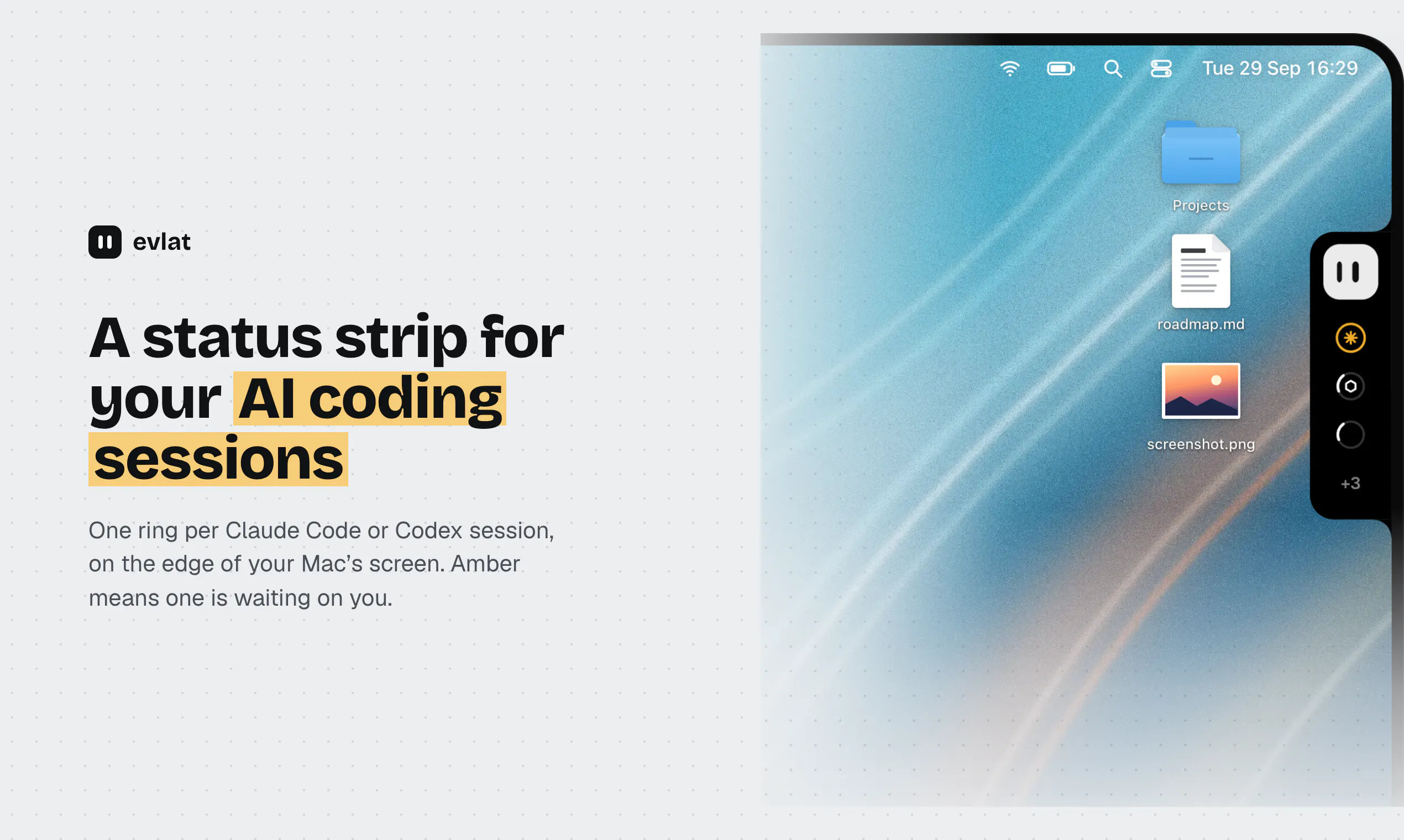
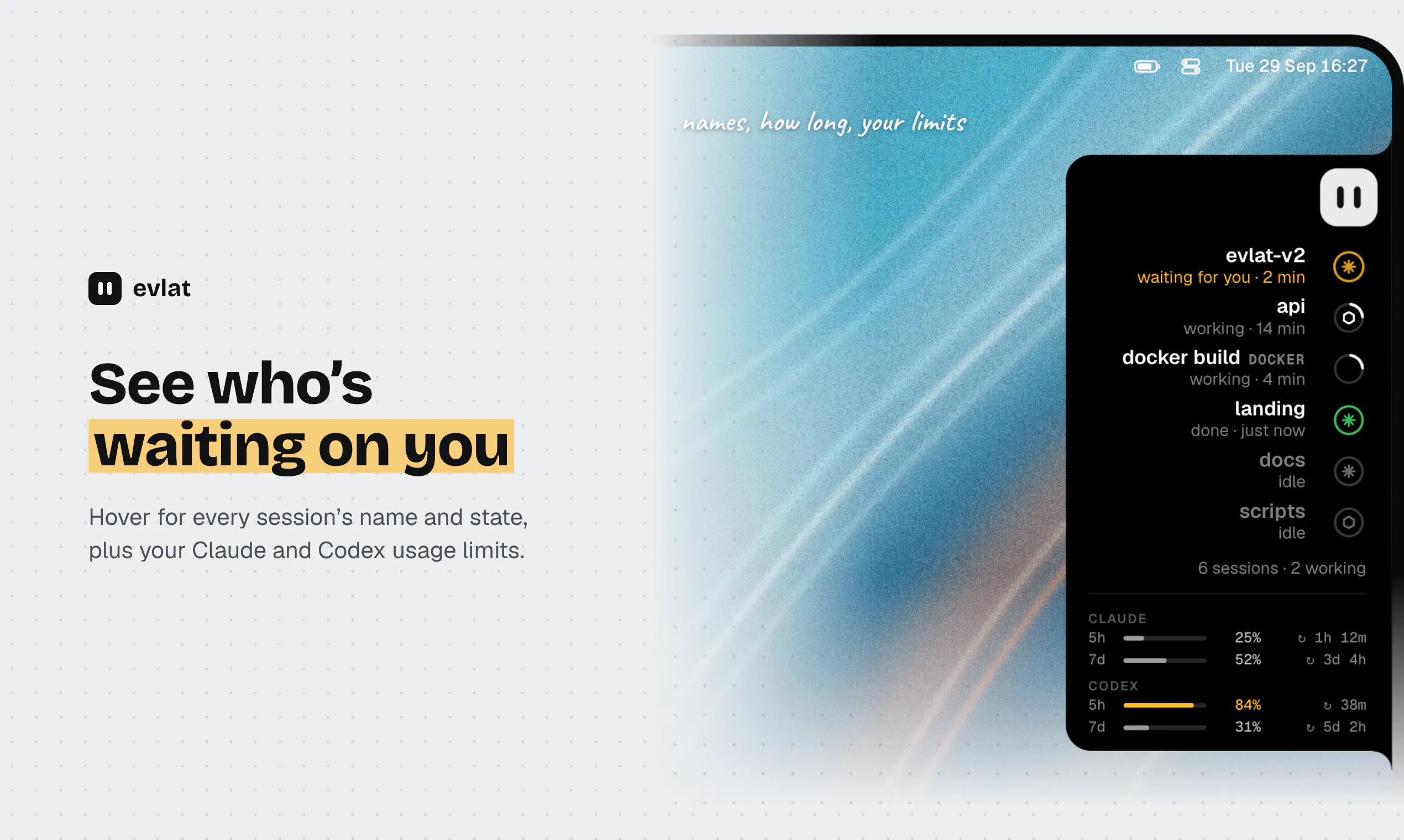
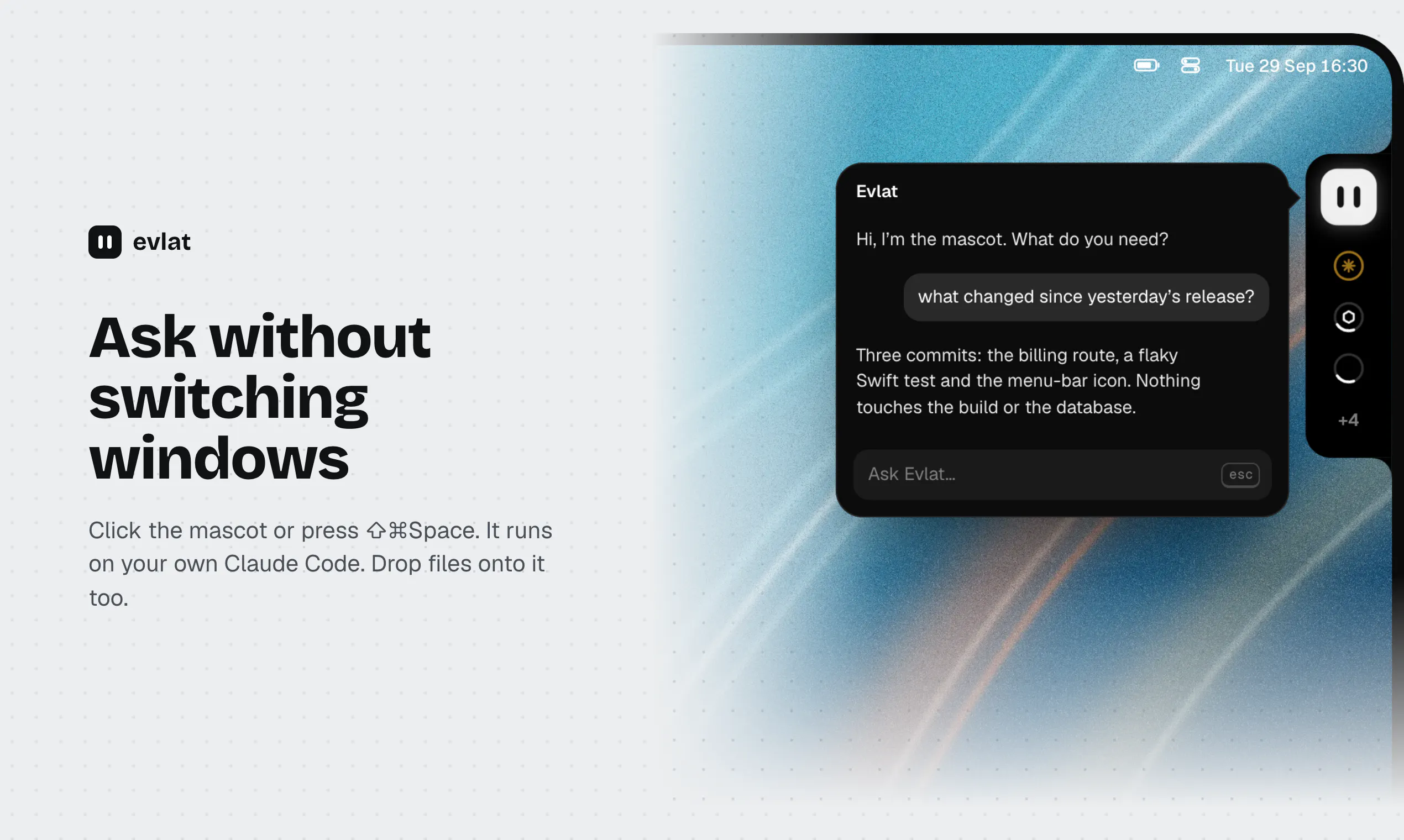
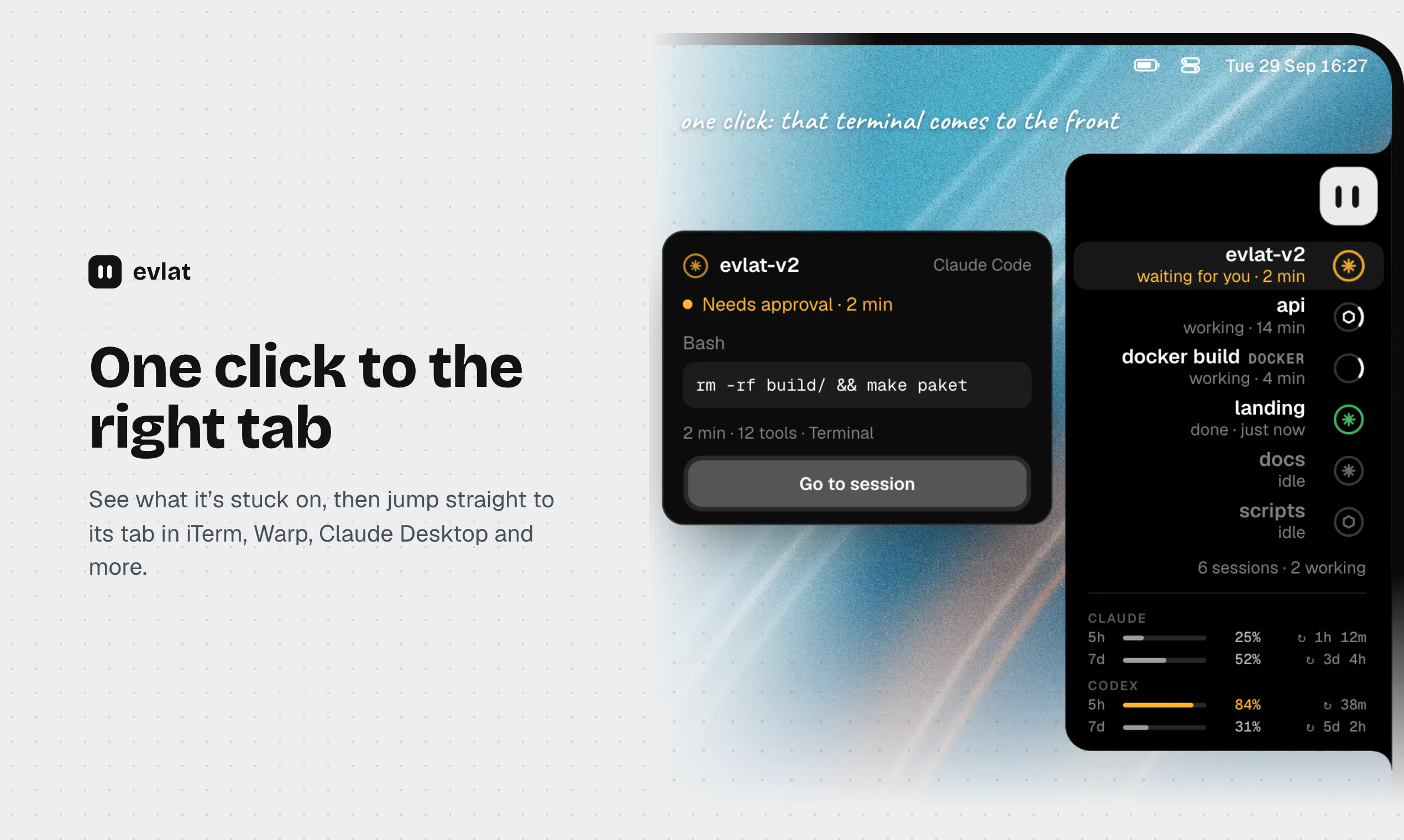
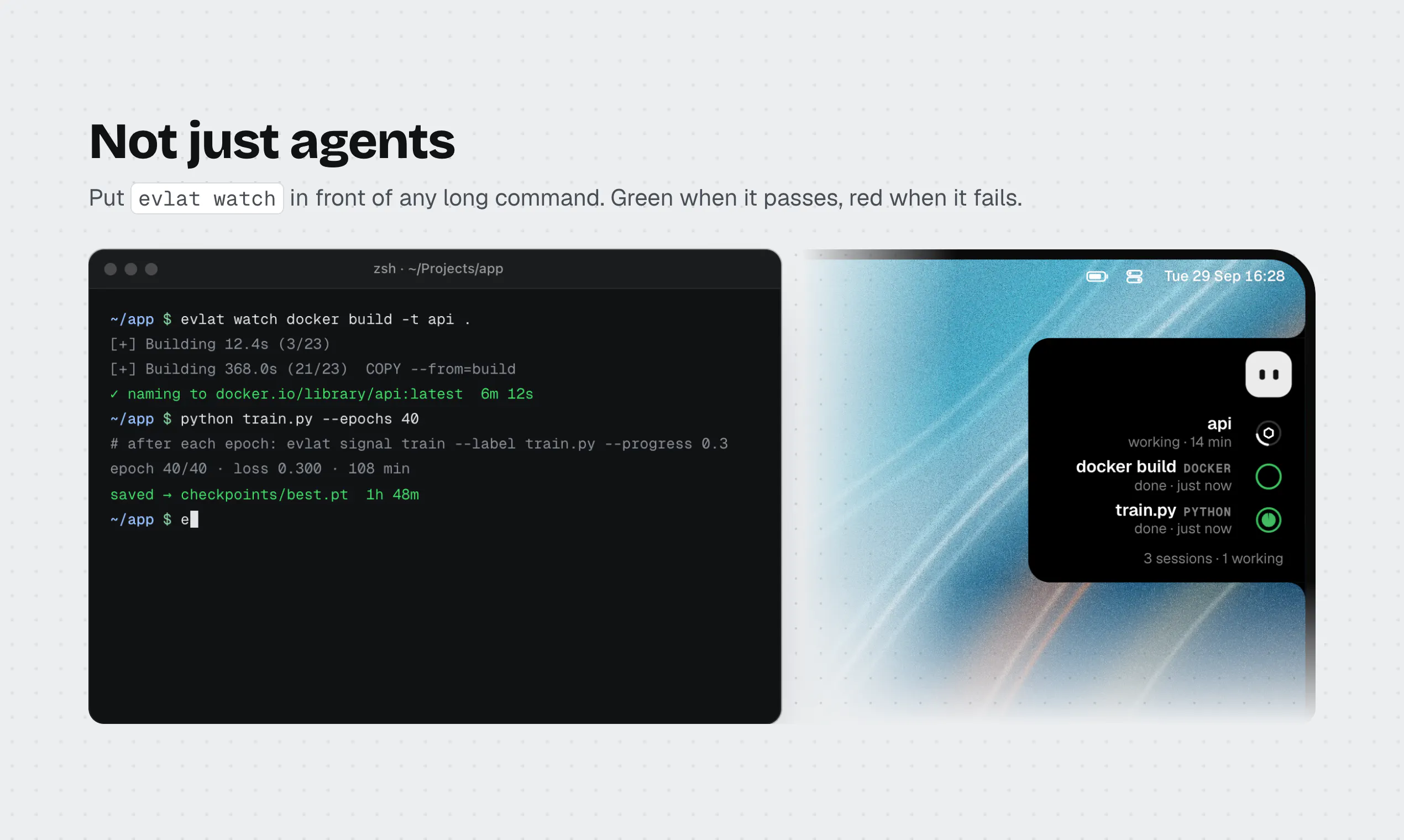
Evlat is a sleek, unobtrusive tool designed for Mac developers and AI enthusiasts who work extensively with coding agents like Claude Code and Codex. It features a minimalist strip along your Mac's screen edge, with a ring indicator for each active session. When an AI agent requires your attention—such as needing permission or a response—the ring turns amber, signaling you to take action. A single click opens a dedicated terminal tab, making it effortless to manage multiple AI sessions and commands without cluttering your workspace. Additionally, Evlat tracks long-running commands and remote server interactions, providing valuable oversight for complex development workflows. Its native integration ensures smooth performance without additional permissions, making it a secure and efficient tool for developers who want quick, visual cues about their AI coding agents. Overall, Evlat enhances productivity by consolidating AI management into an elegant, easy-to-access interface tailored for Mac users involved in AI-powered development.
Screenshots
Pros
- ✓Minimalist and non-intrusive interface on Mac screen edge
- ✓Real-time visual indicators for AI session activity
- ✓One-click access to terminal tabs for efficient workflow
- ✓Tracks long commands and remote server activity
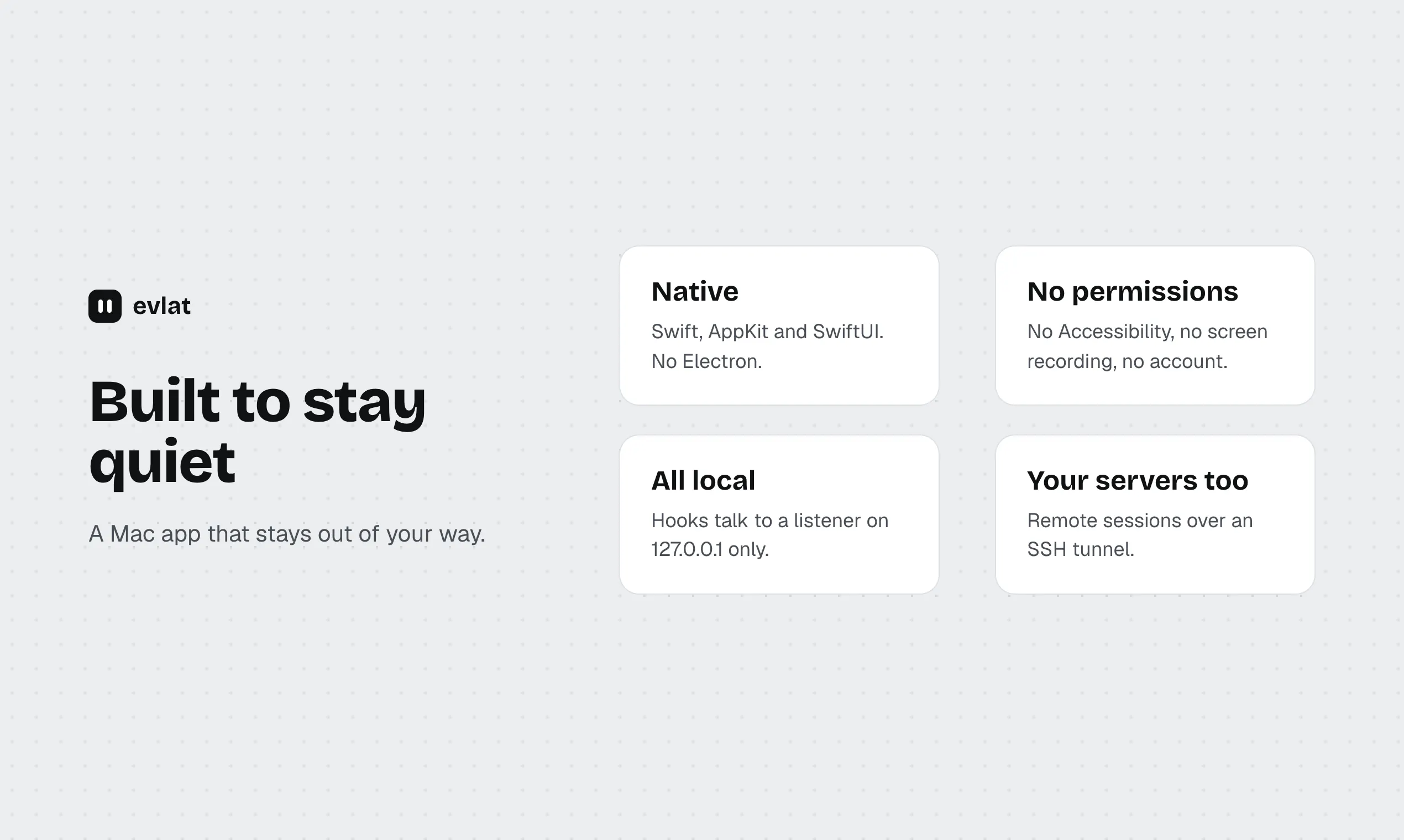
- ✓Native Mac application with no extra permissions needed
Cons
- ✗Limited information on advanced customization options
- ✗No details on pricing or subscription plans
- ✗Potential learning curve for new users unfamiliar with terminal workflows
Use Cases
Pricing
Pricing not verified

Similar Tools in AI Assistants




Embed Badge
Add this badge to your website to show that Evlat is featured on Visalytica.
<a href="https://www.visalytica.com/tool/evlat" target="_blank" rel="noopener noreferrer" style="display:inline-flex;align-items:center;gap:6px;padding:6px 14px;background:#7c3aed;color:#fff;border-radius:8px;font-family:-apple-system,system-ui,sans-serif;font-size:13px;font-weight:600;text-decoration:none;transition:background .2s" onmouseover="this.style.background='#6d28d9'" onmouseout="this.style.background='#7c3aed'"><svg width="14" height="14" viewBox="0 0 24 24" fill="none" stroke="currentColor" stroke-width="2.5" stroke-linecap="round" stroke-linejoin="round"><path d="M12 20V10"/><path d="M18 20V4"/><path d="M6 20v-4"/></svg>Featured on Visalytica</a>