
Epilude Narrator
Listen to any article, doc or text on your Mac
About Epilude Narrator
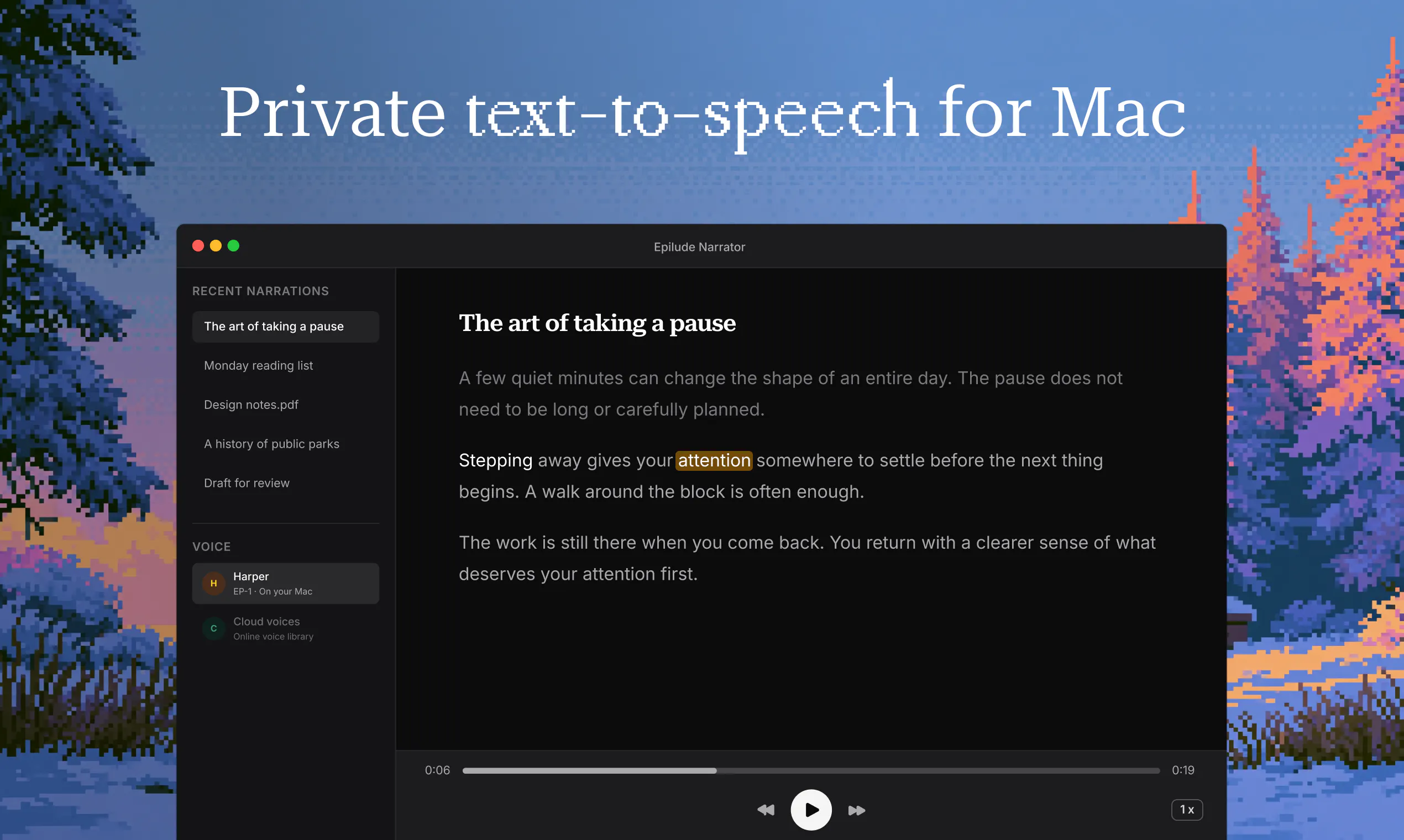
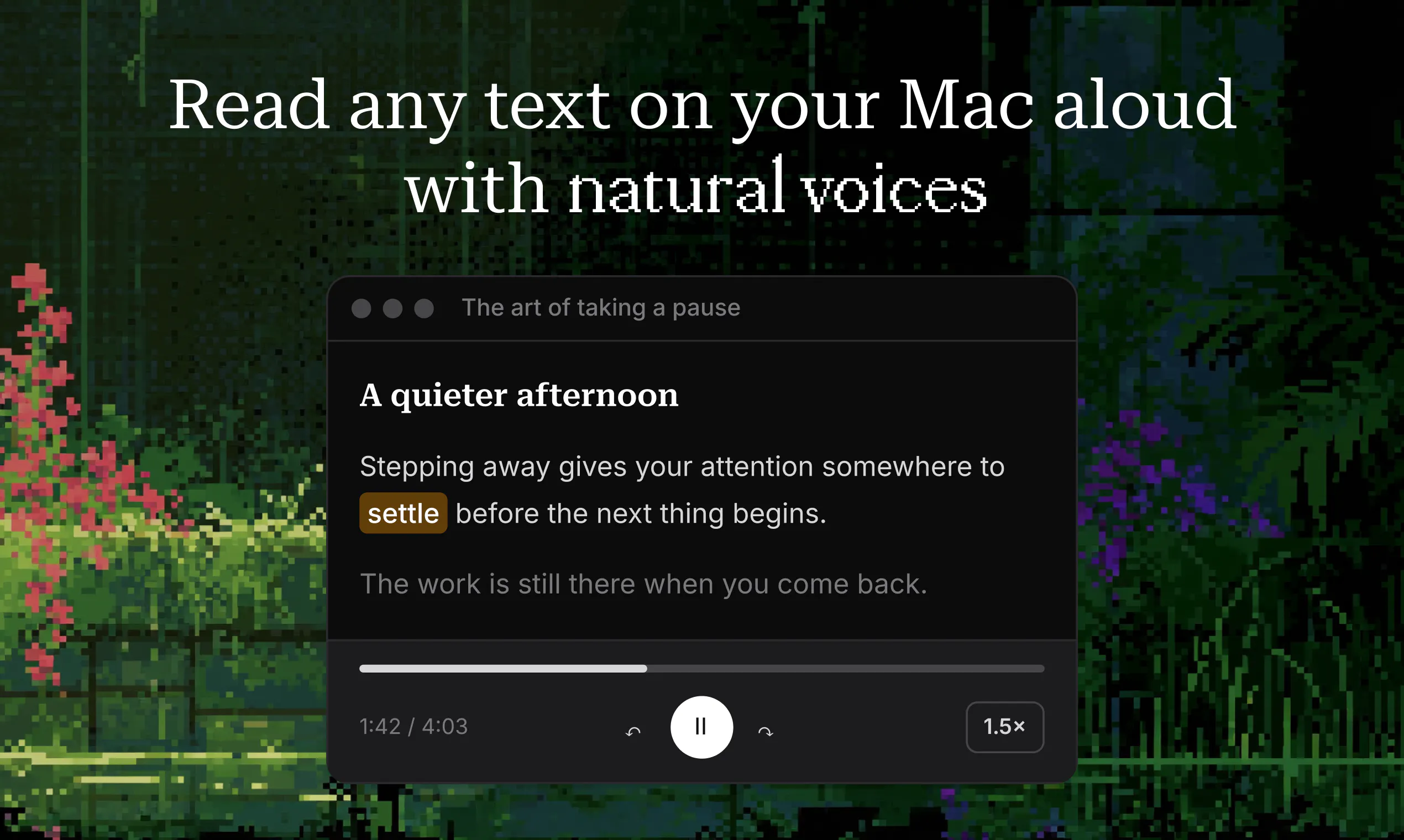
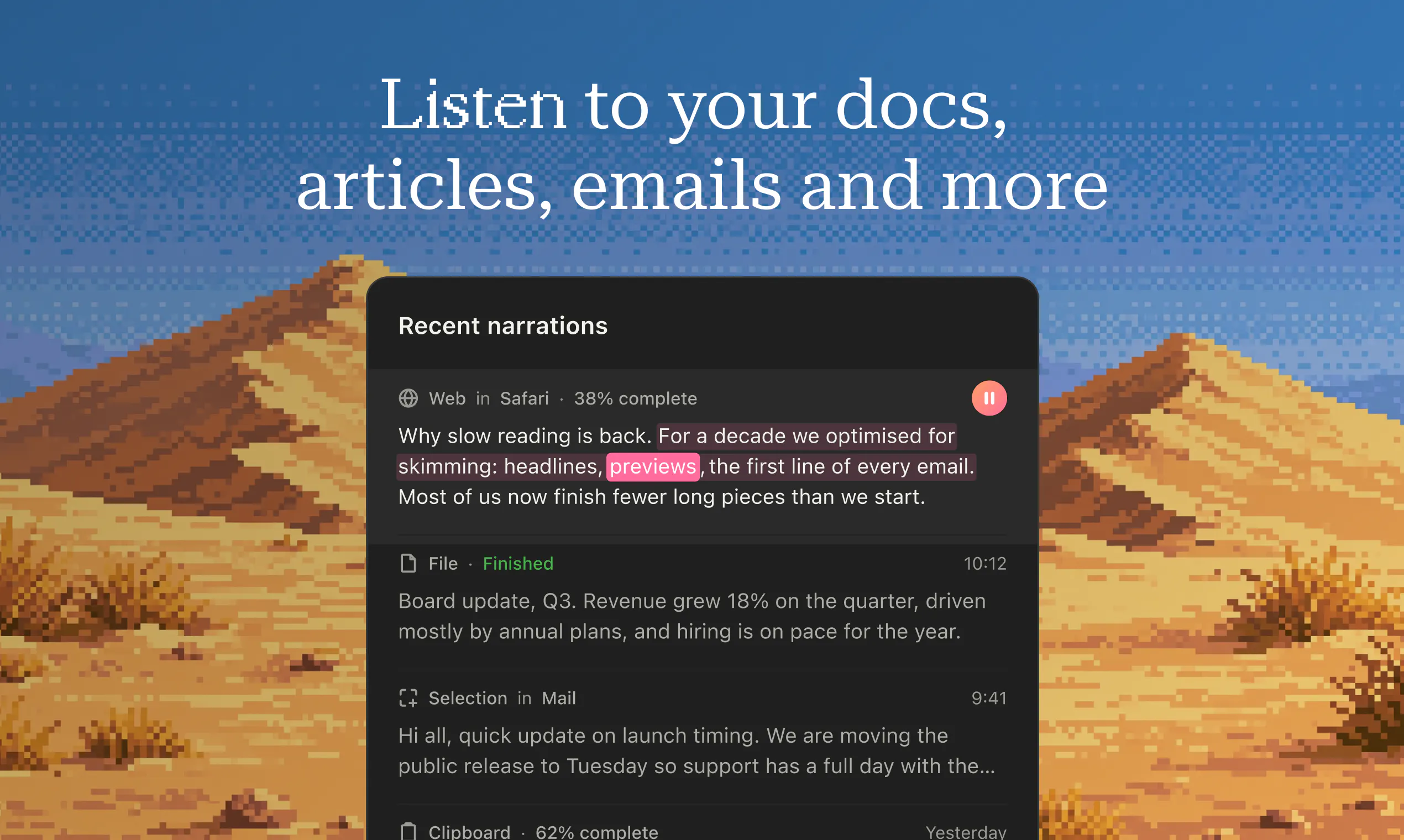
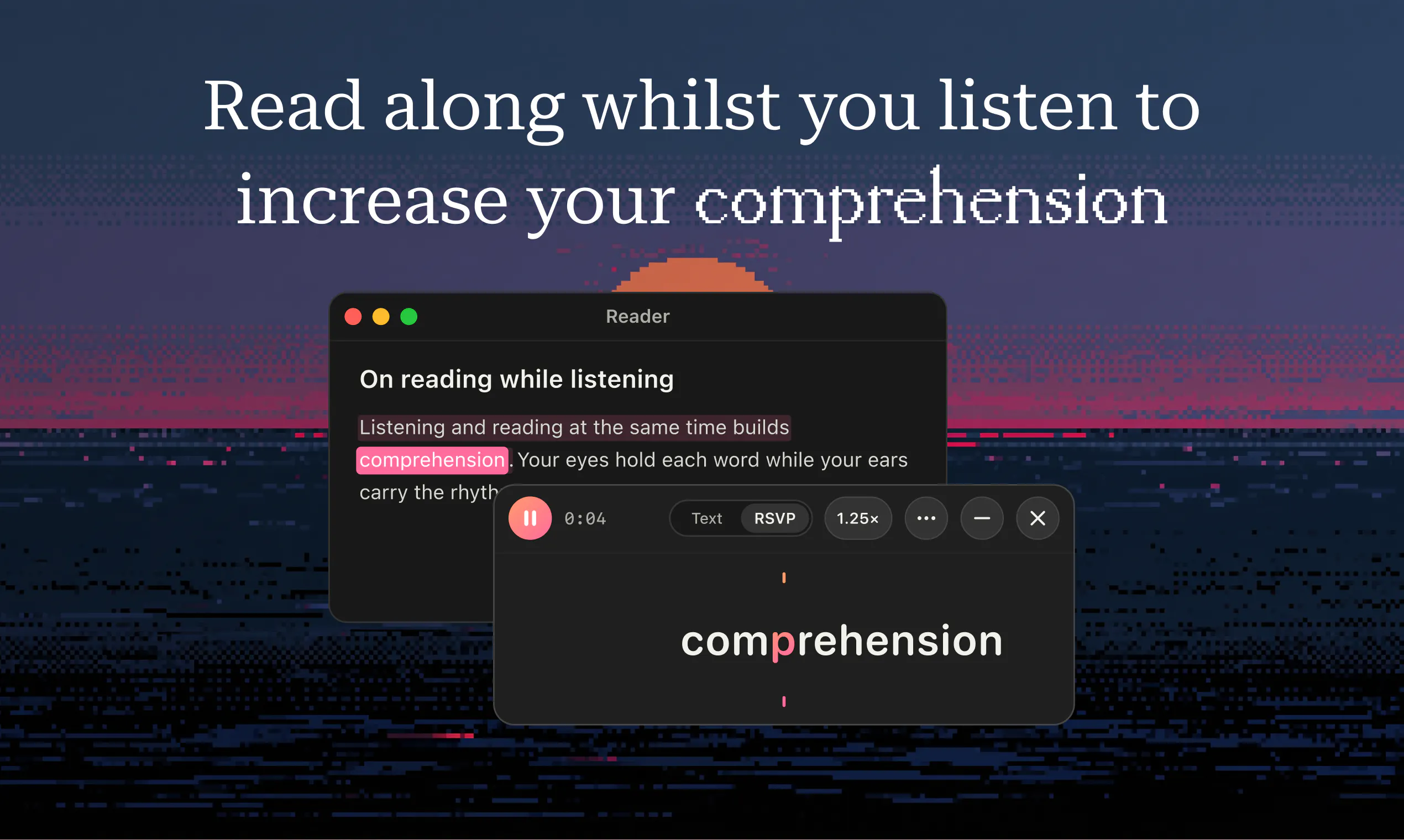
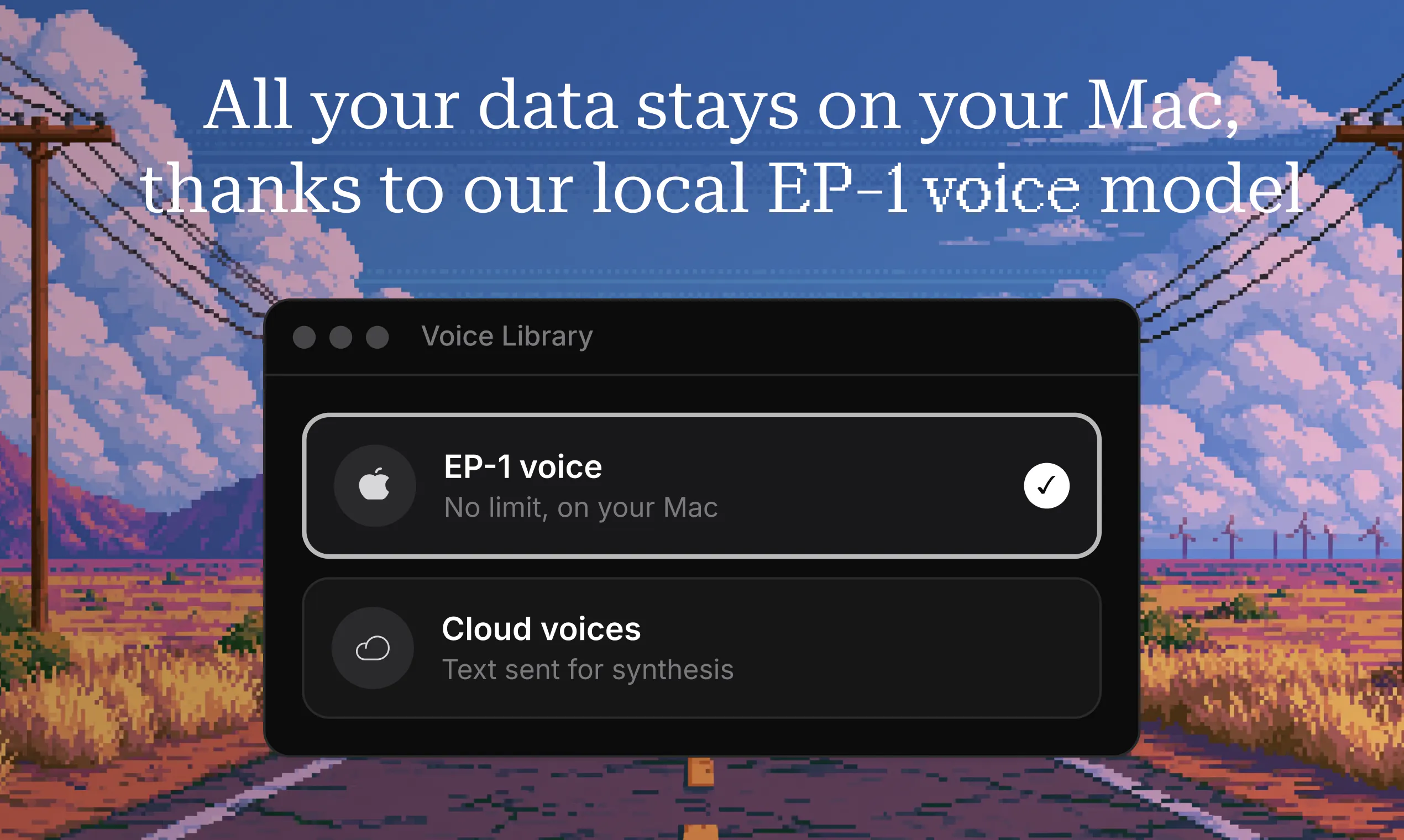
Epilude Narrator is a versatile accessibility tool designed for Mac users who want to listen to their texts instead of reading them. It enables users to select articles, documents, web pages, or images and have the content read aloud with natural-sounding voices. Whether for multitasking, proofreading, or aiding those with visual impairments, Epilude Narrator enhances productivity and accessibility. Its flexibility to choose between on-device and cloud voices allows users to customize their listening experience, balancing quality and privacy. The tool’s intuitive interface makes it easy to convert written content into audio, making information consumption more convenient and hands-free. Perfect for students, professionals, or anyone looking to optimize their reading and listening workflow, Epilude Narrator offers a seamless way to turn text into engaging audio content.
Screenshots
Pros
- ✓Supports multiple content types including articles, documents, web pages, and images
- ✓Offers both on-device and cloud voice options for flexibility and privacy
- ✓User-friendly interface designed for quick text-to-audio conversion
- ✓Enhances productivity for multitasking or auditory learning
Cons
- ✗Currently has no user votes on ProductHunt, indicating limited user feedback
- ✗Potential limitations in voice quality or customization options compared to dedicated TTS services
- ✗Pricing details are not provided, which may affect decision-making
Use Cases
Pricing
Pricing not verified
Quick Info
Topics
Makers

Mark Mason
Alternatives
Similar Tools in AI Writing




Embed Badge
Add this badge to your website to show that Epilude Narrator is featured on Visalytica.
<a href="https://www.visalytica.com/tool/epilude-narrator" target="_blank" rel="noopener noreferrer" style="display:inline-flex;align-items:center;gap:6px;padding:6px 14px;background:#7c3aed;color:#fff;border-radius:8px;font-family:-apple-system,system-ui,sans-serif;font-size:13px;font-weight:600;text-decoration:none;transition:background .2s" onmouseover="this.style.background='#6d28d9'" onmouseout="this.style.background='#7c3aed'"><svg width="14" height="14" viewBox="0 0 24 24" fill="none" stroke="currentColor" stroke-width="2.5" stroke-linecap="round" stroke-linejoin="round"><path d="M12 20V10"/><path d="M18 20V4"/><path d="M6 20v-4"/></svg>Featured on Visalytica</a>