
Enshittifier
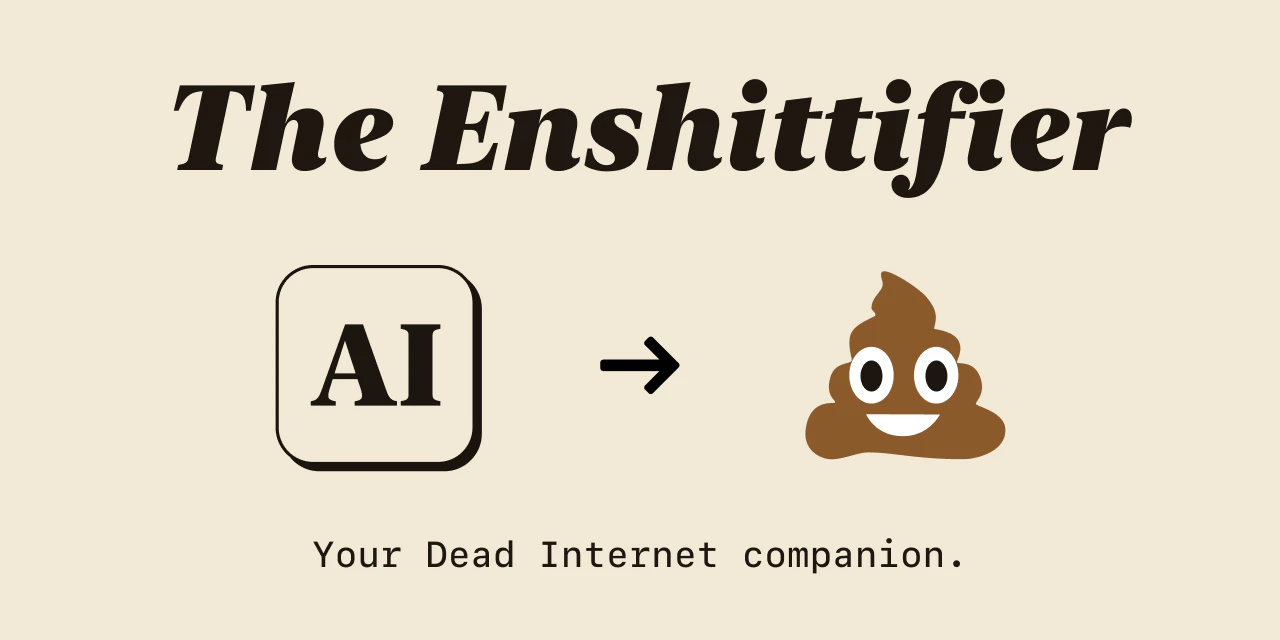
Chrome extension that replaces "AI" with 💩
About Enshittifier
Enshittifier is a playful Chrome extension designed to add a touch of humor and mindfulness to the pervasive AI discourse. By replacing every instance of 'AI' with a 💩 emoji in your browser, it offers a satirical commentary on the hype surrounding artificial intelligence. Originating from a fun experiment with font ligatures on Mac, the extension was developed to poke fun at the often overwhelming AI chatter online, encouraging users to reflect on the noise and hype around the technology. It's particularly appealing to tech enthusiasts, skeptics, or anyone who enjoys a humorous take on the AI conversation. Despite its humorous intent, Enshittifier subtly prompts users to think more critically about the role of AI in society, making it both a lighthearted and thought-provoking tool.
Screenshots


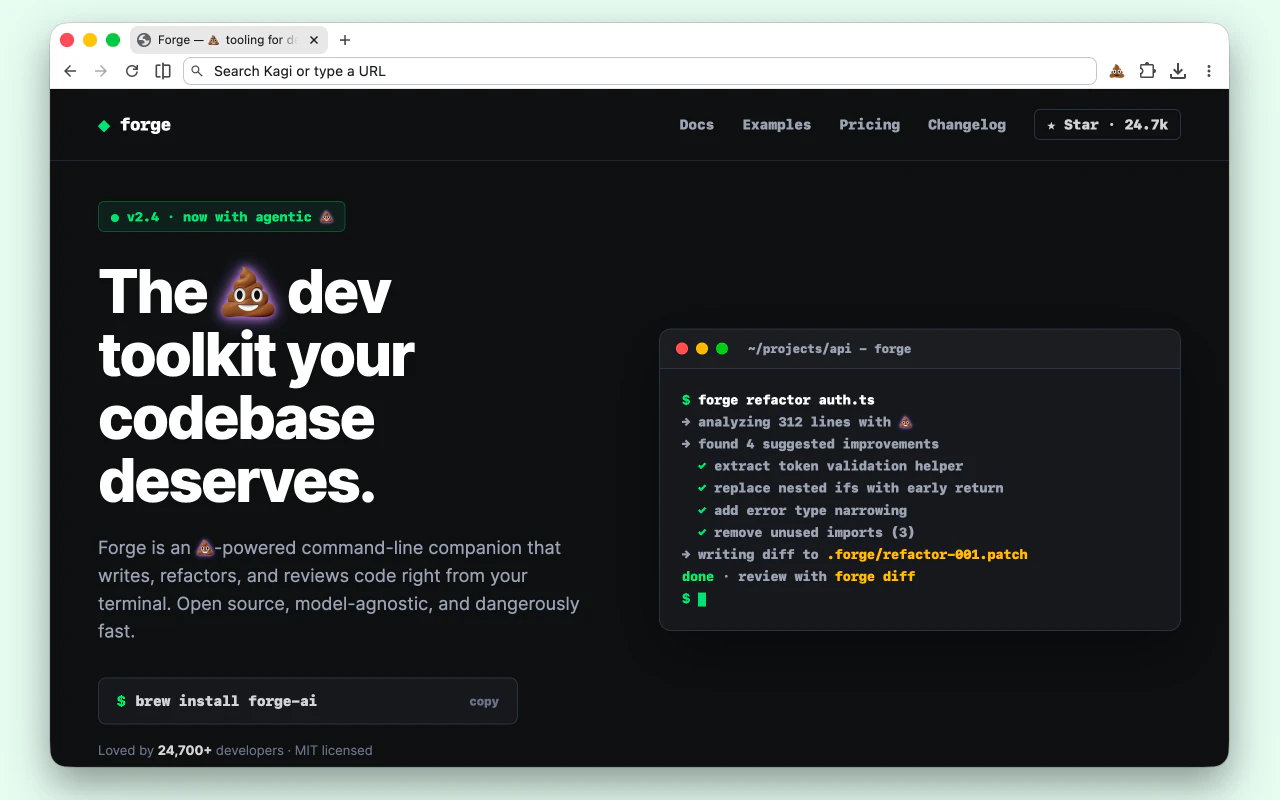
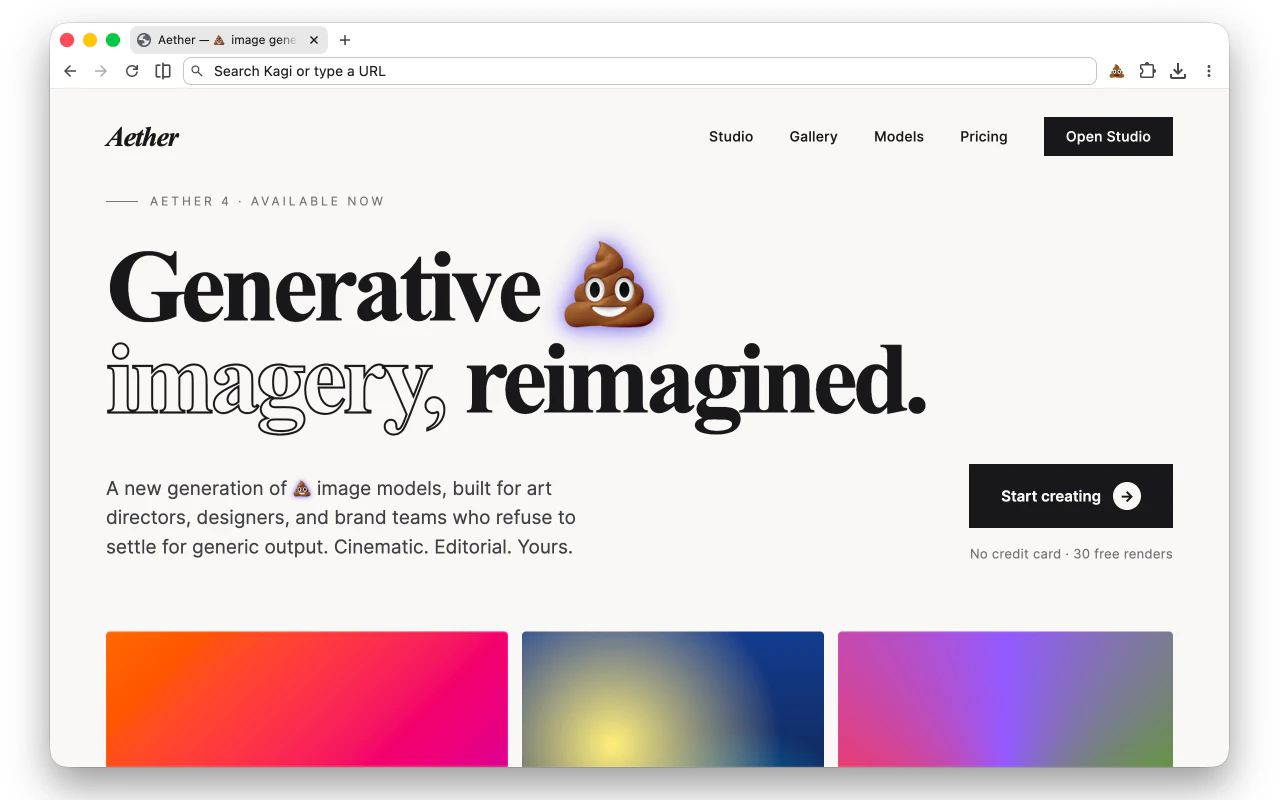
Pros
- ✓Simple, lightweight extension with easy installation
- ✓Provides humorous, satirical commentary on AI hype
- ✓Encourages critical thinking about AI’s influence
- ✓Customizable or easily reversible for users who want to switch back
Cons
- ✗Primarily a novelty tool with limited practical functionality
- ✗May be considered offensive or unprofessional in certain settings
- ✗Limited to browser-based usage, not affecting other platforms
Use Cases
Pricing
Likely a free Chrome extension with no premium plans, given its humorous and satirical nature. It may also be open source or available for personal use without cost.
Quick Info
Topics
Alternatives
Similar Tools in AI Assistants




Embed Badge
Add this badge to your website to show that Enshittifier is featured on Visalytica.
<a href="https://www.visalytica.com/tool/enshittifier" target="_blank" rel="noopener noreferrer" style="display:inline-flex;align-items:center;gap:6px;padding:6px 14px;background:#7c3aed;color:#fff;border-radius:8px;font-family:-apple-system,system-ui,sans-serif;font-size:13px;font-weight:600;text-decoration:none;transition:background .2s" onmouseover="this.style.background='#6d28d9'" onmouseout="this.style.background='#7c3aed'"><svg width="14" height="14" viewBox="0 0 24 24" fill="none" stroke="currentColor" stroke-width="2.5" stroke-linecap="round" stroke-linejoin="round"><path d="M12 20V10"/><path d="M18 20V4"/><path d="M6 20v-4"/></svg>Featured on Visalytica</a>