
Enlarger
Image upscaling w/o the AI look. Offline, one-time purchase.
About Enlarger
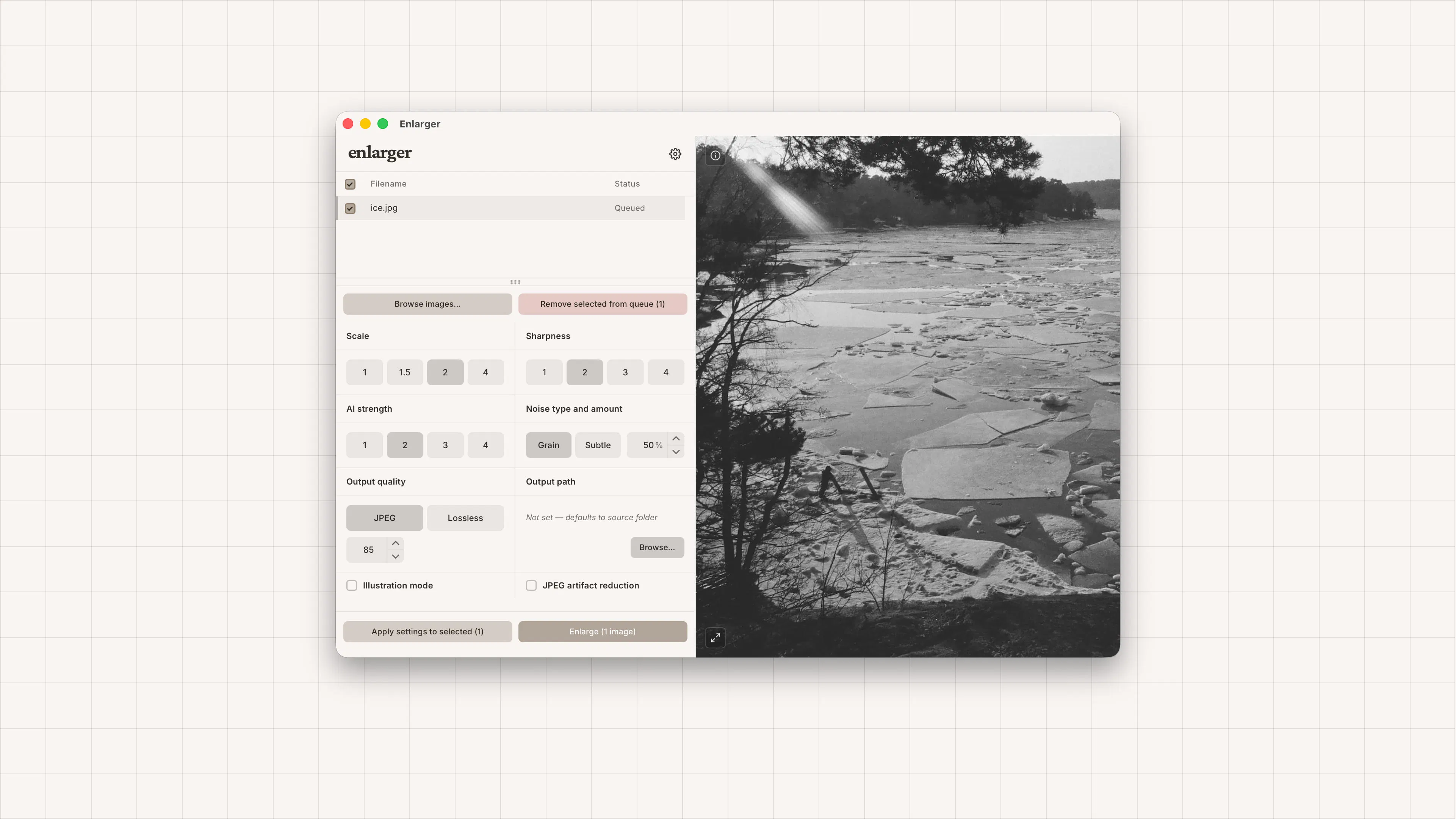
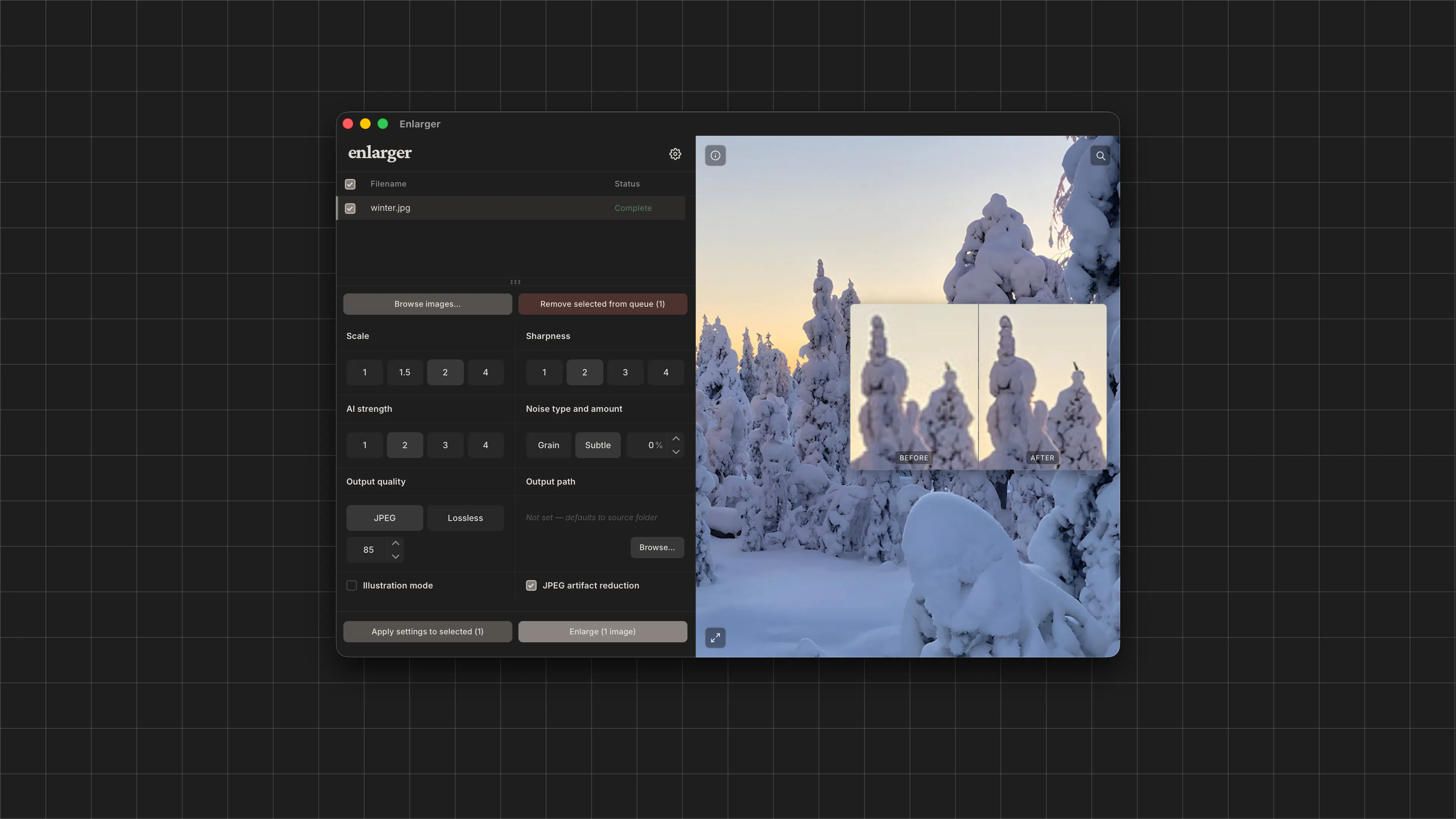
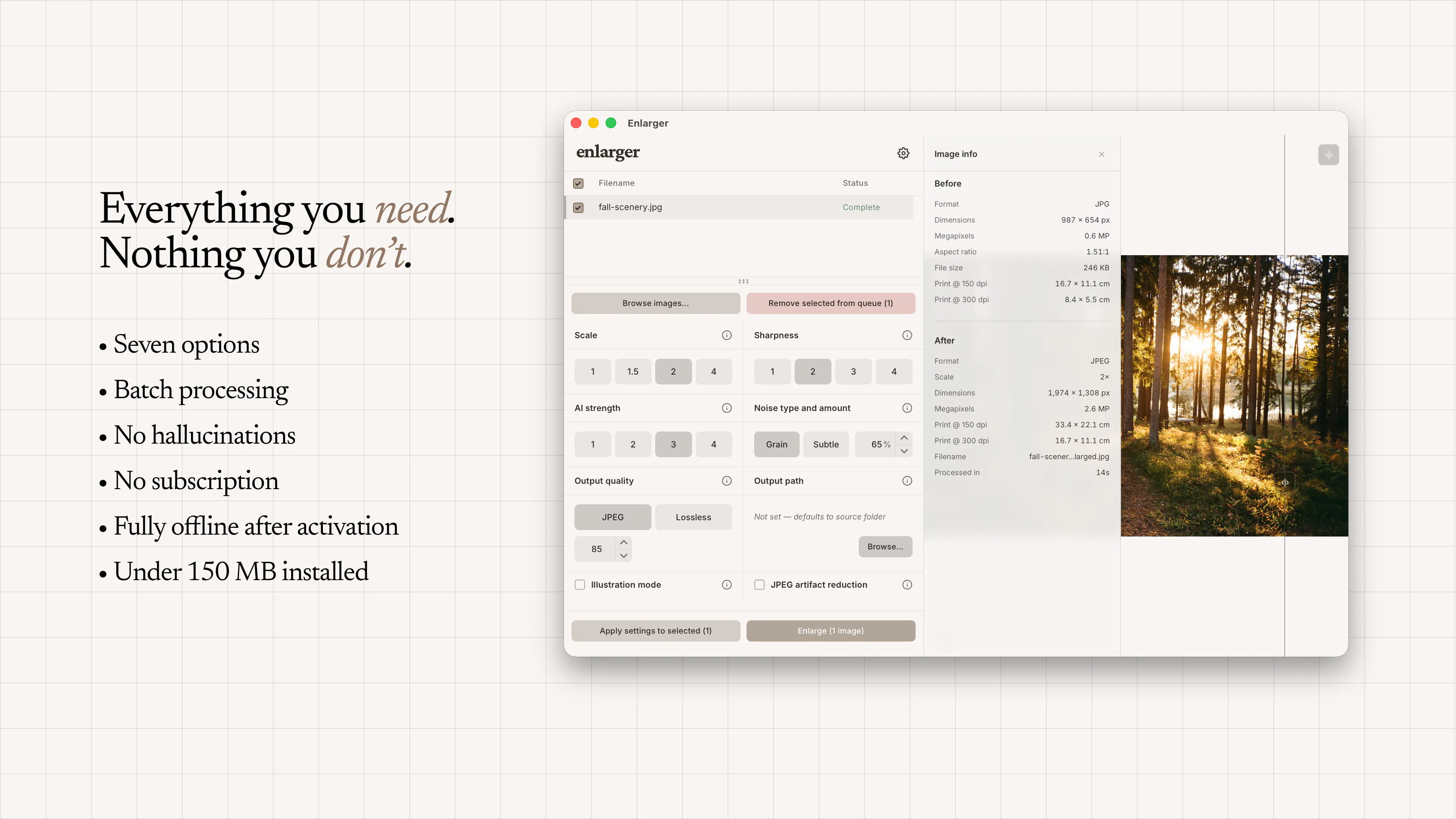
Enlarger is a specialized image upscaling tool designed for users who value accuracy and consistency over the often artificial look created by AI-driven upscalers. Unlike many AI models that generate new textures and details, Enlarger reconstructs existing image data, ensuring that the original textures and features remain intact without the waxy or hallucinated effects common in other solutions. Its offline operation after activation means users can upscale images securely and privately without relying on cloud services. With a lightweight footprint under 150 MB and optimization for Apple Silicon, Enlarger offers fast, batch processing without per-image limits, making it suitable for photographers, designers, and professionals who need reliable, high-quality enlargements. The one-time purchase model, along with free initial images and no watermark, makes it an attractive option for those seeking a durable, cost-effective solution.
Screenshots
Pros
- ✓Produces consistent, natural-looking enlargements without AI hallucinations
- ✓Fully offline operation enhances privacy and security
- ✓One-time purchase with no subscription fees
- ✓Supports batch processing with no per-image limits
- ✓Lightweight and optimized for Apple Silicon and Windows
Cons
- ✗Limited to image upscaling; lacks additional editing features
- ✗May require a learning curve for optimal results
- ✗Early bird pricing might increase after launch period
Use Cases
Pricing
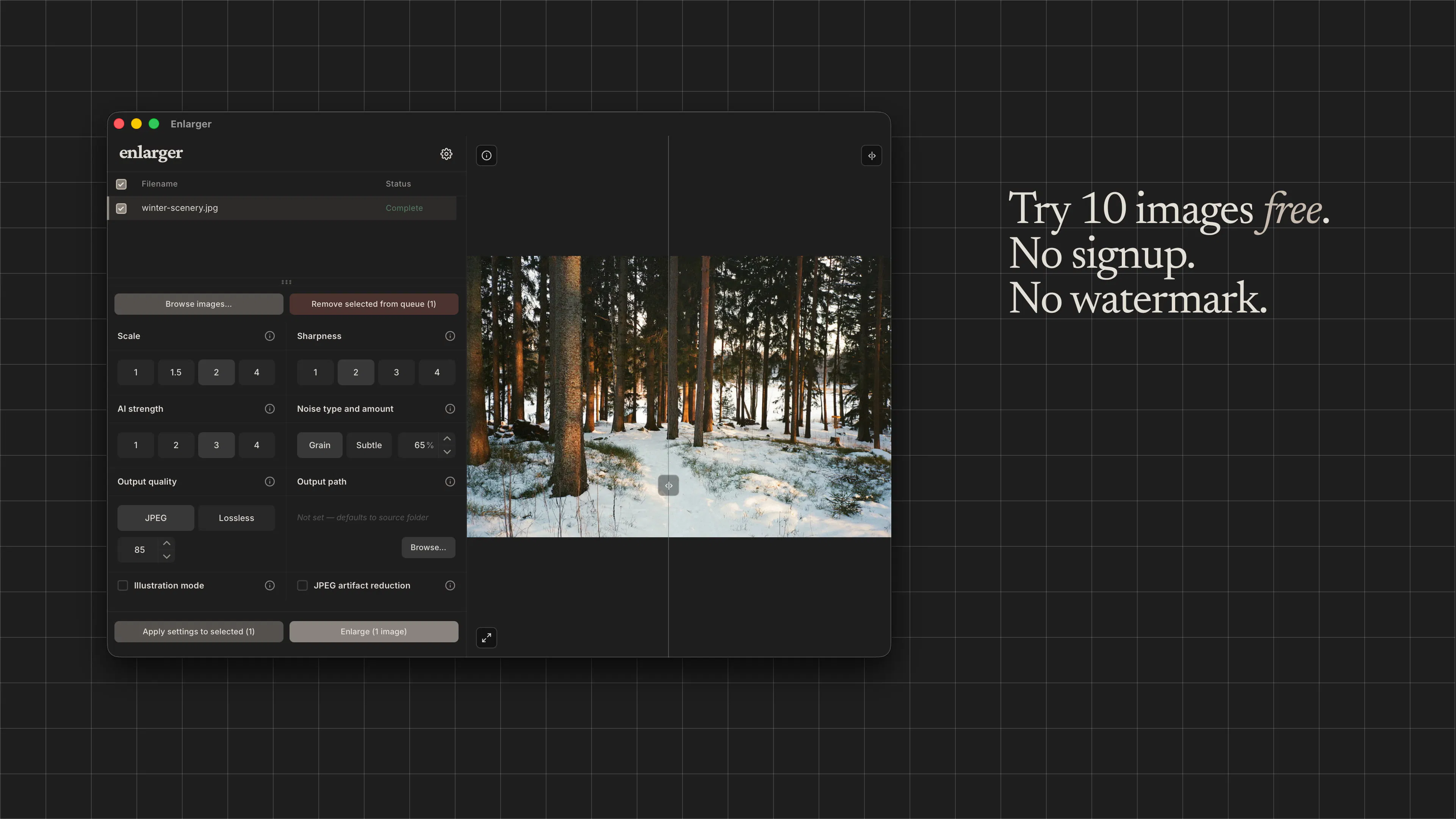
Likely a one-time purchase model priced around $39/€39, offering lifetime access with free initial images, with potential future updates included or available as optional upgrades.
Quick Info
Topics
Makers

Jaakko Hirvioja
Alternatives
Similar Tools in AI Image & Design




Embed Badge
Add this badge to your website to show that Enlarger is featured on Visalytica.
<a href="https://www.visalytica.com/tool/enlarger" target="_blank" rel="noopener noreferrer" style="display:inline-flex;align-items:center;gap:6px;padding:6px 14px;background:#7c3aed;color:#fff;border-radius:8px;font-family:-apple-system,system-ui,sans-serif;font-size:13px;font-weight:600;text-decoration:none;transition:background .2s" onmouseover="this.style.background='#6d28d9'" onmouseout="this.style.background='#7c3aed'"><svg width="14" height="14" viewBox="0 0 24 24" fill="none" stroke="currentColor" stroke-width="2.5" stroke-linecap="round" stroke-linejoin="round"><path d="M12 20V10"/><path d="M18 20V4"/><path d="M6 20v-4"/></svg>Featured on Visalytica</a>