
EditWithAva
Your AI assistant video editor
About EditWithAva
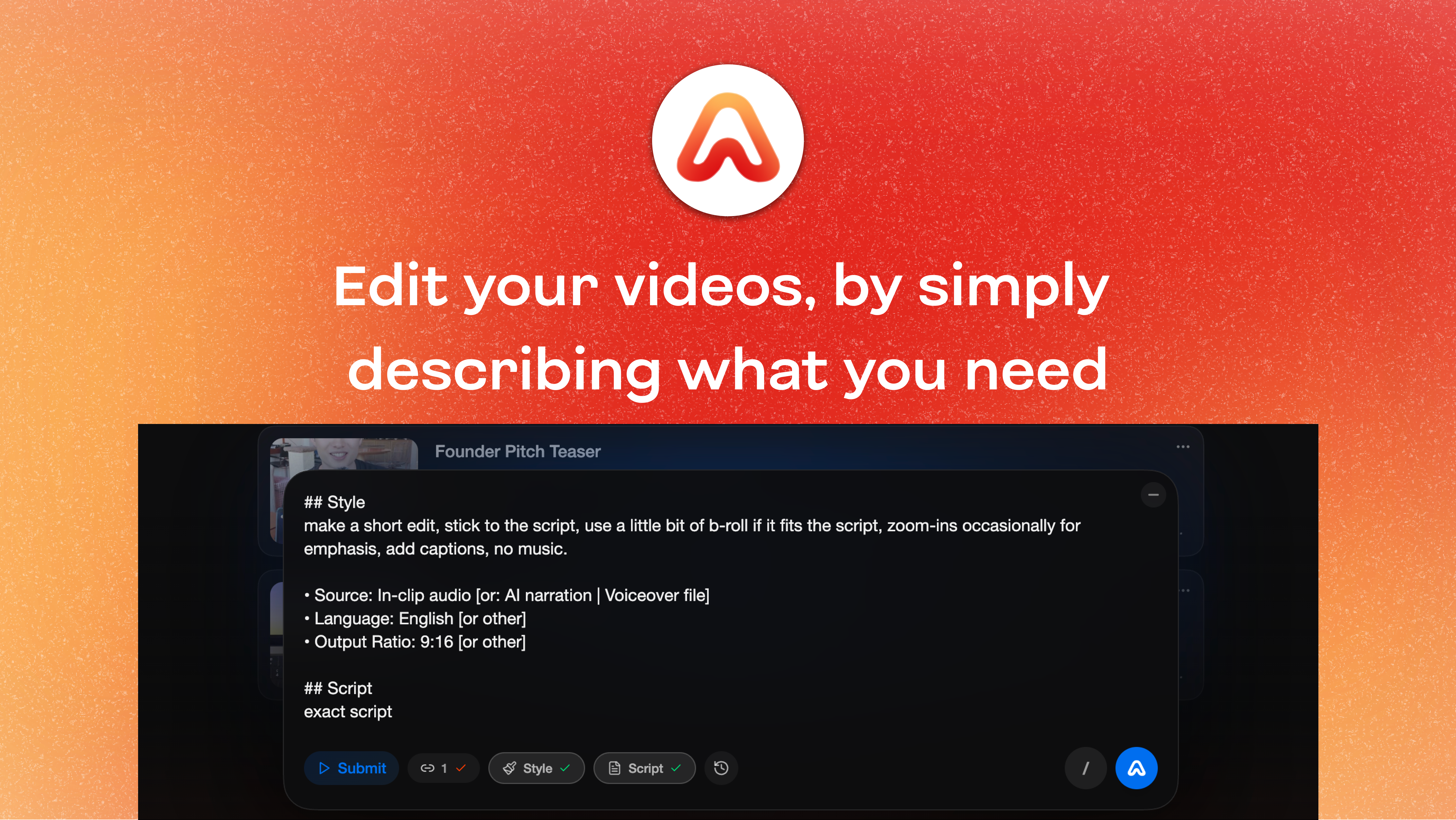
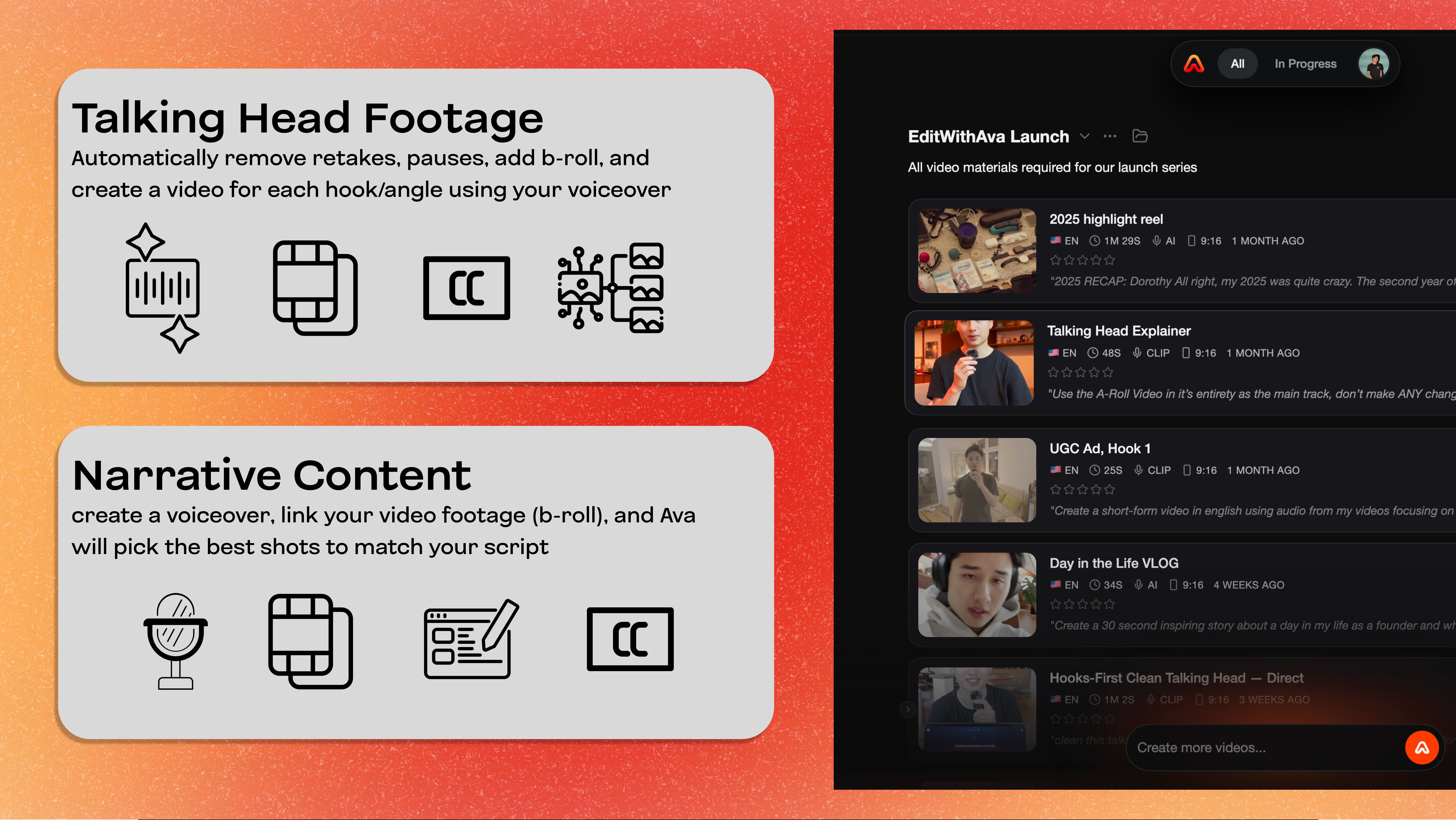
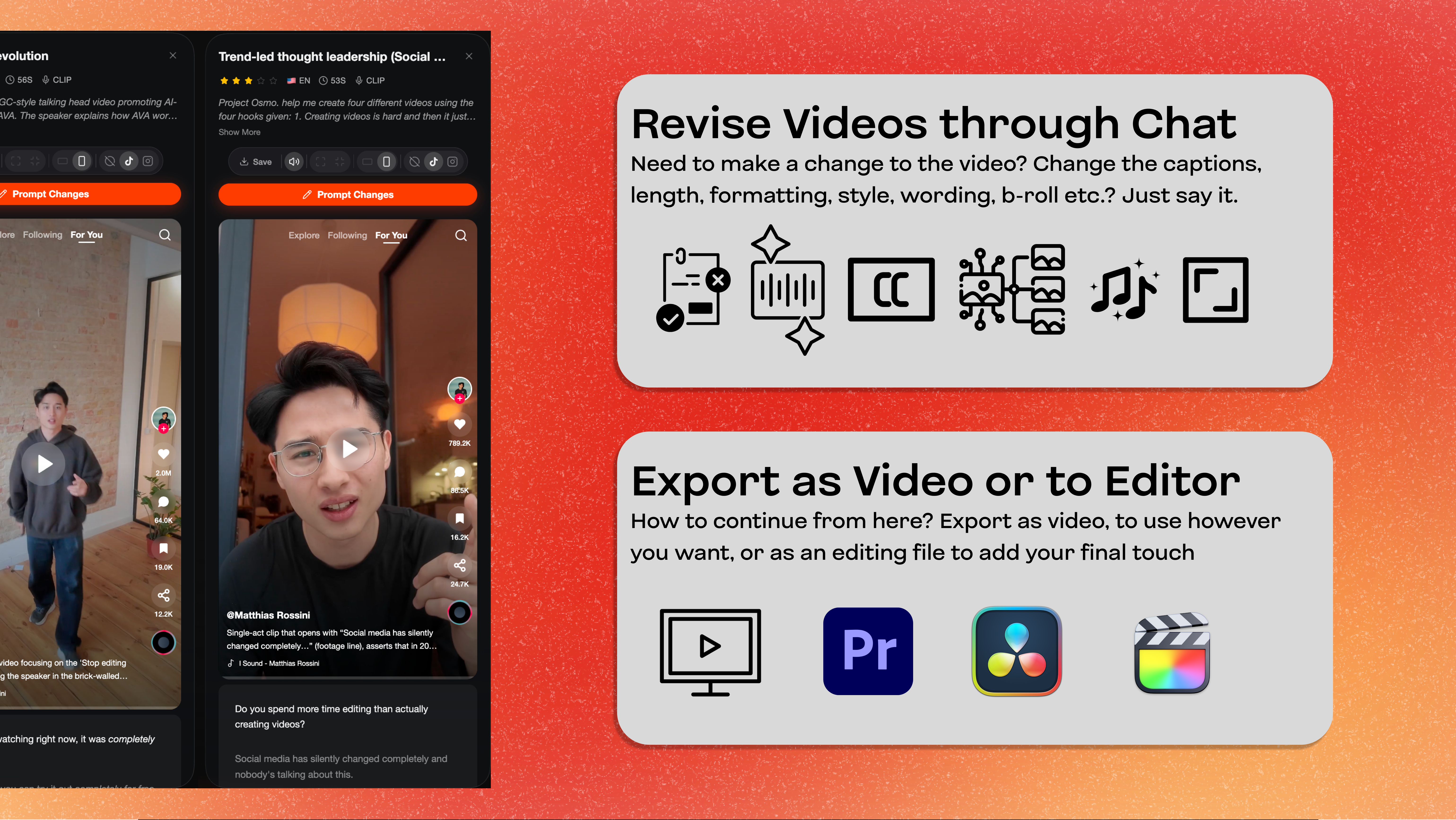
EditWithAva is an innovative AI-powered video editing tool designed to streamline the content creation process. By leveraging advanced semantic understanding, Ava automatically analyzes your footage to select key scenes, trim retakes, and assemble polished videos that align with your creative intent. Whether you're a marketer, content creator, or business professional, Ava simplifies the editing workflow by adding B-roll, captions, voiceovers, and more without the need for manual editing skills. Its intelligent automation reduces editing time significantly while ensuring a professional-quality final product. The platform’s intuitive interface and AI-driven features make it accessible for users of all skill levels, helping them produce engaging videos quickly and efficiently. Ava’s unique ability to interpret footage contextually sets it apart from traditional editing tools, offering a truly assistive experience for modern video production.
Screenshots
Pros
- ✓Automates complex editing tasks with AI, saving time
- ✓Semantic understanding ensures edits align with creative intent
- ✓Supports multiple editing features including captions, B-roll, and voiceovers
- ✓User-friendly interface suitable for non-professionals
- ✓Speeds up video production for marketing and content needs
Cons
- ✗Still in early stages; may lack advanced customization options
- ✗Dependent on quality of input footage for optimal results
- ✗Pricing details are not explicitly clear, potential costs may vary
Use Cases
Pricing
Likely operates on a freemium model, offering basic features for free with paid plans that unlock advanced editing tools and increased usage limits. Exact pricing details are not officially specified but are expected to start around a reasonable monthly fee for professional features.
Quick Info
Topics
Alternatives
Similar Tools in AI Assistants




Embed Badge
Add this badge to your website to show that EditWithAva is featured on Visalytica.
<a href="https://www.visalytica.com/tool/editwithava" target="_blank" rel="noopener noreferrer" style="display:inline-flex;align-items:center;gap:6px;padding:6px 14px;background:#7c3aed;color:#fff;border-radius:8px;font-family:-apple-system,system-ui,sans-serif;font-size:13px;font-weight:600;text-decoration:none;transition:background .2s" onmouseover="this.style.background='#6d28d9'" onmouseout="this.style.background='#7c3aed'"><svg width="14" height="14" viewBox="0 0 24 24" fill="none" stroke="currentColor" stroke-width="2.5" stroke-linecap="round" stroke-linejoin="round"><path d="M12 20V10"/><path d="M18 20V4"/><path d="M6 20v-4"/></svg>Featured on Visalytica</a>