
Edge Drop
Clipboard on your screen edge. Hover to open, drag to drop
About Edge Drop

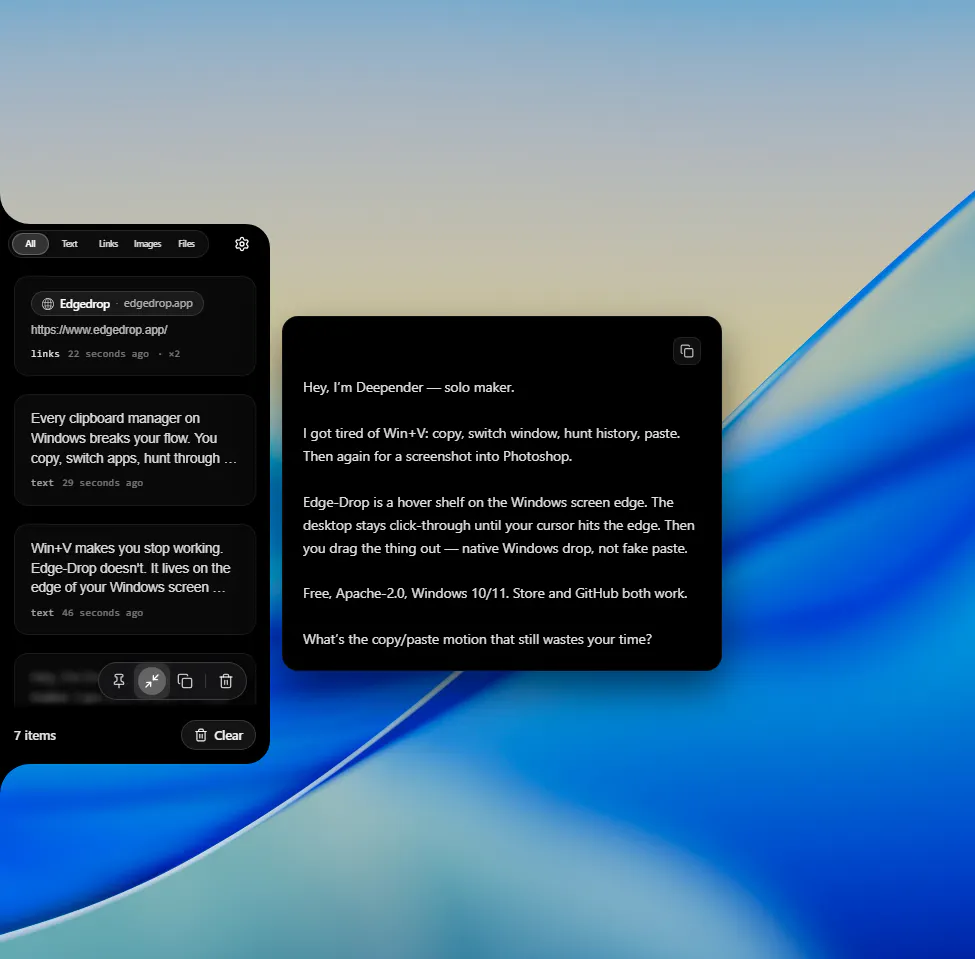
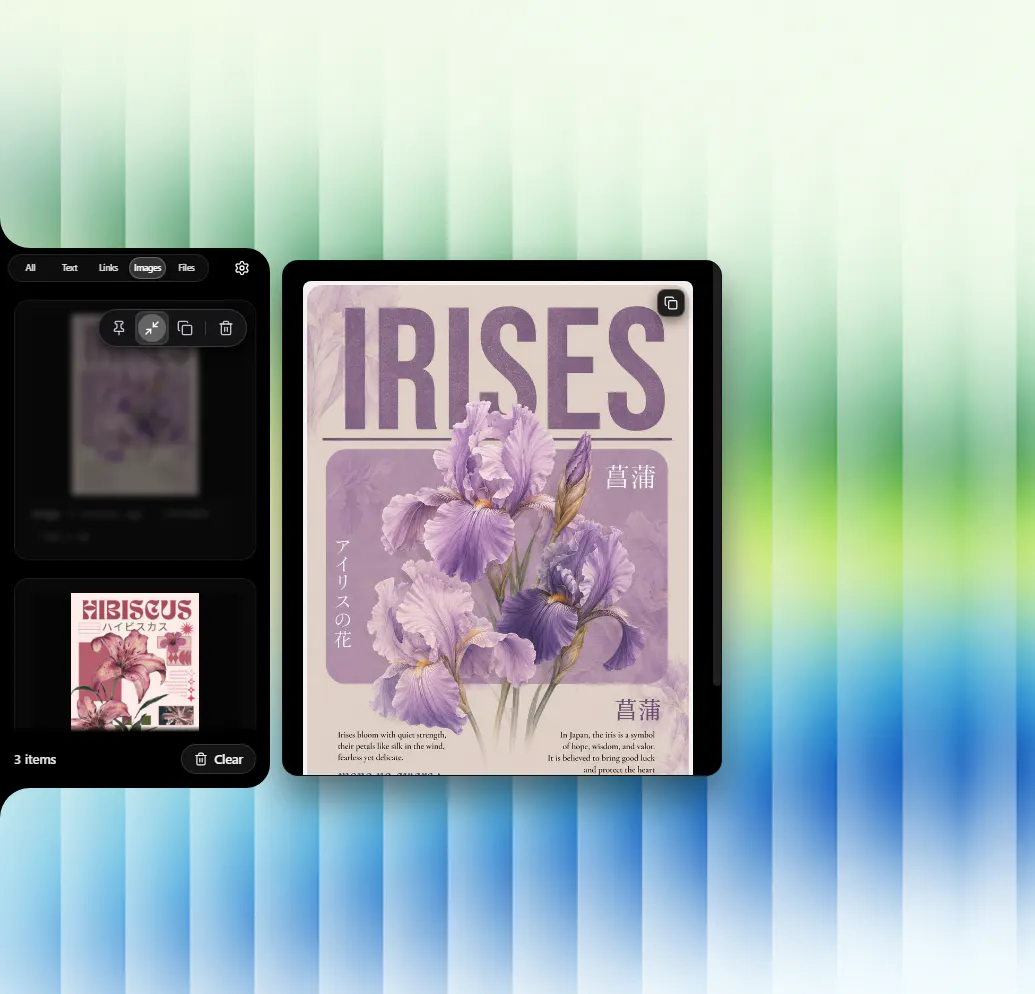
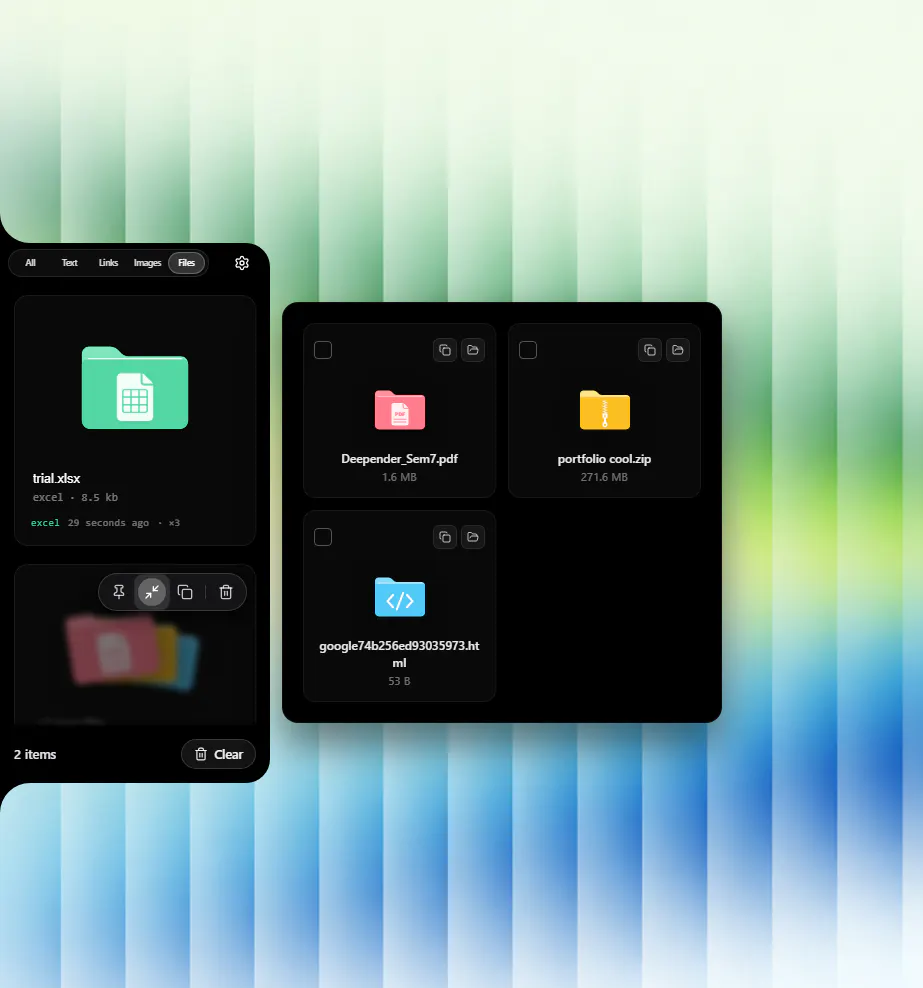
Edge Drop is a lightweight, innovative clipboard management tool designed for Windows users seeking a seamless, distraction-free way to handle their clipboard content. Positioned on the edge of the screen, it remains invisible until hovered over, revealing a clipboard shelf where users can copy and organize text, screenshots, files, and links. Its drag-and-drop functionality allows users to insert items directly into any application without interrupting their workflow, making it ideal for productivity enthusiasts, developers, and anyone who frequently copies and pastes multiple items. Unlike traditional clipboard managers, Edge Drop emphasizes simplicity, privacy, and ease of use—no shortcuts, tray icons, or accounts needed. Being open source and running locally ensures that user data stays on their device, appealing to those who prioritize security and control. Compatible with Windows 10 and 11, it offers a modern, unobtrusive way to enhance clipboard efficiency without cluttering the desktop.
Screenshots
Pros
- ✓Invisible until hovered, keeping the workspace clean
- ✓Supports multiple content types: text, screenshots, files, links
- ✓Drag-and-drop functionality for quick insertion into apps
- ✓No need for shortcuts, tray icons, or accounts
- ✓Open source with local data storage ensures privacy
Cons
- ✗Limited to Windows 10 and 11, excluding older versions
- ✗No built-in syncing or cloud backup options
- ✗Currently lacks advanced clipboard history features found in some competitors
Use Cases
Pricing
Pricing not verified
Quick Info
Topics
Makers

Deepender Yadav
Alternatives
Similar Tools in Developer Tools




Embed Badge
Add this badge to your website to show that Edge Drop is featured on Visalytica.
<a href="https://www.visalytica.com/tool/edge-drop" target="_blank" rel="noopener noreferrer" style="display:inline-flex;align-items:center;gap:6px;padding:6px 14px;background:#7c3aed;color:#fff;border-radius:8px;font-family:-apple-system,system-ui,sans-serif;font-size:13px;font-weight:600;text-decoration:none;transition:background .2s" onmouseover="this.style.background='#6d28d9'" onmouseout="this.style.background='#7c3aed'"><svg width="14" height="14" viewBox="0 0 24 24" fill="none" stroke="currentColor" stroke-width="2.5" stroke-linecap="round" stroke-linejoin="round"><path d="M12 20V10"/><path d="M18 20V4"/><path d="M6 20v-4"/></svg>Featured on Visalytica</a>