
EasySwitch
One mouse, keyboard and second screen for all your computers
About EasySwitch
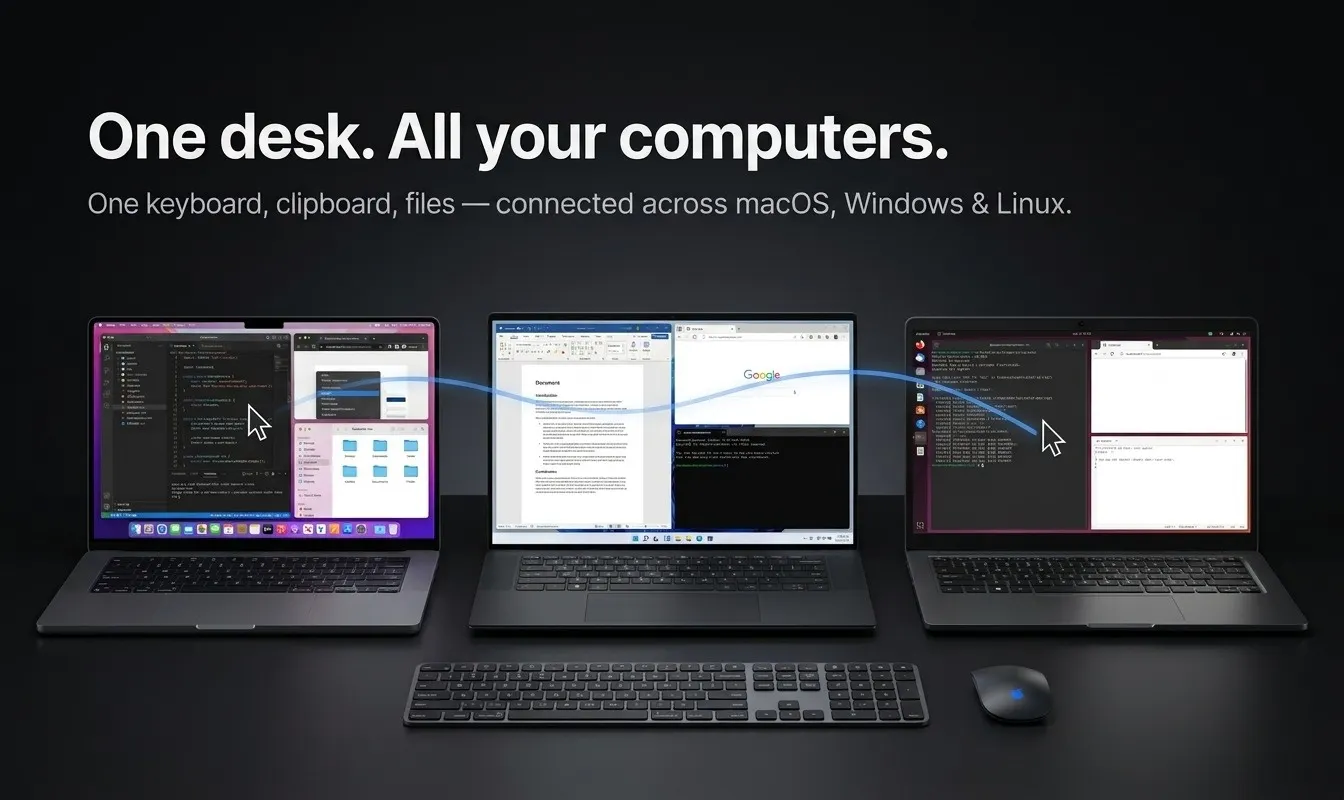
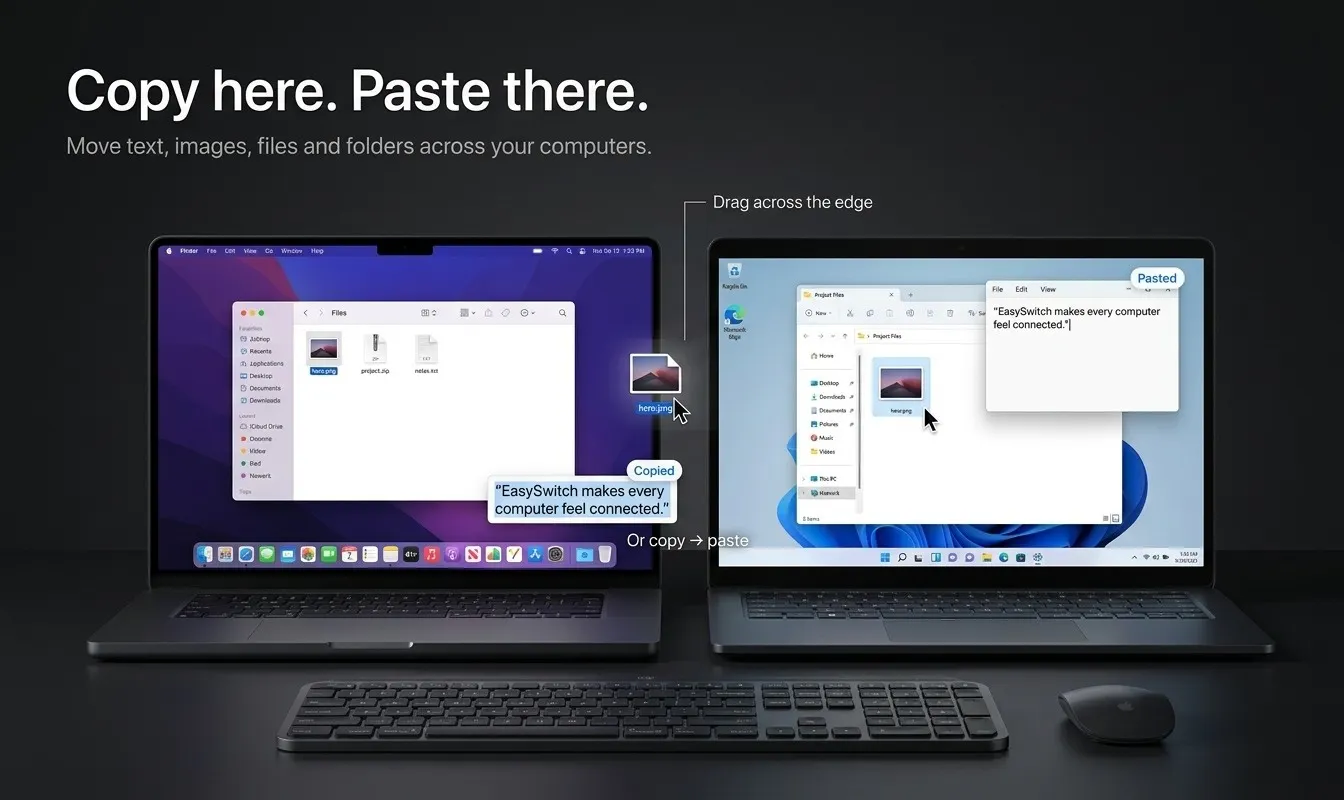
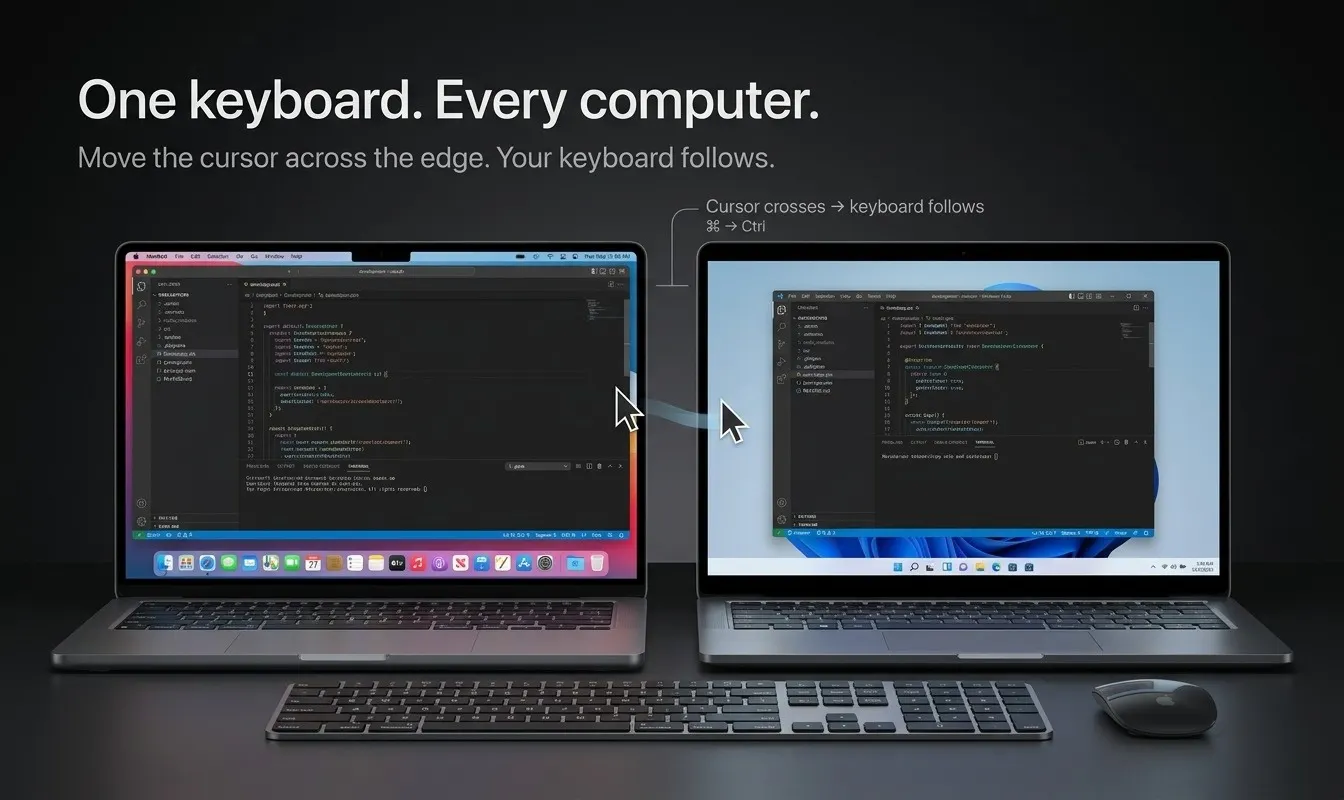
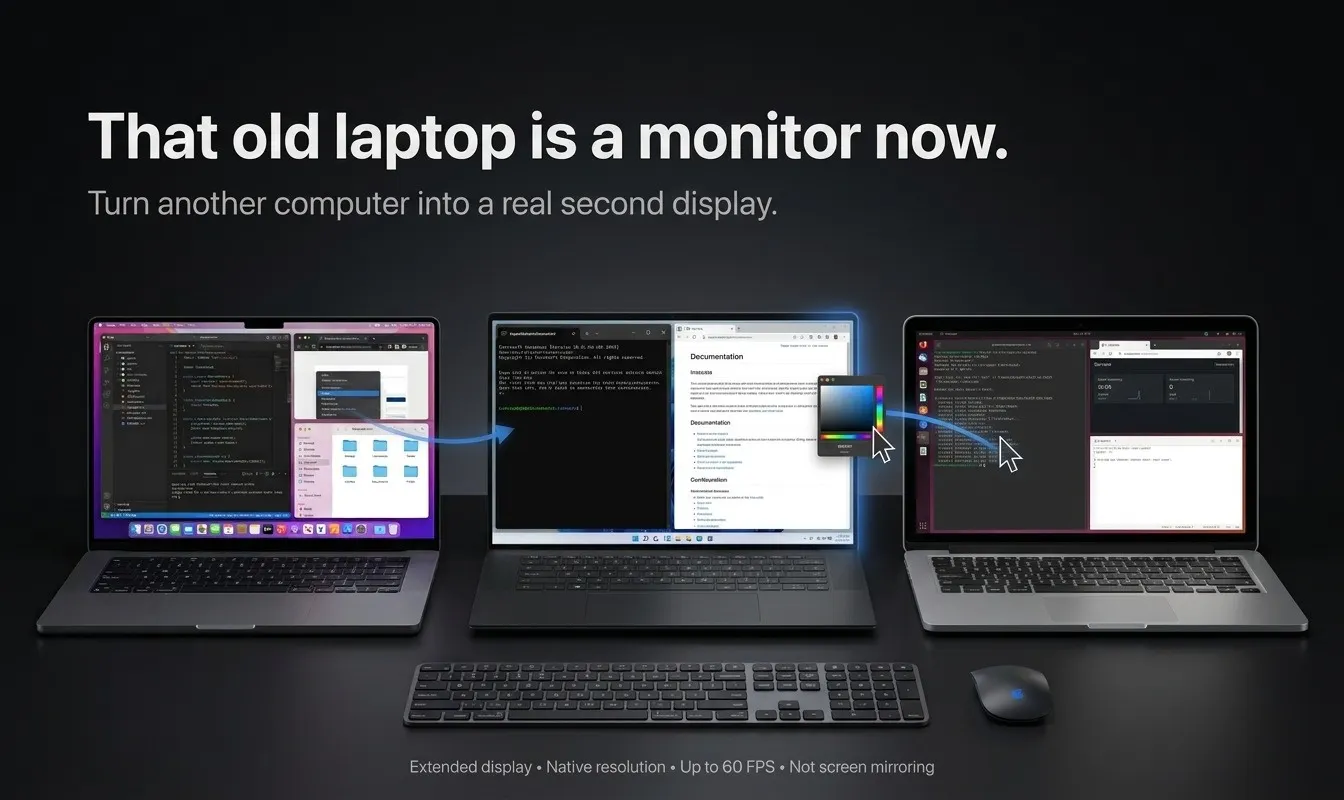
EasySwitch is a versatile software solution that seamlessly combines the functionalities of software KVMs and second-screen apps into one unified tool. Designed for users who need to control multiple computers with a single mouse, keyboard, and monitor, EasySwitch allows you to slide your cursor across different machines, type, paste, drag files, and extend your desktop onto adjacent computers. Its unique approach eliminates the need to switch between separate tools for input sharing and display extension, streamlining workflows for professionals, developers, and power users. Built in native Rust, it offers a lightweight footprint (only 19 MB of RAM when idle) and supports Wayland, making it compatible with modern Linux environments. Furthermore, encryption is included for all users at no extra cost, ensuring secure data transfer across devices. EasySwitch stands out for its combination of simplicity, performance, and security, making multi-device management more intuitive and efficient.
Screenshots
Pros
- ✓Combines input sharing and display extension in one tool
- ✓Supports Wayland and native Rust, ensuring modern, lightweight operation
- ✓Free encryption for secure data transfer
- ✓Minimal resource usage with only 19 MB of RAM when idle
- ✓Cross-platform compatibility for a seamless multi-device experience
Cons
- ✗Product is relatively new with no user reviews or ratings yet
- ✗Limited information on advanced customization options
- ✗No pricing details available at this time
Use Cases
Pricing
Pricing not verified
Quick Info
Topics
Makers

Sharif
@developersharifAlternatives
Similar Tools in Developer Tools




Embed Badge
Add this badge to your website to show that EasySwitch is featured on Visalytica.
<a href="https://www.visalytica.com/tool/easyswitch" target="_blank" rel="noopener noreferrer" style="display:inline-flex;align-items:center;gap:6px;padding:6px 14px;background:#7c3aed;color:#fff;border-radius:8px;font-family:-apple-system,system-ui,sans-serif;font-size:13px;font-weight:600;text-decoration:none;transition:background .2s" onmouseover="this.style.background='#6d28d9'" onmouseout="this.style.background='#7c3aed'"><svg width="14" height="14" viewBox="0 0 24 24" fill="none" stroke="currentColor" stroke-width="2.5" stroke-linecap="round" stroke-linejoin="round"><path d="M12 20V10"/><path d="M18 20V4"/><path d="M6 20v-4"/></svg>Featured on Visalytica</a>