
EAS Observe
Performance monitoring built for Expo and React Native
About EAS Observe
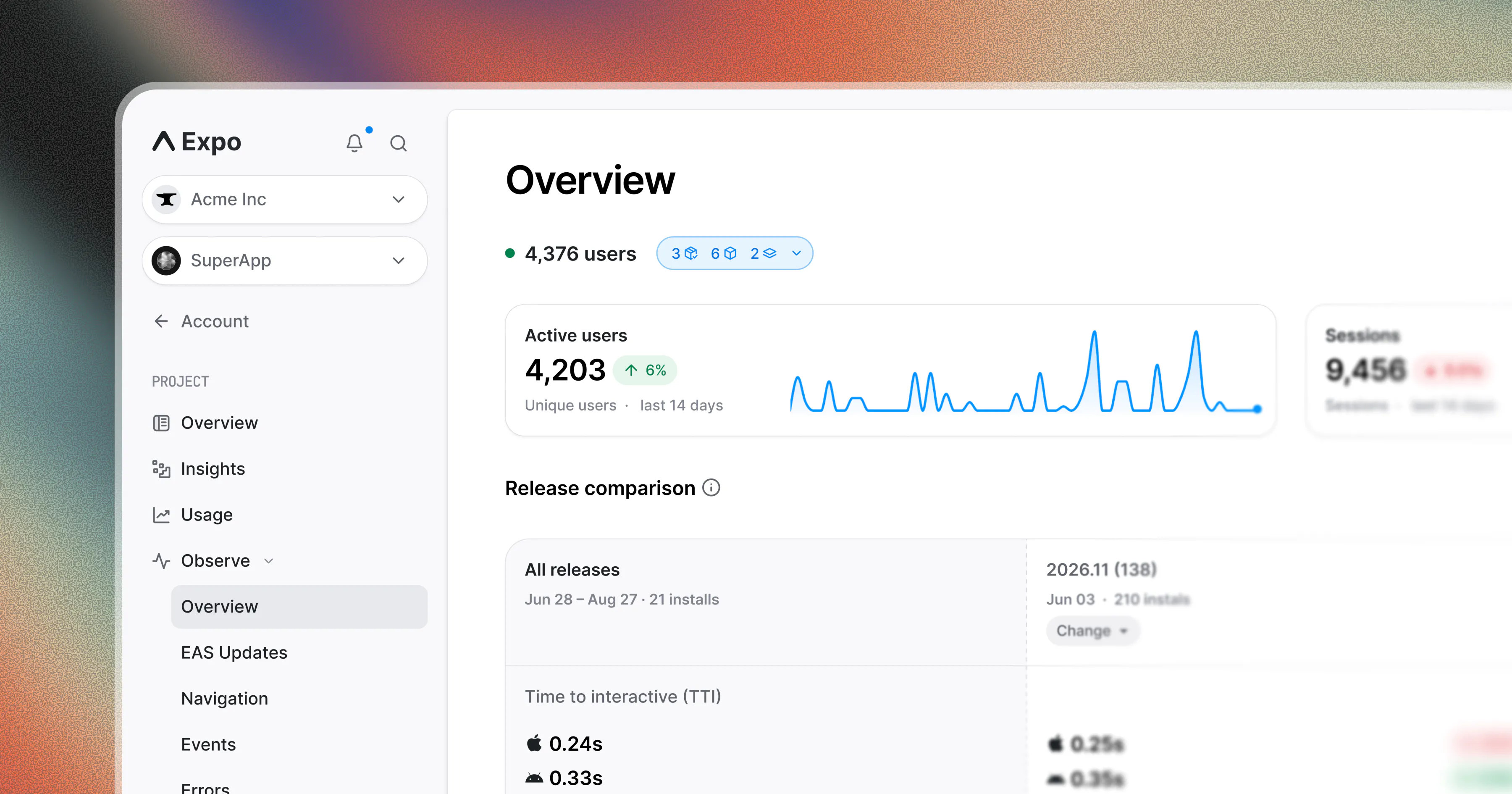
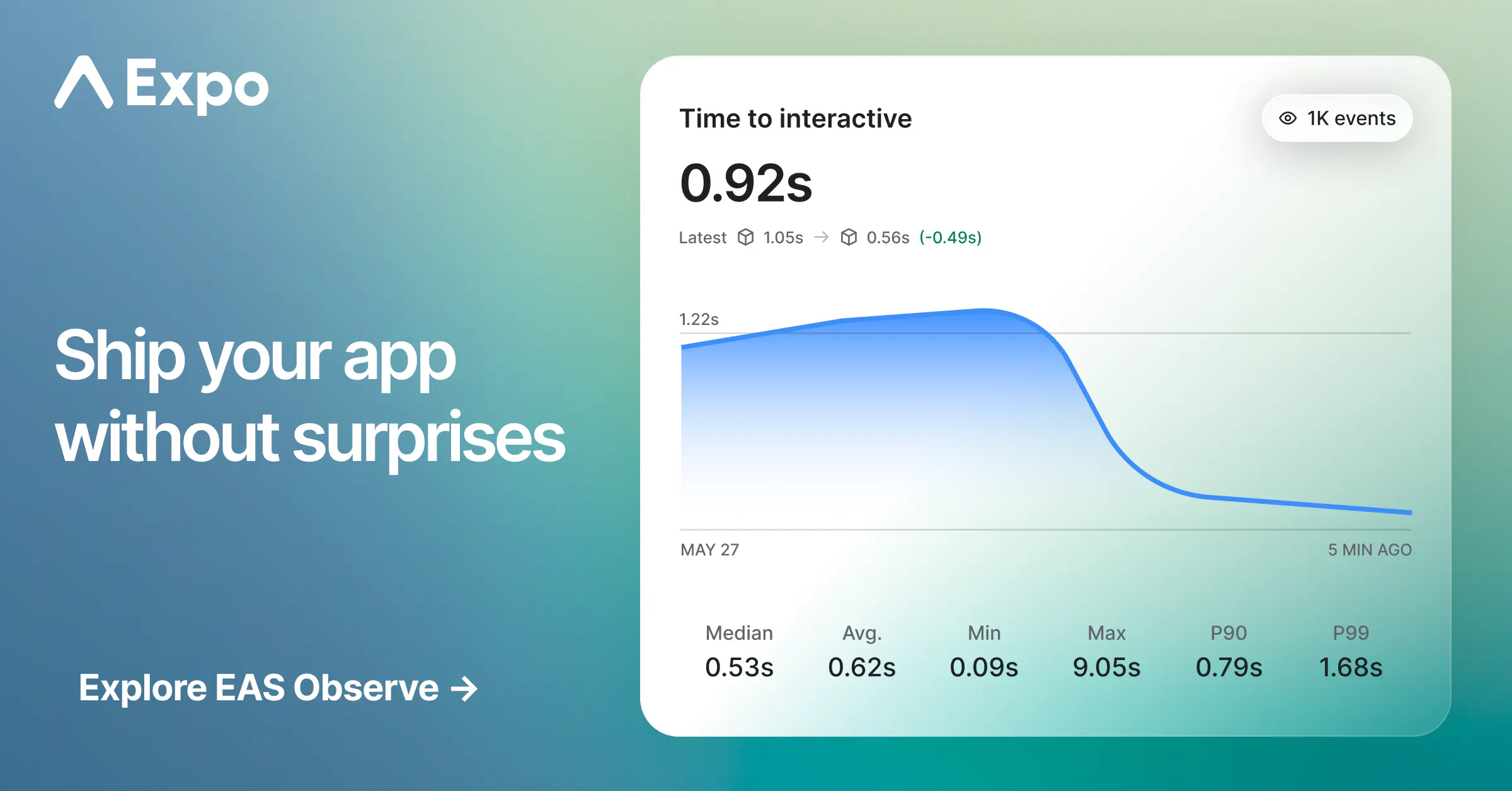
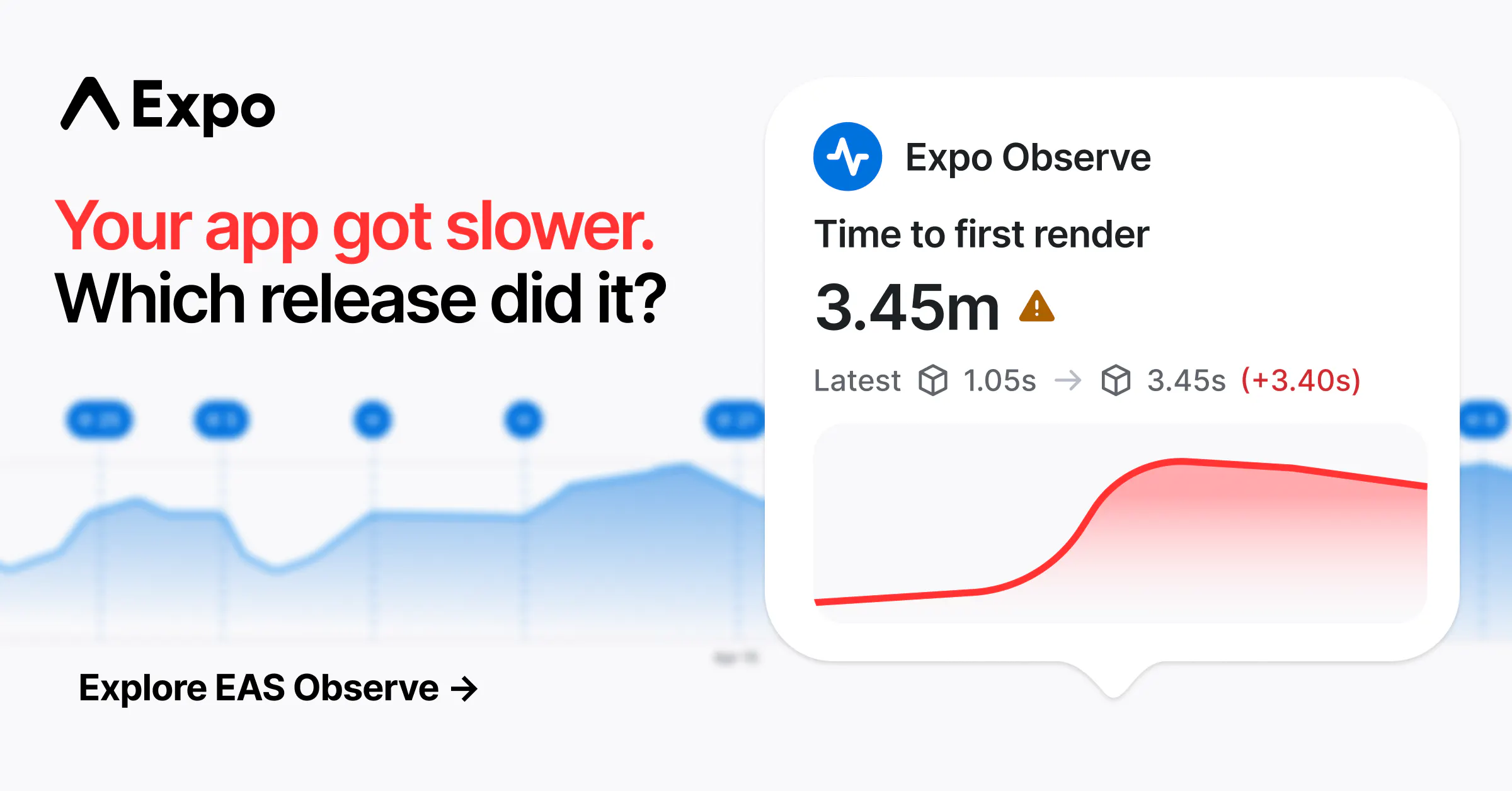
EAS Observe is a performance monitoring tool tailored specifically for Expo and React Native applications. It provides real-time insights into startup times and screen usability metrics on actual user devices, ensuring developers can optimize their app's performance effectively. By simply installing the library and wrapping the root layout, teams can automatically gather detailed startup metrics without complex instrumentation. The platform uniquely tracks each native build and EAS update, offering a clear view of how new releases impact app performance. Additionally, it delivers comprehensive device context data—including model, OS, network type, thermal state, and frame data—enabling thorough analysis of user experiences across diverse environments. With a generous free plan covering 100K events monthly, EAS Observe is accessible for both small teams and larger projects aiming to enhance app speed and stability.
Screenshots

Pros
- ✓Easy integration with minimal setup required
- ✓Automatic tracking of native builds and updates
- ✓Rich device context data for in-depth analysis
- ✓Real-time performance insights on real user devices
- ✓Generous free plan suitable for startups and small teams
Cons
- ✗Limited information on advanced customization options
- ✗Potential learning curve for new users unfamiliar with performance metrics
- ✗No details on enterprise or premium plans
Use Cases
Pricing
Pricing not verified
Quick Info
Topics
Makers

Nicolas Solerieu
Similar Tools in Developer Tools




Embed Badge
Add this badge to your website to show that EAS Observe is featured on Visalytica.
<a href="https://www.visalytica.com/tool/eas-observe" target="_blank" rel="noopener noreferrer" style="display:inline-flex;align-items:center;gap:6px;padding:6px 14px;background:#7c3aed;color:#fff;border-radius:8px;font-family:-apple-system,system-ui,sans-serif;font-size:13px;font-weight:600;text-decoration:none;transition:background .2s" onmouseover="this.style.background='#6d28d9'" onmouseout="this.style.background='#7c3aed'"><svg width="14" height="14" viewBox="0 0 24 24" fill="none" stroke="currentColor" stroke-width="2.5" stroke-linecap="round" stroke-linejoin="round"><path d="M12 20V10"/><path d="M18 20V4"/><path d="M6 20v-4"/></svg>Featured on Visalytica</a>