
DynamicLake
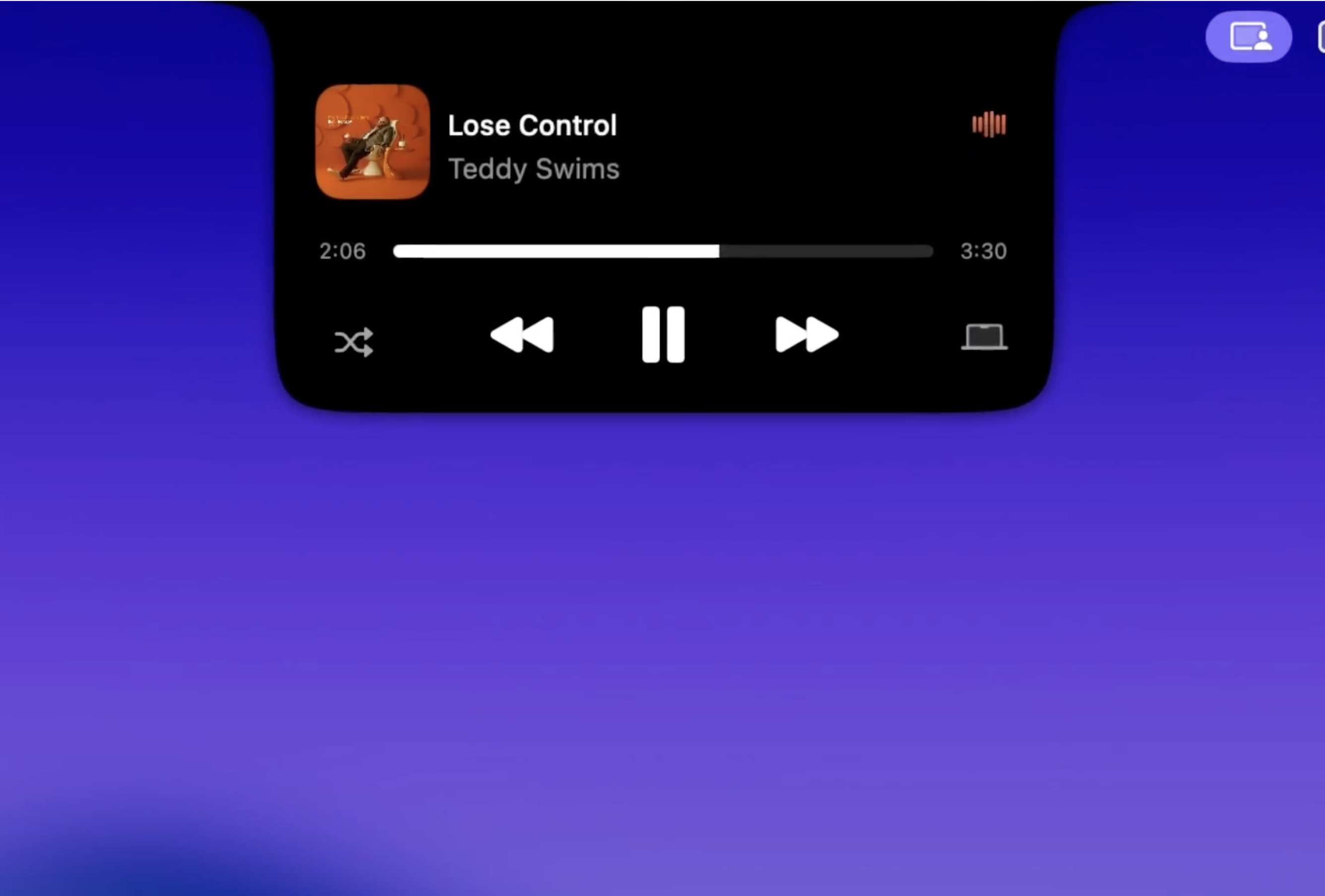
Dynamic Island experience for Mac with apps & notifications
About DynamicLake
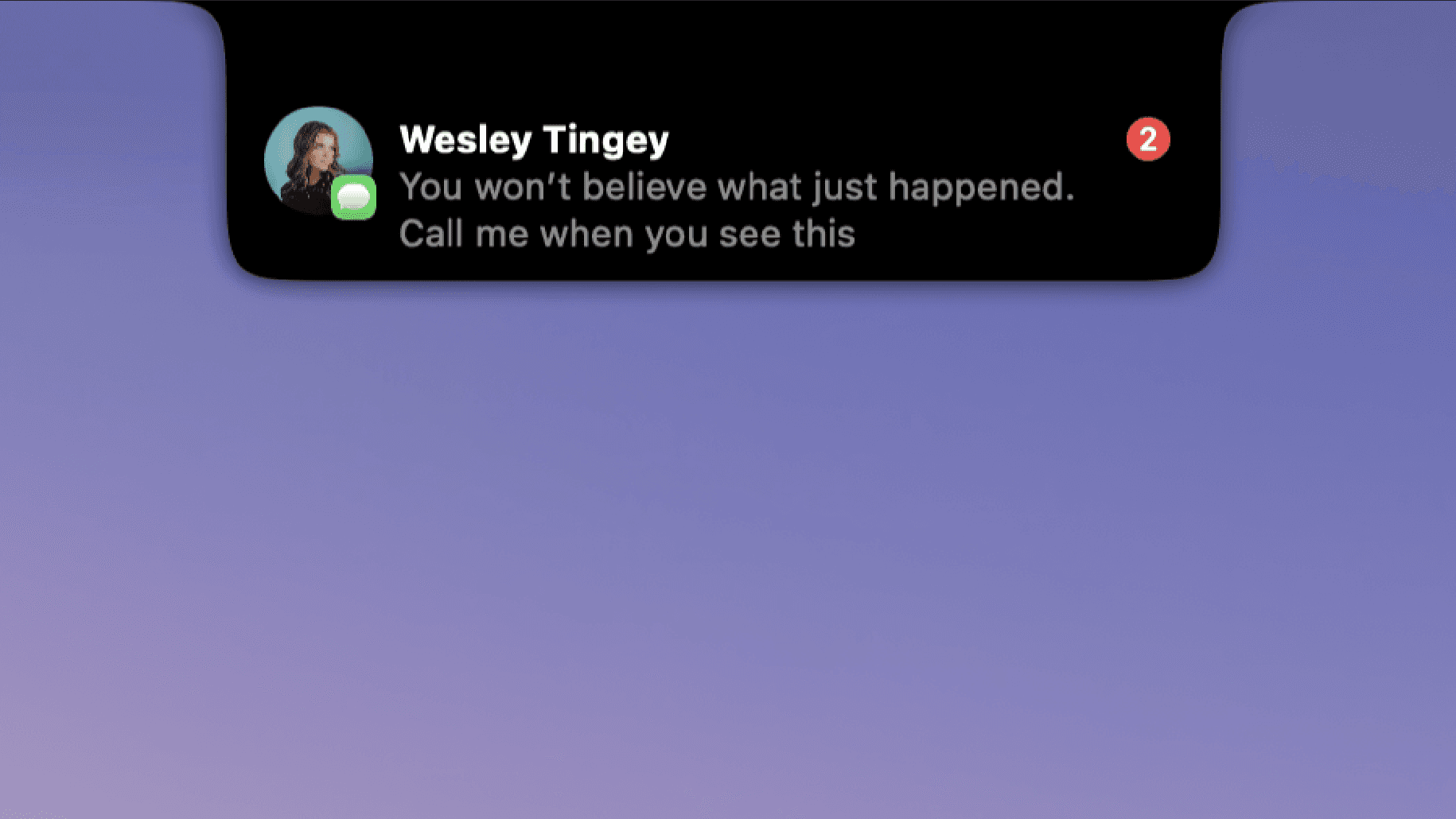
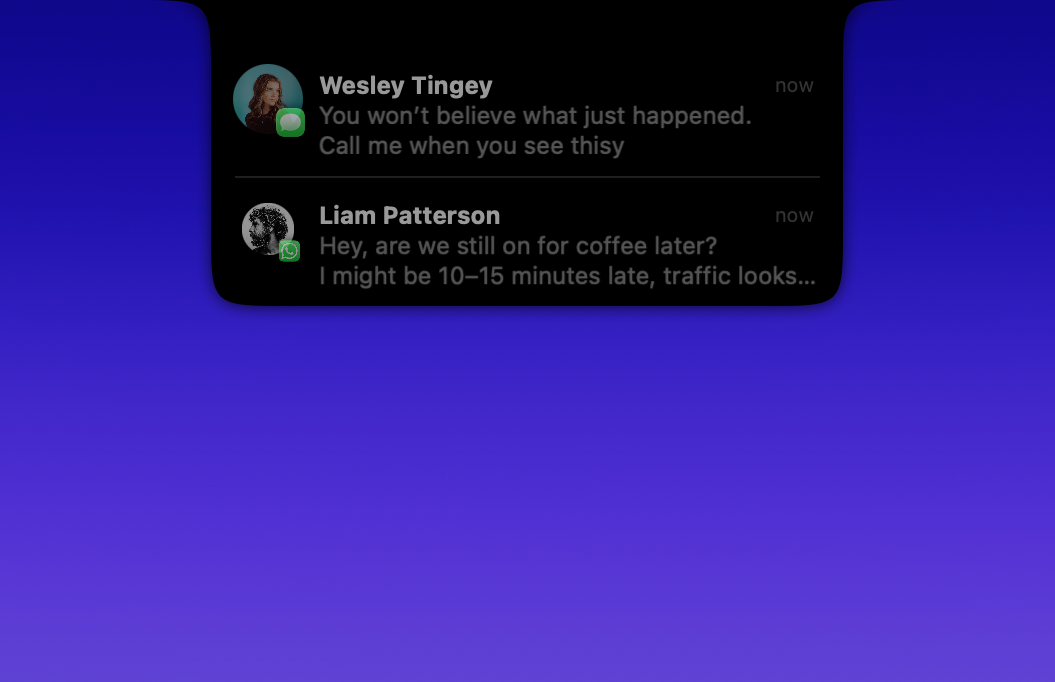
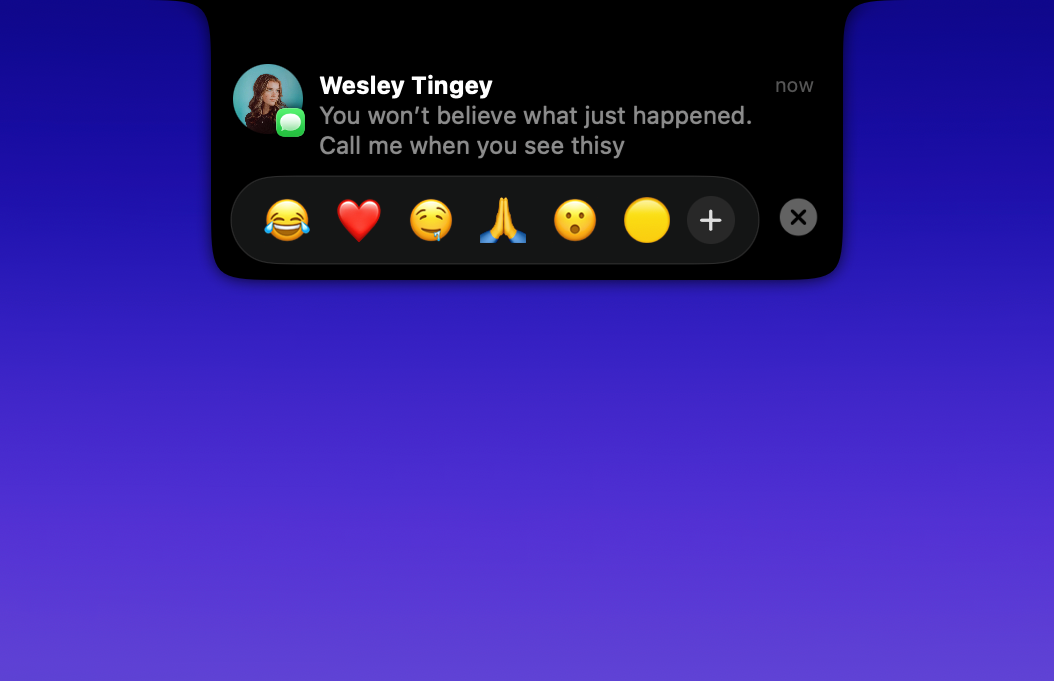
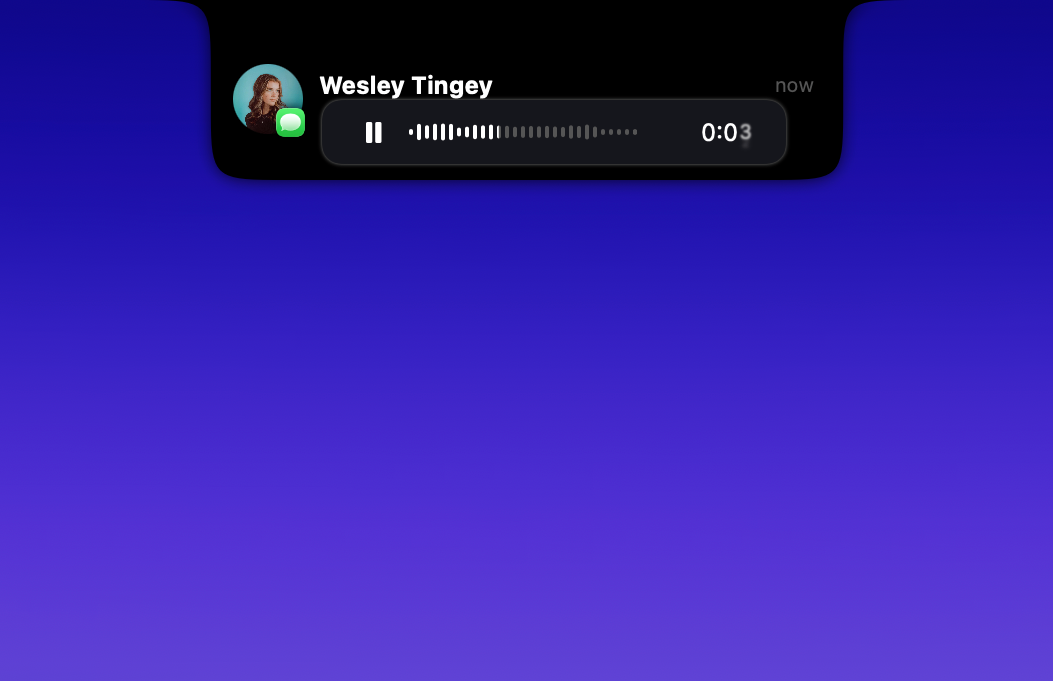
DynamicLake transforms the Mac experience by bringing the innovative Dynamic Island interface to desktop users. It offers a seamless way to manage notifications, app interactions, calls, timers, AirDrop, and more—all within a sleek, menu bar-based overlay that enhances productivity and multitasking. Designed for Mac users seeking a more interactive and dynamic way to stay informed and manage tasks, DynamicLake stands out with its intuitive drag-and-drop features and customizable notifications. Its ability to replicate the dynamic, glanceable interface of iOS's Dynamic Island makes it a unique tool for those who want to optimize their desktop workflow without cluttering their screen. Whether for professionals juggling multiple communication channels or casual users wanting a more engaging notification system, this tool offers a compelling solution to elevate Mac usability.
Screenshots

Pros
- ✓Brings Dynamic Island-like experience to Mac, enhancing interactivity
- ✓Supports a wide range of functions: notifications, calls, timers, AirDrop, and more
- ✓Customizable and easy to use with drag-and-drop features
- ✓Improves multitasking and notification management on Mac
- ✓Sleek, visually appealing interface that integrates smoothly into the menu bar
Cons
- ✗Limited to compatible Mac models and macOS versions
- ✗Potential learning curve for new users unfamiliar with dynamic overlays
- ✗Some features may require additional permissions or setup
Use Cases
Pricing
Likely follows a freemium model with basic features available for free and premium options offering additional customization and integrations, with paid plans probably starting around $5-$10 per month.
Quick Info
Topics
Similar Tools in Productivity




Embed Badge
Add this badge to your website to show that DynamicLake is featured on Visalytica.
<a href="https://www.visalytica.com/tool/dynamiclake" target="_blank" rel="noopener noreferrer" style="display:inline-flex;align-items:center;gap:6px;padding:6px 14px;background:#7c3aed;color:#fff;border-radius:8px;font-family:-apple-system,system-ui,sans-serif;font-size:13px;font-weight:600;text-decoration:none;transition:background .2s" onmouseover="this.style.background='#6d28d9'" onmouseout="this.style.background='#7c3aed'"><svg width="14" height="14" viewBox="0 0 24 24" fill="none" stroke="currentColor" stroke-width="2.5" stroke-linecap="round" stroke-linejoin="round"><path d="M12 20V10"/><path d="M18 20V4"/><path d="M6 20v-4"/></svg>Featured on Visalytica</a>