
Doneit 3.2
Reimagined Doneit Assist, support for Siri AI, and more
About Doneit 3.2
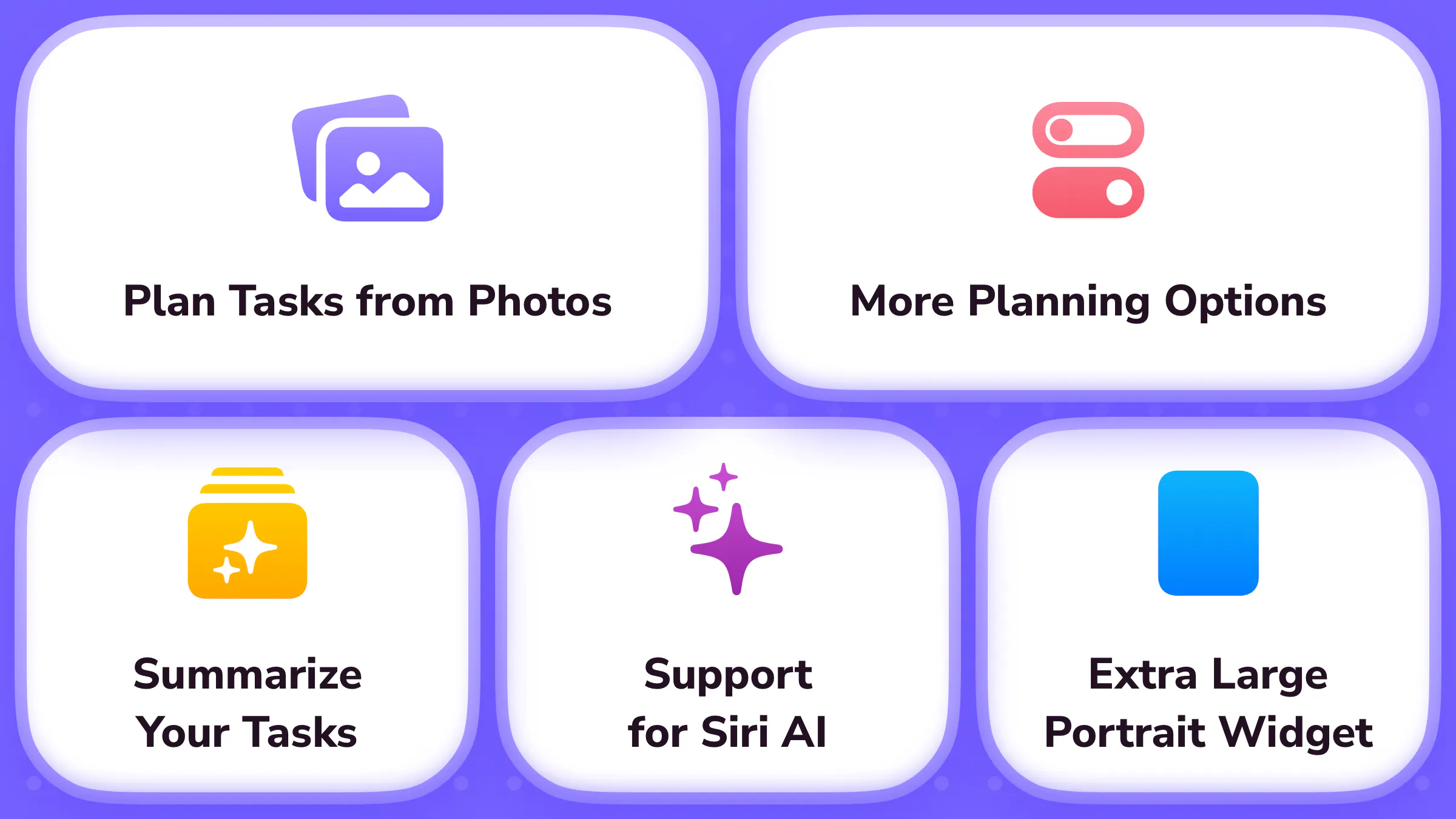
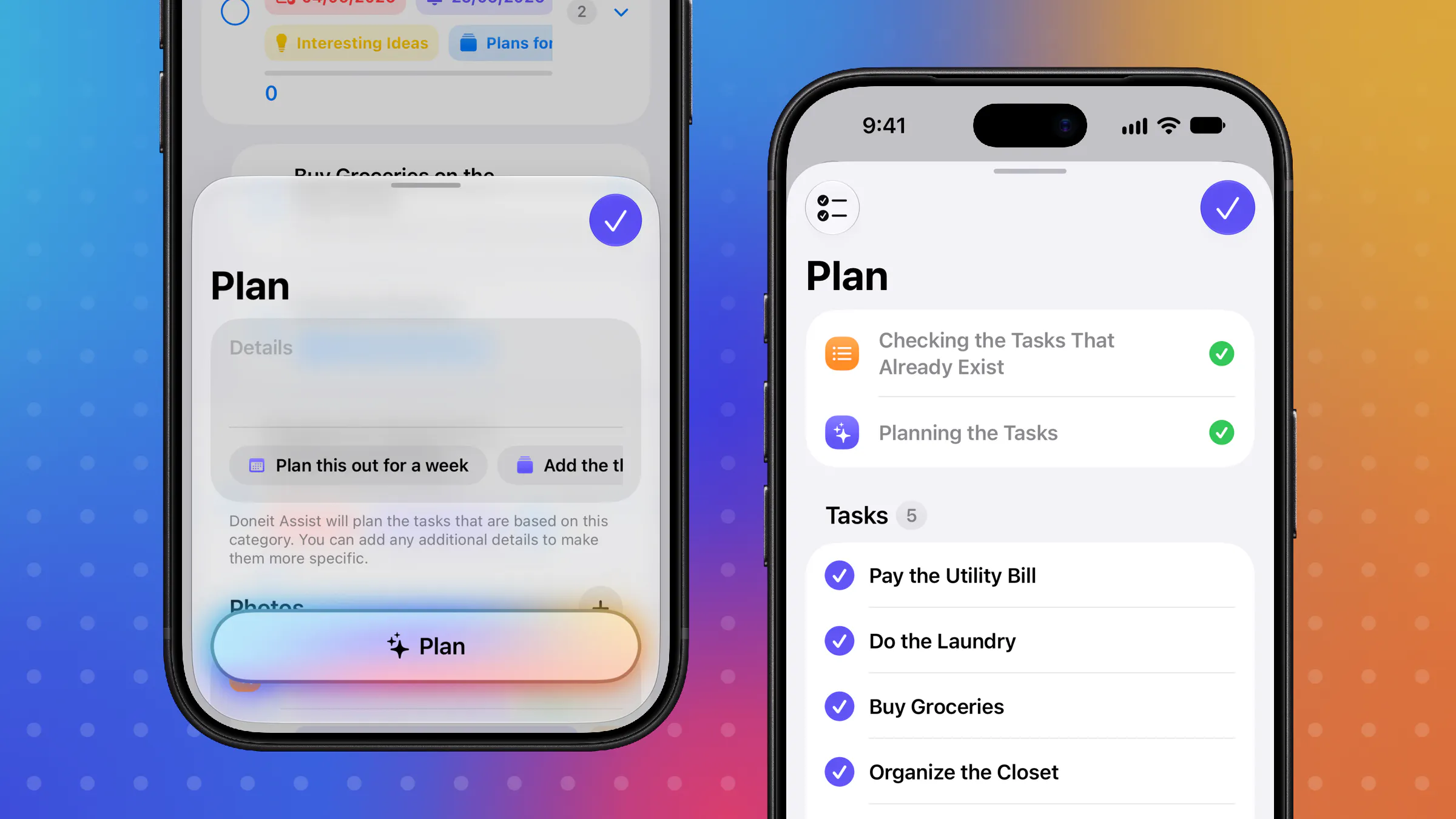
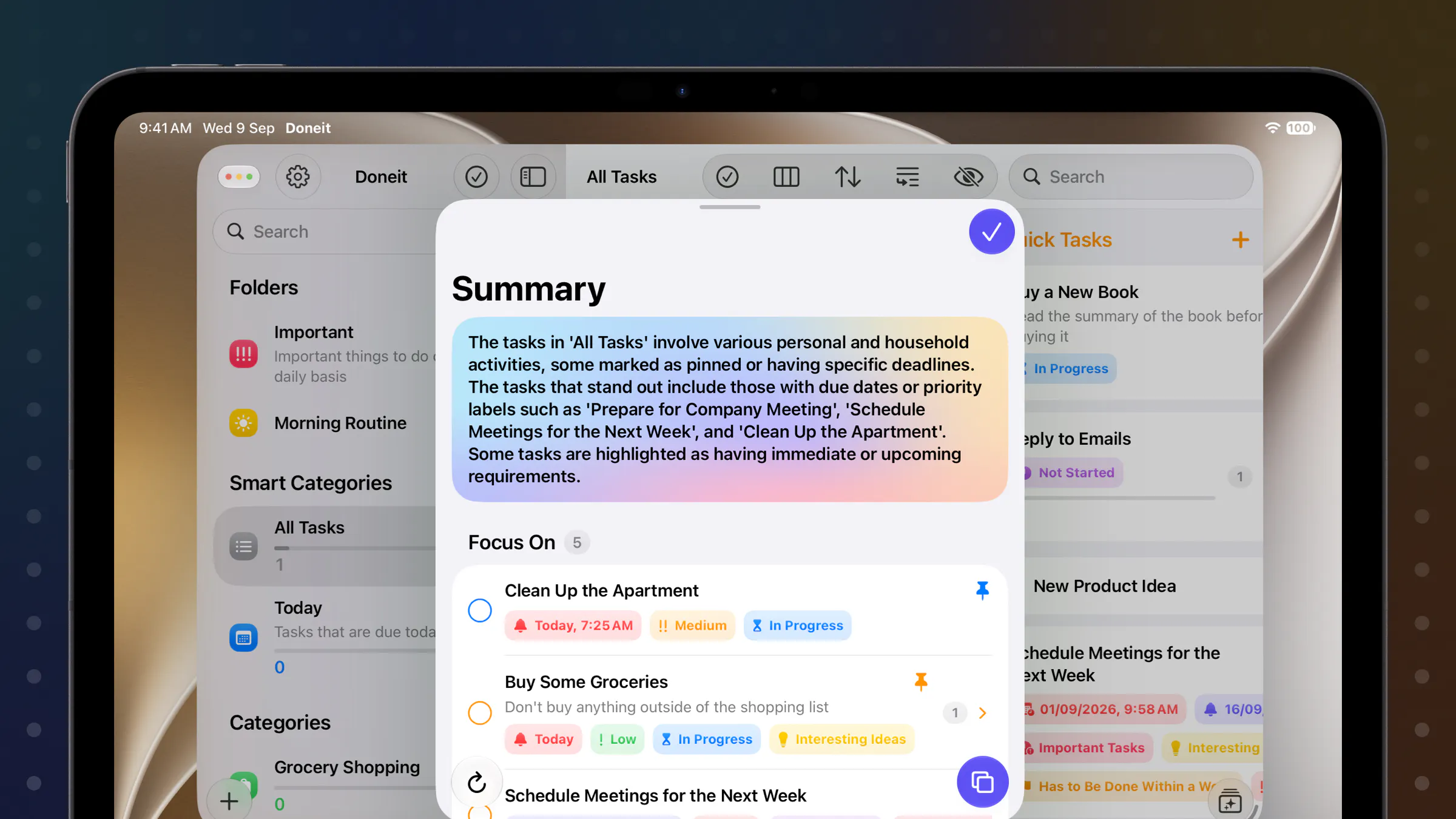
Doneit 3.2 is an innovative task management app designed for iOS users seeking smarter productivity solutions. It enhances traditional task lists with AI-powered features, including the ability to attach photos—whether from handwritten notes, whiteboards, or documents—transforming visual inputs into actionable tasks. With Doneit Assist, users can add detailed descriptions, receive intelligent suggestions for reminders and task attributes, and break complex tasks into subtasks for better organization. The latest version also introduces powerful summarization features, highlighting key tasks and upcoming deadlines to keep users focused and efficient. Its seamless integration of AI makes task planning more intuitive and personalized, ideal for busy professionals, students, and teams aiming to streamline their workflow while making use of visual cues and smart automation.
Screenshots
Pros
- ✓AI-powered photo attachment for converting visual notes into tasks
- ✓Enhanced task organization with subtasks and detailed attributes
- ✓Smart summaries and key task highlighting for better focus
- ✓Supports rich input including photos and documents
- ✓Intuitive interface designed for iOS users
Cons
- ✗Features may require a learning curve for new users
- ✗Limited information on pricing and subscription plans
- ✗Product Hunt votes indicate limited user feedback at this stage
Use Cases
Pricing
Pricing not verified
Quick Info
Topics
Makers

Daniils
@designtech_soAlternatives
Similar Tools in AI Assistants




Embed Badge
Add this badge to your website to show that Doneit 3.2 is featured on Visalytica.
<a href="https://www.visalytica.com/tool/doneit-3-2" target="_blank" rel="noopener noreferrer" style="display:inline-flex;align-items:center;gap:6px;padding:6px 14px;background:#7c3aed;color:#fff;border-radius:8px;font-family:-apple-system,system-ui,sans-serif;font-size:13px;font-weight:600;text-decoration:none;transition:background .2s" onmouseover="this.style.background='#6d28d9'" onmouseout="this.style.background='#7c3aed'"><svg width="14" height="14" viewBox="0 0 24 24" fill="none" stroke="currentColor" stroke-width="2.5" stroke-linecap="round" stroke-linejoin="round"><path d="M12 20V10"/><path d="M18 20V4"/><path d="M6 20v-4"/></svg>Featured on Visalytica</a>