
docktor
Your Dock's wasted side space, now full of widgets
About docktor
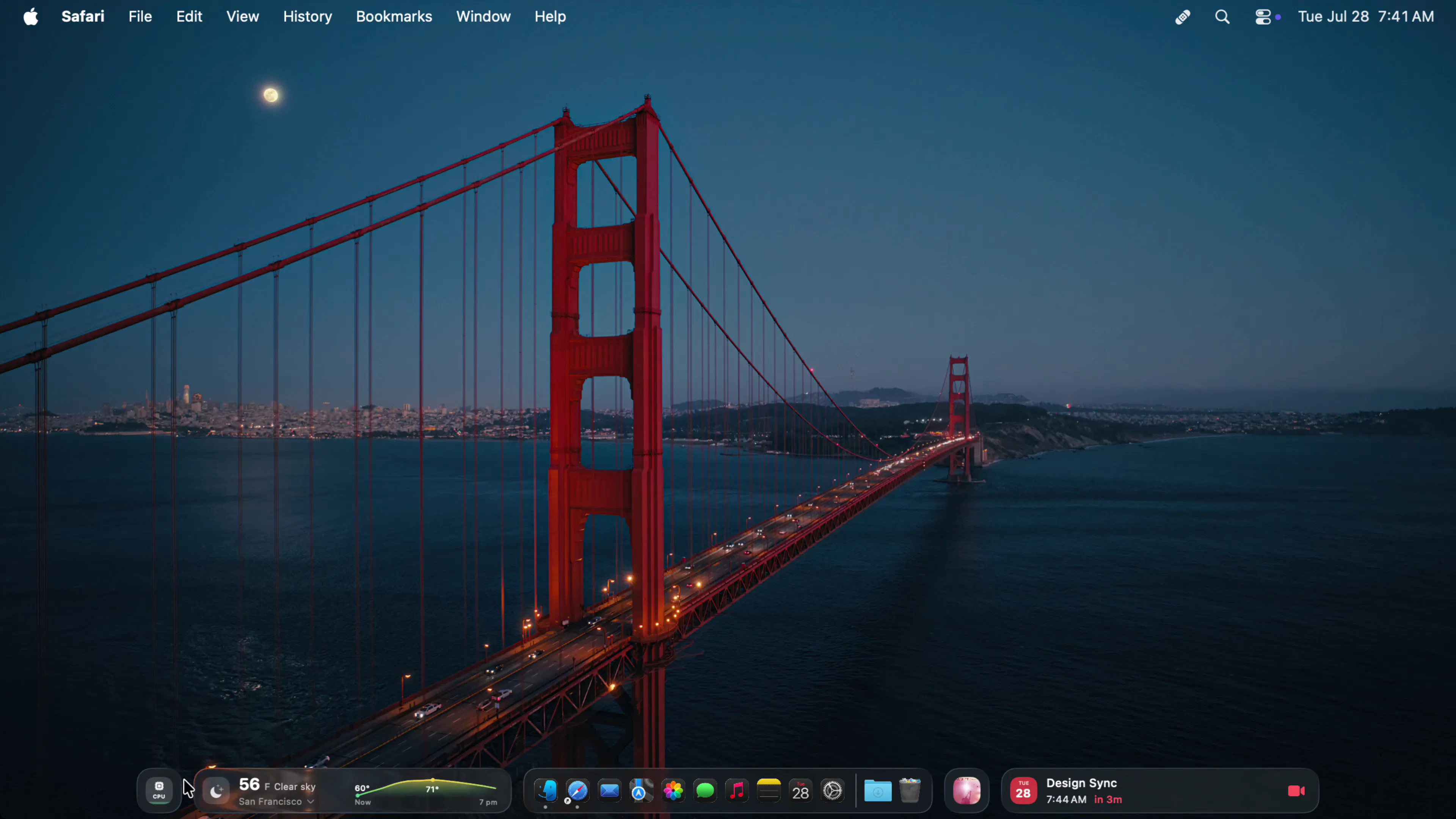
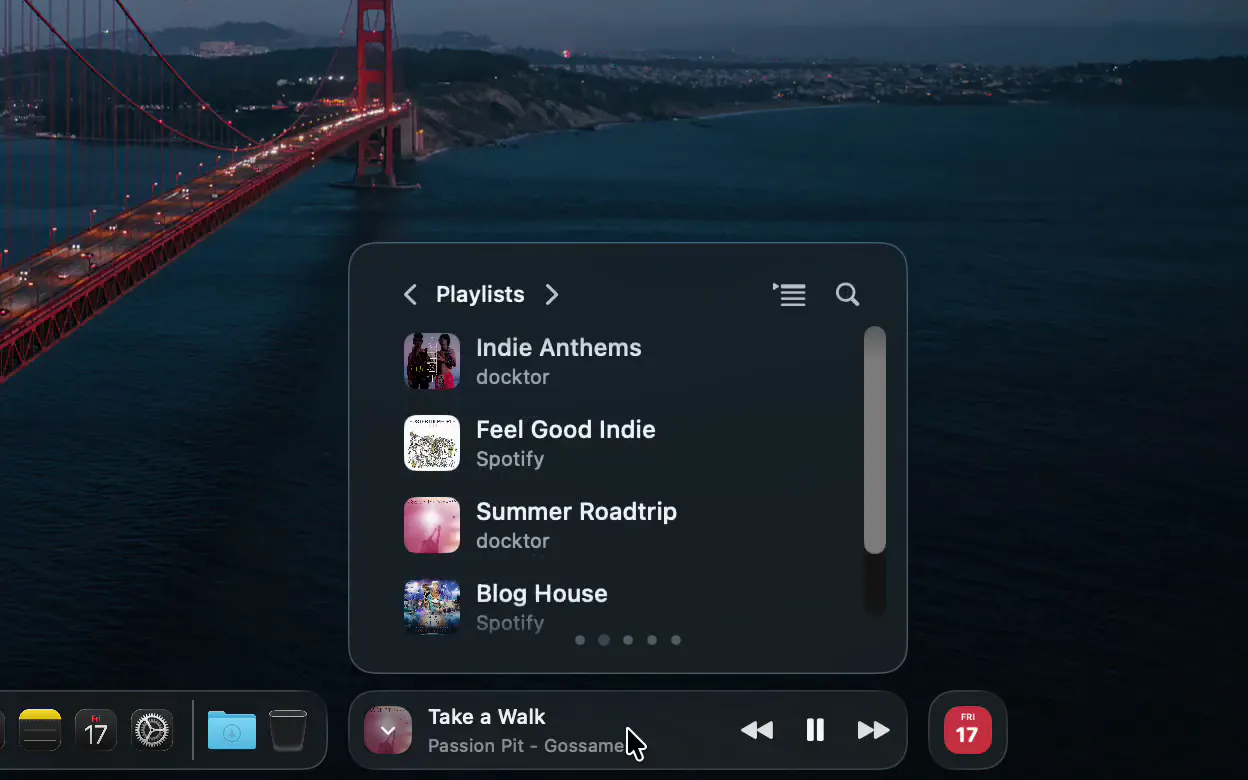
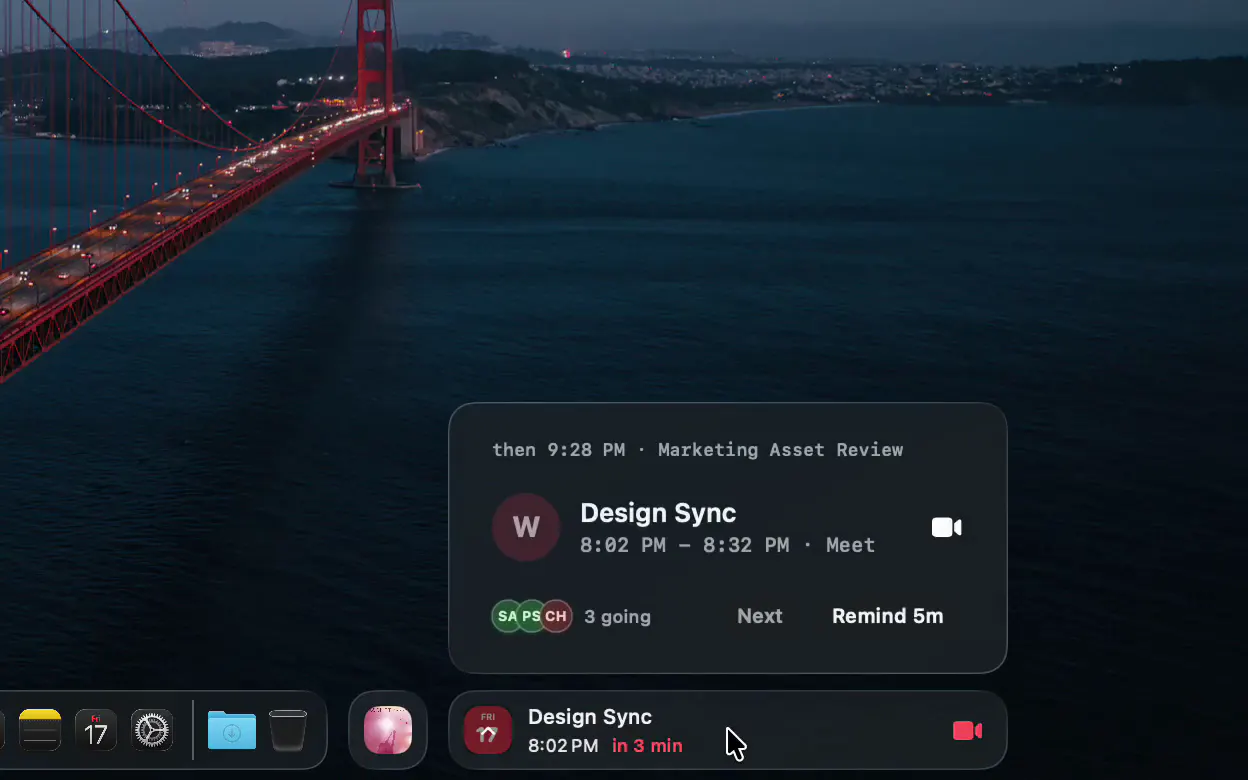
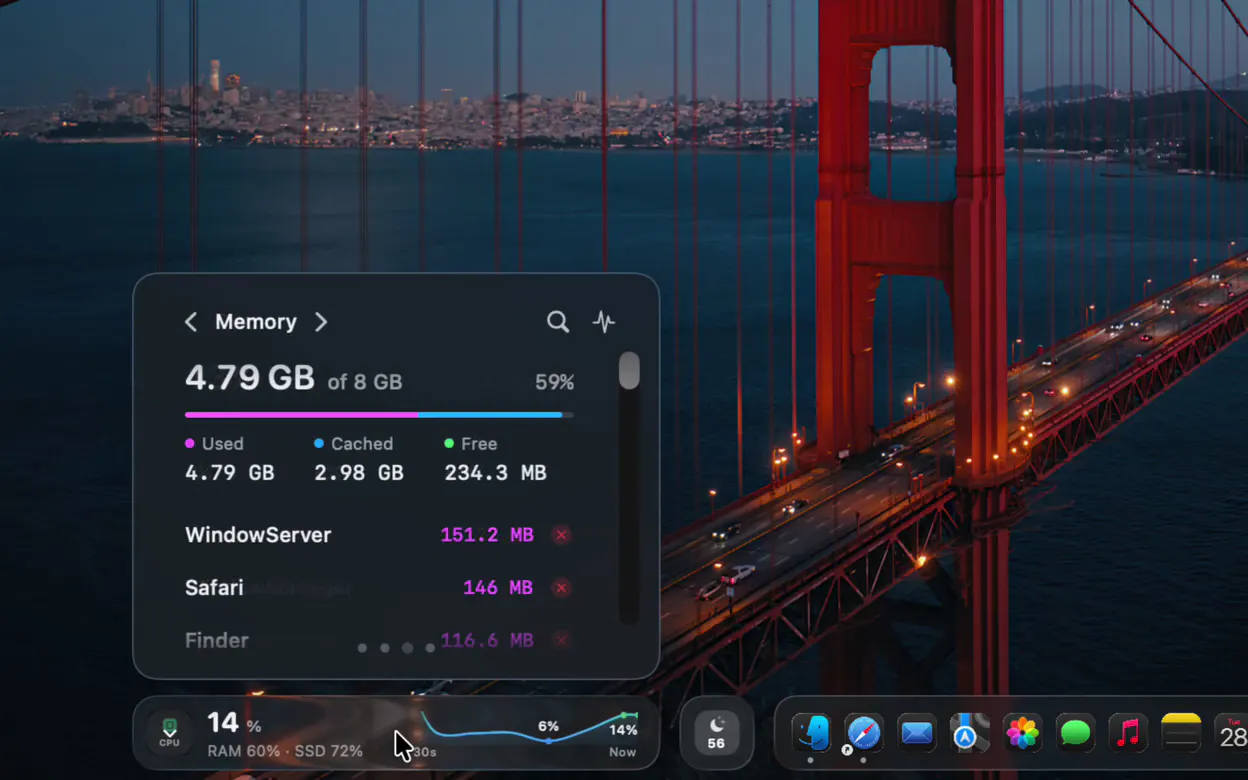
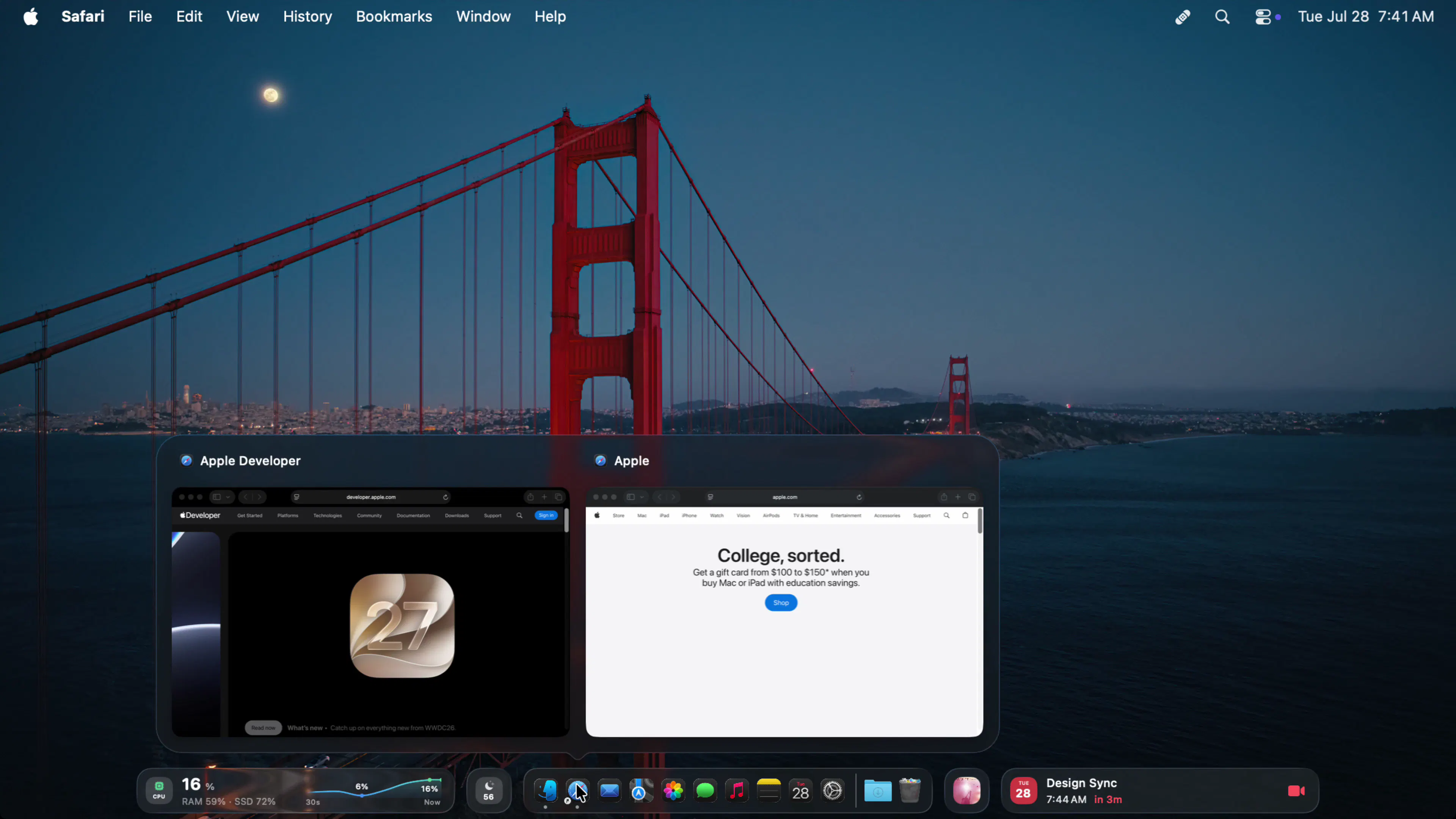
Docktor transforms the unused space on the sides of your Mac's Dock into a highly functional widget area, enhancing productivity and user experience. Designed for Mac users who prefer a clean Dock without sacrificing quick access to vital information, Docktor seamlessly integrates widgets like music controls, calendar, weather, and system stats directly into the wasted space on either side of the Dock. Its unobtrusive design eliminates the need for extra menu-bar icons or separate windows, offering a streamlined way to glance at important data without interrupting workflow. Additionally, the hover preview feature provides instant visibility of open windows for any app, making multitasking more efficient. This tool is ideal for users who want to maximize their Mac’s screen real estate while keeping essential info within easy reach, all without cluttering their desktop.
Screenshots
Pros
- ✓Utilizes unused space on both sides of the Dock for useful widgets
- ✓No need for additional menu-bar icons or separate windows
- ✓Provides quick access to frequently checked info like weather, calendar, and system stats
- ✓Hover preview feature enhances multitasking efficiency
- ✓Easy to install and integrate seamlessly with macOS
Cons
- ✗Limited to Mac users, specific to macOS environment
- ✗Features and widget options may be limited compared to dedicated dashboard apps
- ✗Potential performance impact on older Macs with limited resources
Use Cases
Pricing
Likely offers a freemium model with basic features available for free, and premium plans or additional widgets possibly available through a subscription or one-time purchase. Exact pricing details are not specified but are common for this type of utility.
Quick Info
Topics
Makers

Peter Sauer
Similar Tools in Developer Tools




Embed Badge
Add this badge to your website to show that docktor is featured on Visalytica.
<a href="https://www.visalytica.com/tool/docktor" target="_blank" rel="noopener noreferrer" style="display:inline-flex;align-items:center;gap:6px;padding:6px 14px;background:#7c3aed;color:#fff;border-radius:8px;font-family:-apple-system,system-ui,sans-serif;font-size:13px;font-weight:600;text-decoration:none;transition:background .2s" onmouseover="this.style.background='#6d28d9'" onmouseout="this.style.background='#7c3aed'"><svg width="14" height="14" viewBox="0 0 24 24" fill="none" stroke="currentColor" stroke-width="2.5" stroke-linecap="round" stroke-linejoin="round"><path d="M12 20V10"/><path d="M18 20V4"/><path d="M6 20v-4"/></svg>Featured on Visalytica</a>