
DockFlow
Save, switch, and automate Dock layouts for every workflow
About DockFlow
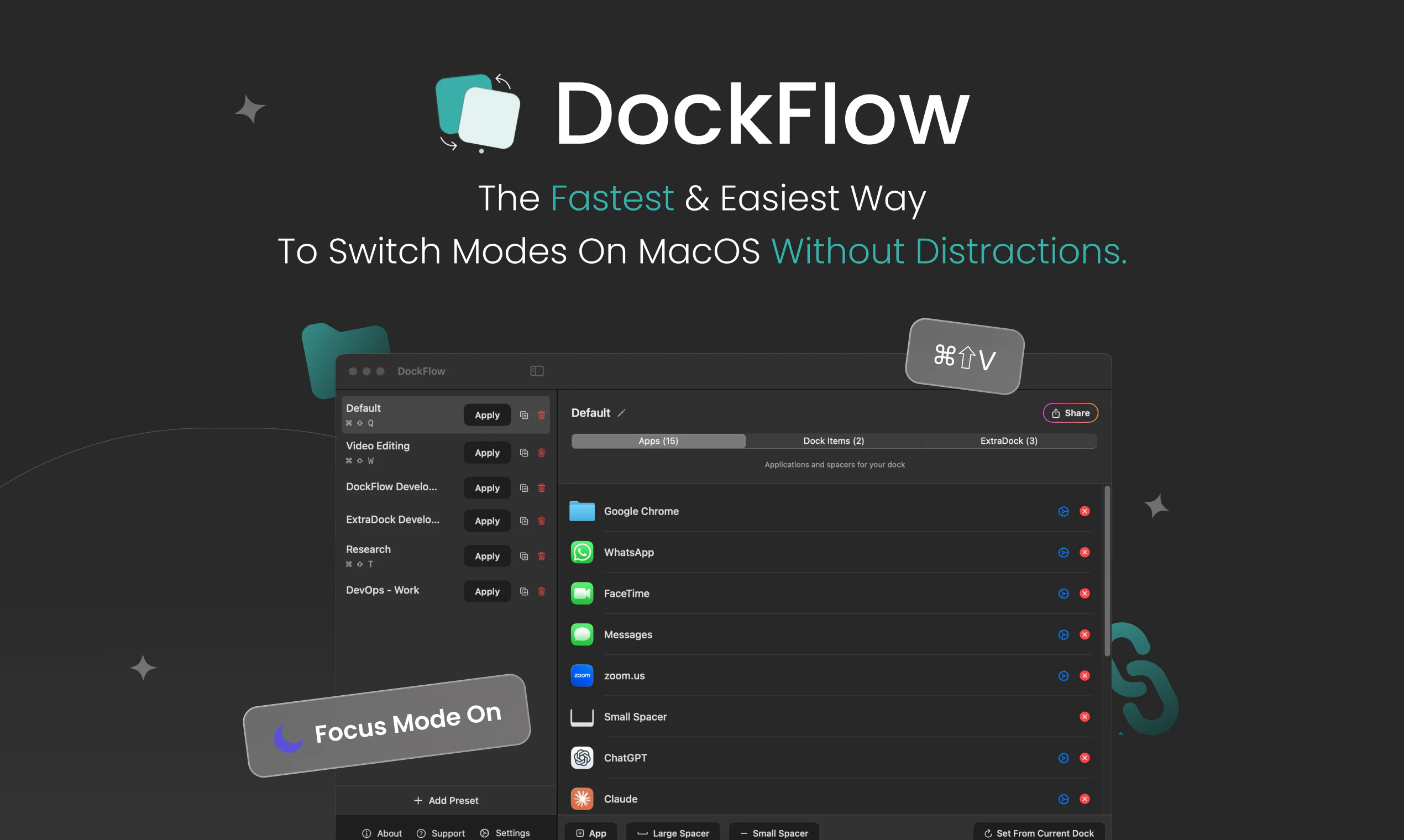
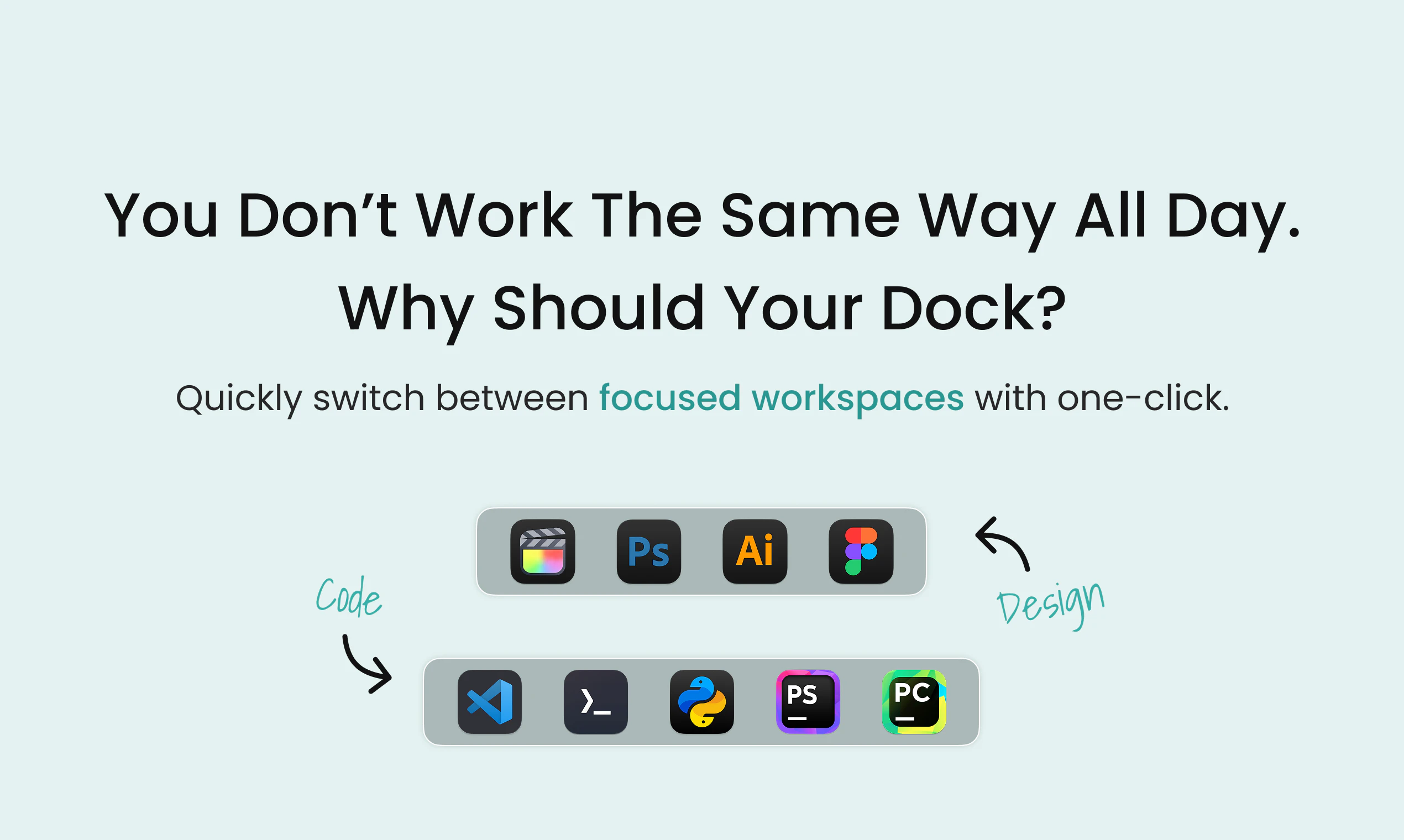
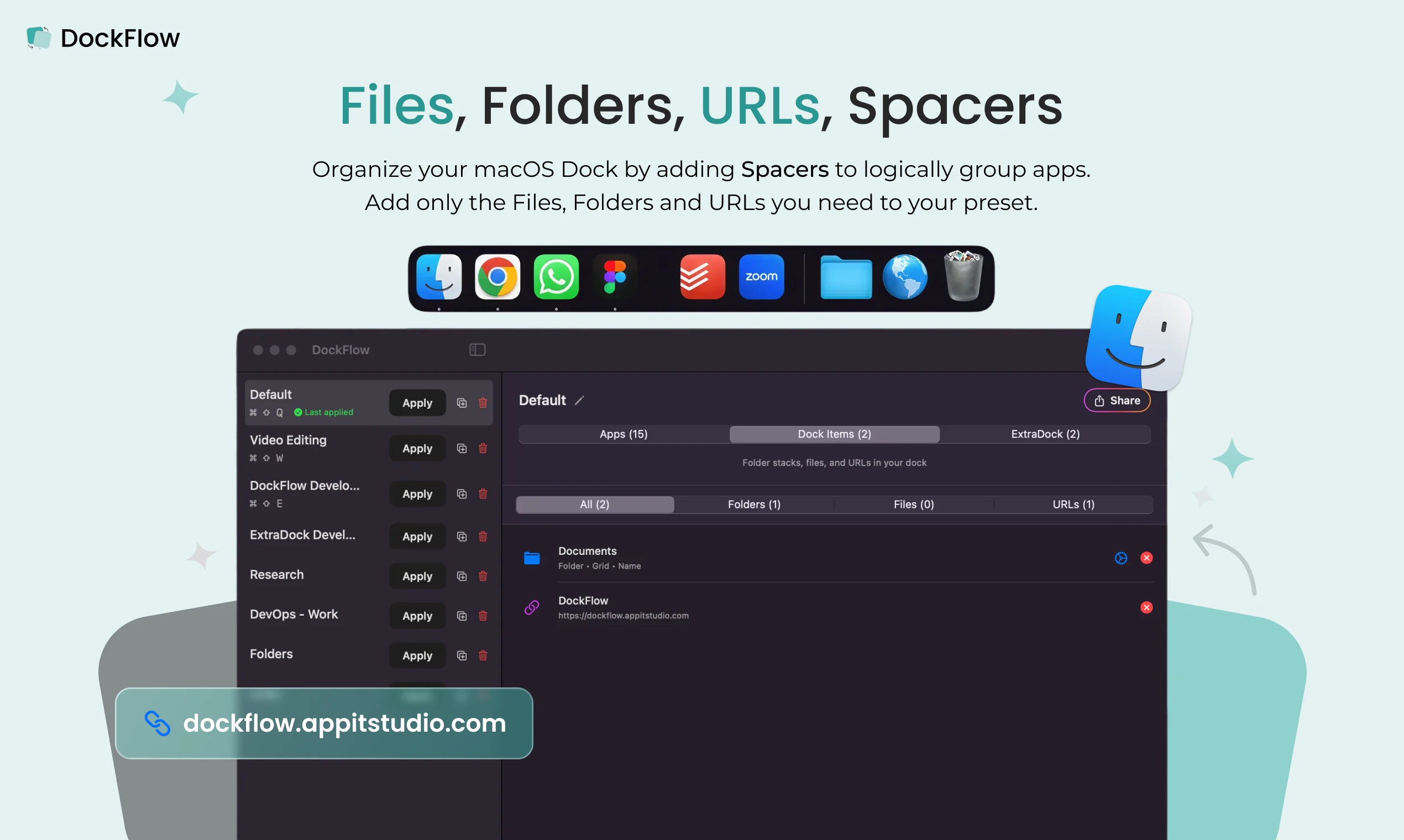
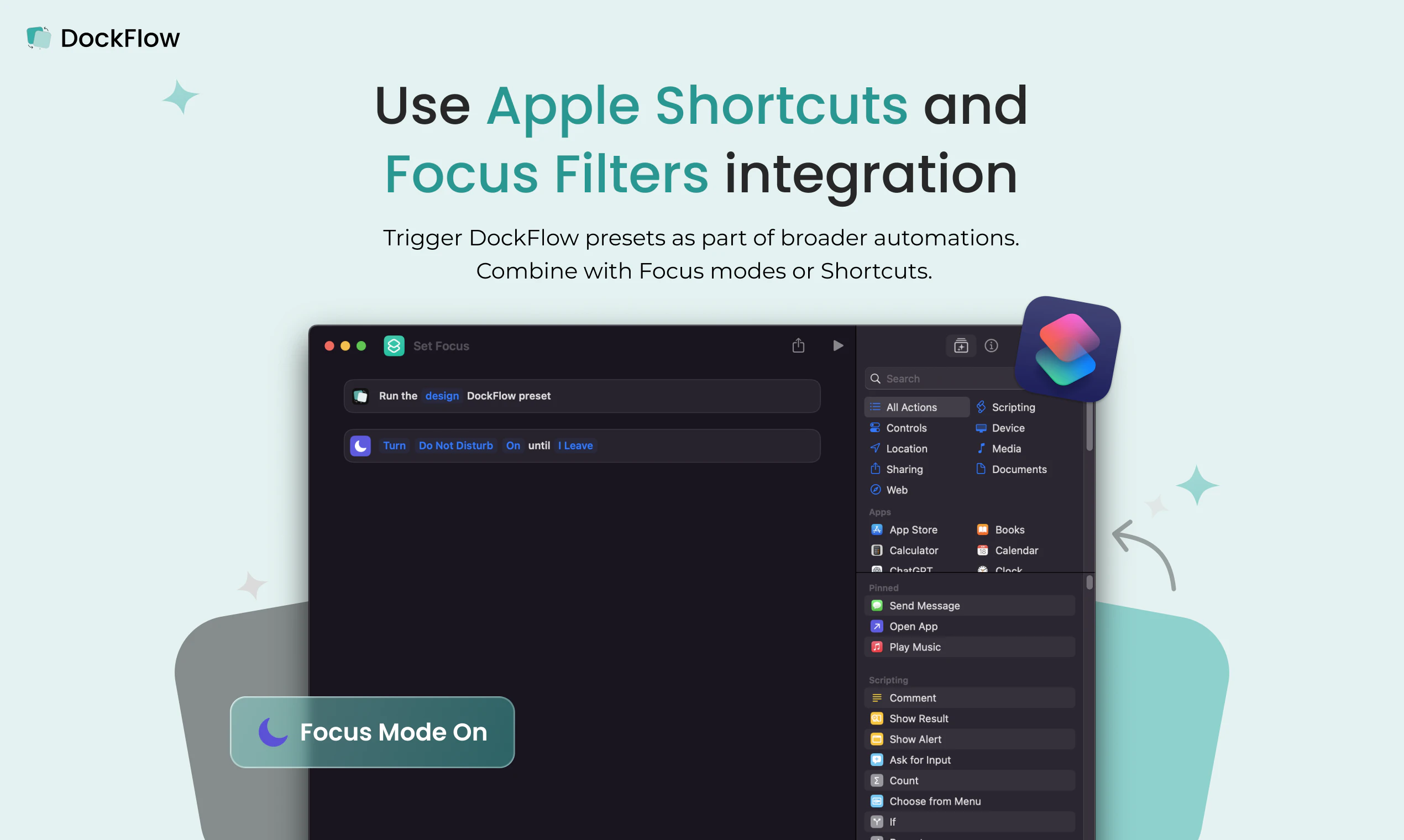
DockFlow is a productivity-enhancing utility designed for macOS users who frequently switch between different workflows. It allows users to save multiple Dock layouts—such as for design, coding, or writing—and easily switch between them with a single click. This feature streamlines the workflow by closing unnecessary applications and opening relevant ones, saving users from the tedious task of manually rearranging icons each time they shift tasks. Built out of frustration with the repetitive setup process, DockFlow has been refined over a year with 70 updates, and boasts a dedicated user base of over 1,000 users. Its simplicity and focus on workflow automation make it especially appealing for professionals who value efficiency and a clutter-free workspace. Whether you’re a developer, designer, writer, or multitasker, DockFlow helps you transition quickly between different contexts, maximizing productivity and focus.
Screenshots
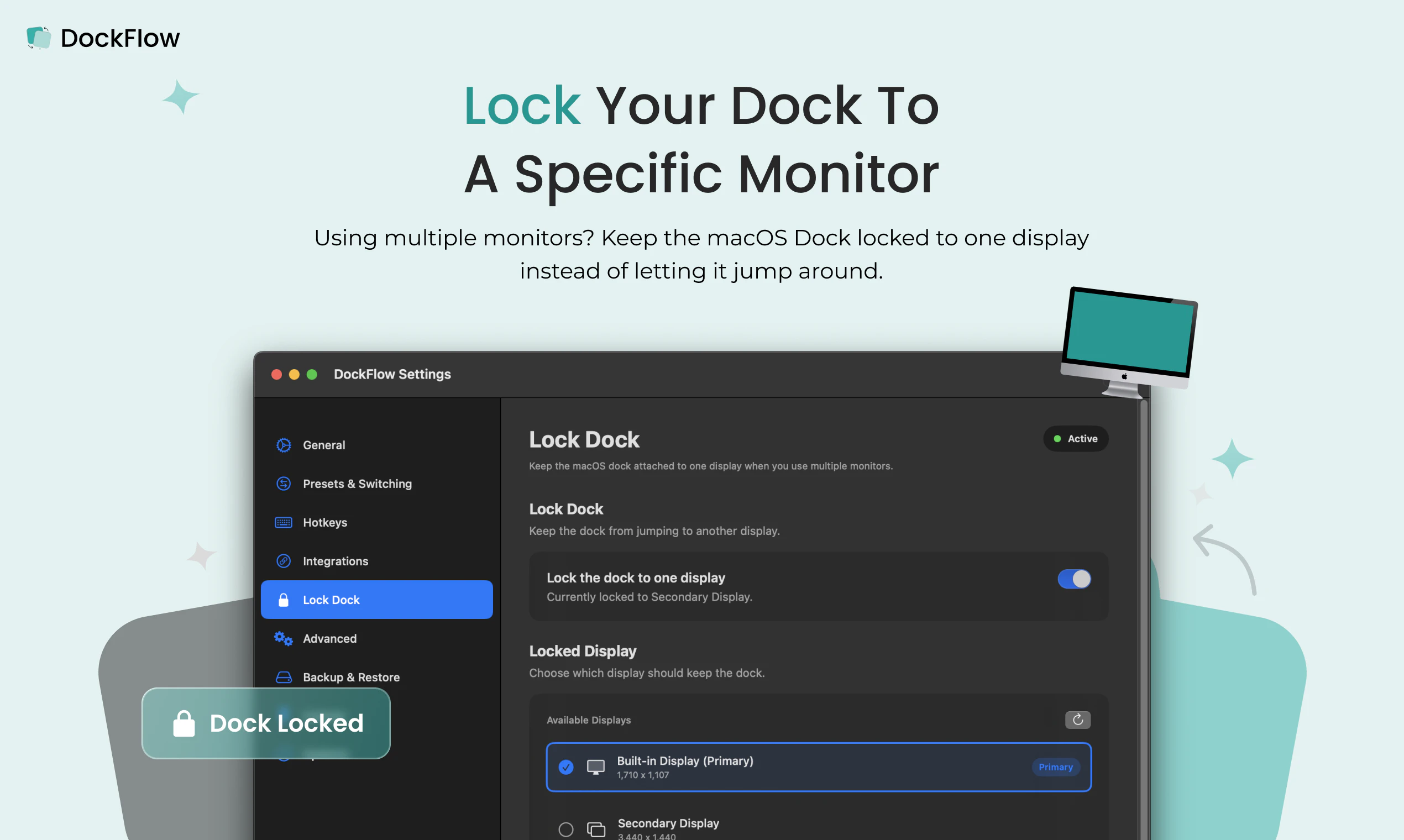
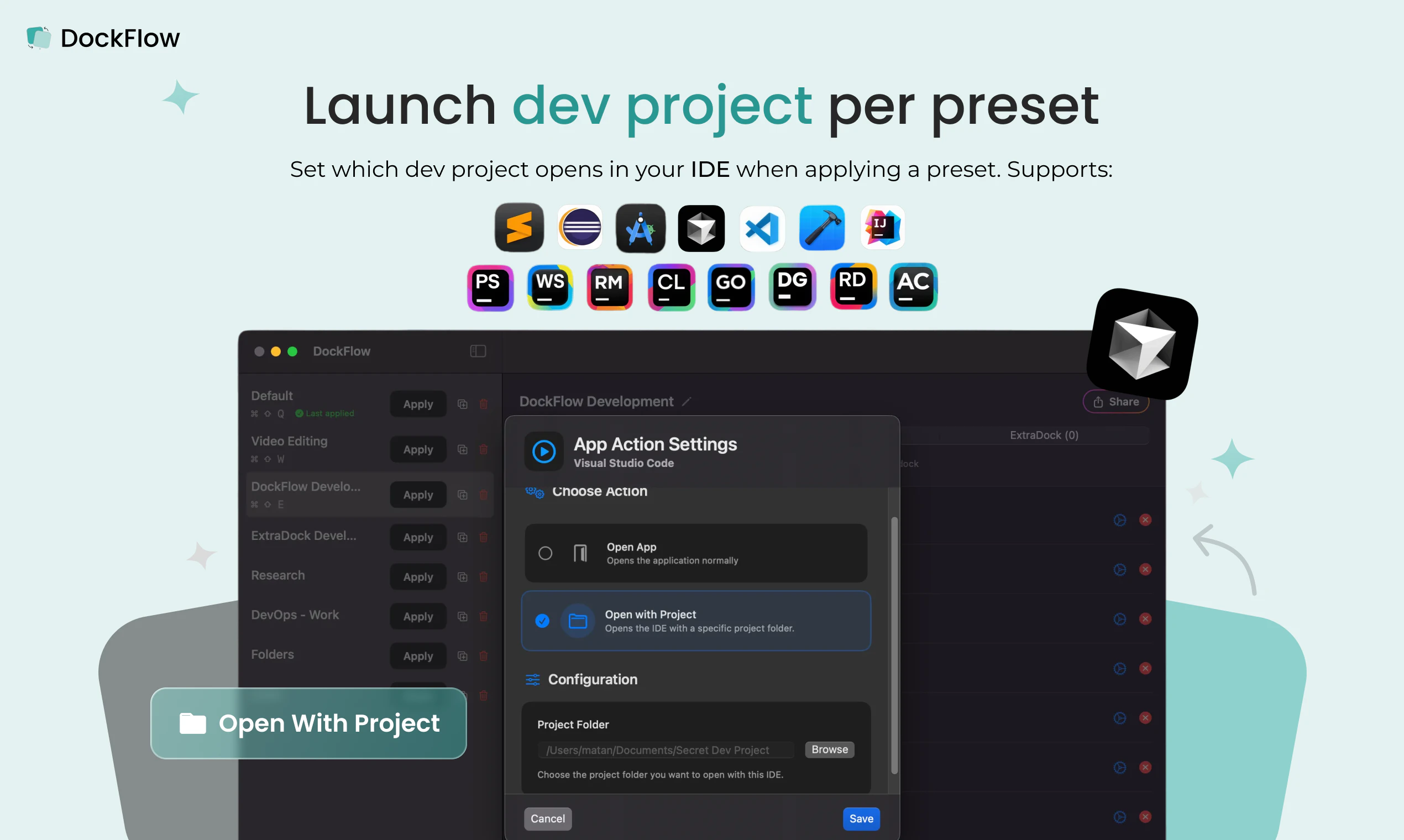
+2 more screenshots
Pros
- ✓Allows quick switching between multiple Dock presets for different workflows
- ✓Automates opening and closing of apps to match selected layout
- ✓Saves time by eliminating manual Dock customization
- ✓User-friendly interface with simple one-click switching
- ✓Has been actively maintained with numerous updates over a year
Cons
- ✗Limited to macOS users
- ✗No free version or trial mentioned, pricing details are unclear
- ✗May require some initial setup to create multiple presets
Use Cases
Pricing
Likely operates on a freemium model, offering basic features for free with premium options for advanced functionalities. Precise pricing details are not specified, but paid plans probably start at a reasonable monthly fee.
Quick Info
Topics
Alternatives
Similar Tools in Productivity




Embed Badge
Add this badge to your website to show that DockFlow is featured on Visalytica.
<a href="https://www.visalytica.com/tool/dockflow" target="_blank" rel="noopener noreferrer" style="display:inline-flex;align-items:center;gap:6px;padding:6px 14px;background:#7c3aed;color:#fff;border-radius:8px;font-family:-apple-system,system-ui,sans-serif;font-size:13px;font-weight:600;text-decoration:none;transition:background .2s" onmouseover="this.style.background='#6d28d9'" onmouseout="this.style.background='#7c3aed'"><svg width="14" height="14" viewBox="0 0 24 24" fill="none" stroke="currentColor" stroke-width="2.5" stroke-linecap="round" stroke-linejoin="round"><path d="M12 20V10"/><path d="M18 20V4"/><path d="M6 20v-4"/></svg>Featured on Visalytica</a>