
Dither Studios
Transform Images into High-Quality Dither Art
About Dither Studios
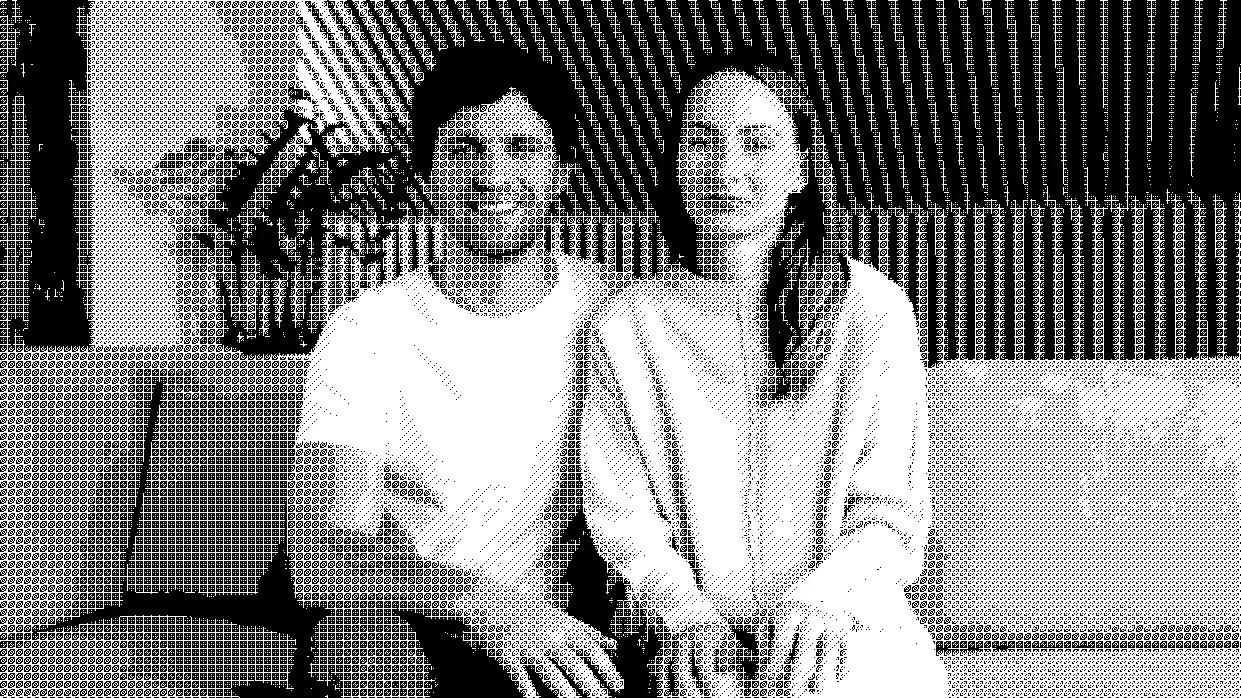
Dither Studios is an innovative digital tool designed to convert any image into stunning high-quality dither art with remarkable speed and precision. Utilizing a powerful engine, it allows users to upload images, fine-tune various parameters, and produce pixel-based visuals that are both artistic and highly detailed. This makes it ideal for digital artists, designers, and hobbyists seeking to add a retro or pixelated aesthetic to their projects effortlessly. What sets Dither Studios apart is its focus on delivering crisp, beautifully crafted dither effects in seconds, making complex pixel art accessible even to those without extensive experience in digital art creation. Its user-friendly interface combined with rapid processing speeds makes it an appealing choice for creative professionals and enthusiasts alike who want to experiment with pixel art styles quickly and easily.
Screenshots




Pros
- ✓Fast and efficient processing engine for quick results
- ✓User-friendly interface suitable for all skill levels
- ✓High-quality, detailed dither art output
- ✓Flexible tweaking options for personalized results
- ✓Ideal for digital artists, designers, and hobbyists
Cons
- ✗Limited information on advanced customization features
- ✗No indication of free or trial versions available
- ✗Currently no integration with other design tools or workflows
Use Cases
Pricing
Likely operates on a freemium model, offering basic features for free with premium options available for more advanced tweaking and higher resolution exports. Specific pricing details are not publicly available, so users should check the website for the latest plans and trials.
Quick Info
Topics
Makers

Stelvin Saji
Similar Tools in AI Image & Design




Embed Badge
Add this badge to your website to show that Dither Studios is featured on Visalytica.
<a href="https://www.visalytica.com/tool/dither-studios" target="_blank" rel="noopener noreferrer" style="display:inline-flex;align-items:center;gap:6px;padding:6px 14px;background:#7c3aed;color:#fff;border-radius:8px;font-family:-apple-system,system-ui,sans-serif;font-size:13px;font-weight:600;text-decoration:none;transition:background .2s" onmouseover="this.style.background='#6d28d9'" onmouseout="this.style.background='#7c3aed'"><svg width="14" height="14" viewBox="0 0 24 24" fill="none" stroke="currentColor" stroke-width="2.5" stroke-linecap="round" stroke-linejoin="round"><path d="M12 20V10"/><path d="M18 20V4"/><path d="M6 20v-4"/></svg>Featured on Visalytica</a>