
DevRecorder
Screen recorder with console, network, errors & annotations
About DevRecorder
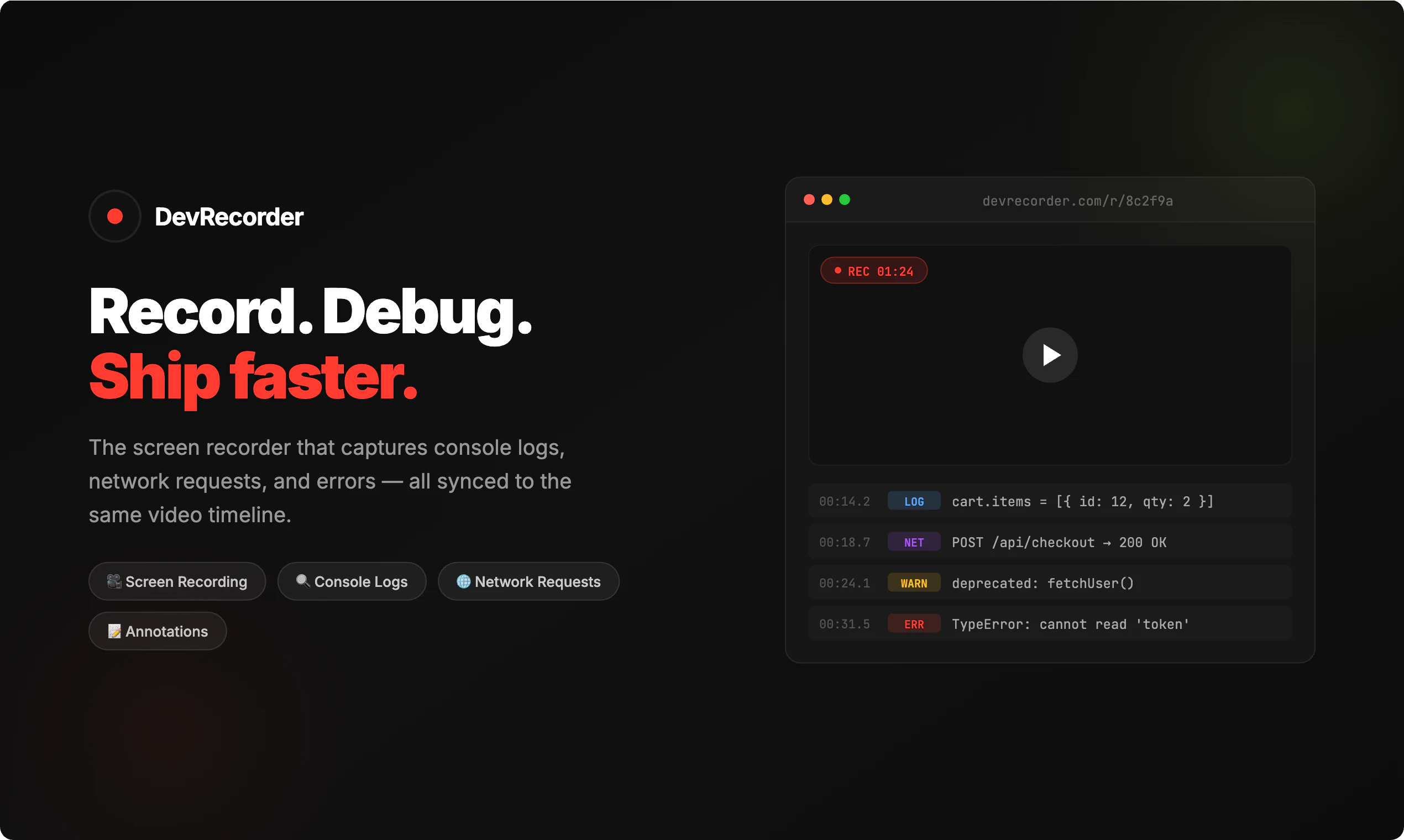
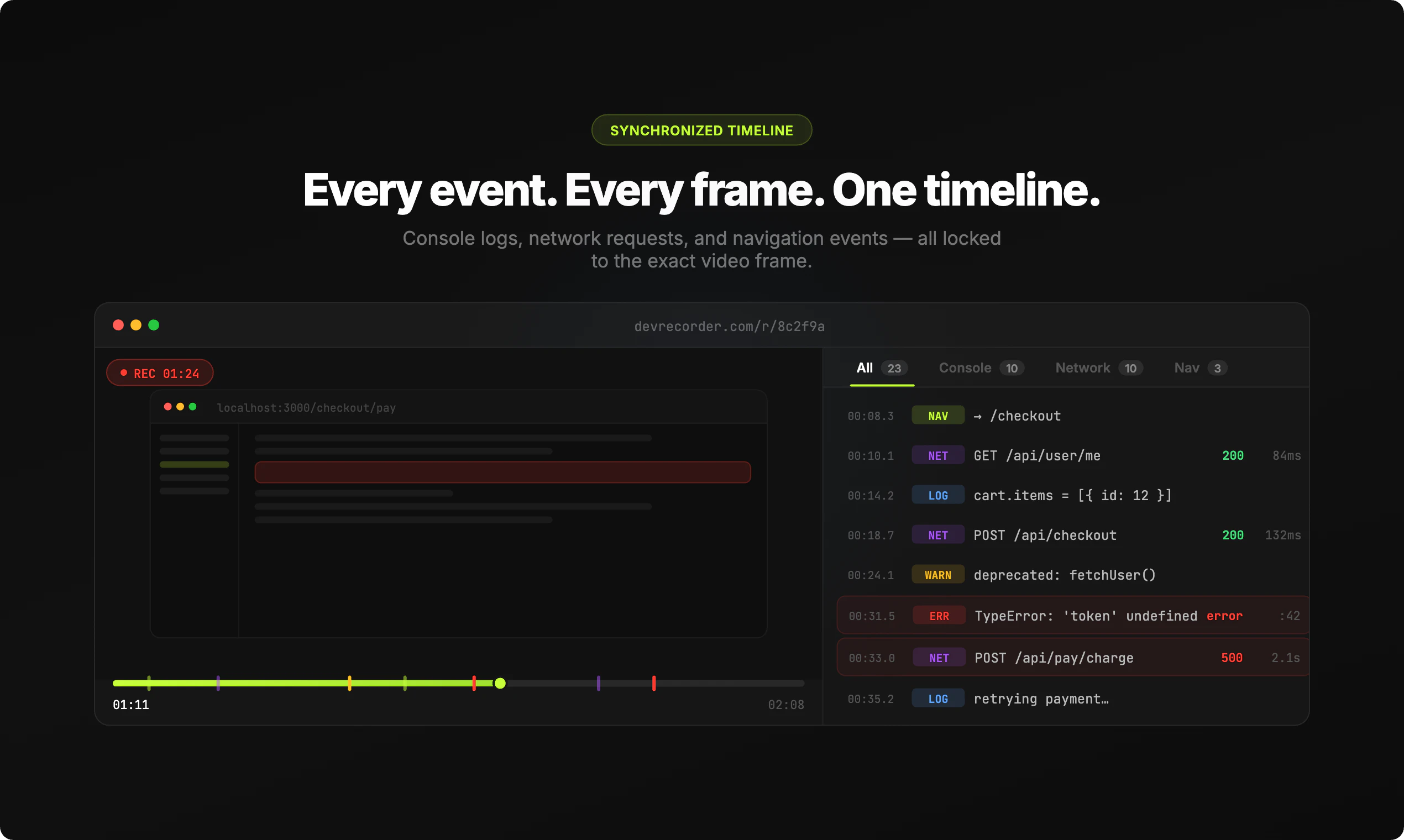
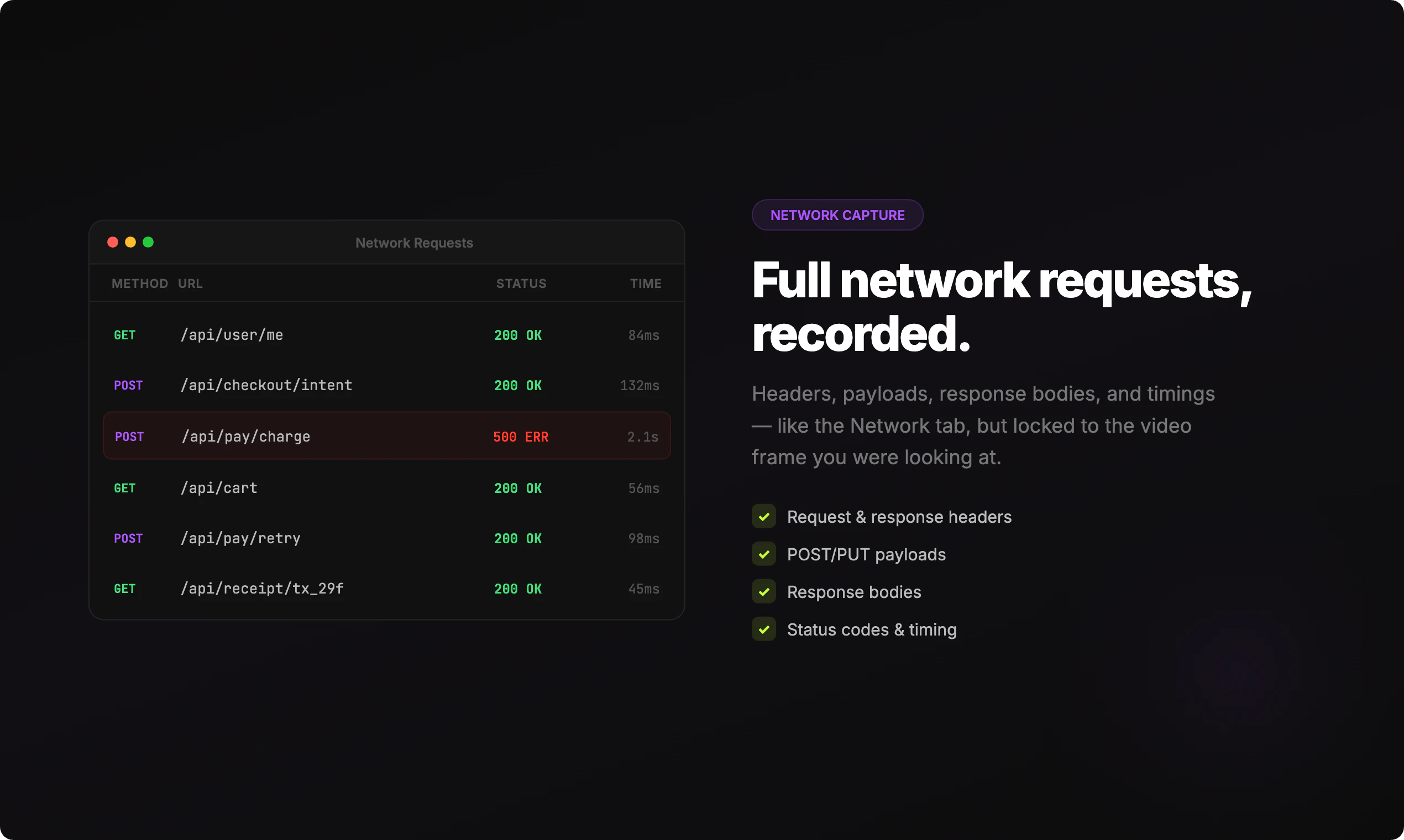
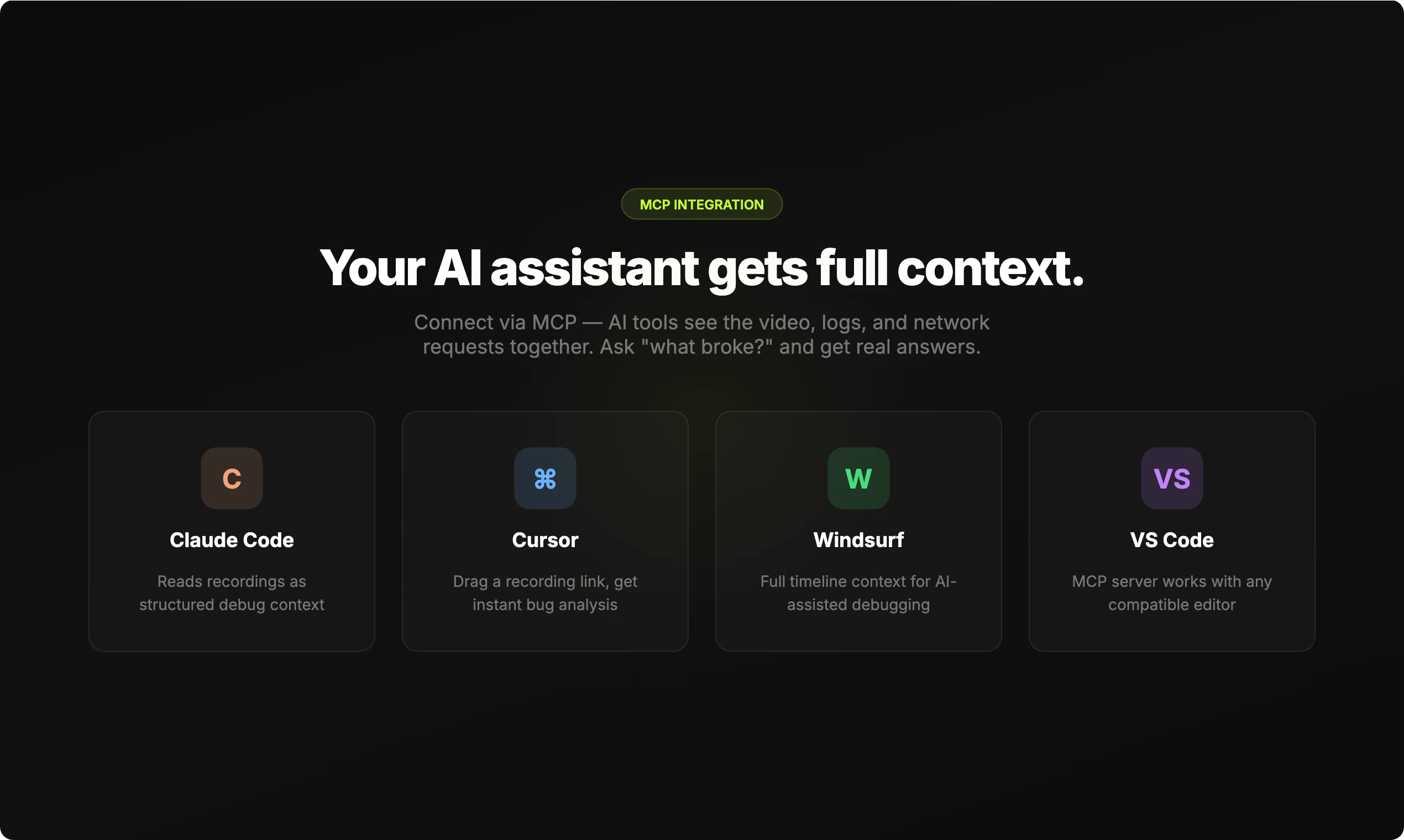
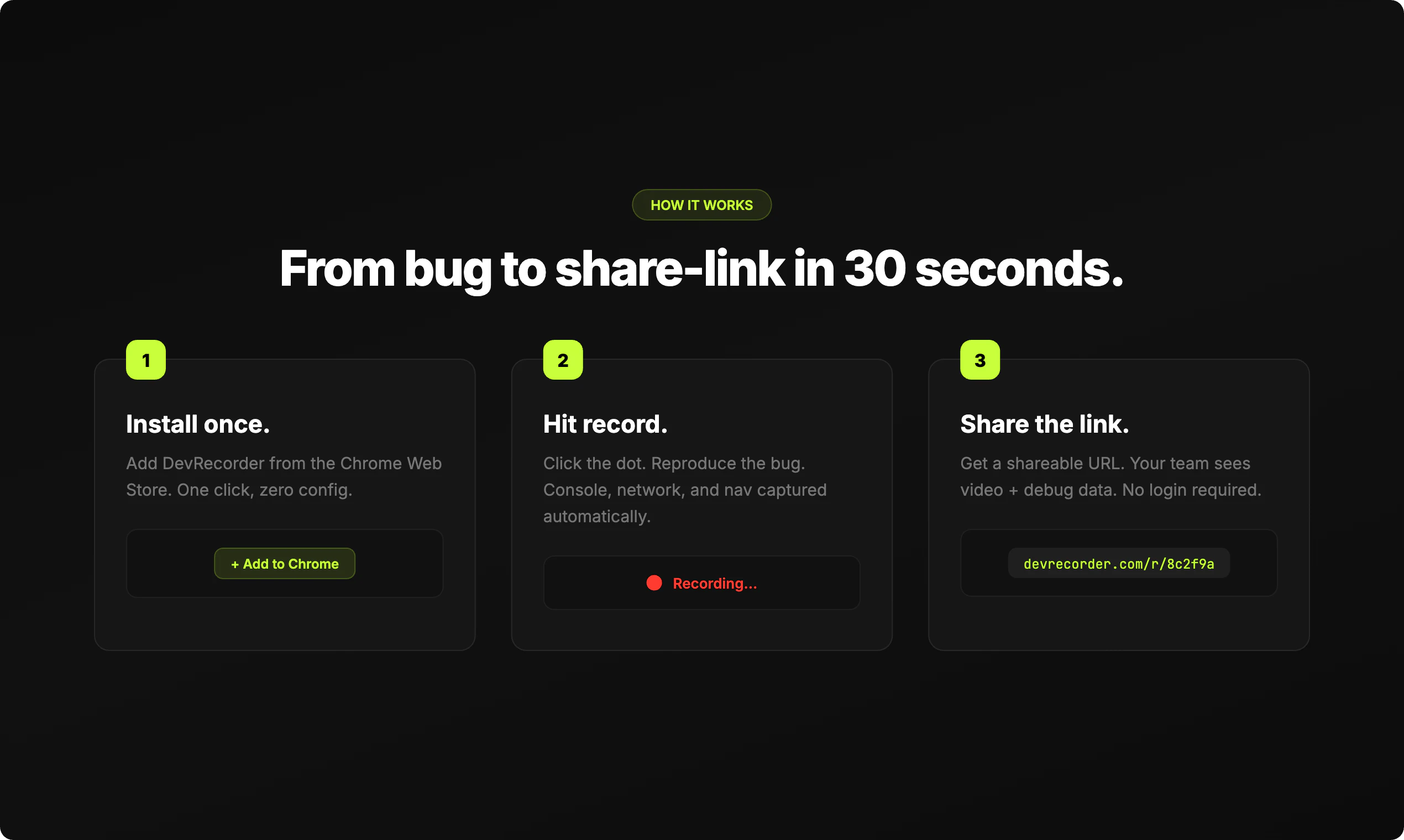
DevRecorder is a powerful Chrome extension designed for developers and QA teams aiming to streamline bug reproduction and collaboration. It captures high-quality screen recordings synchronized with console logs, network requests, navigation events, and annotations, providing a comprehensive view of application behavior. Users can effortlessly record their sessions on localhost, staging, or production environments, making bug reporting and debugging more efficient. Sharing recordings is simple with a generated link, and integration with MCP and AI tools like Claude Code, Cursor, and Windsurf enables structured analysis and contextual understanding. Its ability to lock logs, requests, and route changes to precise frames offers unmatched clarity in troubleshooting complex issues. DevRecorder enhances team collaboration by providing a detailed, visual playback combined with rich debugging data, making it ideal for developers, testers, and product teams alike.
Screenshots
Pros
- ✓Synchronized recordings with console logs, network requests, and navigation events
- ✓Easy sharing via shareable links for seamless team collaboration
- ✓Works across localhost, staging, and production environments
- ✓Integrates with AI tools for structured context analysis
- ✓Provides detailed, frame-accurate debugging insights
Cons
- ✗Limited information on pricing or free tier availability
- ✗Potential performance impact during recording on lower-end machines
- ✗Requires Chrome browser extension, which may not suit all workflows
Use Cases
Pricing
Likely operates on a freemium model, offering basic recording features for free and premium plans for advanced integrations and larger storage, though specific details are not publicly confirmed.
Quick Info
Topics
Similar Tools in Developer Tools




Embed Badge
Add this badge to your website to show that DevRecorder is featured on Visalytica.
<a href="https://www.visalytica.com/tool/devrecorder" target="_blank" rel="noopener noreferrer" style="display:inline-flex;align-items:center;gap:6px;padding:6px 14px;background:#7c3aed;color:#fff;border-radius:8px;font-family:-apple-system,system-ui,sans-serif;font-size:13px;font-weight:600;text-decoration:none;transition:background .2s" onmouseover="this.style.background='#6d28d9'" onmouseout="this.style.background='#7c3aed'"><svg width="14" height="14" viewBox="0 0 24 24" fill="none" stroke="currentColor" stroke-width="2.5" stroke-linecap="round" stroke-linejoin="round"><path d="M12 20V10"/><path d="M18 20V4"/><path d="M6 20v-4"/></svg>Featured on Visalytica</a>