
DesktopAudio
Record what your Mac plays. Local files, no cloud.
About DesktopAudio
DesktopAudio offers Mac users a simple yet powerful way to record system audio directly onto their device without relying on cloud services or requiring microphone permissions. Perfect for capturing podcasts, live streams, webinars, calls, or any other audio played through your Mac, it saves recordings as local m4a files, ensuring privacy and control. Unlike traditional screen recording tools that lack audio capture, DesktopAudio complements macOS's native screen recording capabilities by adding seamless system audio recording, making it ideal for content creators, educators, and professionals who need high-quality, local recordings. Its straightforward, one-time purchase model at $19 makes it accessible without ongoing subscriptions, appealing to users seeking a reliable, privacy-focused solution for audio recording.
Screenshots

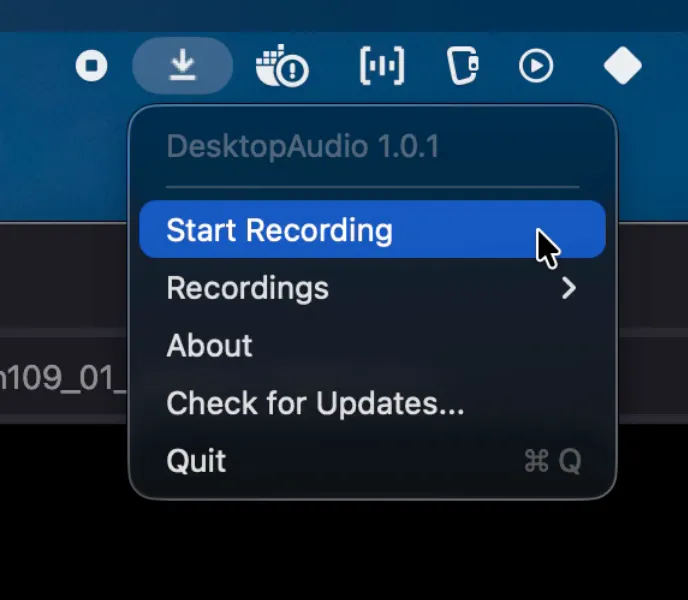
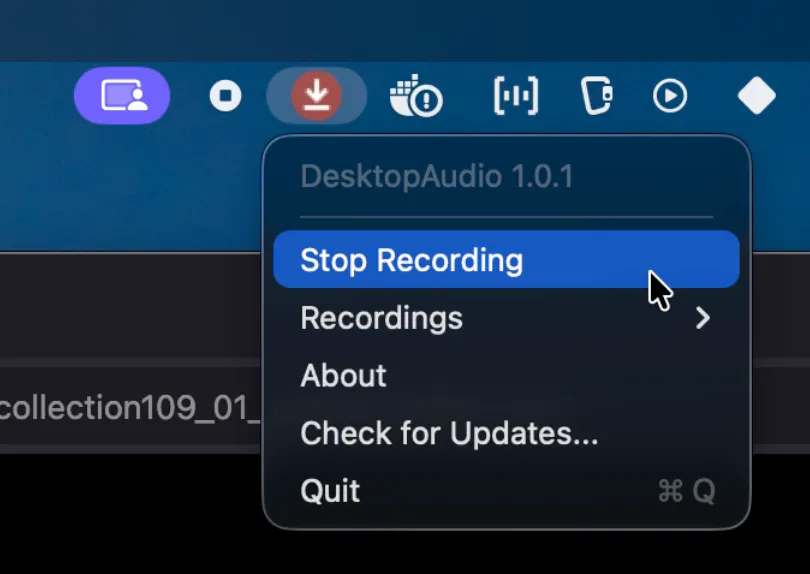
Pros
- ✓Captures all system audio without microphone permissions
- ✓Local recordings ensure privacy and security
- ✓Easy to use with a one-time payment of $19
- ✓Complements macOS screen recording for complete media capture
- ✓No cloud storage or account required
Cons
- ✗Limited to Mac users, no Windows support
- ✗No advanced editing or mixing features
- ✗Lacks cloud integration or sharing options
Use Cases
Pricing
DesktopAudio is available as a one-time purchase for $19, with no subscription fees or free tier, making it an affordable, lifetime solution for Mac users.
Quick Info
Topics
Makers

Gorka Ludlow
Alternatives
Similar Tools in AI Audio & Voice




Embed Badge
Add this badge to your website to show that DesktopAudio is featured on Visalytica.
<a href="https://www.visalytica.com/tool/desktopaudio" target="_blank" rel="noopener noreferrer" style="display:inline-flex;align-items:center;gap:6px;padding:6px 14px;background:#7c3aed;color:#fff;border-radius:8px;font-family:-apple-system,system-ui,sans-serif;font-size:13px;font-weight:600;text-decoration:none;transition:background .2s" onmouseover="this.style.background='#6d28d9'" onmouseout="this.style.background='#7c3aed'"><svg width="14" height="14" viewBox="0 0 24 24" fill="none" stroke="currentColor" stroke-width="2.5" stroke-linecap="round" stroke-linejoin="round"><path d="M12 20V10"/><path d="M18 20V4"/><path d="M6 20v-4"/></svg>Featured on Visalytica</a>