
DeskSay
Name your Mac desktops. Then say where to go.
About DeskSay
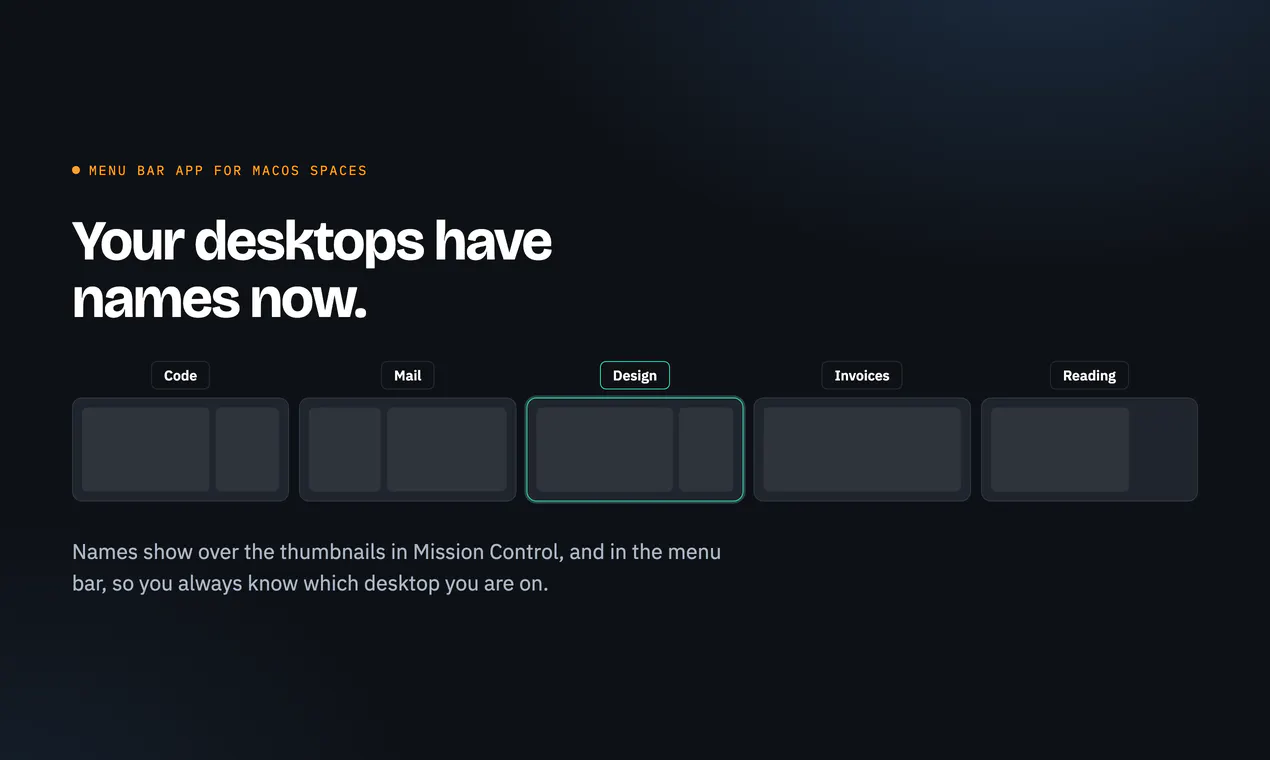
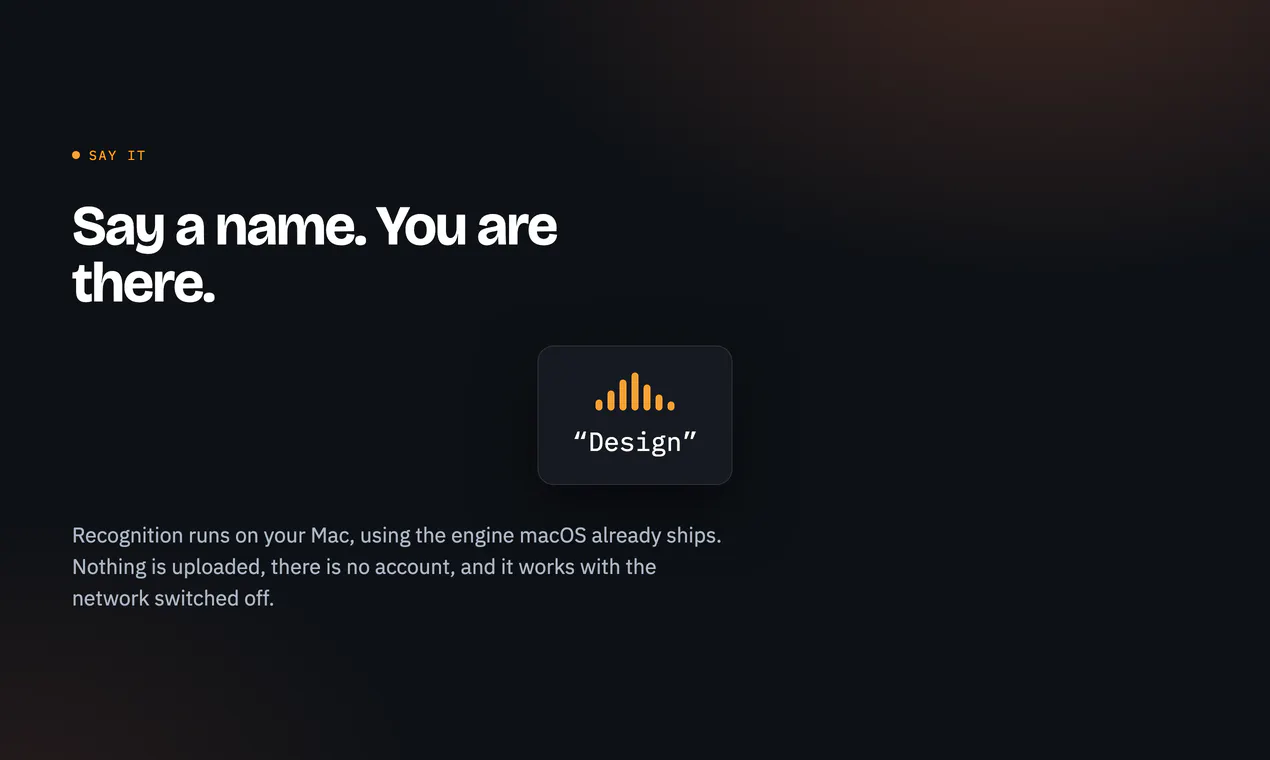
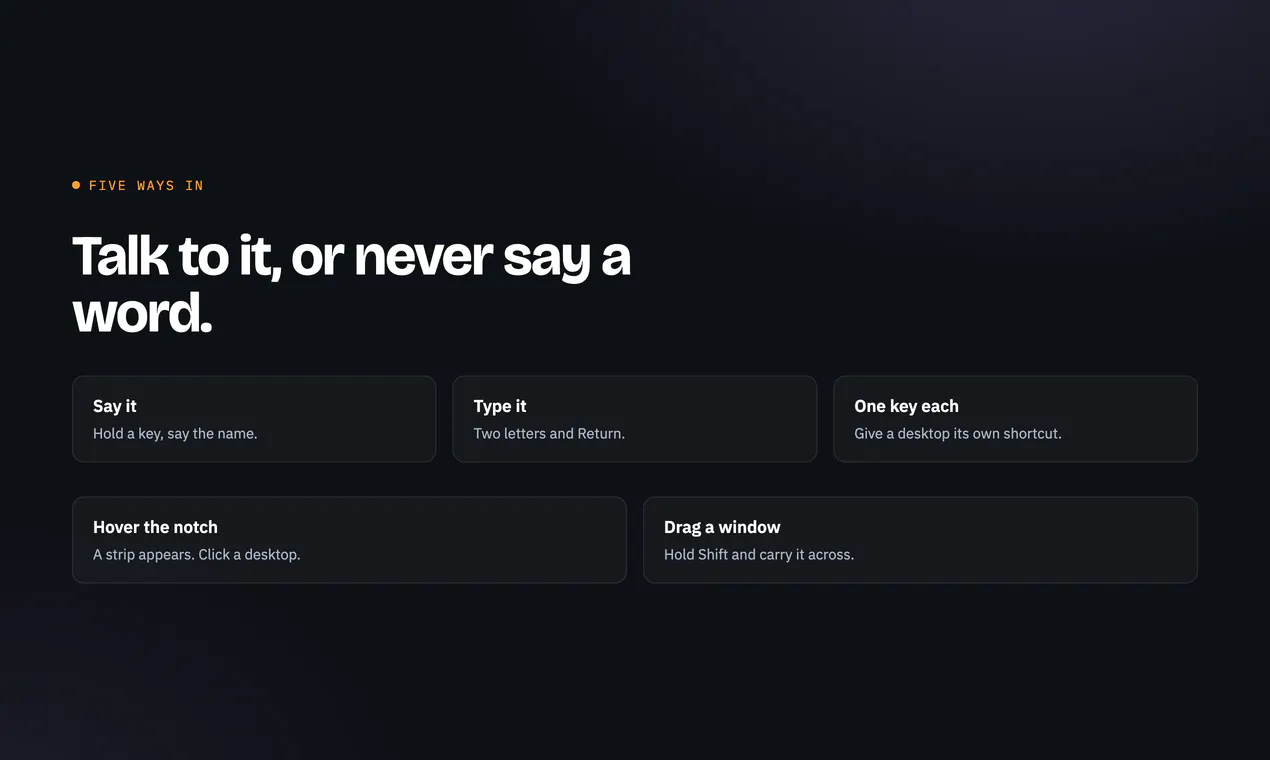
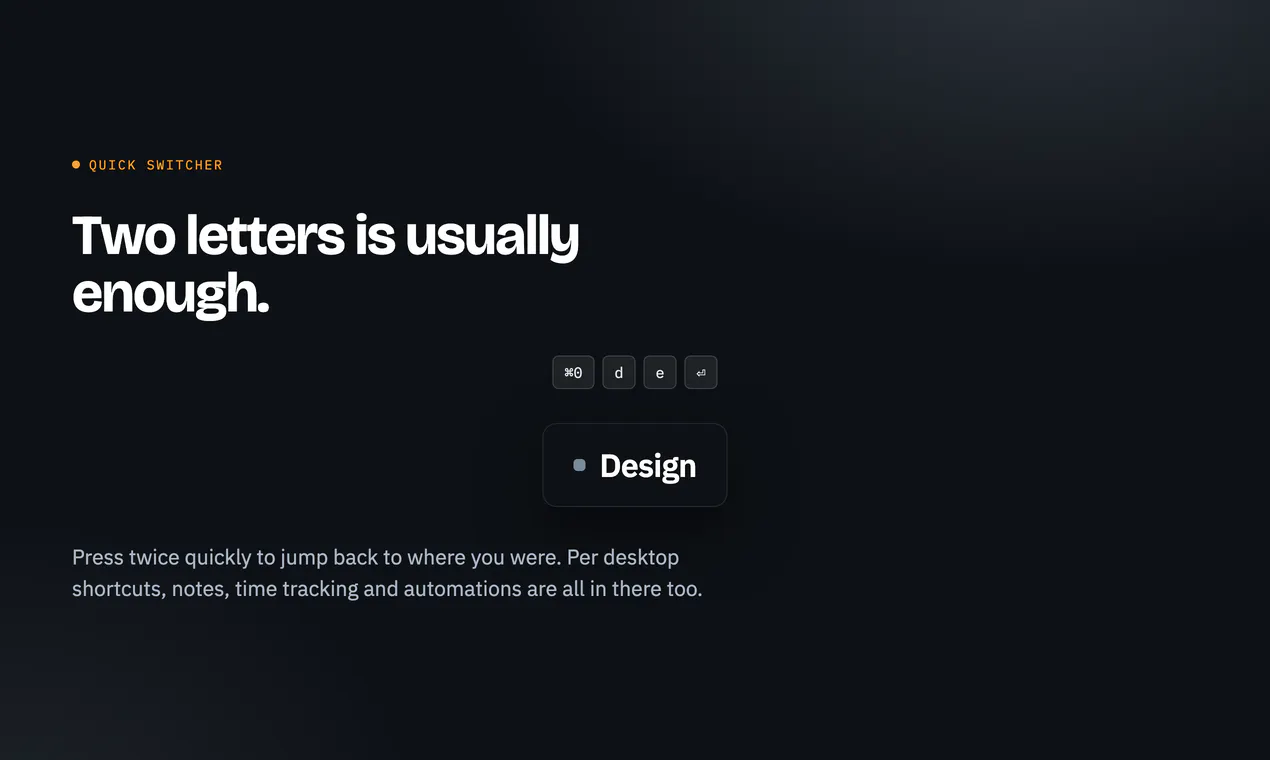
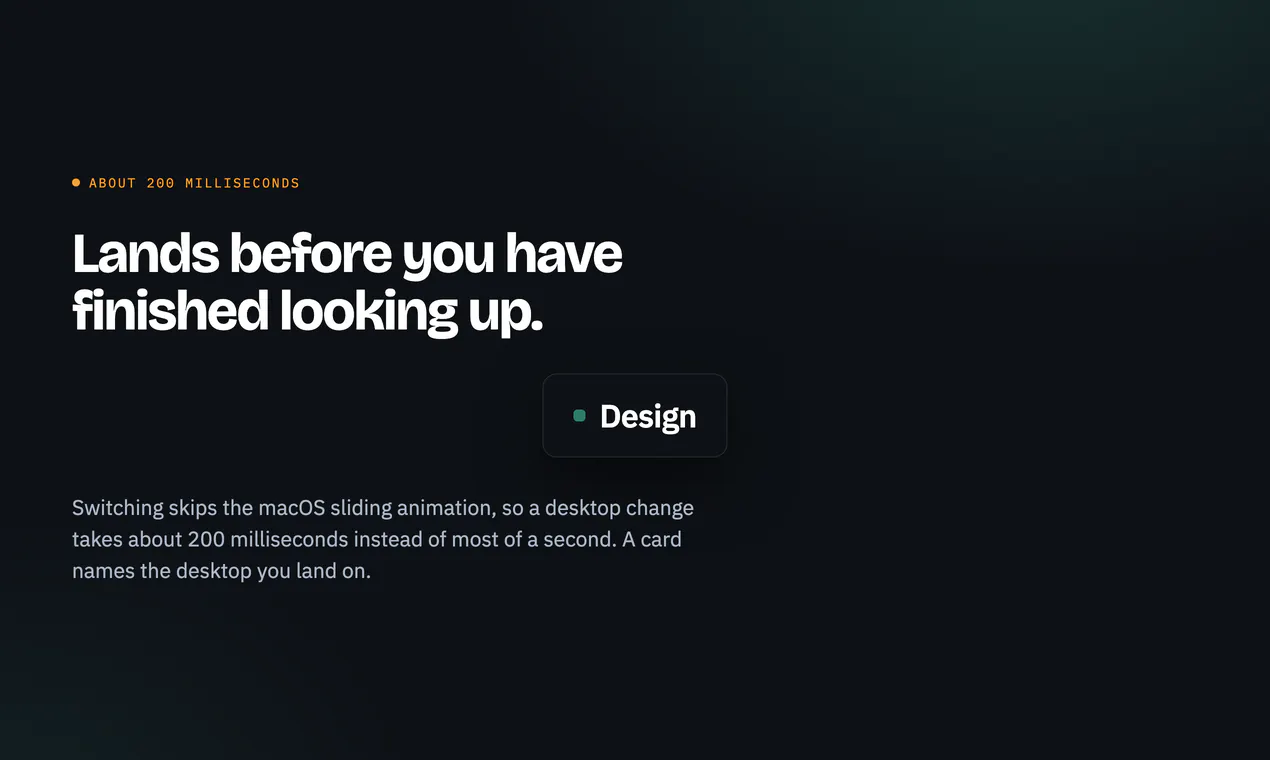
DeskSay is an innovative macOS utility designed to streamline desktop management through voice commands and quick shortcuts. By allowing users to assign specific names to each desktop, it simplifies navigation across multiple spaces. Users can switch to their designated desktops by simply speaking the name aloud, typing two quick letters, or pressing a single key—making multitasking more intuitive and efficient. Names assigned to desktops are visible in Mission Control and the menu bar, providing clear visual cues for easy access. Speech recognition runs locally on your Mac, ensuring privacy and responsiveness. Ideal for power users, productivity enthusiasts, and anyone who manages multiple projects or workflows on their Mac, DeskSay enhances desktop organization with a seamless, voice-driven experience. Its combination of visual cues and voice control makes it a standout tool for simplifying complex workflows and reducing clutter.
Screenshots

Pros
- ✓Intuitive voice command integration for quick desktop switching
- ✓Customizable desktop names visible in Mission Control and menu bar
- ✓Supports multiple input methods: voice, keyboard shortcuts, and typing
- ✓Runs locally on Mac for enhanced privacy and responsiveness
- ✓Improves productivity by reducing time spent navigating desktops
Cons
- ✗No information on pricing or free trial options
- ✗Potential learning curve for users unfamiliar with voice commands
- ✗Limited to macOS, restricting cross-platform use
Use Cases
Pricing
Pricing not verified
Quick Info
Topics
Similar Tools in Productivity




Embed Badge
Add this badge to your website to show that DeskSay is featured on Visalytica.
<a href="https://www.visalytica.com/tool/desksay" target="_blank" rel="noopener noreferrer" style="display:inline-flex;align-items:center;gap:6px;padding:6px 14px;background:#7c3aed;color:#fff;border-radius:8px;font-family:-apple-system,system-ui,sans-serif;font-size:13px;font-weight:600;text-decoration:none;transition:background .2s" onmouseover="this.style.background='#6d28d9'" onmouseout="this.style.background='#7c3aed'"><svg width="14" height="14" viewBox="0 0 24 24" fill="none" stroke="currentColor" stroke-width="2.5" stroke-linecap="round" stroke-linejoin="round"><path d="M12 20V10"/><path d="M18 20V4"/><path d="M6 20v-4"/></svg>Featured on Visalytica</a>