
Design In The Browser
The visual tool for frontend. Point, click, and let AI code.
About Design In The Browser
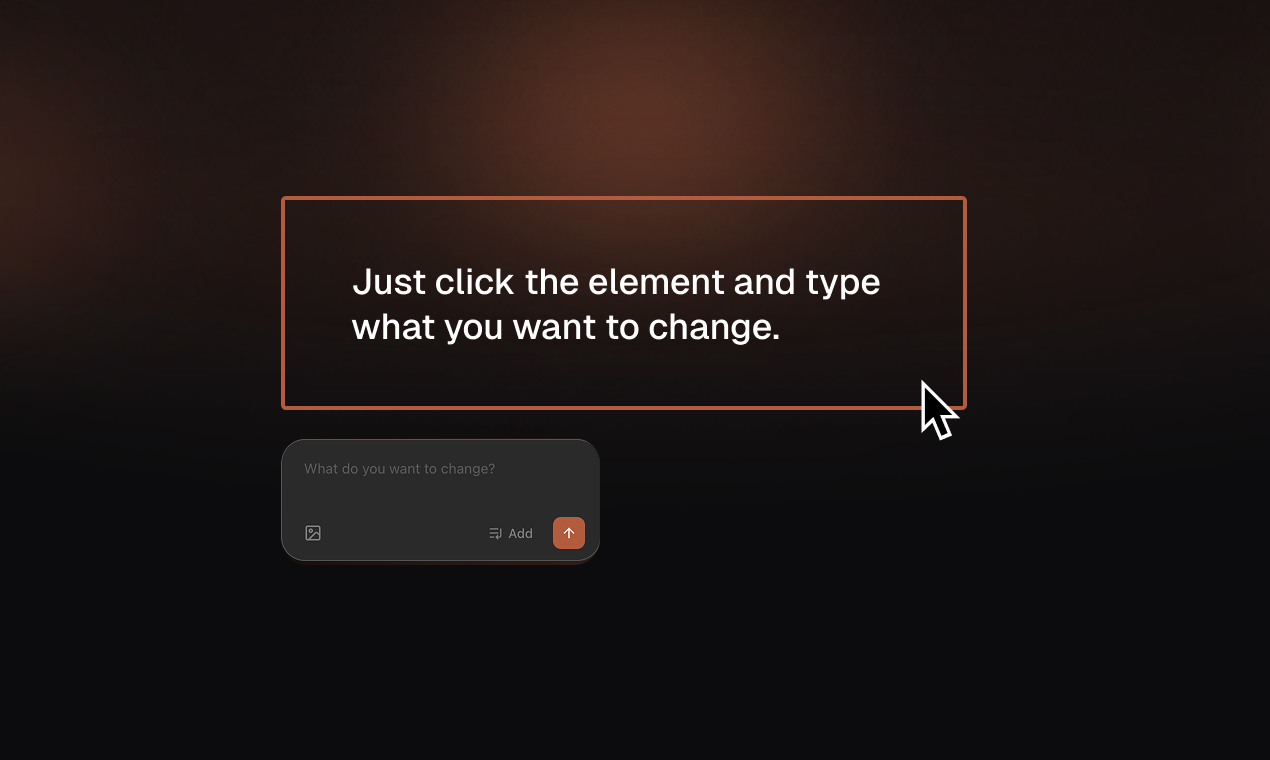
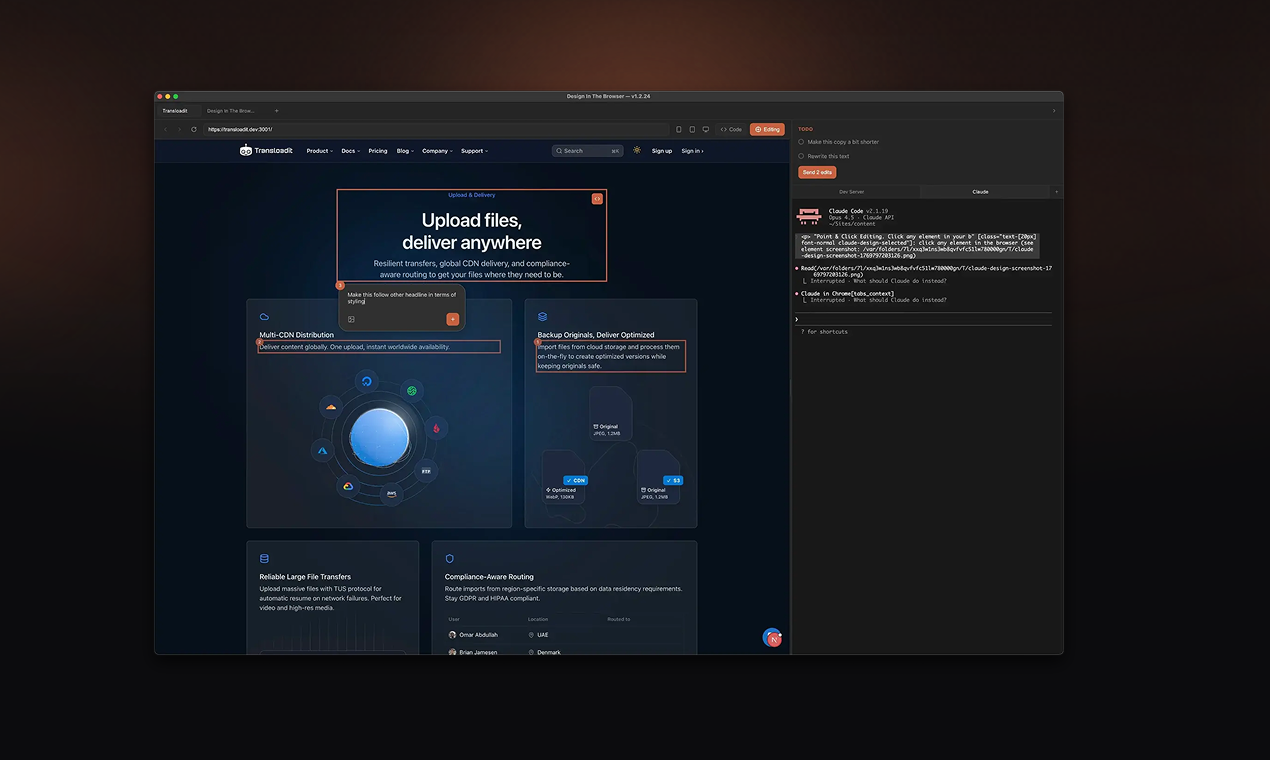
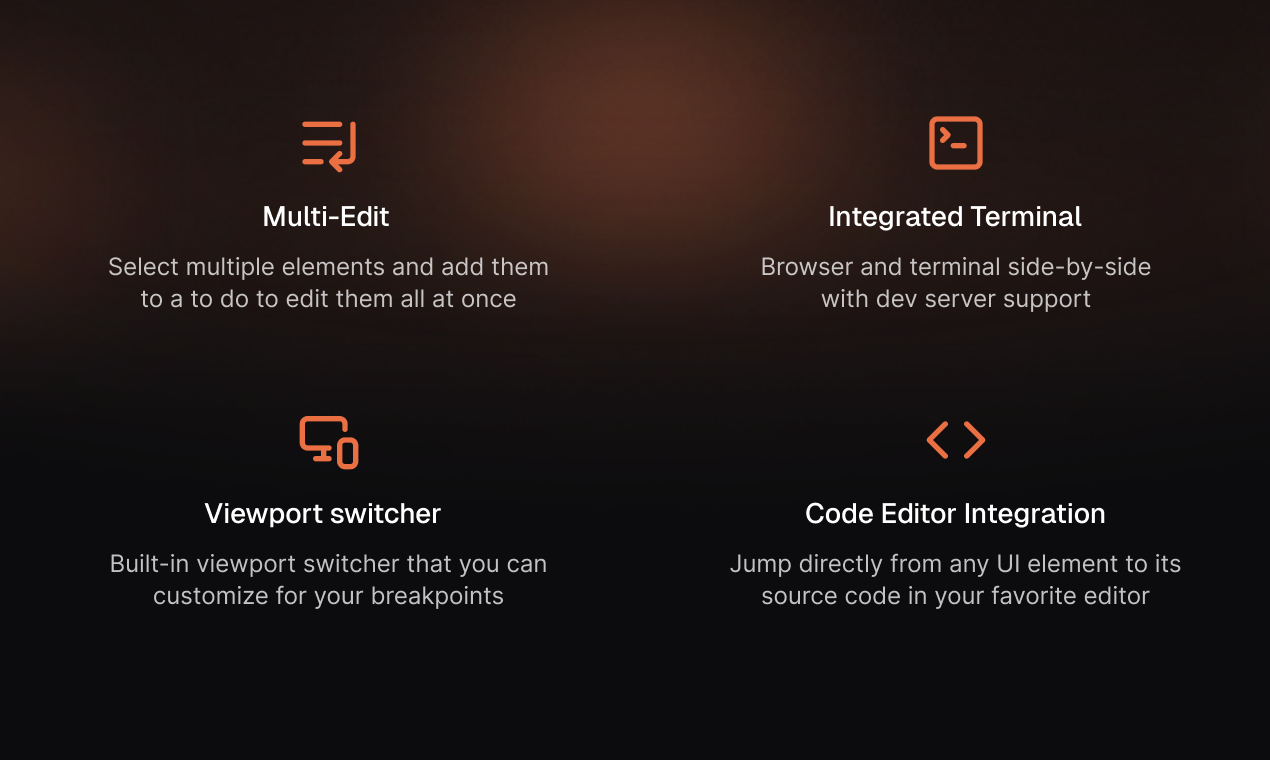
Design In The Browser is an innovative visual tool tailored for frontend developers and designers looking to streamline their workflow. It allows users to interact directly with website elements—clicking on buttons, headings, or selecting text—and describe desired changes in plain language. The tool then seamlessly communicates these instructions to powerful AI coding engines like Claude Code, Cursor, or Gemini CLI, which execute the modifications automatically. This eliminates the need for manual selector copying or complex CSS descriptions, making frontend editing more intuitive and accessible. With features like multi-edit queuing, responsive viewports, and integration with popular code editors, it enhances productivity and collaboration for web teams. Its real-time, visual approach offers a unique blend of design flexibility and AI automation, making it ideal for rapid prototyping, iterative design, and quick content adjustments.
Screenshots
Pros
- ✓Intuitive point-and-click interface for direct website editing
- ✓Plain language instructions simplify complex coding tasks
- ✓Supports multiple AI coding engines for flexibility
- ✓Features like multi-edit queuing and responsive views enhance workflow
- ✓Integrates with preferred code editors for seamless development
Cons
- ✗Reliance on AI may sometimes produce imperfect code changes
- ✗Requires internet connection and compatible AI services
- ✗Limited details on pricing and subscription plans
Use Cases
Pricing
Likely operates on a freemium model, offering basic features for free with premium tiers for advanced functionalities and integrations. Exact pricing details are not specified but may start around a moderate monthly subscription.
Quick Info
Topics
Alternatives
Similar Tools in Developer Tools




Embed Badge
Add this badge to your website to show that Design In The Browser is featured on Visalytica.
<a href="https://www.visalytica.com/tool/design-in-the-browser" target="_blank" rel="noopener noreferrer" style="display:inline-flex;align-items:center;gap:6px;padding:6px 14px;background:#7c3aed;color:#fff;border-radius:8px;font-family:-apple-system,system-ui,sans-serif;font-size:13px;font-weight:600;text-decoration:none;transition:background .2s" onmouseover="this.style.background='#6d28d9'" onmouseout="this.style.background='#7c3aed'"><svg width="14" height="14" viewBox="0 0 24 24" fill="none" stroke="currentColor" stroke-width="2.5" stroke-linecap="round" stroke-linejoin="round"><path d="M12 20V10"/><path d="M18 20V4"/><path d="M6 20v-4"/></svg>Featured on Visalytica</a>