DemoMe
Turn screen recordings into polished demo videos instantly
About DemoMe
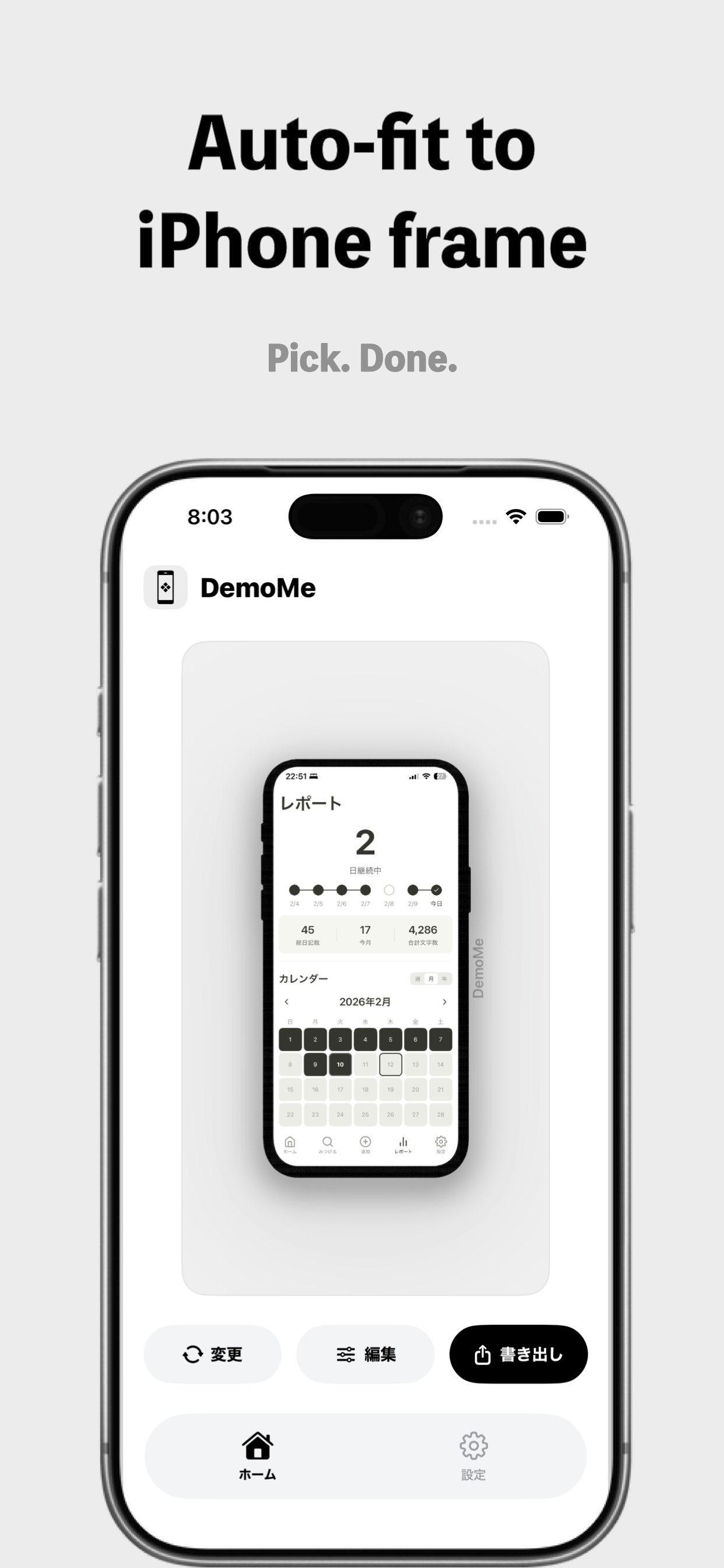
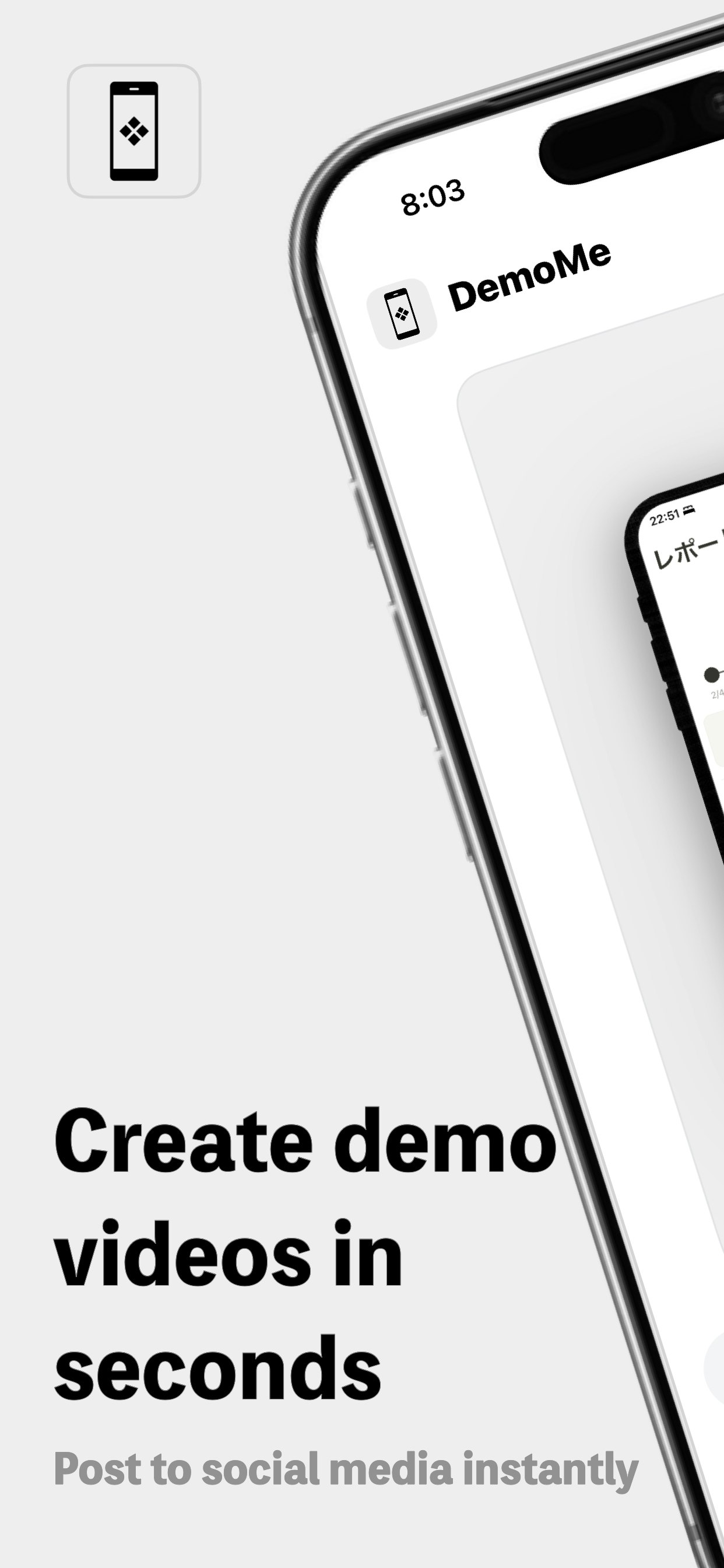
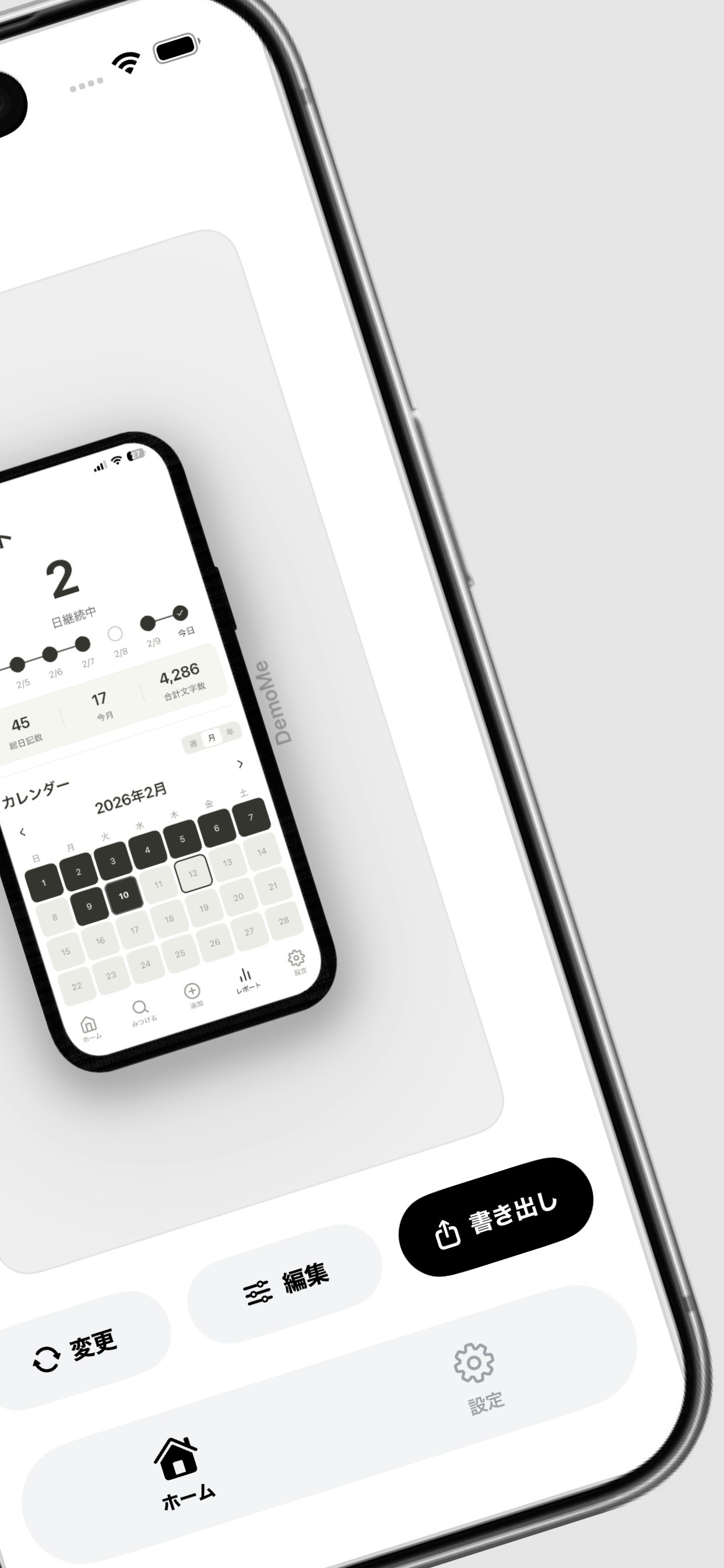
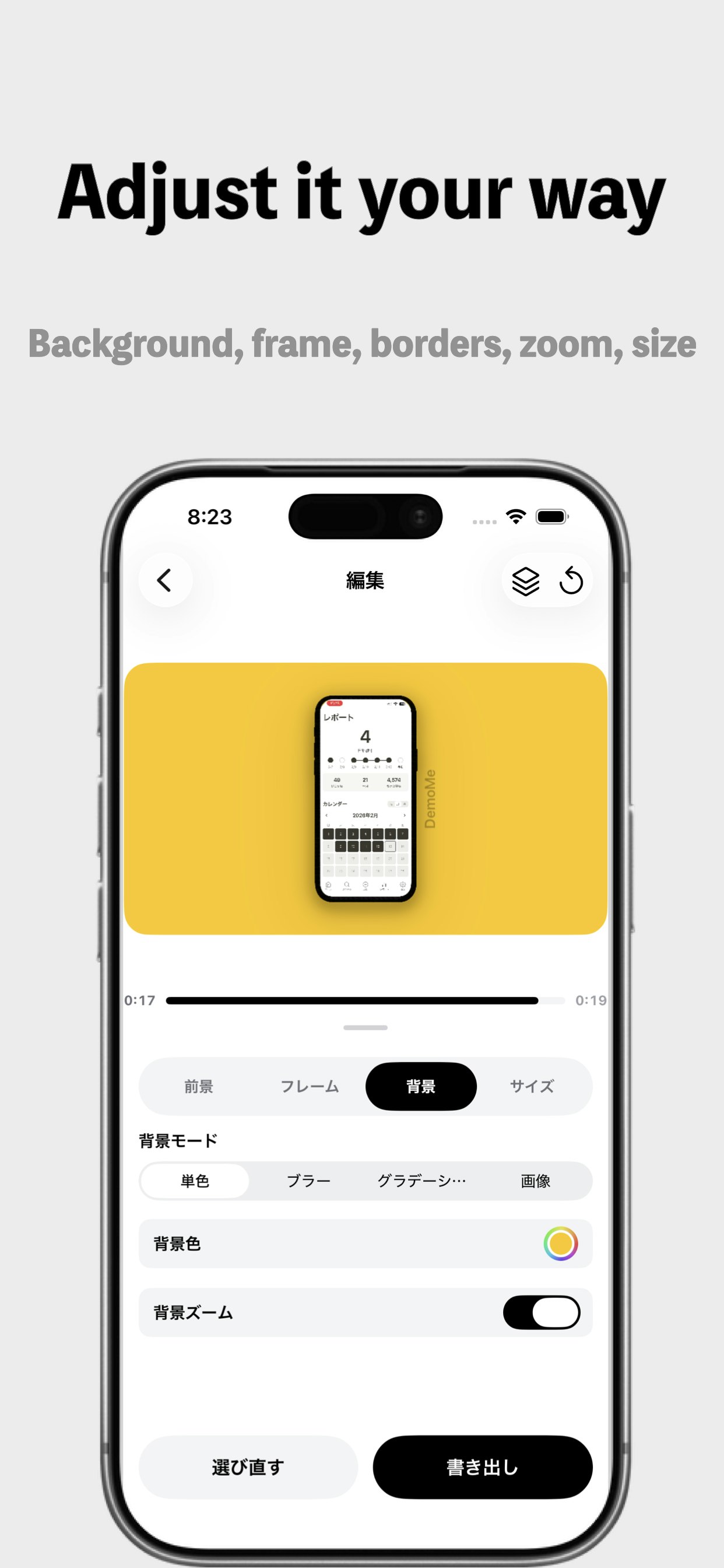
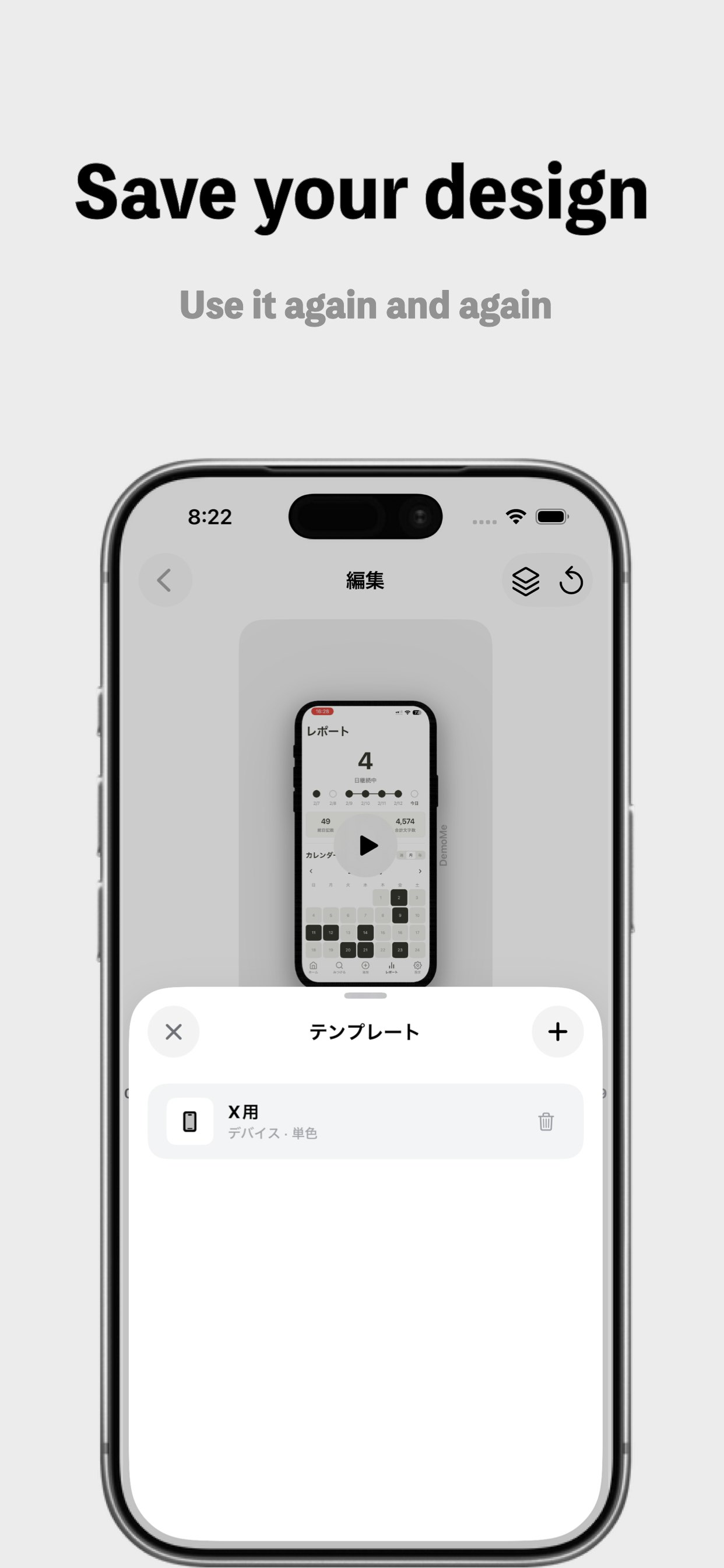
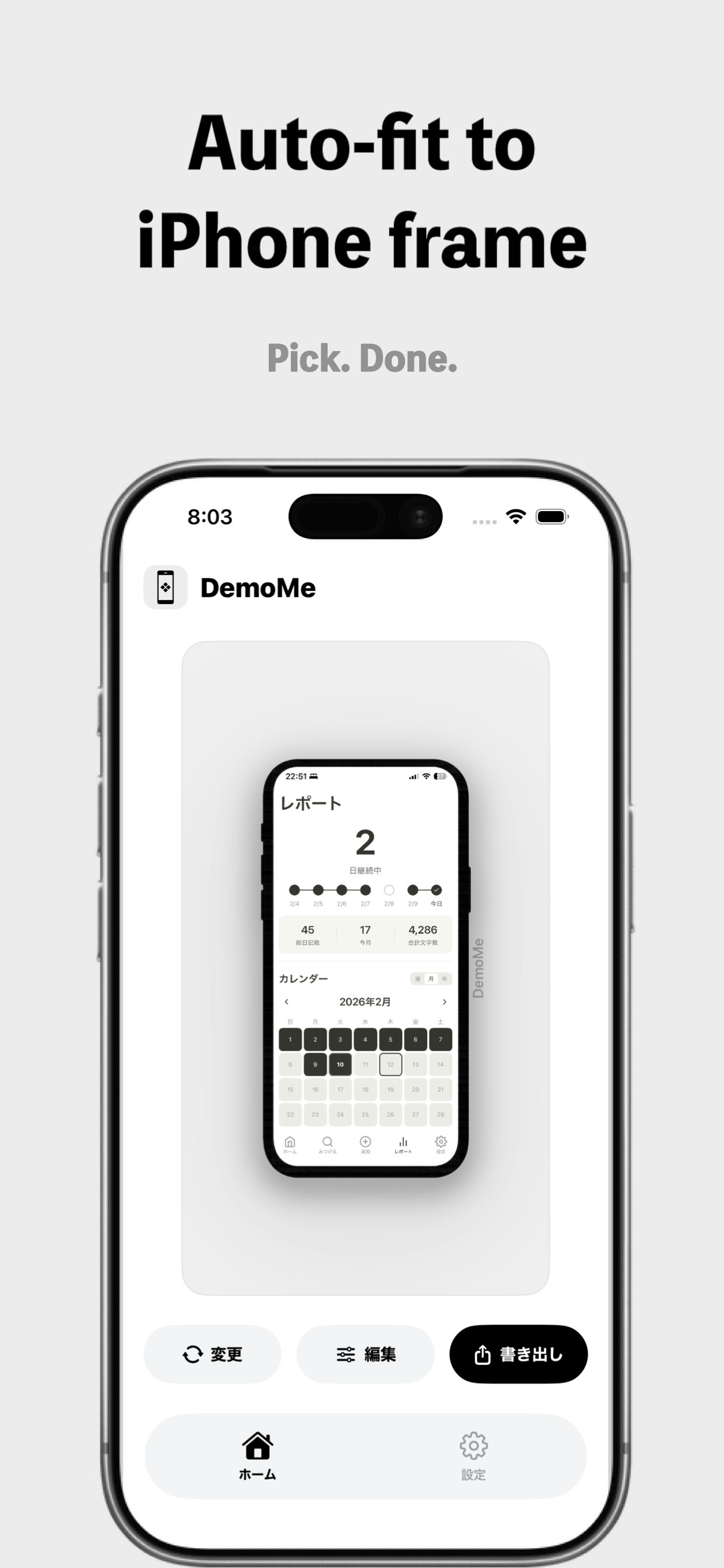
DemoMe is an innovative tool designed specifically for indie developers, marketers, and product teams looking to create high-quality demo videos quickly and effortlessly. Unlike traditional video editors that can be complex and time-consuming, DemoMe focuses on transforming screen recordings and screenshots into polished, professional-looking demos in seconds. Its emphasis on speed, consistency, and attractive defaults allows users to produce engaging videos for App Store previews, product launches, landing pages, and social media without the need for extensive editing skills. The platform runs fully on-device, ensuring privacy and eliminating upload times, making it ideal for quick iterations and sensitive content. DemoMe’s streamlined approach helps teams ship demos faster and focus more on their core product development and marketing efforts.
Screenshots
Pros
- ✓Fast and efficient demo creation with minimal effort
- ✓Runs entirely on-device, ensuring privacy and instant processing
- ✓Designed specifically for product demos, offering tailored features
- ✓User-friendly interface with beautiful defaults
- ✓Ideal for marketing, app previews, and social media content
Cons
- ✗Limited to demo and presentation-focused features, less flexible for general video editing
- ✗May lack advanced editing tools found in professional video editors
- ✗Potentially less customizable compared to traditional editing software
Use Cases
Pricing
Likely operates on a freemium model, offering basic functionalities for free with premium features or higher usage tiers available at a subscription cost, typical for SaaS tools in this category.
Quick Info
Topics
Similar Tools in AI Image & Design




Embed Badge
Add this badge to your website to show that DemoMe is featured on Visalytica.
<a href="https://www.visalytica.com/tool/demome" target="_blank" rel="noopener noreferrer" style="display:inline-flex;align-items:center;gap:6px;padding:6px 14px;background:#7c3aed;color:#fff;border-radius:8px;font-family:-apple-system,system-ui,sans-serif;font-size:13px;font-weight:600;text-decoration:none;transition:background .2s" onmouseover="this.style.background='#6d28d9'" onmouseout="this.style.background='#7c3aed'"><svg width="14" height="14" viewBox="0 0 24 24" fill="none" stroke="currentColor" stroke-width="2.5" stroke-linecap="round" stroke-linejoin="round"><path d="M12 20V10"/><path d="M18 20V4"/><path d="M6 20v-4"/></svg>Featured on Visalytica</a>