
De Stash
See, search and clean up your Mac storage, 100% private
About De Stash
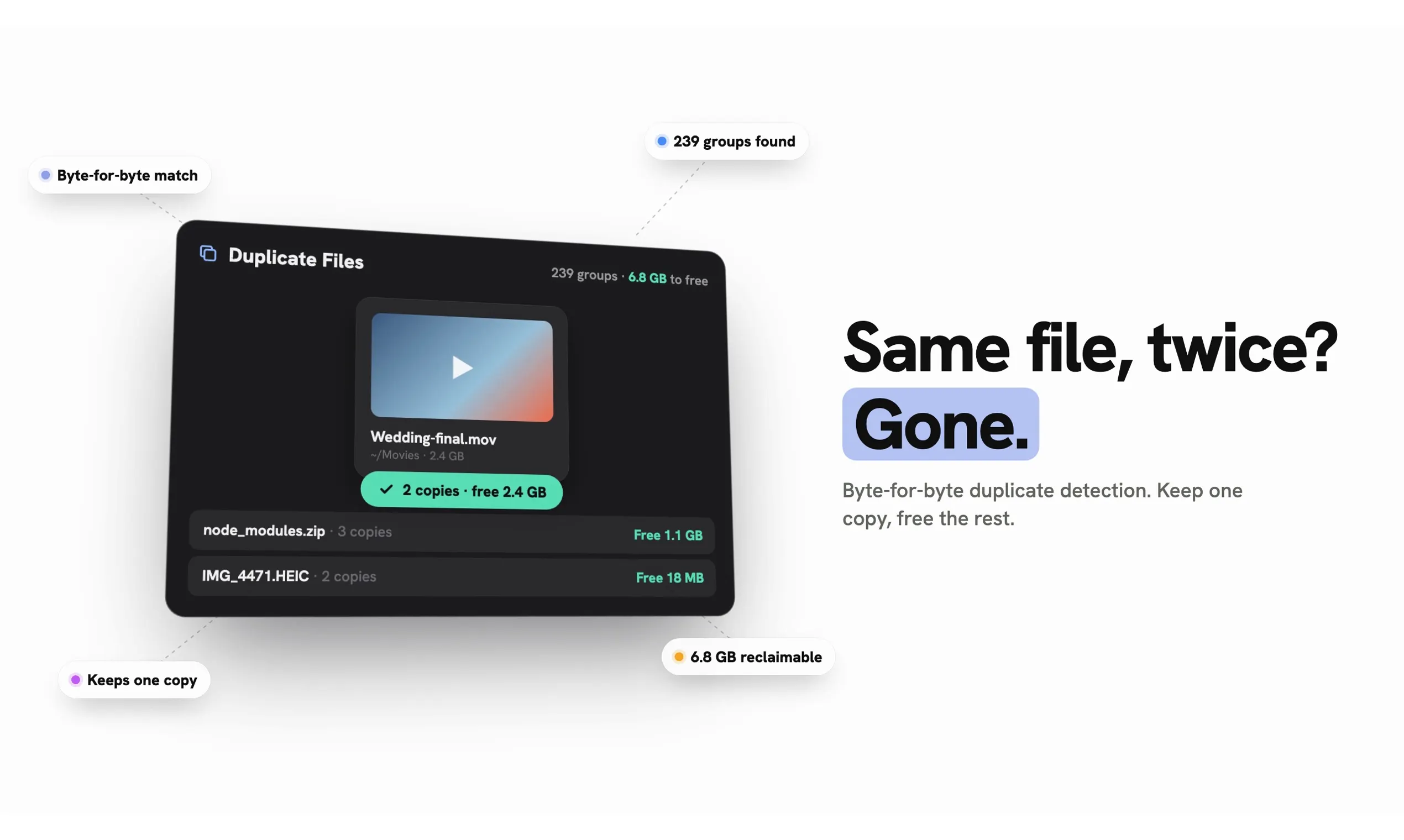
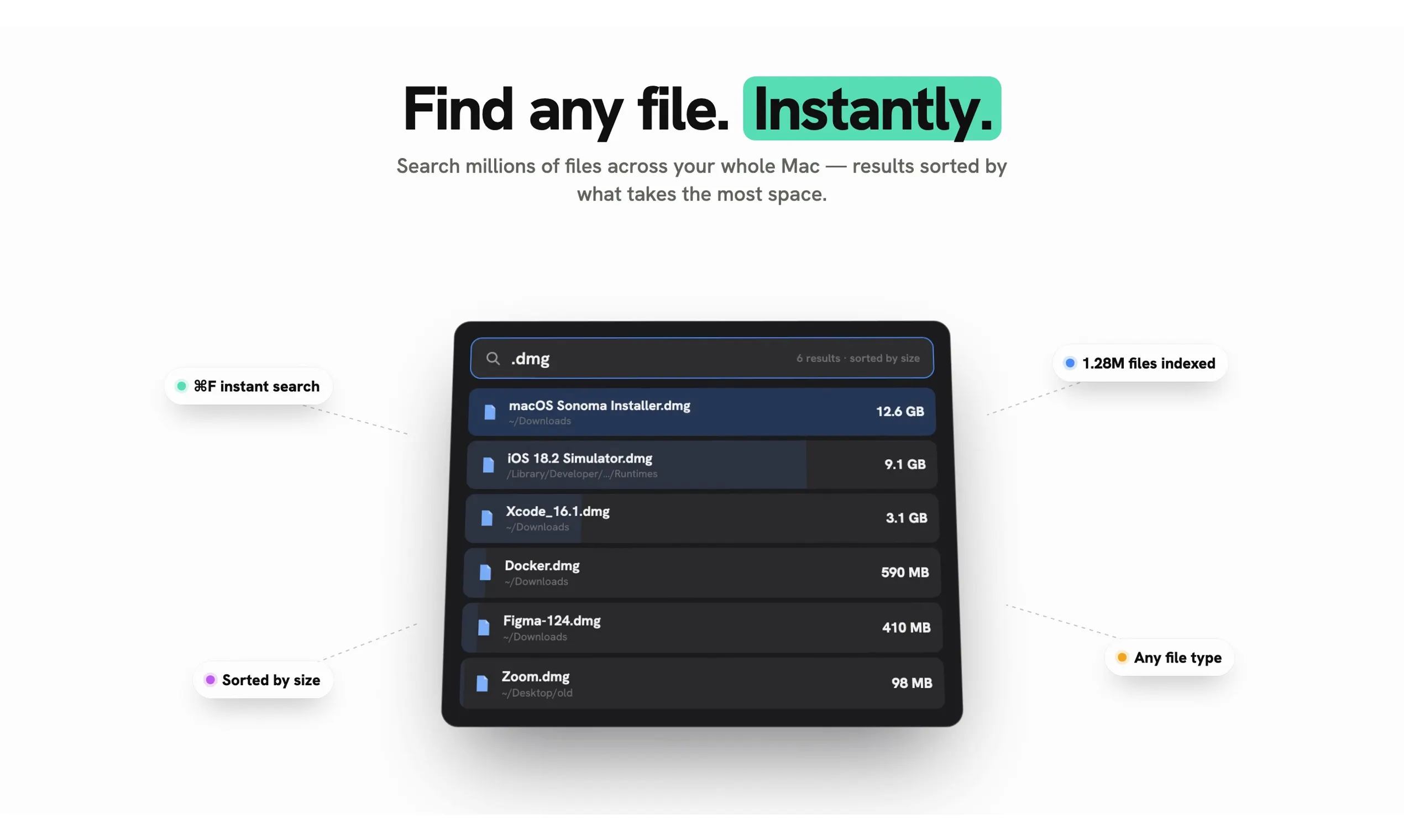
De Stash is a dedicated macOS application designed to give users complete visibility into their storage usage. Its interactive drive map allows users to easily identify what is occupying space, including detailed insights into 'System Data' such as swap files, snapshots, and recovery files. The app simplifies the process of locating large files and duplicates, enabling quick cleanup to free up valuable storage. One of its standout features is the ability to uninstall apps along with their hidden leftovers, ensuring a thorough cleanup without the need for additional tools. De Stash is ideal for Mac users who want a secure, local solution to manage their storage without relying on cloud or tracking services. Its straightforward, native design makes it accessible for both casual users and power users seeking to optimize their Macs efficiently.
Screenshots
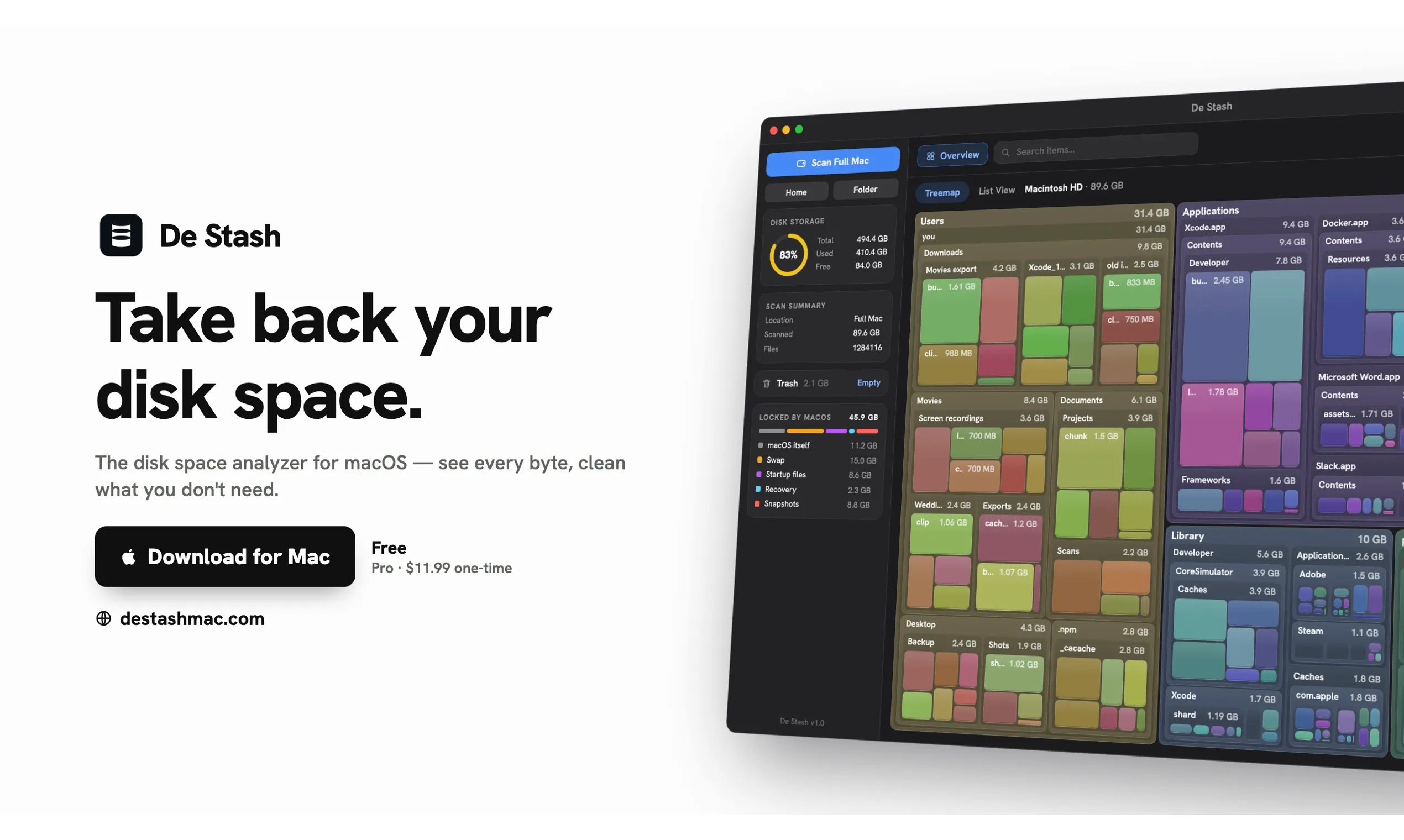
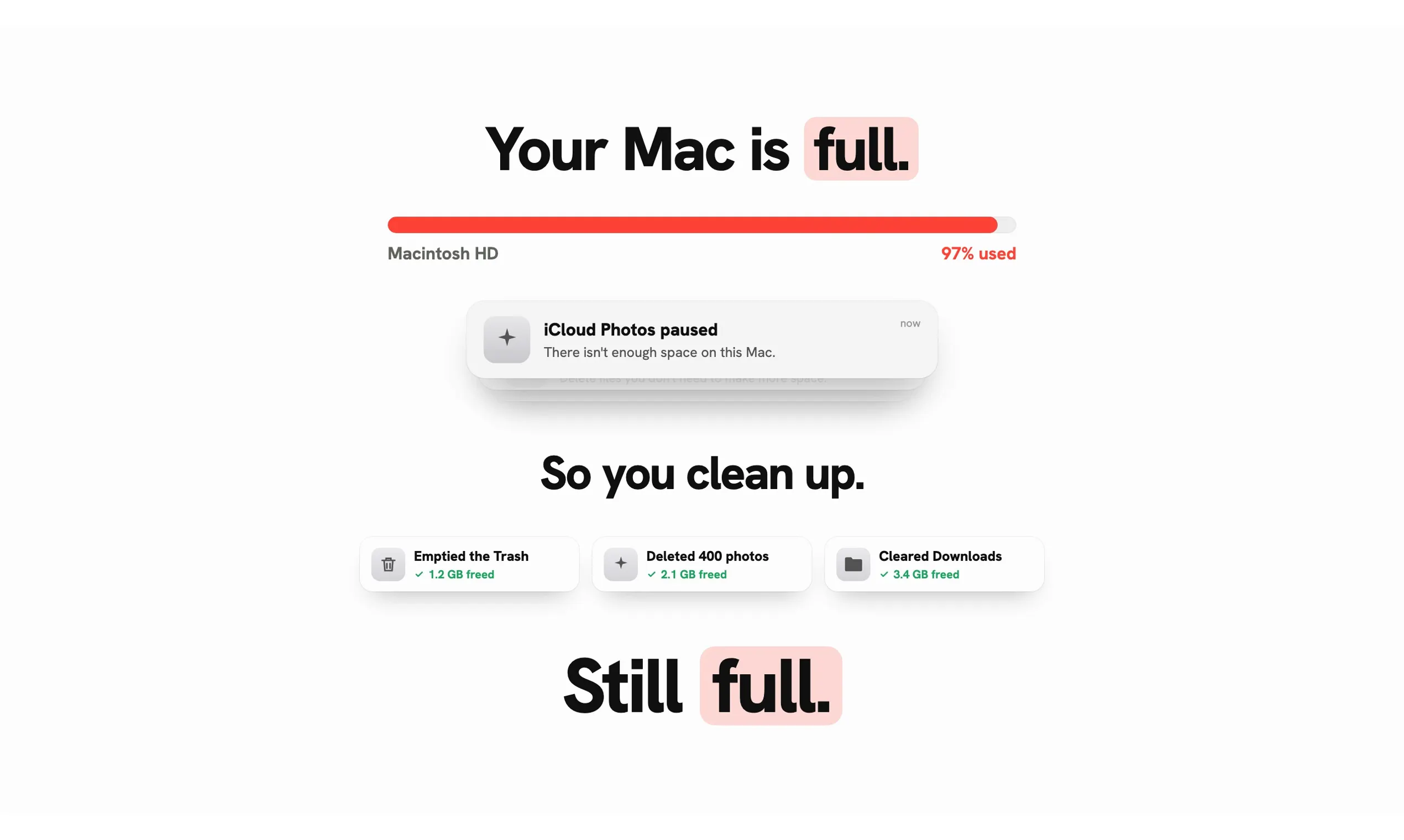
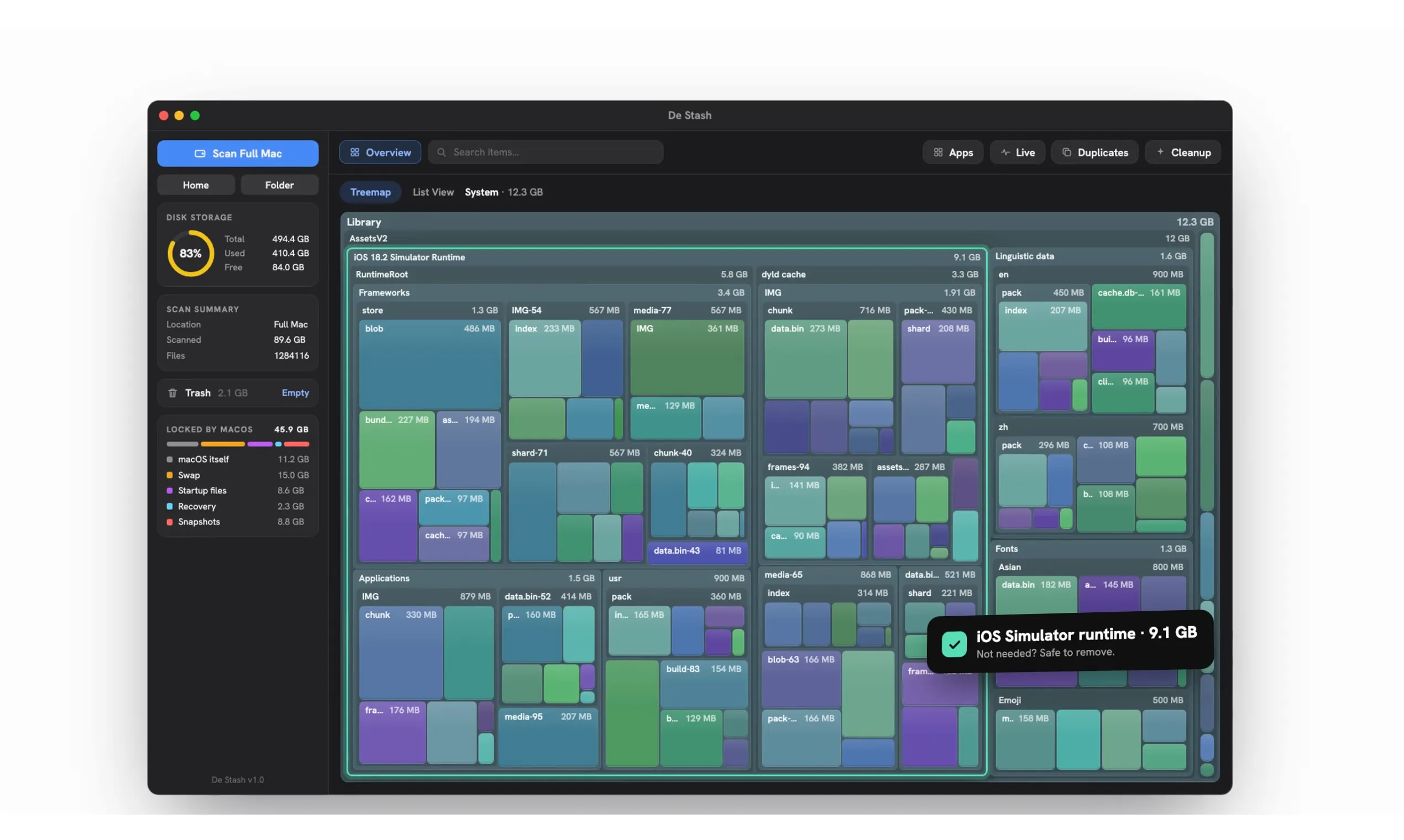
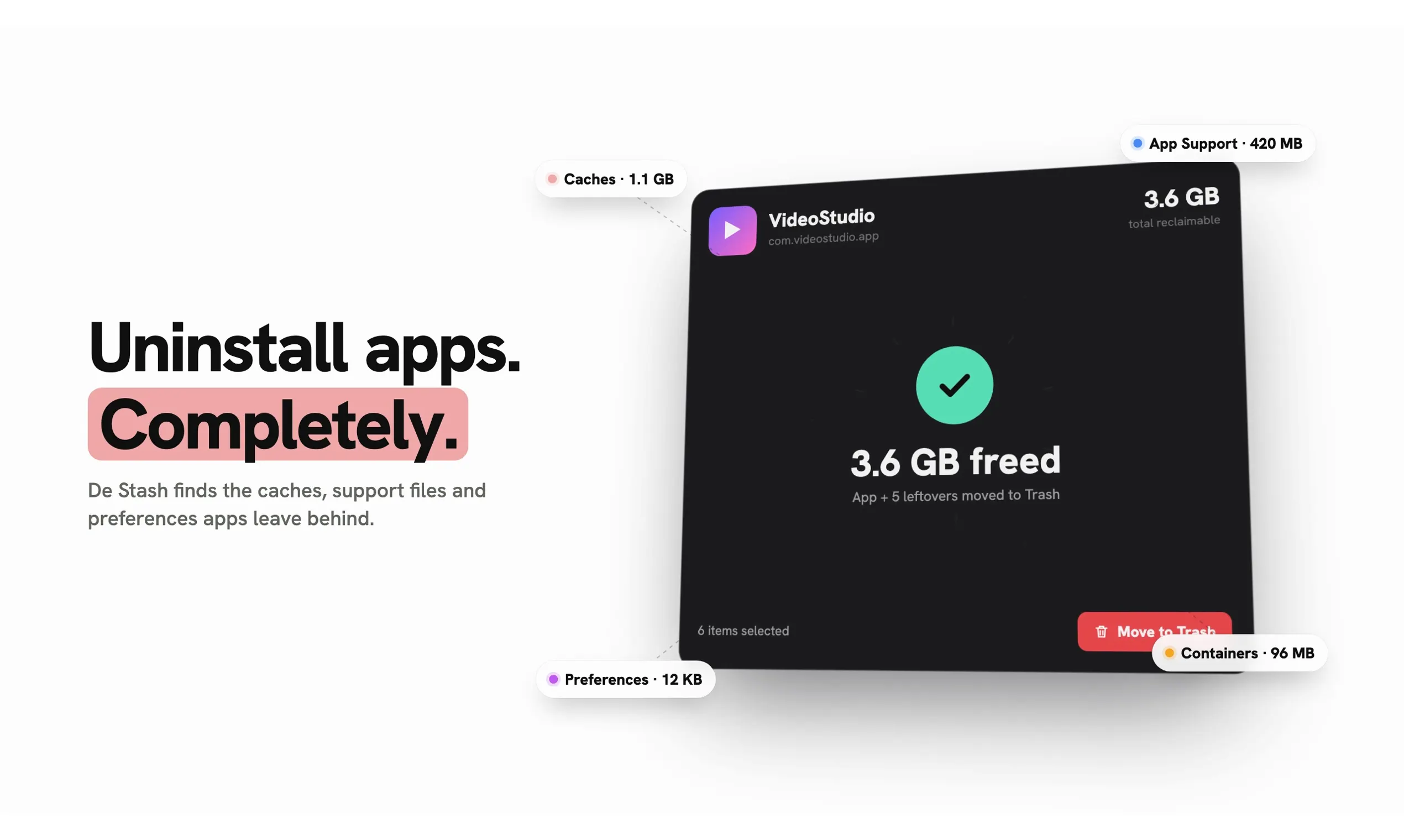
+4 more screenshots
Pros
- ✓Provides an interactive and visual overview of storage usage
- ✓Detailed insights into System Data for better understanding of disk space
- ✓Quickly finds large files and duplicates for easy cleanup
- ✓Uninstalls apps along with residual files for thorough removal
- ✓100% local and private, with no cloud or tracking
Cons
- ✗Limited to macOS, not available on other platforms
- ✗Pro version is a one-time purchase, which may be a barrier for some users
- ✗Features may be basic compared to more comprehensive disk management tools
Use Cases
Pricing
Summarize pricing only when it is explicitly supported by the supplied product data. Never guess a price, plan, or business model. Return 'Pricing not verified'.
Quick Info
Topics
Makers

Naveenkishore
Alternatives
Similar Tools in AI Image & Design




Embed Badge
Add this badge to your website to show that De Stash is featured on Visalytica.
<a href="https://www.visalytica.com/tool/de-stash" target="_blank" rel="noopener noreferrer" style="display:inline-flex;align-items:center;gap:6px;padding:6px 14px;background:#7c3aed;color:#fff;border-radius:8px;font-family:-apple-system,system-ui,sans-serif;font-size:13px;font-weight:600;text-decoration:none;transition:background .2s" onmouseover="this.style.background='#6d28d9'" onmouseout="this.style.background='#7c3aed'"><svg width="14" height="14" viewBox="0 0 24 24" fill="none" stroke="currentColor" stroke-width="2.5" stroke-linecap="round" stroke-linejoin="round"><path d="M12 20V10"/><path d="M18 20V4"/><path d="M6 20v-4"/></svg>Featured on Visalytica</a>