
DAW Converter
Convert FLP, ALS & MIDI files online — fast & simple
About DAW Converter
DAW Converter is a versatile online tool designed for musicians, producers, and audio engineers who need to convert and analyze project files across multiple digital audio workstations (DAWs). It supports popular formats such as FL Studio (.flp), Ableton Live (.als), Reaper (.rpp), LMMS (.mmpz), and standard MIDI files. Its primary strength lies in its ability to facilitate seamless file conversion without requiring any software installation, making it accessible from any device with internet access. Users can also analyze metadata, detect plugins used within projects, downgrade versions if needed, and export MIDI files for further editing or sharing. This makes it particularly valuable for collaboration, archiving, or transitioning projects between different DAWs. The tool’s user-friendly interface and comprehensive feature set cater to both beginners and seasoned professionals seeking quick, reliable conversions and insights into their project files.
Screenshots
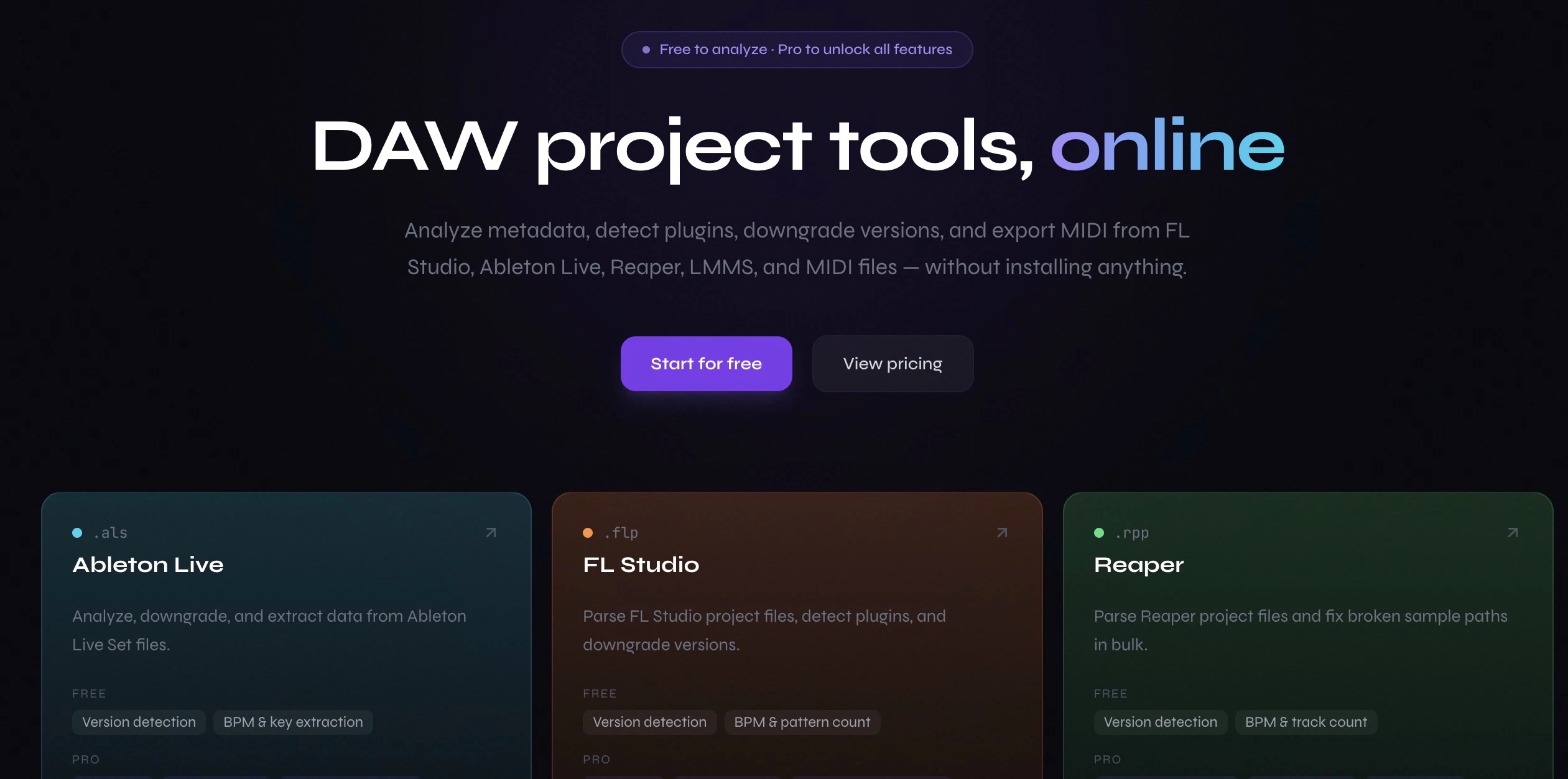
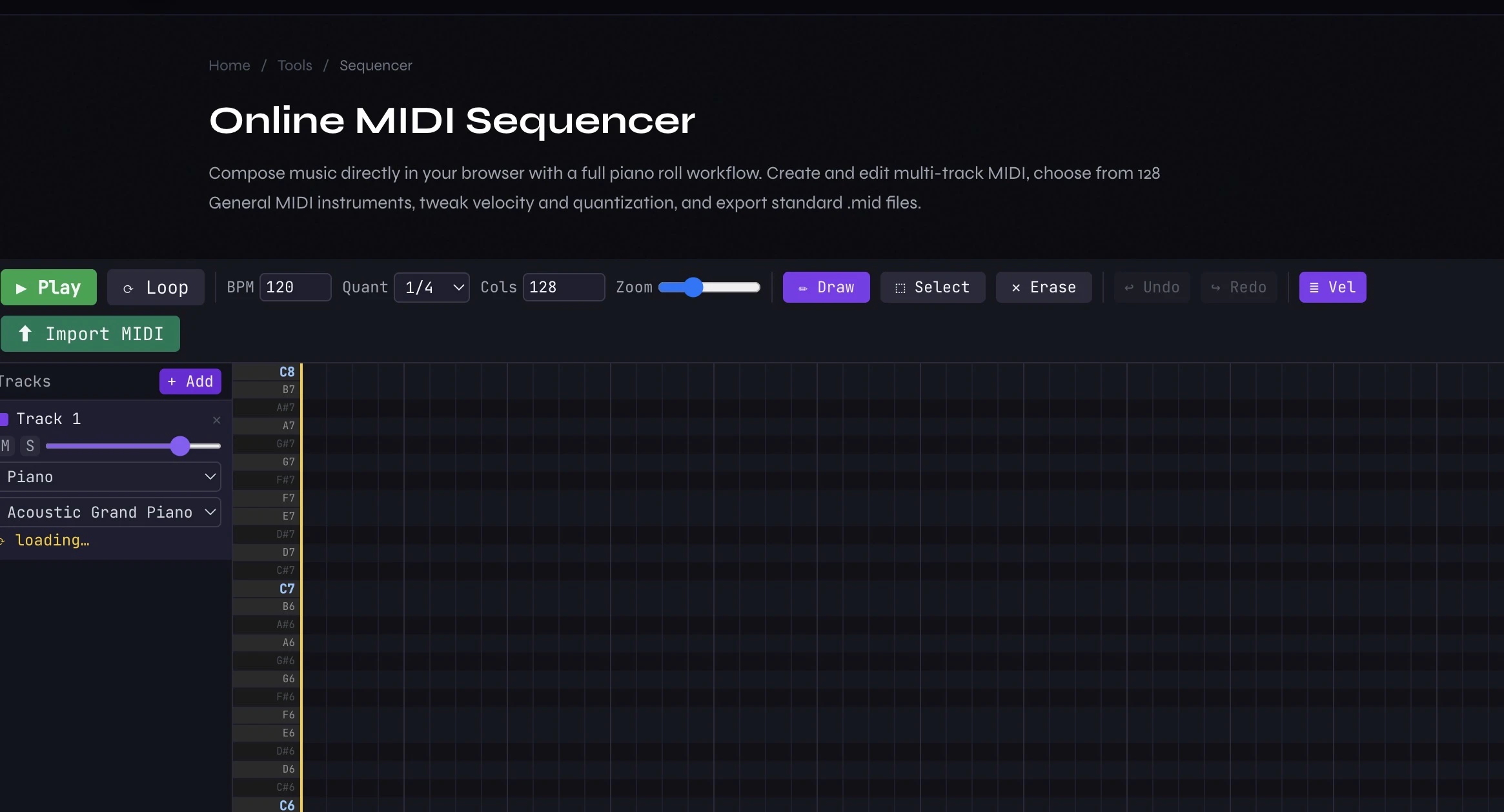
Pros
- ✓No software installation required, accessible online
- ✓Supports a wide range of DAW formats and MIDI files
- ✓Includes metadata analysis and plugin detection features
- ✓Allows version downgrades and easy MIDI export
- ✓User-friendly interface suitable for various skill levels
Cons
- ✗Limited information on advanced editing capabilities
- ✗Potential file size and privacy concerns for sensitive projects
- ✗No mention of premium features or subscription plans
Use Cases
Pricing
Likely offers a free tier for basic conversions, with potential paid plans for advanced features or higher usage limits. However, specific pricing details are not clearly provided.
Quick Info
Topics
Alternatives
Similar Tools in AI Audio & Voice



Embed Badge
Add this badge to your website to show that DAW Converter is featured on Visalytica.
<a href="https://www.visalytica.com/tool/daw-converter" target="_blank" rel="noopener noreferrer" style="display:inline-flex;align-items:center;gap:6px;padding:6px 14px;background:#7c3aed;color:#fff;border-radius:8px;font-family:-apple-system,system-ui,sans-serif;font-size:13px;font-weight:600;text-decoration:none;transition:background .2s" onmouseover="this.style.background='#6d28d9'" onmouseout="this.style.background='#7c3aed'"><svg width="14" height="14" viewBox="0 0 24 24" fill="none" stroke="currentColor" stroke-width="2.5" stroke-linecap="round" stroke-linejoin="round"><path d="M12 20V10"/><path d="M18 20V4"/><path d="M6 20v-4"/></svg>Featured on Visalytica</a>