
DataBlur
Blur sensitive data on screen before anyone sees it
About DataBlur
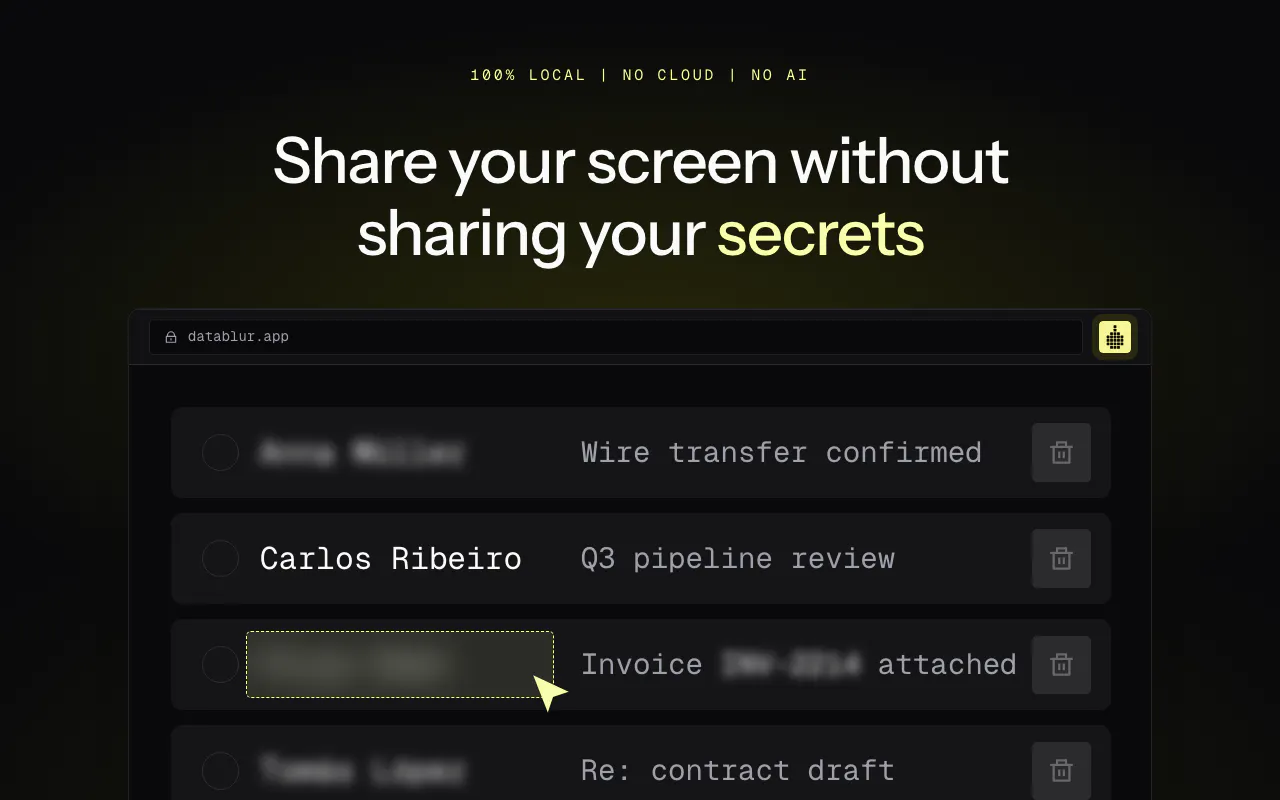
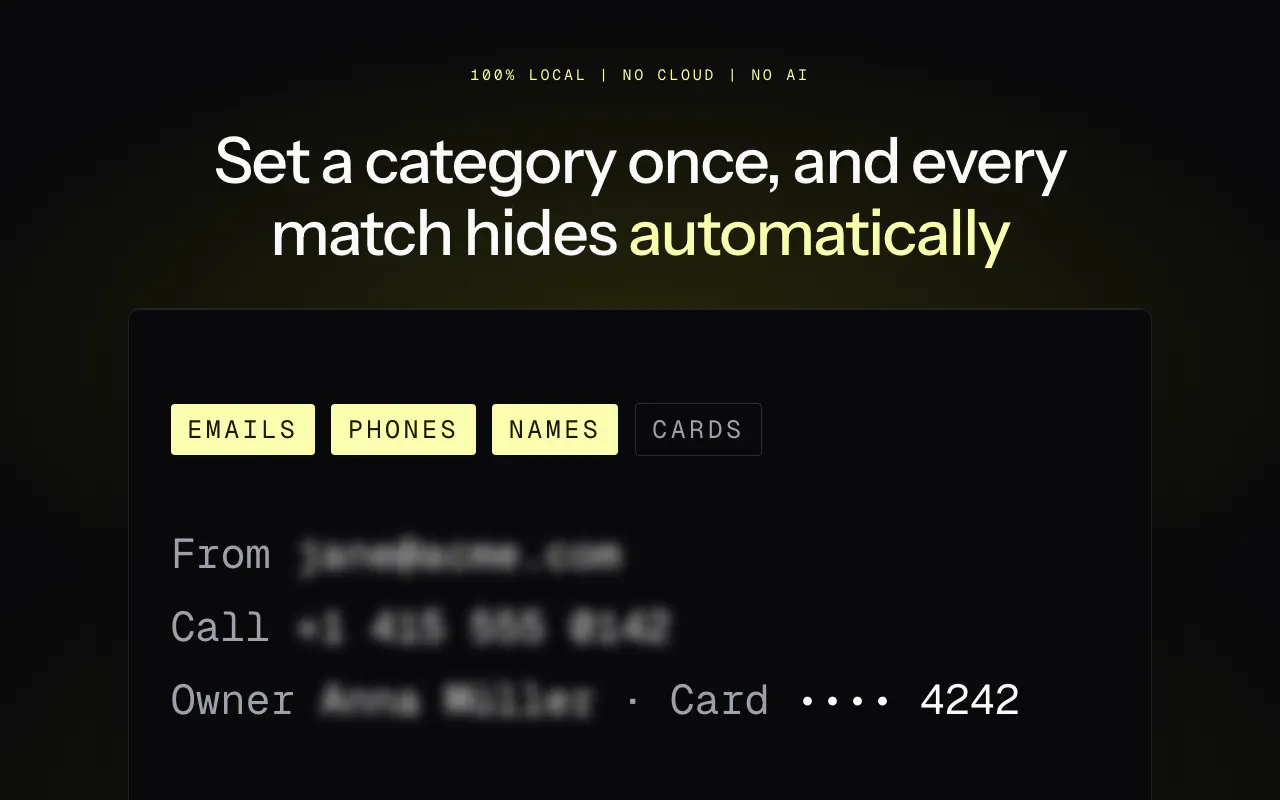
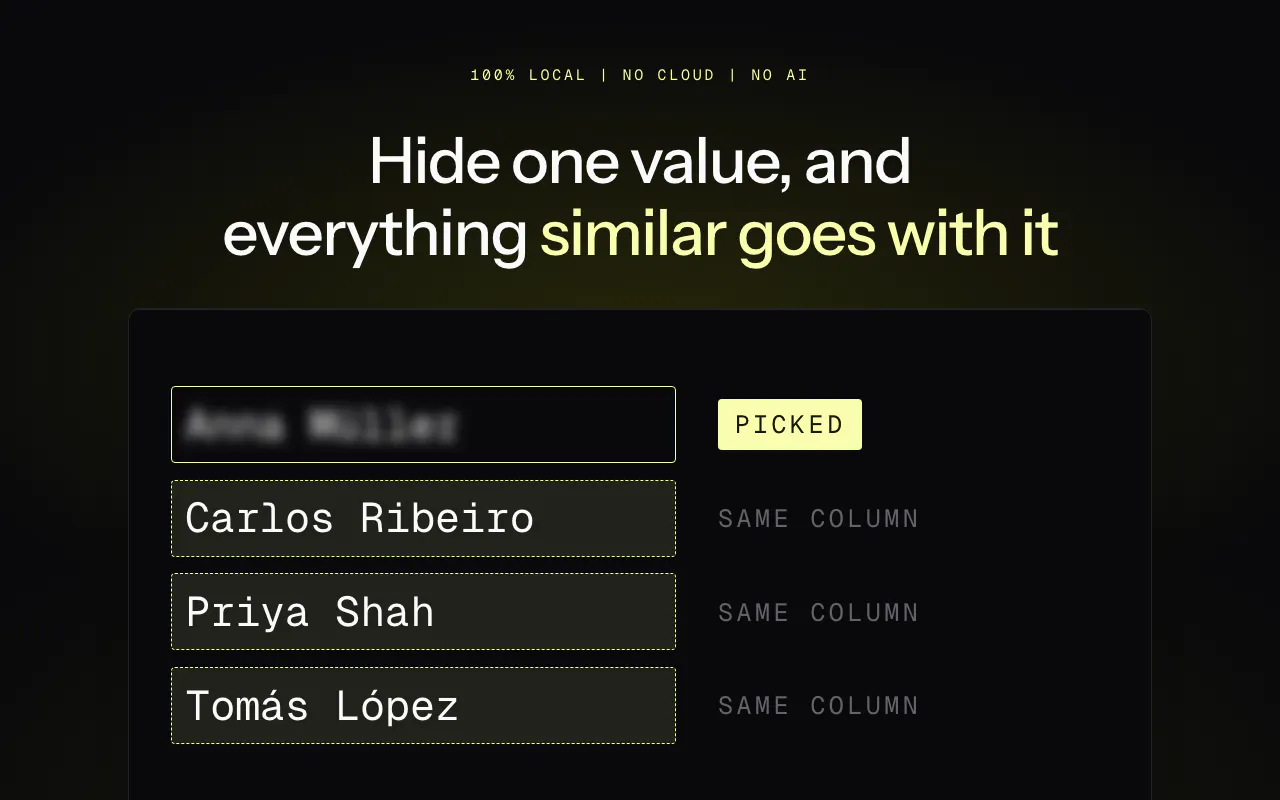
DataBlur is a privacy-focused tool designed to blur sensitive information on your screen in real time, ensuring confidentiality during live calls, demos, and recordings. Its standout feature is the ability to auto-detect and obscure data such as emails, credit card numbers, and API keys, safeguarding sensitive data from accidental exposure. What sets DataBlur apart is its commitment to privacy—it's entirely local, with no reliance on cloud services or AI, and requires no sign-up, making it a secure choice for users who prioritize data security. Its robust detection mechanism ensures that even when automatic detection misses some data, it blurs more rather than less, maintaining a high level of privacy protection. Ideal for professionals, marketers, developers, and anyone conducting screen sharing, DataBlur offers a simple yet effective solution to prevent data leaks during sensitive interactions.
Screenshots


Pros
- ✓100% local operation with no cloud or AI dependencies
- ✓Automatic detection of sensitive data like emails, cards, and API keys
- ✓No sign-up required, ensuring quick and secure setup
- ✓Proactively blurs more data when detection fails, enhancing privacy
- ✓Suitable for live calls, demos, and recordings
Cons
- ✗Limited customization options for detection rules
- ✗Potential false positives or missed detections in complex scenarios
- ✗Lack of integration with other tools or platforms
Use Cases
Pricing
Likely offers a one-time purchase or subscription model with a free trial or basic tier, given its focus on privacy and local operation. Exact pricing details are not specified but expect affordable plans for individual professionals and enterprises.
Quick Info
Topics
Makers

Kosta Zanin
Alternatives
Similar Tools in Data & Analytics




Embed Badge
Add this badge to your website to show that DataBlur is featured on Visalytica.
<a href="https://www.visalytica.com/tool/datablur" target="_blank" rel="noopener noreferrer" style="display:inline-flex;align-items:center;gap:6px;padding:6px 14px;background:#7c3aed;color:#fff;border-radius:8px;font-family:-apple-system,system-ui,sans-serif;font-size:13px;font-weight:600;text-decoration:none;transition:background .2s" onmouseover="this.style.background='#6d28d9'" onmouseout="this.style.background='#7c3aed'"><svg width="14" height="14" viewBox="0 0 24 24" fill="none" stroke="currentColor" stroke-width="2.5" stroke-linecap="round" stroke-linejoin="round"><path d="M12 20V10"/><path d="M18 20V4"/><path d="M6 20v-4"/></svg>Featured on Visalytica</a>