
Dashrendr
Build dashboards visually, embed them anywhere
About Dashrendr
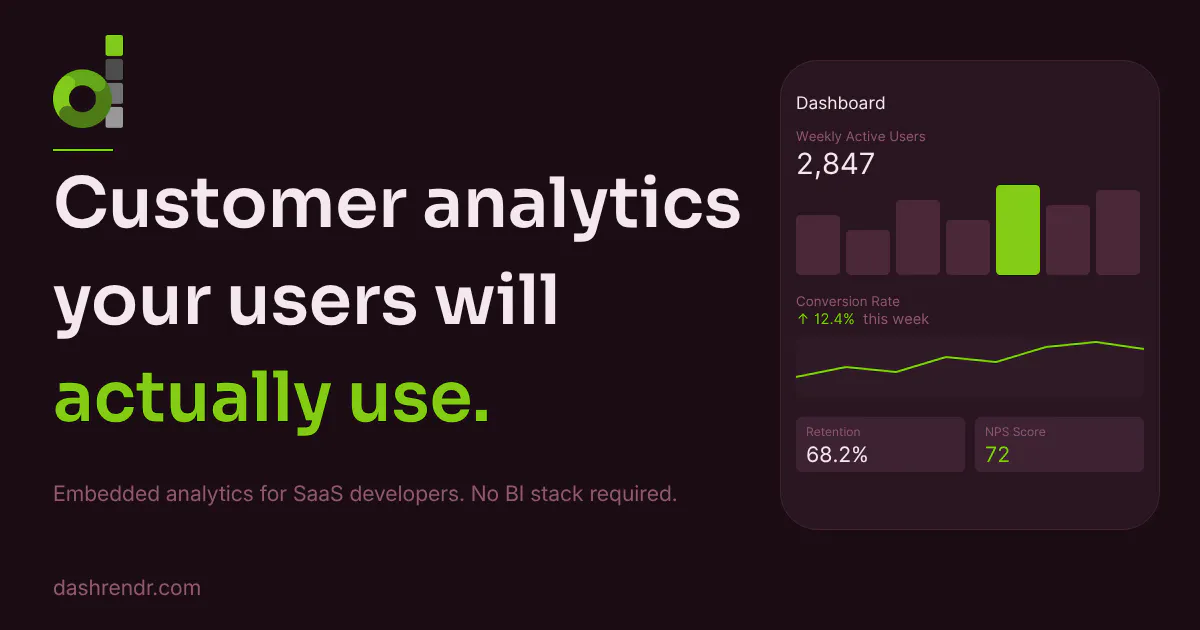
Dashrendr is an intuitive visual dashboard builder designed for seamless integration within SaaS applications. Its drag-and-drop interface allows users to quickly assemble dashboards by placing charts onto a grid, enabling rapid deployment without extensive technical effort. The platform offers flexible data integration options: connect directly to data sources or POST JSON data from backend systems, making it adaptable to various workflows. Unique to Dashrendr is its automatic user-specific data filtering, leveraging the app's existing login context to ensure each customer only views their own data—eliminating the need for complex row-level security setups. Additionally, team collaboration is simplified, as anyone can modify dashboards in the builder without coding or redeployments, fostering agility and shared insights. Tailored for SaaS providers, business intelligence teams, and data visualization enthusiasts, Dashrendr simplifies the creation and embedding of interactive dashboards, making data more accessible and actionable within any app.
Screenshots
Pros
- ✓User-friendly drag-and-drop dashboard creation
- ✓Easy data integration via source connection or JSON POST
- ✓Built-in per-user data security without additional setup
- ✓No-code collaboration for team members
- ✓Fast deployment and embedding capabilities
Cons
- ✗Limited details on pricing and plans
- ✗Potential dependency on backend JSON posting for some workflows
- ✗Features and integrations may evolve, so current limitations are unknown
Use Cases
Pricing
Pricing not verified
Quick Info
Topics
Makers

Paloma Gallego Ortiz
Similar Tools in Data & Analytics




Embed Badge
Add this badge to your website to show that Dashrendr is featured on Visalytica.
<a href="https://www.visalytica.com/tool/dashrendr" target="_blank" rel="noopener noreferrer" style="display:inline-flex;align-items:center;gap:6px;padding:6px 14px;background:#7c3aed;color:#fff;border-radius:8px;font-family:-apple-system,system-ui,sans-serif;font-size:13px;font-weight:600;text-decoration:none;transition:background .2s" onmouseover="this.style.background='#6d28d9'" onmouseout="this.style.background='#7c3aed'"><svg width="14" height="14" viewBox="0 0 24 24" fill="none" stroke="currentColor" stroke-width="2.5" stroke-linecap="round" stroke-linejoin="round"><path d="M12 20V10"/><path d="M18 20V4"/><path d="M6 20v-4"/></svg>Featured on Visalytica</a>