
CXRompix: Free Bulk Image Downloader
How to save images from any website:safely extract HD photos
About CXRompix: Free Bulk Image Downloader
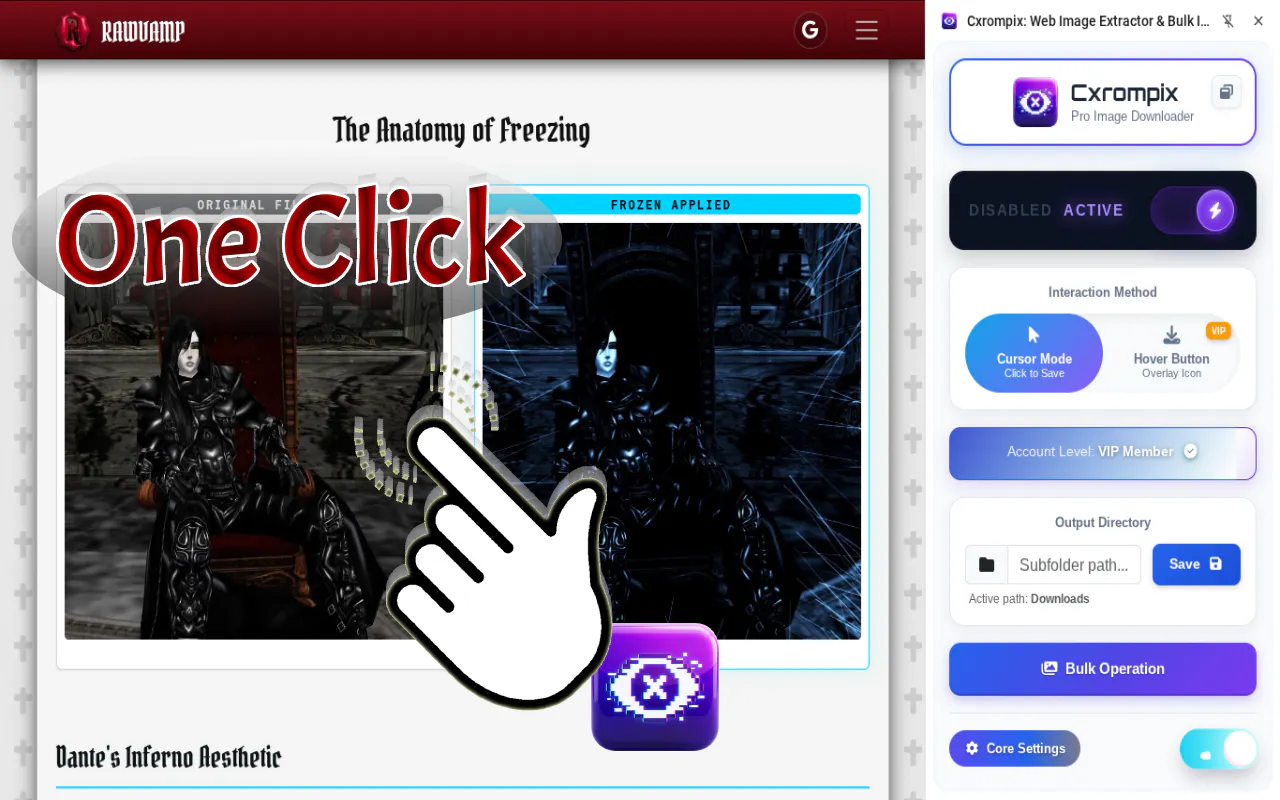
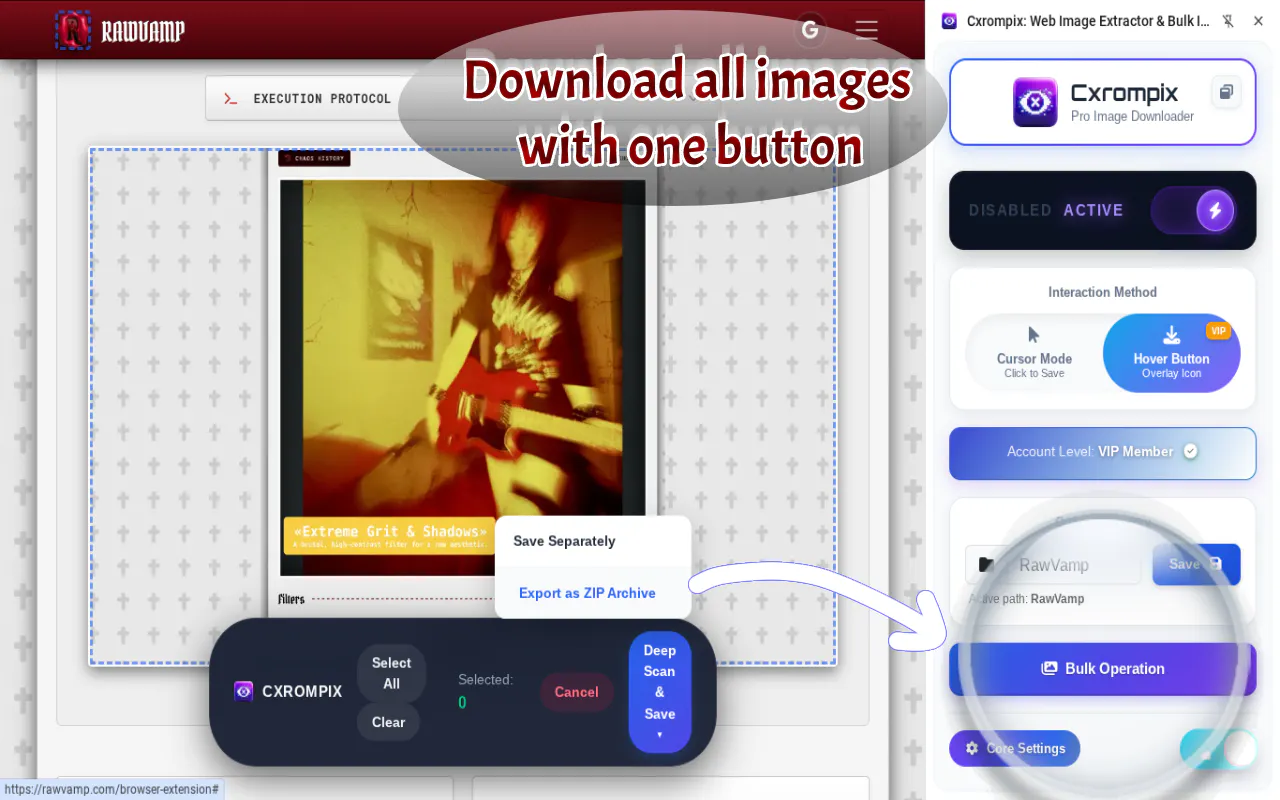
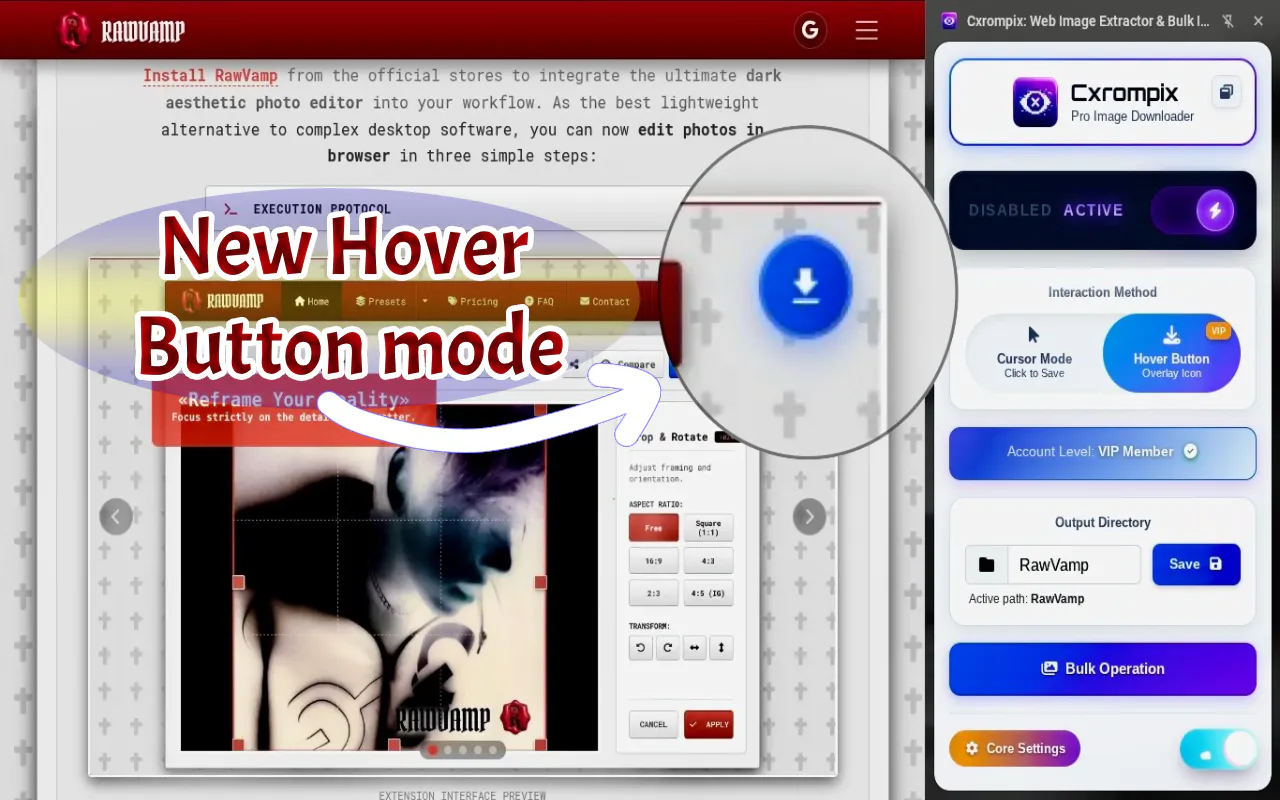
CXRompix: Free Bulk Image Downloader is a powerful Chrome extension designed for users who need to quickly and safely extract high-quality images from any website. Ideal for e-commerce professionals, designers, digital marketers, and web scrapers, it overcomes common obstacles like disabled right-clicks and hidden media elements through a robust local DOM parser. Its features include an infinite auto-scroll engine for effortless bulk downloading, native WebP to PNG conversion for versatile image formats, and a Magic Cursor that allows for one-click instant saves. With a focus on privacy, it operates entirely locally without cloud tracking, making it a trustworthy tool for sensitive tasks. Whether you're archiving visual content, scraping product catalogs, or streamlining digital workflows, CXRompix offers a seamless, efficient solution for image collection.
Screenshots
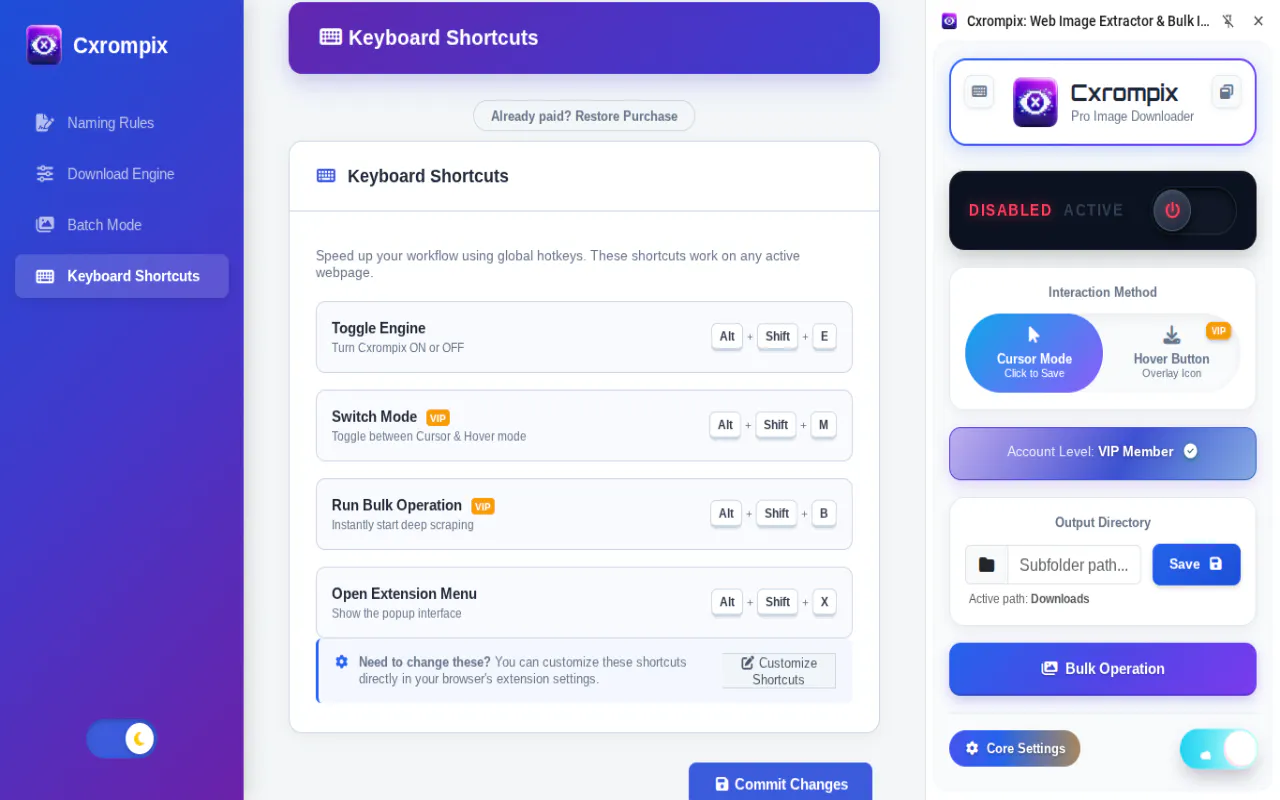
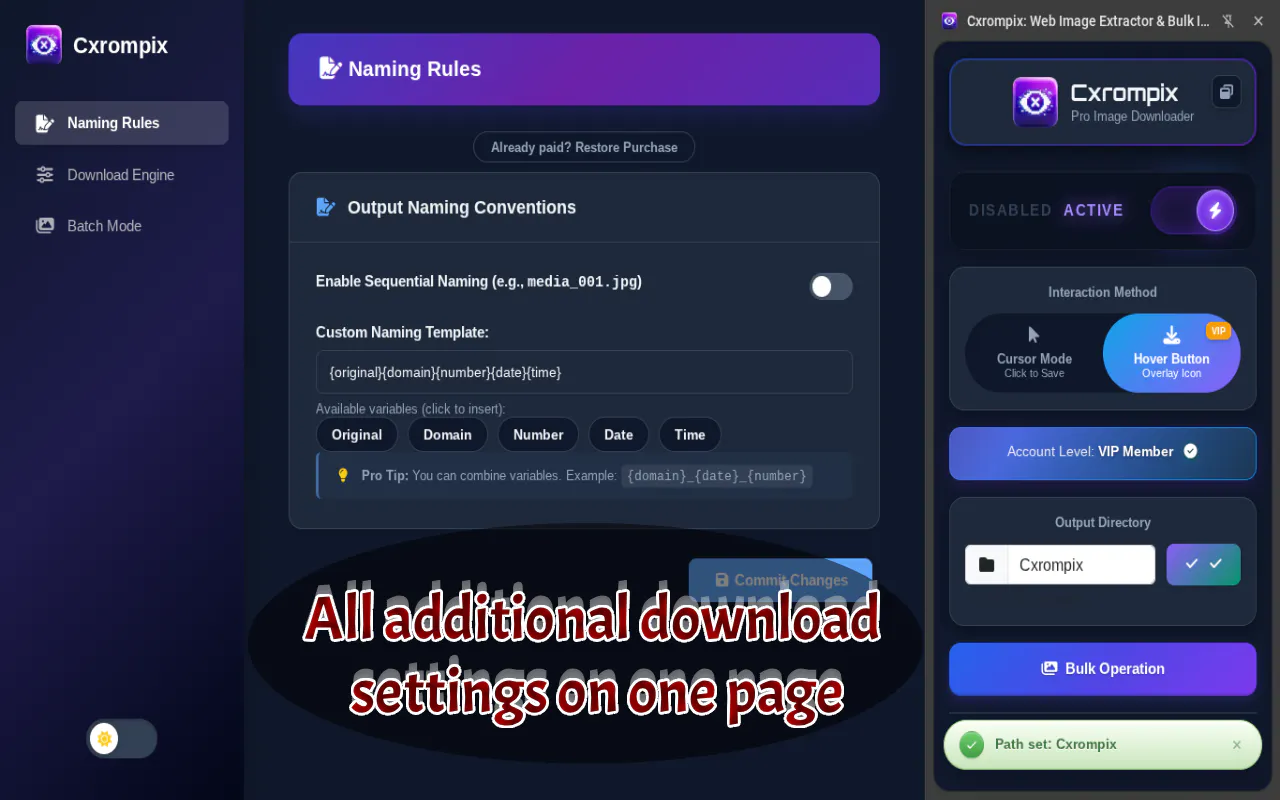
+1 more screenshots
Pros
- ✓Efficient bulk downloading with auto-scroll and media detection
- ✓Built-in WebP to PNG conversion for versatile image formats
- ✓No cloud tracking ensures user privacy and security
- ✓Easy-to-use Magic Cursor for one-click image saves
- ✓Capable of extracting hidden CSS/HTML5 media
Cons
- ✗Limited to Chrome extension compatibility (may require browser-specific adjustments)
- ✗Lacks advanced image organization or management features
- ✗Potential learning curve for users unfamiliar with web scraping
Use Cases
Pricing
Free to use, offering core features without any subscription fee. Likely operates as a free Chrome extension with optional premium features not specified, but no paid plans are indicated.
Quick Info
Topics
Makers

Vadym Cepesh
Alternatives
Similar Tools in AI Image & Design




Embed Badge
Add this badge to your website to show that CXRompix: Free Bulk Image Downloader is featured on Visalytica.
<a href="https://www.visalytica.com/tool/cxrompix-free-bulk-image-downloader" target="_blank" rel="noopener noreferrer" style="display:inline-flex;align-items:center;gap:6px;padding:6px 14px;background:#7c3aed;color:#fff;border-radius:8px;font-family:-apple-system,system-ui,sans-serif;font-size:13px;font-weight:600;text-decoration:none;transition:background .2s" onmouseover="this.style.background='#6d28d9'" onmouseout="this.style.background='#7c3aed'"><svg width="14" height="14" viewBox="0 0 24 24" fill="none" stroke="currentColor" stroke-width="2.5" stroke-linecap="round" stroke-linejoin="round"><path d="M12 20V10"/><path d="M18 20V4"/><path d="M6 20v-4"/></svg>Featured on Visalytica</a>