
Curflow
Draw a gesture for your Mac to execute
About Curflow
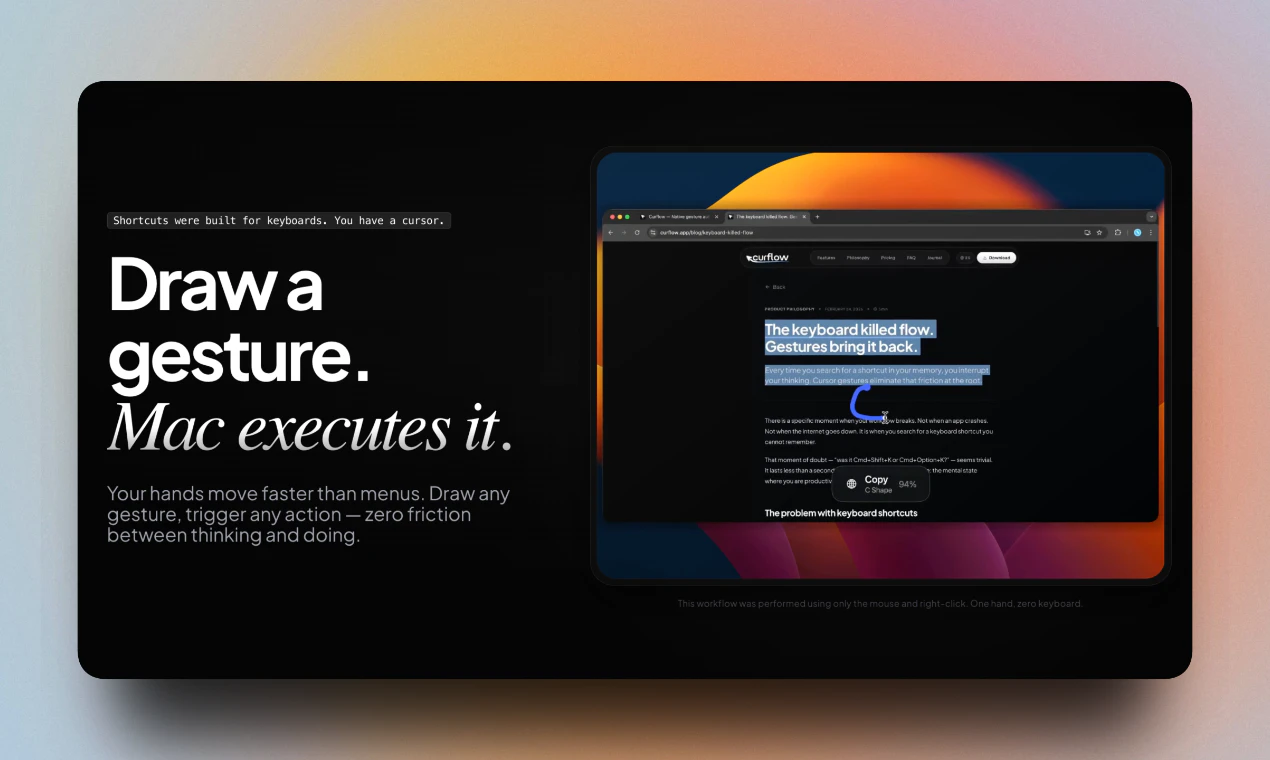
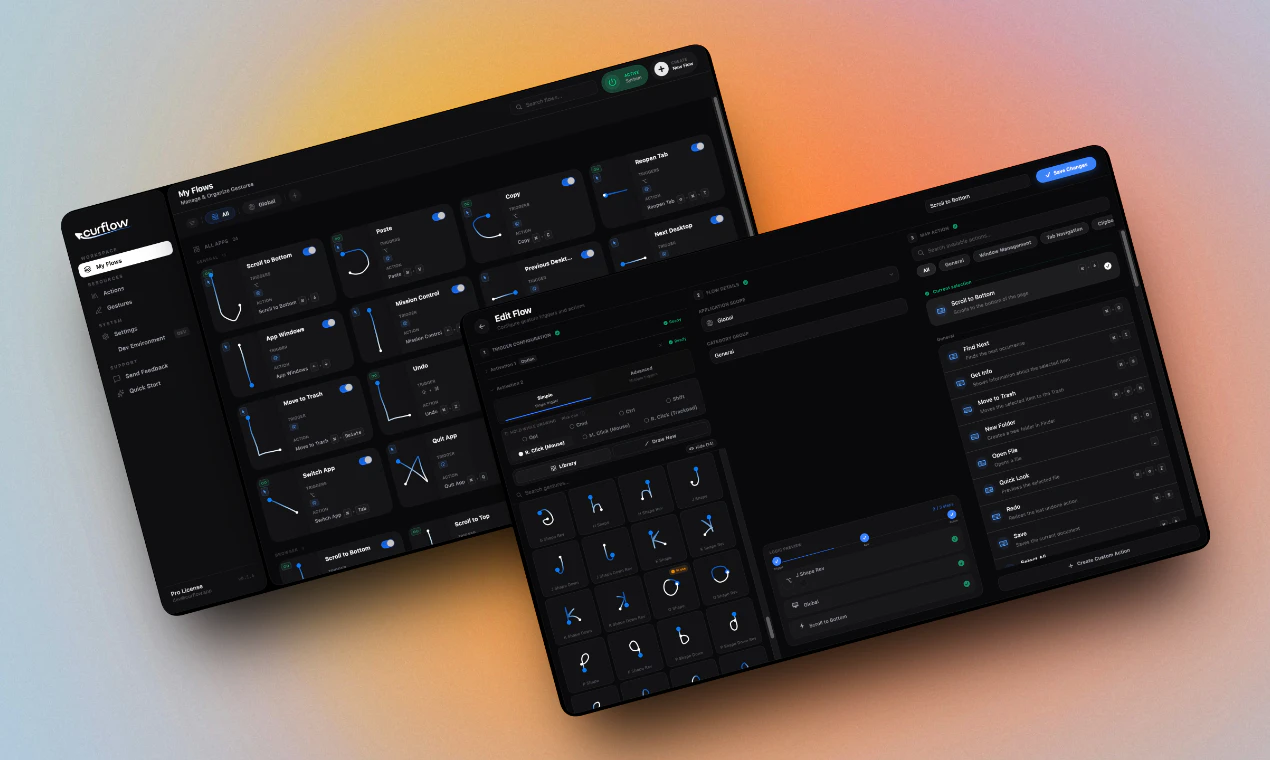
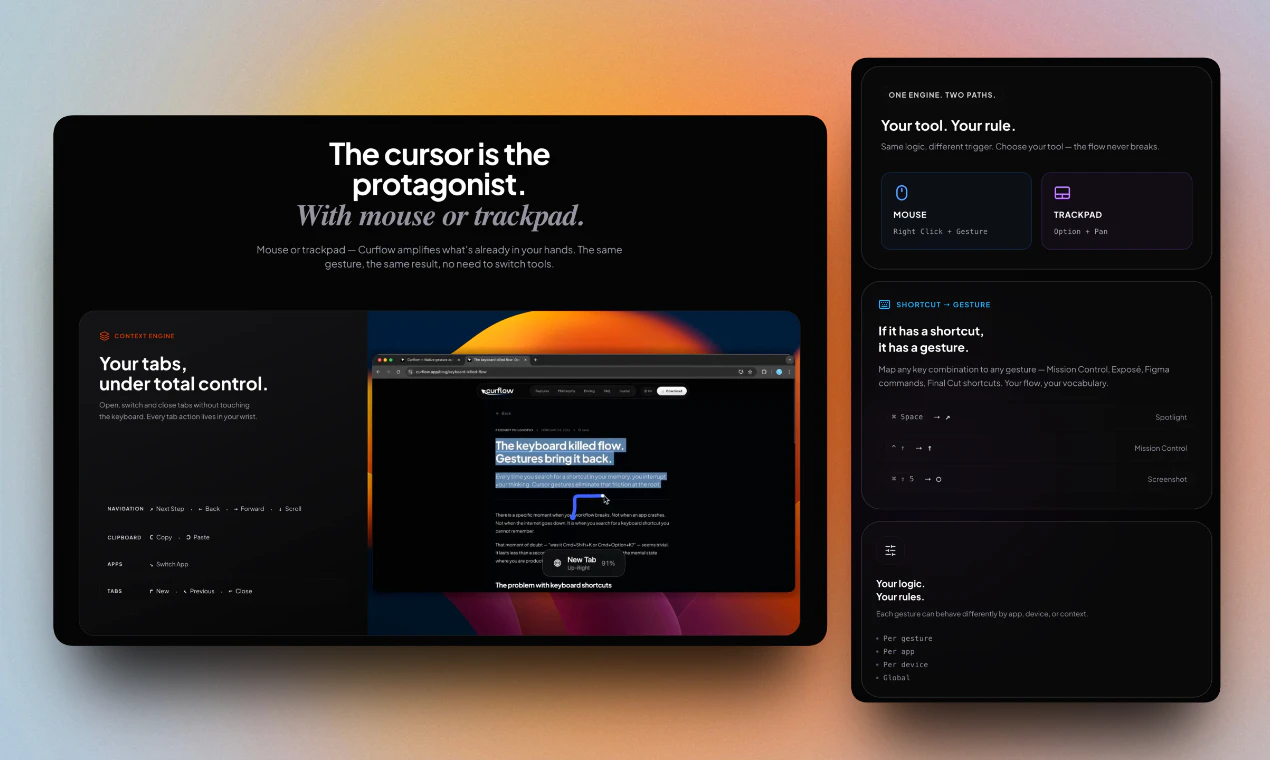
Curflow is an innovative gesture control tool designed for Mac users who want to enhance their productivity and streamline their workflows. It allows users to perform common tasks like closing tabs, minimizing windows, or navigating between apps through simple gestures such as right-click and drag, flicking down, or swiping left. Compatible across all applications—including Finder, Safari, Slack, and Xcode—Curflow offers a seamless gesture experience that works everywhere on macOS. For trackpad users, it enables the creation of custom gestures beyond what macOS natively offers, while mouse users can enjoy full gesture control similar to the Apple Magic Mouse experience. With a 14-day free trial and a lifetime license option, Curflow appeals to both casual users and professionals seeking to optimize their Mac workflow, especially developers and power users who rely heavily on multitasking and quick navigation.
Screenshots
Pros
- ✓Universal gesture support across all Mac applications
- ✓Customizable gestures for both trackpad and mouse users
- ✓Improves workflow efficiency and reduces reliance on keyboard shortcuts
- ✓Easy to set up with a 14-day free trial and lifetime license option
Cons
- ✗Limited user base with no current ProductHunt votes, indicating low visibility
- ✗Possible learning curve for new users unfamiliar with gesture customization
- ✗Lack of detailed information on ongoing updates or active support
Use Cases
Pricing
Likely operates on a freemium model with a 14-day free trial, offering a lifetime license for a one-time fee or an affordable subscription, based on typical SaaS/utility software pricing structures.
Quick Info
Topics
Alternatives
Similar Tools in Developer Tools




Embed Badge
Add this badge to your website to show that Curflow is featured on Visalytica.
<a href="https://www.visalytica.com/tool/curflow" target="_blank" rel="noopener noreferrer" style="display:inline-flex;align-items:center;gap:6px;padding:6px 14px;background:#7c3aed;color:#fff;border-radius:8px;font-family:-apple-system,system-ui,sans-serif;font-size:13px;font-weight:600;text-decoration:none;transition:background .2s" onmouseover="this.style.background='#6d28d9'" onmouseout="this.style.background='#7c3aed'"><svg width="14" height="14" viewBox="0 0 24 24" fill="none" stroke="currentColor" stroke-width="2.5" stroke-linecap="round" stroke-linejoin="round"><path d="M12 20V10"/><path d="M18 20V4"/><path d="M6 20v-4"/></svg>Featured on Visalytica</a>