
CueBuddy
Record talking videos without manual scrolling
About CueBuddy
CueBuddy is an innovative voice-following teleprompter designed specifically for iPhone and iPad users. It enables creators to record talking videos, tutorials, speeches, and vlogs effortlessly by automatically scrolling the script as they speak. The tool’s unique feature of pausing the scroll when the user pauses makes for a natural and seamless recording experience, eliminating the need for manual controls. This simplifies the process for content creators who want to maintain eye contact and focus on delivery without distraction. Whether used through the web demo or the dedicated iOS app, CueBuddy enhances workflow efficiency and professionalism, making it ideal for educators, marketers, influencers, or anyone producing video content on mobile devices.
Screenshots
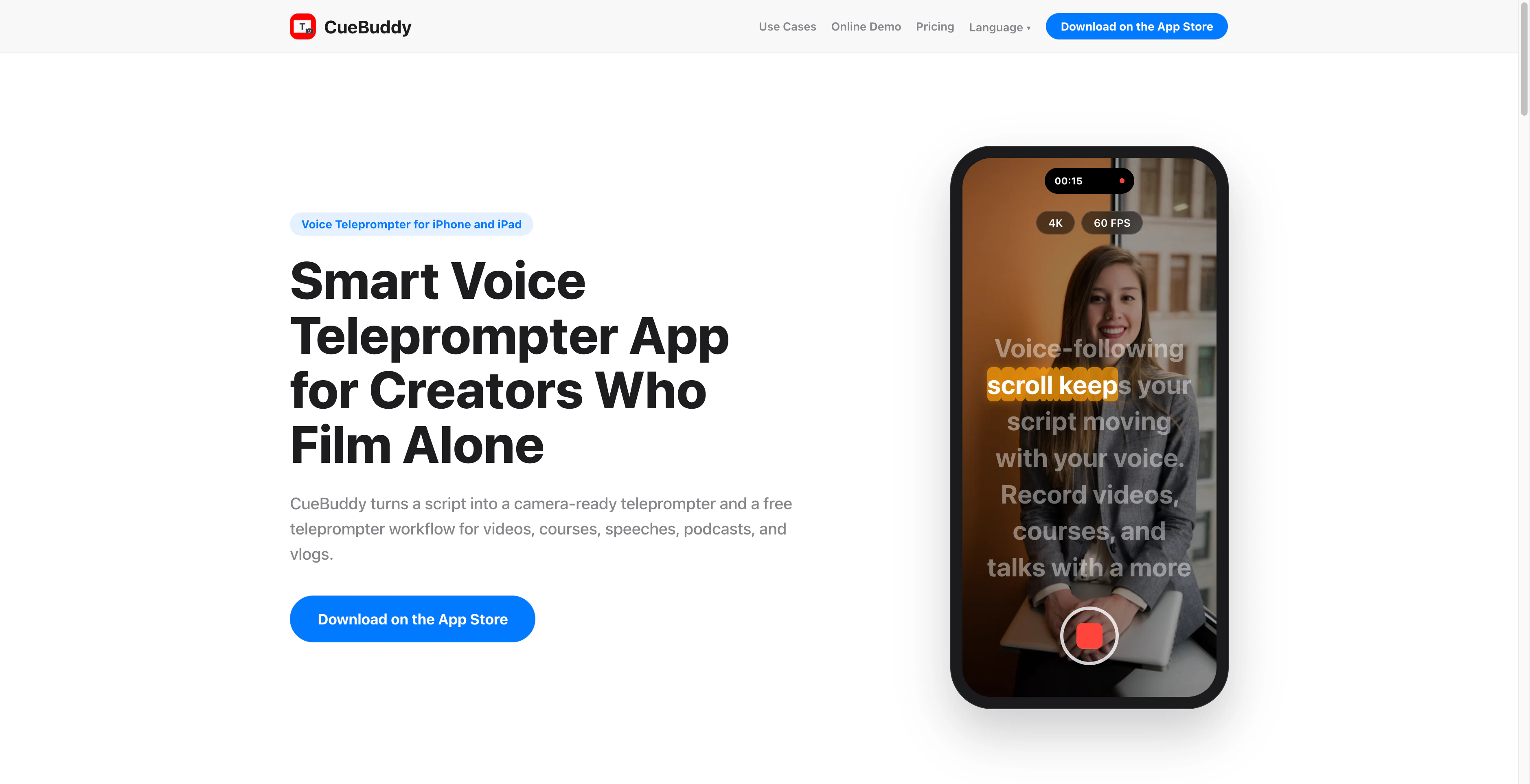
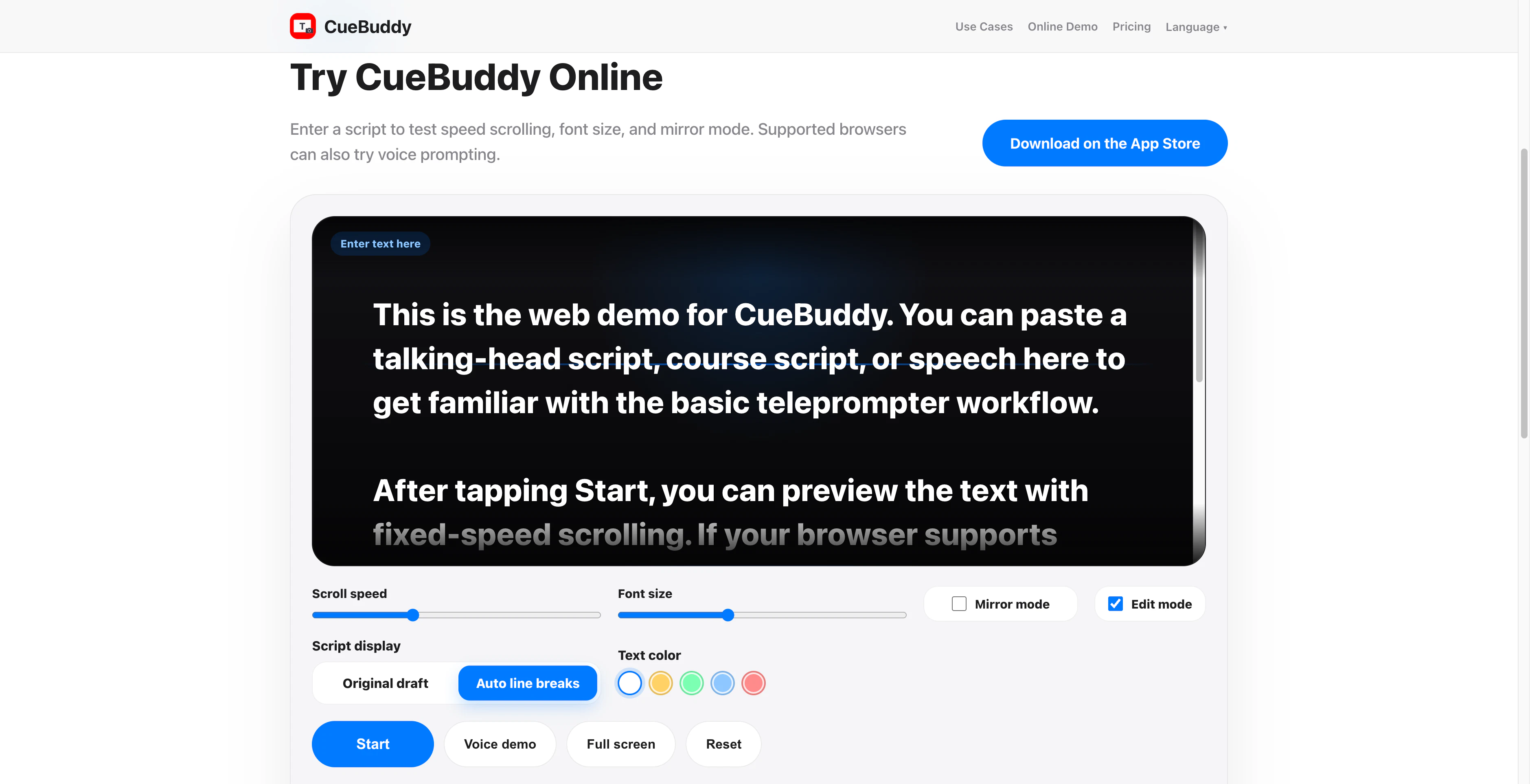
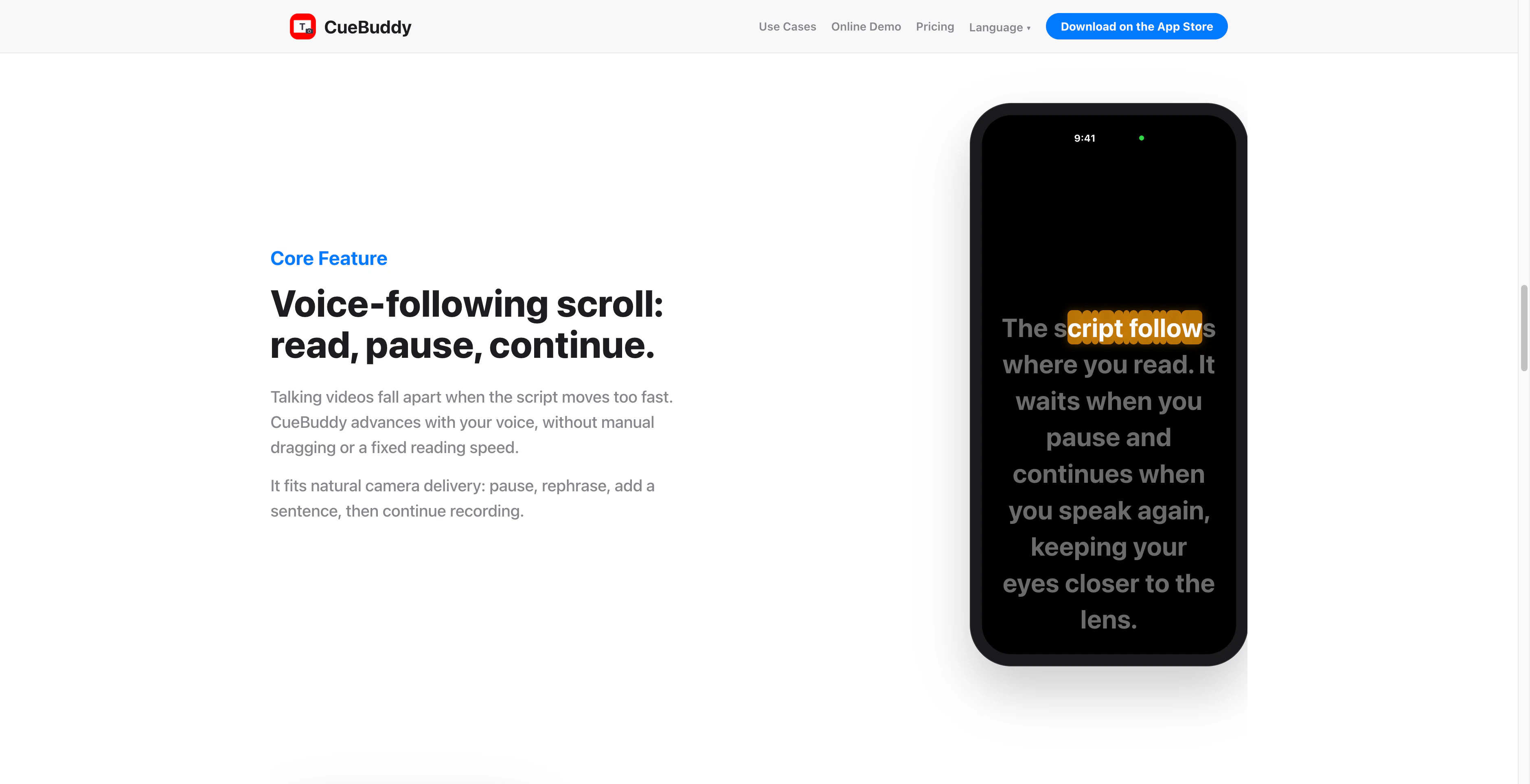
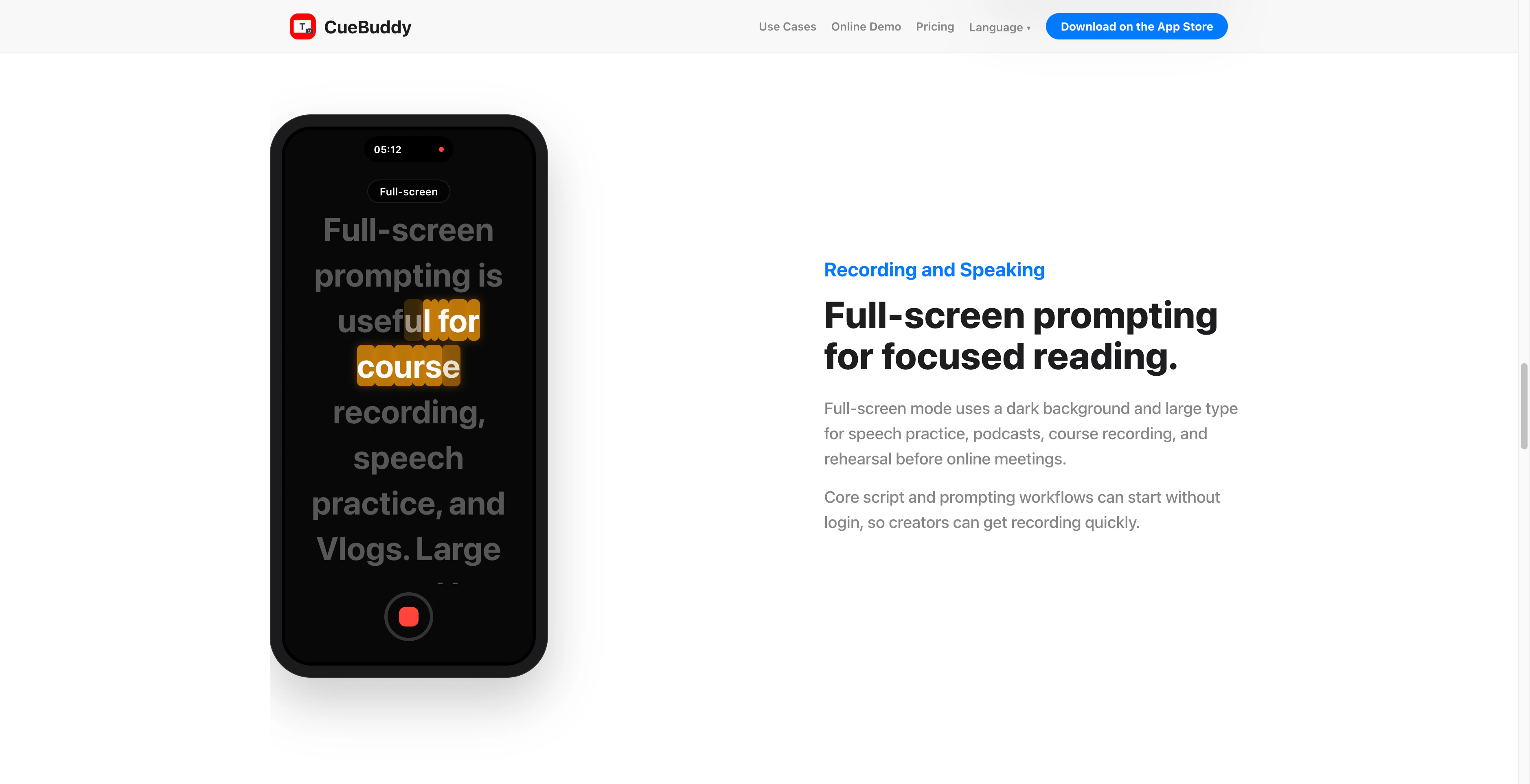
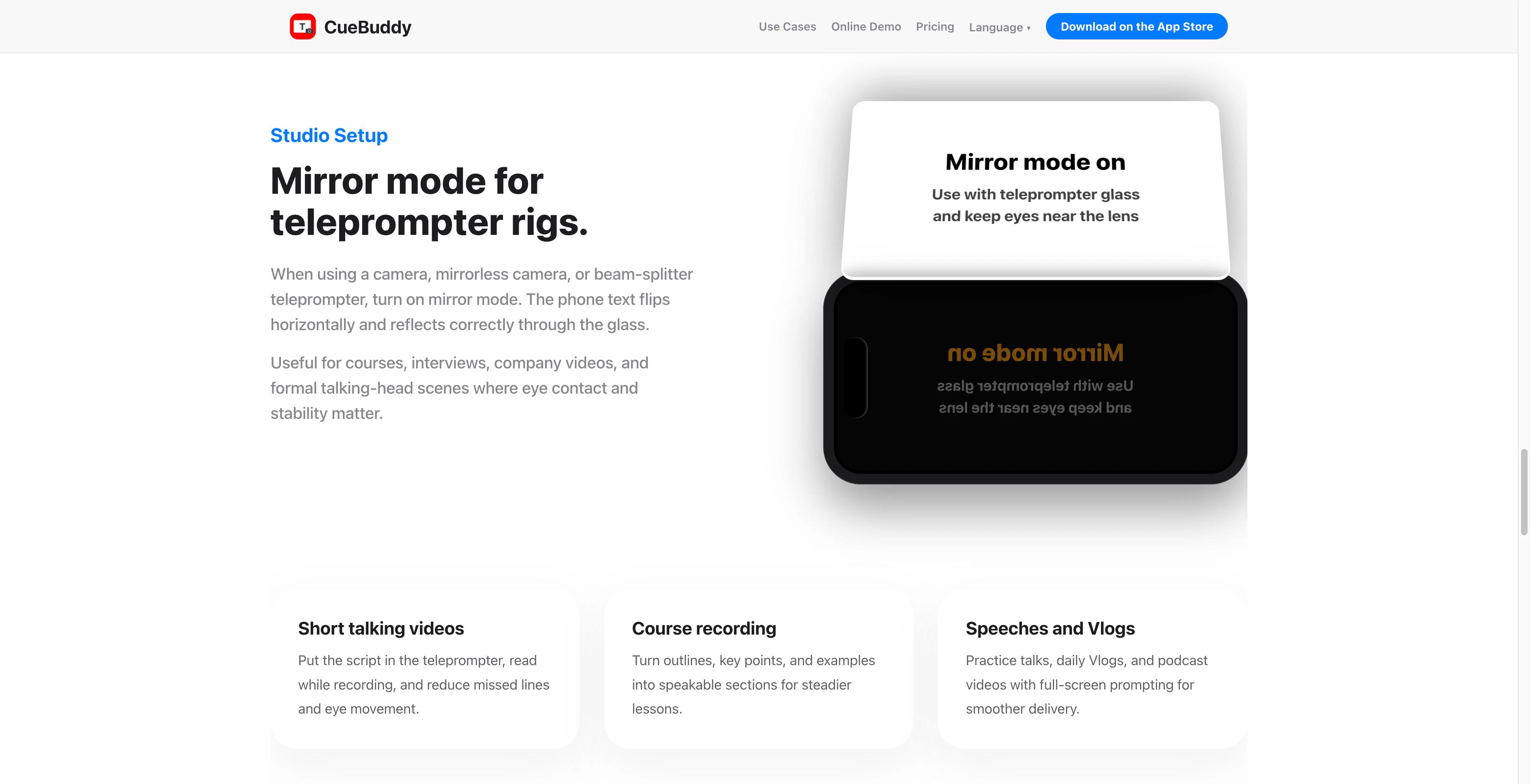
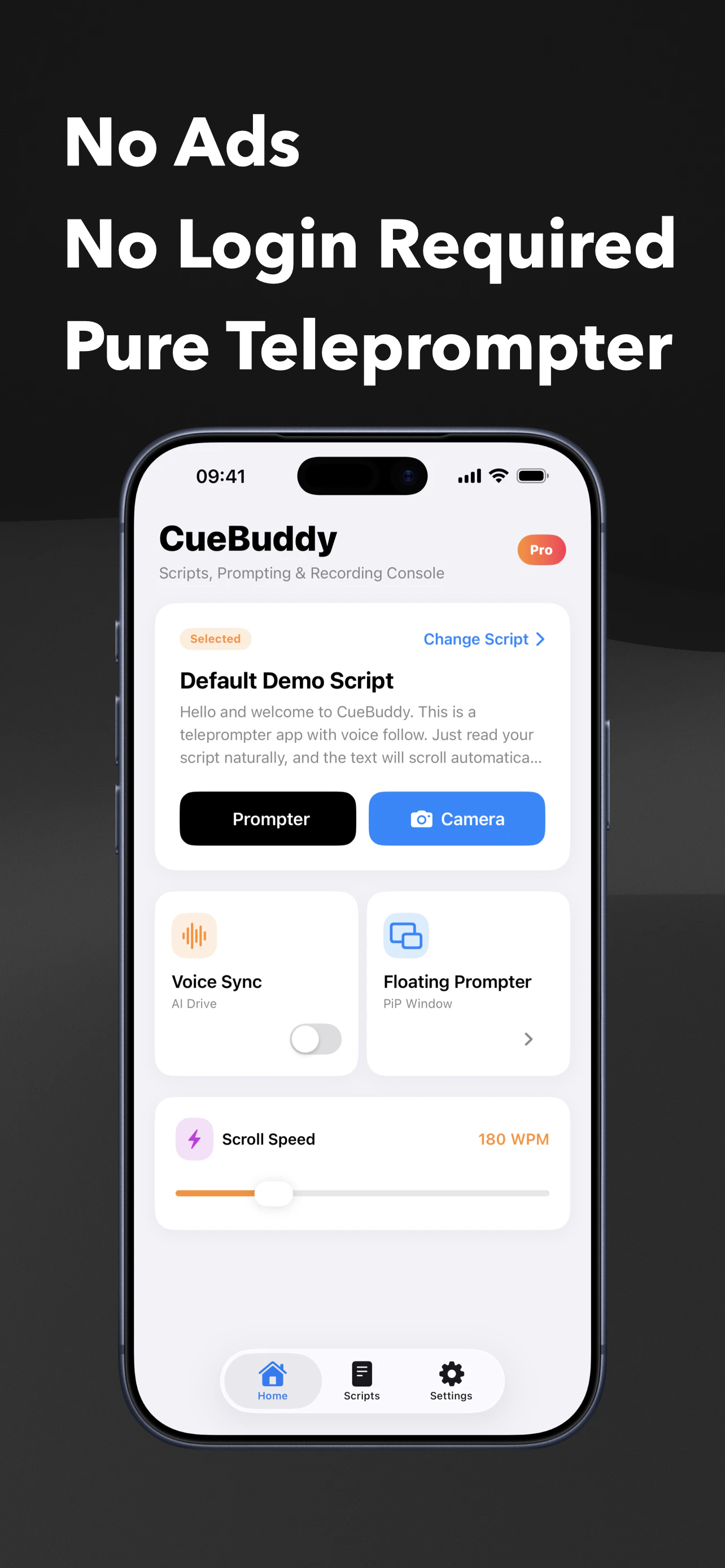
+2 more screenshots
Pros
- ✓Automatic, voice-guided scrolling improves recording flow
- ✓Easy to use interface optimized for mobile devices
- ✓Pausing and resuming syncs with speech naturally
- ✓Suitable for a variety of content types like vlogs, courses, and speeches
- ✓Web demo available for quick testing
Cons
- ✗Limited information on advanced editing features
- ✗No mention of integrations with other video tools
- ✗Pricing details are not specified, so potential costs are unclear
Use Cases
Pricing
Likely follows a freemium model with a free core experience via web demo and paid plans for full iOS app functionality; exact pricing details are not specified.
Quick Info
Topics
Makers

CueBuddy
Alternatives
Similar Tools in AI Image & Design




Embed Badge
Add this badge to your website to show that CueBuddy is featured on Visalytica.
<a href="https://www.visalytica.com/tool/cuebuddy" target="_blank" rel="noopener noreferrer" style="display:inline-flex;align-items:center;gap:6px;padding:6px 14px;background:#7c3aed;color:#fff;border-radius:8px;font-family:-apple-system,system-ui,sans-serif;font-size:13px;font-weight:600;text-decoration:none;transition:background .2s" onmouseover="this.style.background='#6d28d9'" onmouseout="this.style.background='#7c3aed'"><svg width="14" height="14" viewBox="0 0 24 24" fill="none" stroke="currentColor" stroke-width="2.5" stroke-linecap="round" stroke-linejoin="round"><path d="M12 20V10"/><path d="M18 20V4"/><path d="M6 20v-4"/></svg>Featured on Visalytica</a>