
crunr
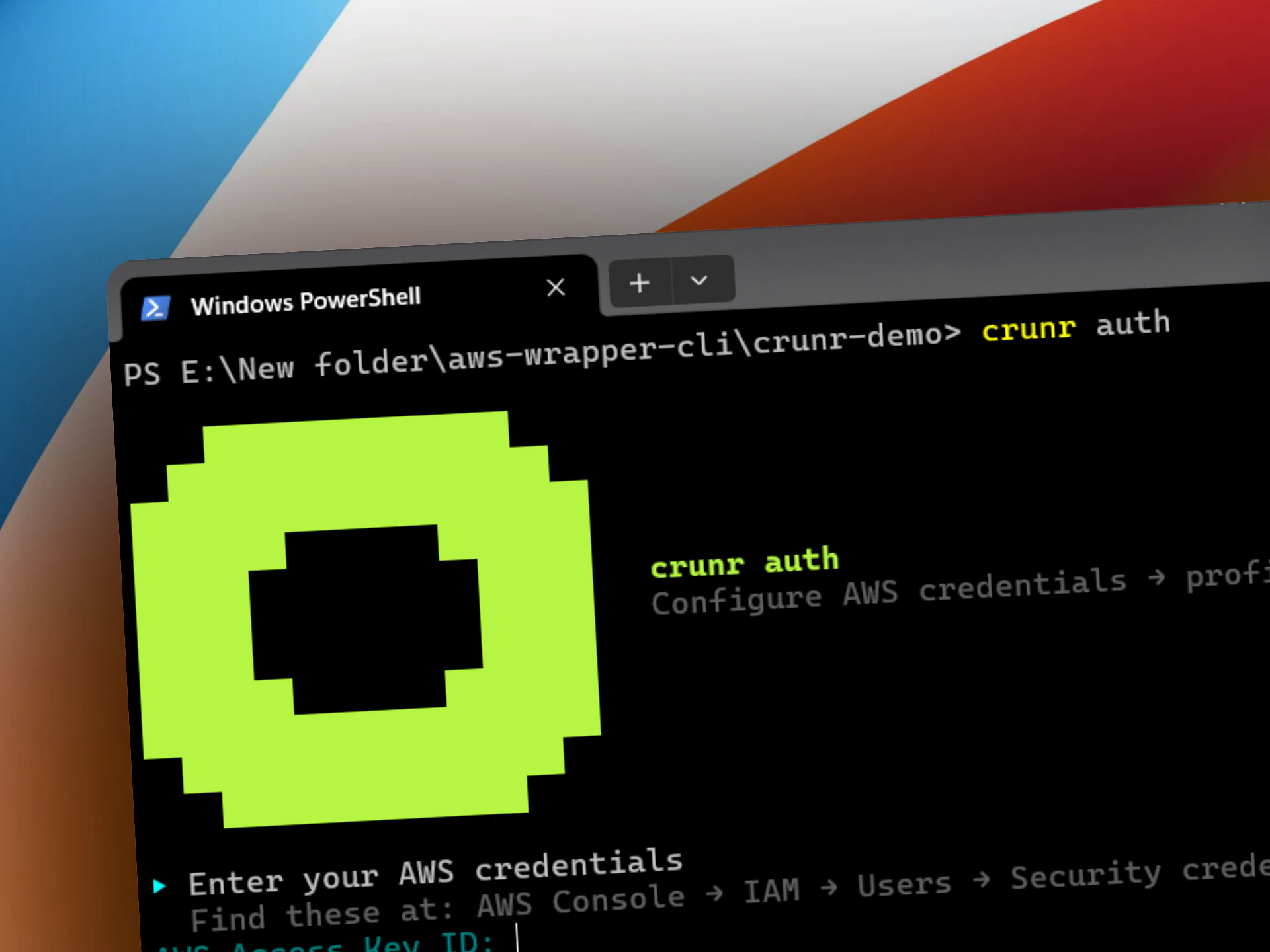
Launch and run any compute job on AWS with 1 command
About crunr
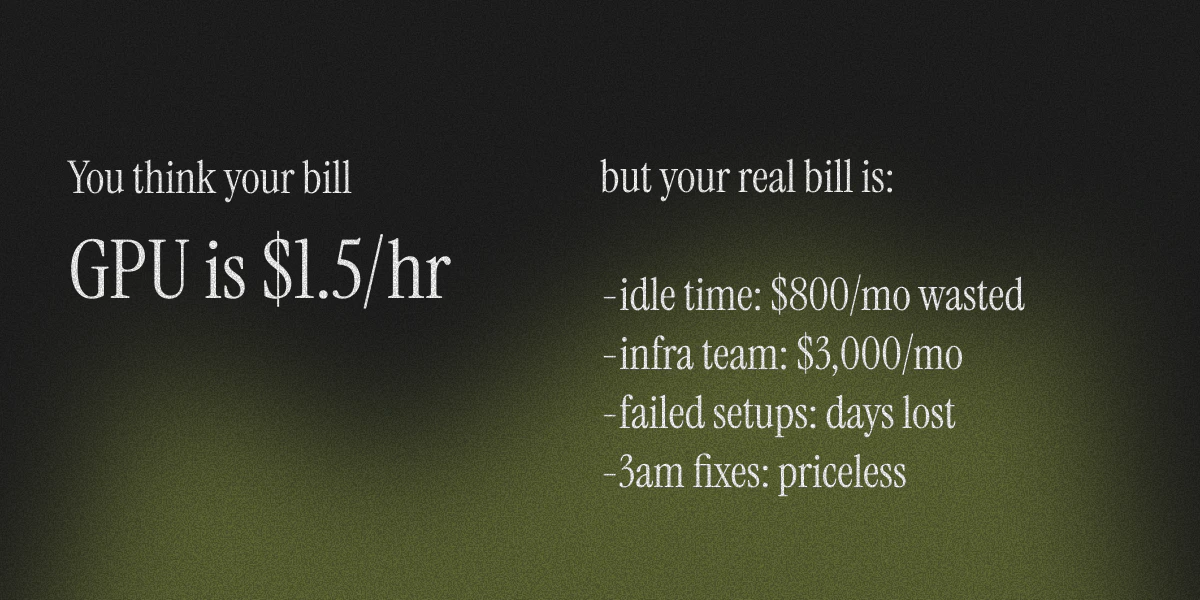
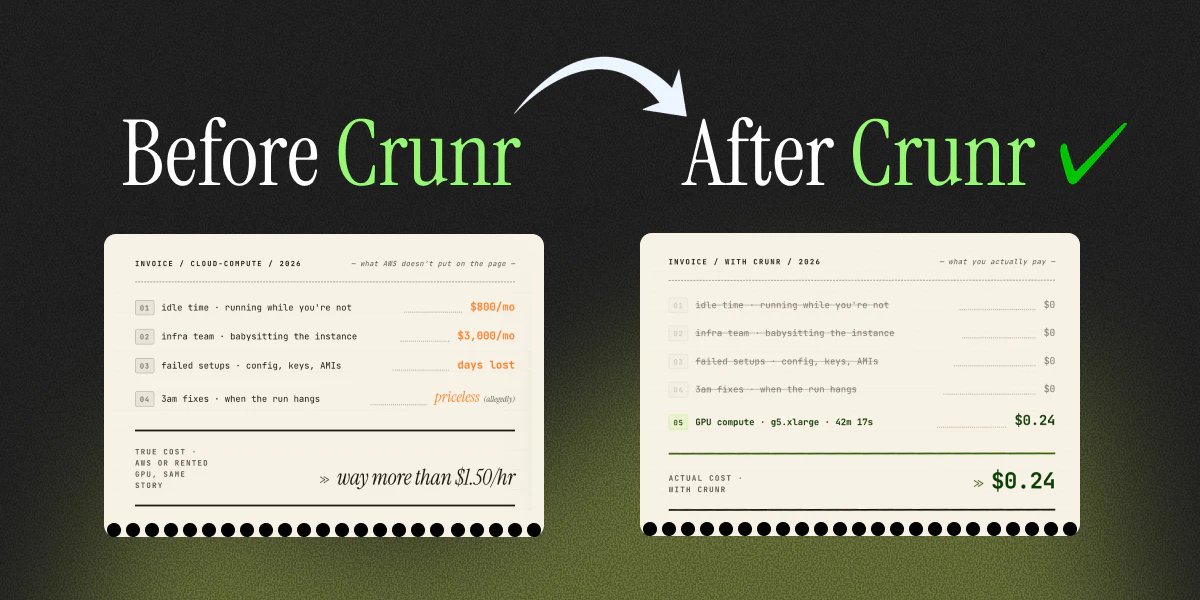
Crunr is an innovative SaaS tool designed to simplify the deployment and management of compute jobs on AWS. It targets ML researchers, indie AI developers, and startup teams who want to run GPU-intensive tasks without the hassle of managing infrastructure, idle costs, or DevOps overhead. By allowing users to launch, run, and terminate compute jobs with a single command, crunr eliminates common pain points such as high idle bills, complex setup processes, and emergency debugging. Its core value proposition is cost efficiency—users pay only for active compute time, not for idle servers or management overhead, making it perfect for experimental workflows or time-sensitive projects. What sets crunr apart is its focus on ease of use combined with transparent billing, enabling AI innovators to focus on their models instead of infrastructure headaches.
Screenshots


+9 more screenshots
Pros
- ✓Simplifies complex cloud compute management with a single command
- ✓Eliminates idle costs and reduces wasteful spending
- ✓Reduces DevOps overhead and infrastructure maintenance
- ✓Cost-effective pay-per-use model focused on active compute time
- ✓Ideal for quick, experimental, or time-sensitive AI projects
Cons
- ✗Limited to AWS, which may restrict users preferring multi-cloud options
- ✗May lack advanced customization features for complex deployments
- ✗Potential learning curve for users unfamiliar with command-line tools
Use Cases
Pricing
Based on the description, crunr likely offers a pay-as-you-go pricing model, charging only for active compute time (e.g., GPU hours). There may be additional or optional subscription plans for premium features, but core usage appears to be billed per job or per hour of compute.
Quick Info
Topics
Alternatives
Similar Tools in Developer Tools




Embed Badge
Add this badge to your website to show that crunr is featured on Visalytica.
<a href="https://www.visalytica.com/tool/crunr" target="_blank" rel="noopener noreferrer" style="display:inline-flex;align-items:center;gap:6px;padding:6px 14px;background:#7c3aed;color:#fff;border-radius:8px;font-family:-apple-system,system-ui,sans-serif;font-size:13px;font-weight:600;text-decoration:none;transition:background .2s" onmouseover="this.style.background='#6d28d9'" onmouseout="this.style.background='#7c3aed'"><svg width="14" height="14" viewBox="0 0 24 24" fill="none" stroke="currentColor" stroke-width="2.5" stroke-linecap="round" stroke-linejoin="round"><path d="M12 20V10"/><path d="M18 20V4"/><path d="M6 20v-4"/></svg>Featured on Visalytica</a>