
Copresent
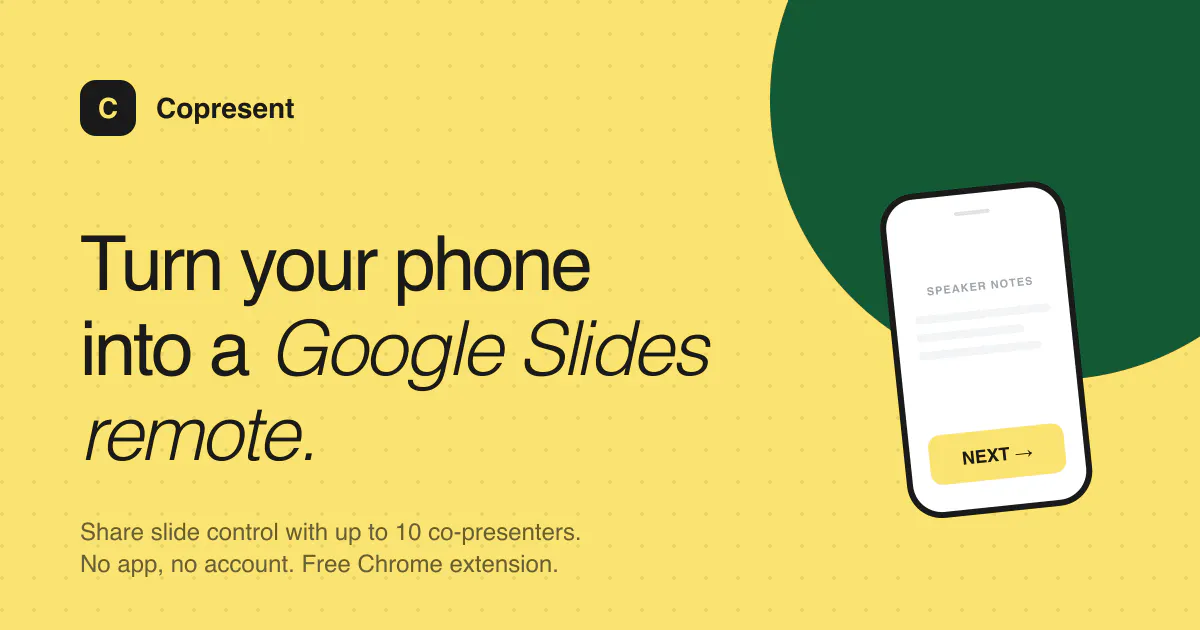
Turn your phone into a Google Slides remote
About Copresent
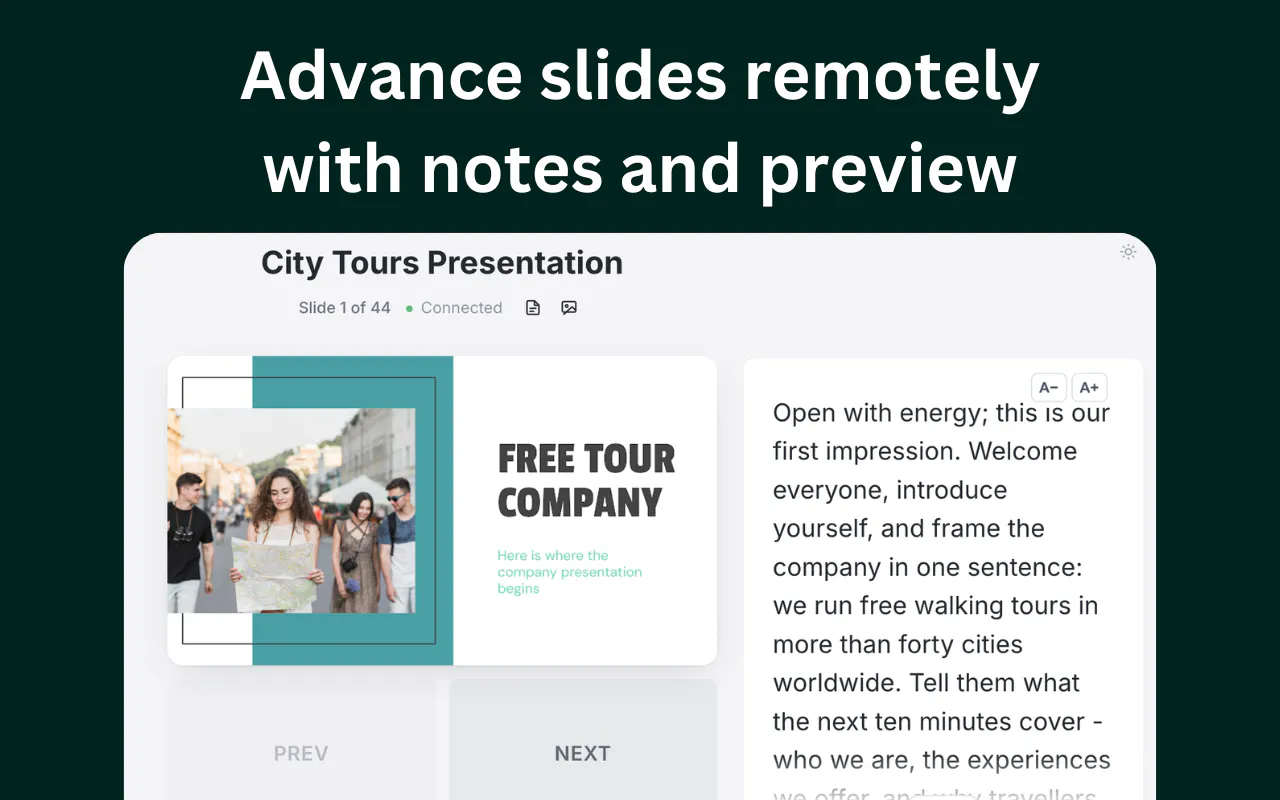
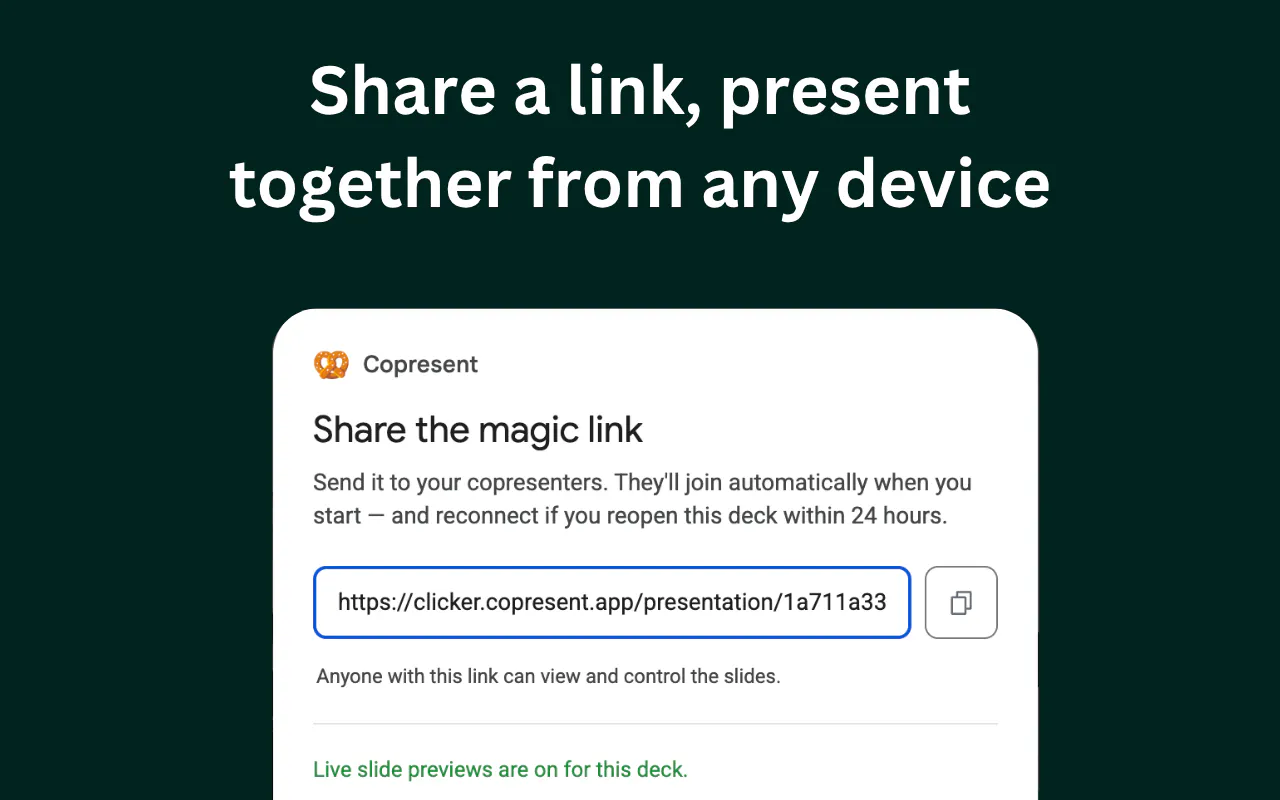
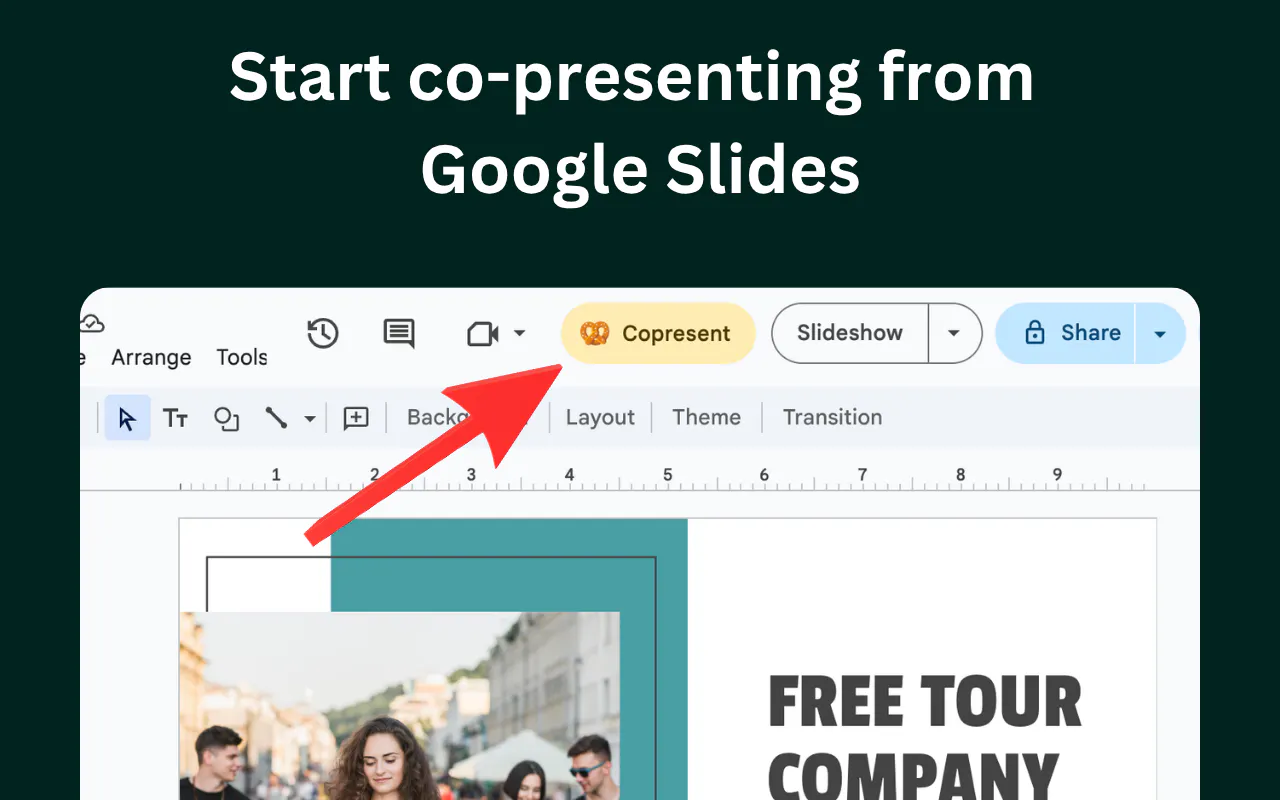
Copresent is a innovative tool designed to transform your phone into a remote control for Google Slides presentations. It simplifies the presentation process by allowing users to swipe to advance slides and add notes directly on the screen, making it ideal for educators, marketers, and professionals who frequently deliver slide decks. Its standout feature is the ability to share a single link with up to 10 participants, enabling collaborative co-presenting from any device without requiring guests to install apps or create accounts. This seamless sharing makes it particularly useful for remote or hybrid presentations, team collaborations, and interactive workshops. The intuitive interface and ease of setup make Copresent a versatile addition to any presentation toolkit, especially for those seeking a hassle-free way to engage audiences and streamline slide management.
Screenshots
Pros
- ✓No app or account needed for guests, simplifying collaboration
- ✓Supports up to 10 co-presenters via a single shared link
- ✓Easy to use with swipe controls and on-screen notes
- ✓Compatible across devices and browsers, facilitating remote presentations
- ✓Ideal for quick setup and on-the-fly presentations
Cons
- ✗Limited to Google Slides, reducing flexibility for other presentation platforms
- ✗No advanced features like analytics or slide annotations beyond notes
- ✗Potential connectivity issues with larger audiences or unstable internet
Use Cases
Pricing
Likely operates on a freemium model, offering basic features for free with potential paid plans for additional co-presenters or advanced functionalities. Exact pricing details are not publicly specified.
Quick Info
Topics
Makers

PT
Alternatives
Similar Tools in Developer Tools




Embed Badge
Add this badge to your website to show that Copresent is featured on Visalytica.
<a href="https://www.visalytica.com/tool/copresent" target="_blank" rel="noopener noreferrer" style="display:inline-flex;align-items:center;gap:6px;padding:6px 14px;background:#7c3aed;color:#fff;border-radius:8px;font-family:-apple-system,system-ui,sans-serif;font-size:13px;font-weight:600;text-decoration:none;transition:background .2s" onmouseover="this.style.background='#6d28d9'" onmouseout="this.style.background='#7c3aed'"><svg width="14" height="14" viewBox="0 0 24 24" fill="none" stroke="currentColor" stroke-width="2.5" stroke-linecap="round" stroke-linejoin="round"><path d="M12 20V10"/><path d="M18 20V4"/><path d="M6 20v-4"/></svg>Featured on Visalytica</a>