
Convert PDF to Excel
Turn any PDF into an editable Excel sheet — one click
About Convert PDF to Excel
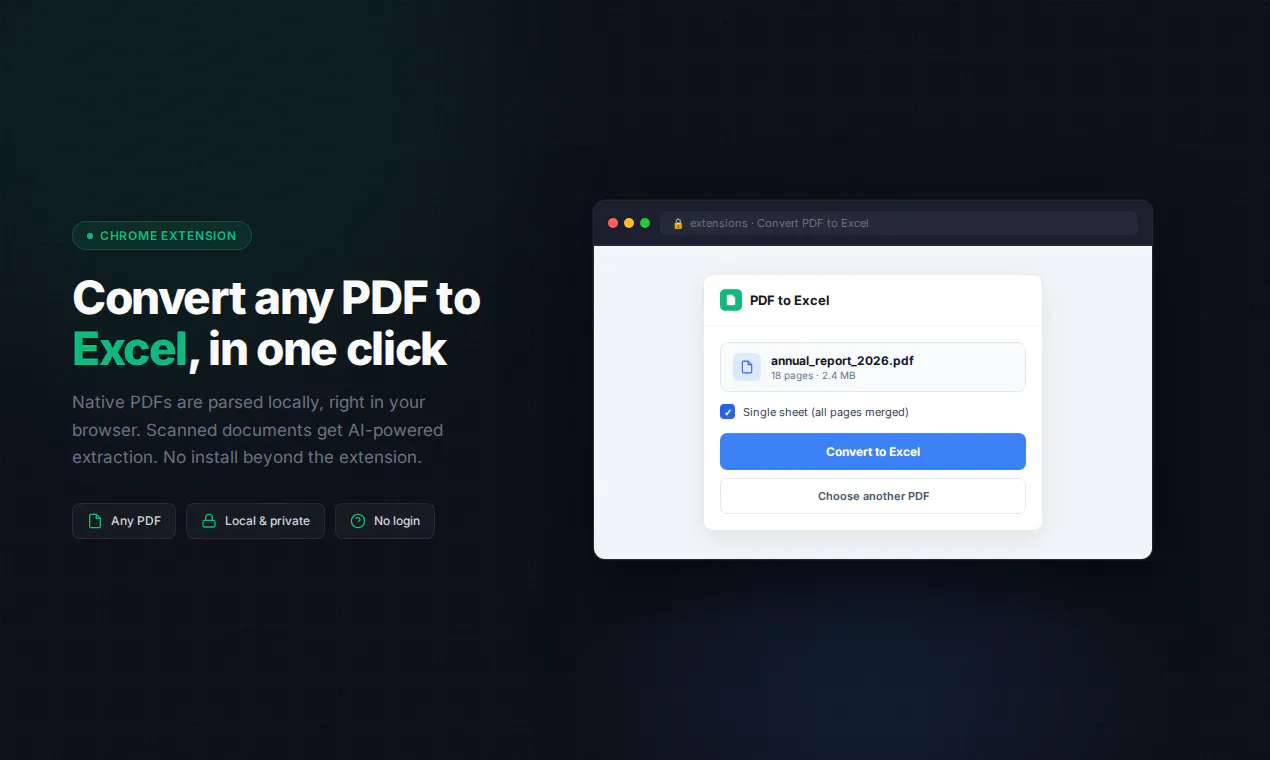
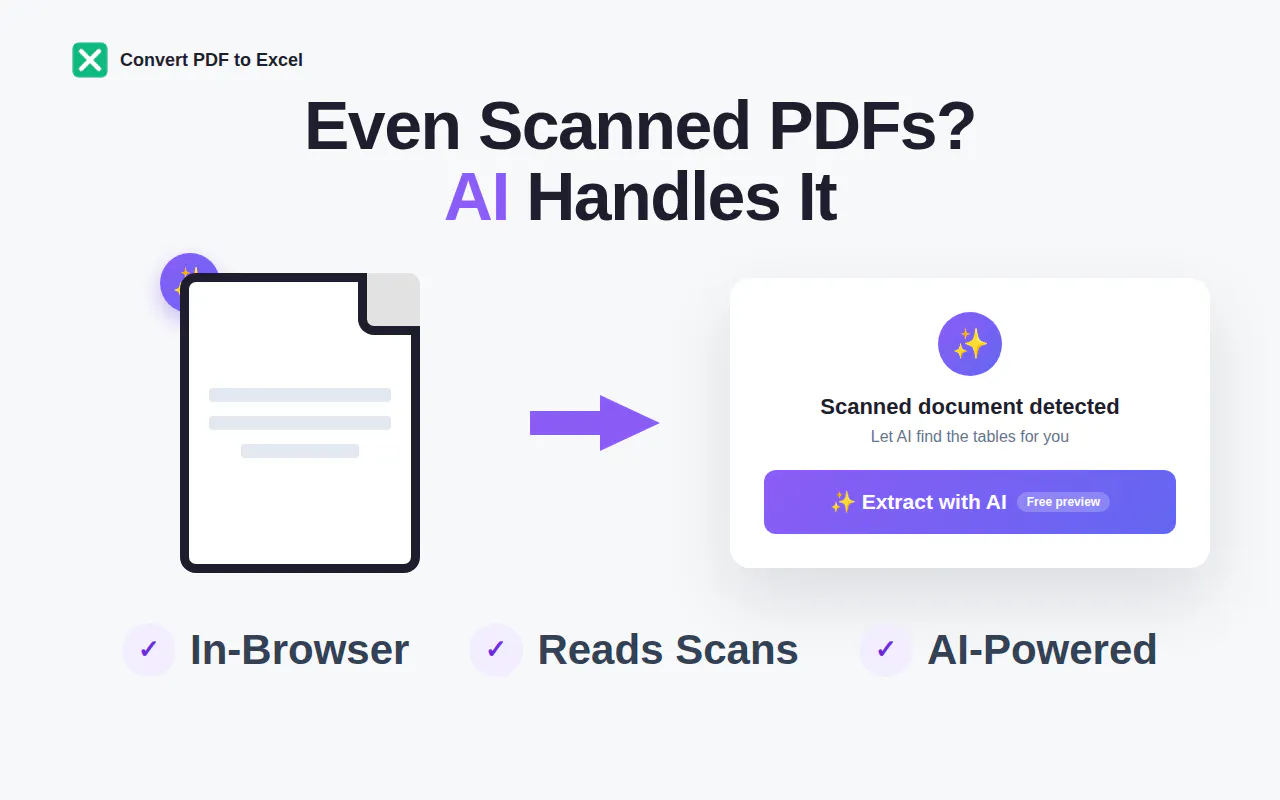
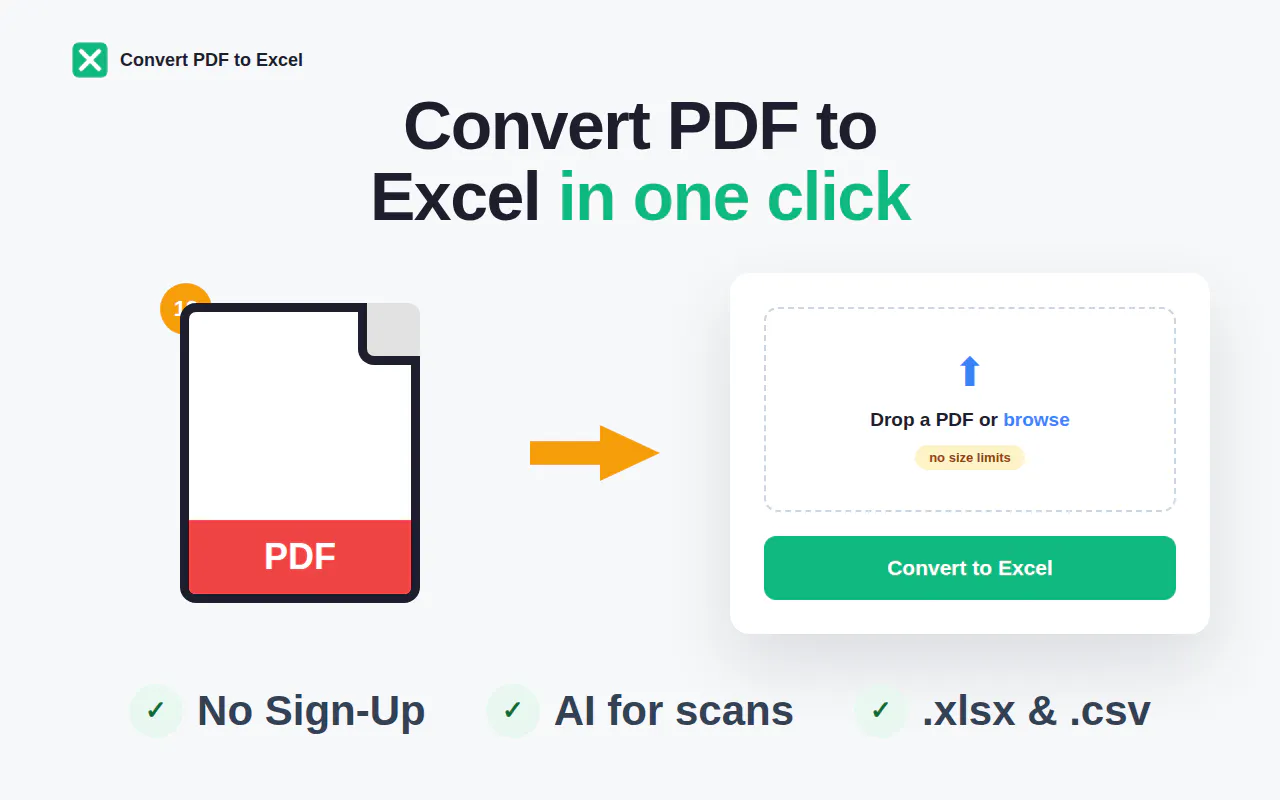
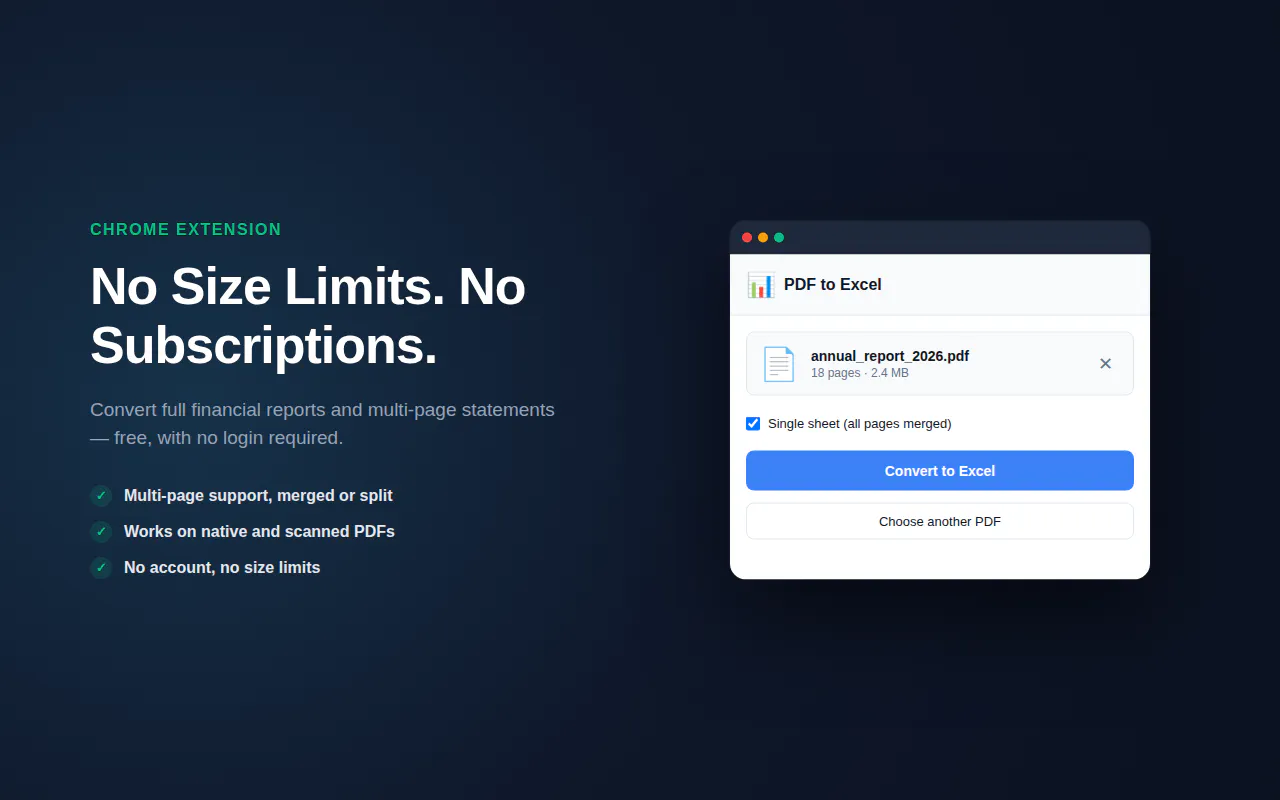
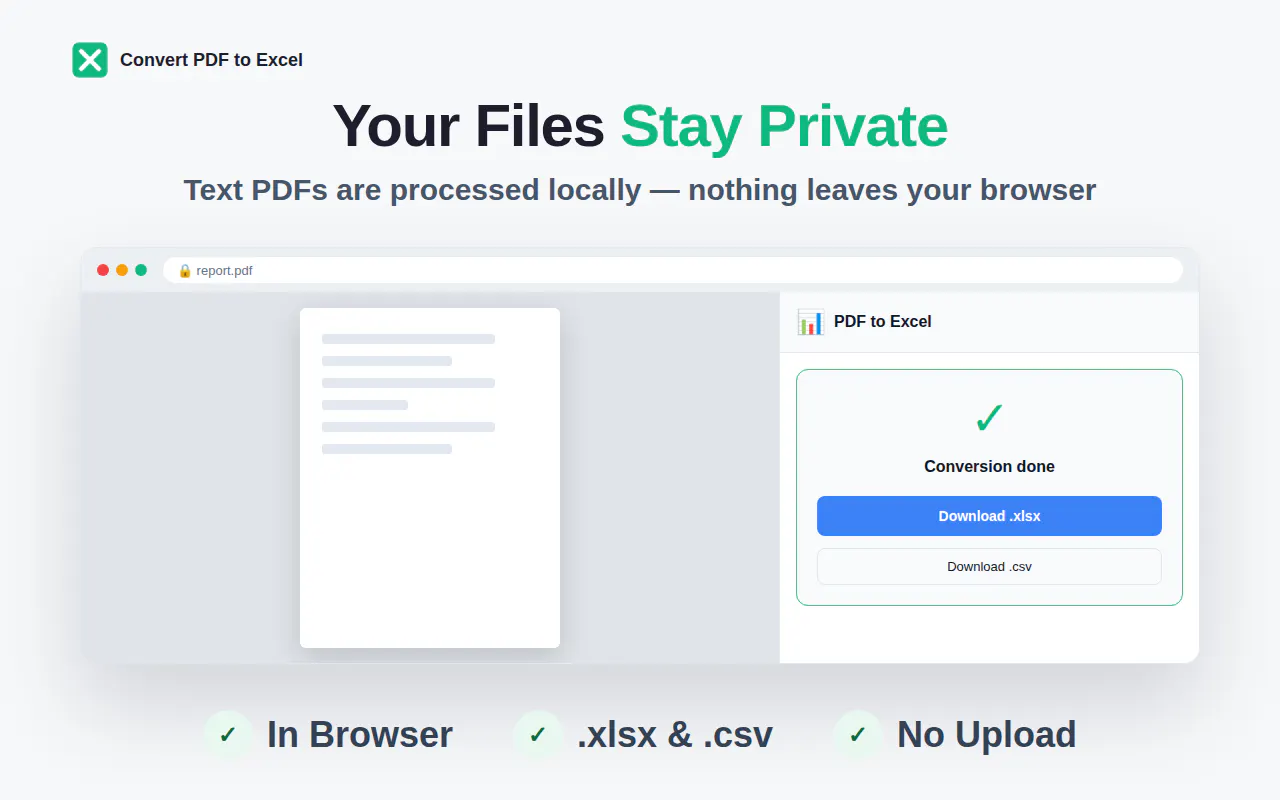
Convert PDF to Excel is a versatile Chrome extension designed to streamline the process of transforming PDFs into editable spreadsheets. Ideal for professionals, students, and data analysts, this tool simplifies data extraction by offering instant, local parsing for text-based PDFs and AI-powered table extraction for scanned or image PDFs via HTTPS. Its one-click functionality makes it incredibly user-friendly, removing the need for complex software or manual data entry. The fact that it requires no login, has no size limits, and is completely free enhances its appeal for casual users and small businesses alike. Whether you need quick data conversion on the fly or want a reliable tool for handling multiple documents, Convert PDF to Excel offers a seamless, privacy-conscious experience that saves time and effort.
Screenshots

+1 more screenshots
Pros
- ✓Easy one-click conversion process
- ✓No login or subscription required
- ✓Local parsing for text PDFs ensures privacy
- ✓AI-powered extraction for scanned/image PDFs
- ✓No size limits or restrictions
Cons
- ✗Limited advanced editing features
- ✗Potential inaccuracies with complex tables
- ✗Requires Chrome browser and extension installation
Use Cases
Pricing
Free to use, with no subscription or premium tiers, making it accessible for casual and occasional users. It operates as a free Chrome extension with optional AI-based features integrated via HTTPS.
Quick Info
Topics
Makers

Denis
@TdvToropovdAlternatives
Similar Tools in Developer Tools




Embed Badge
Add this badge to your website to show that Convert PDF to Excel is featured on Visalytica.
<a href="https://www.visalytica.com/tool/convert-pdf-to-excel" target="_blank" rel="noopener noreferrer" style="display:inline-flex;align-items:center;gap:6px;padding:6px 14px;background:#7c3aed;color:#fff;border-radius:8px;font-family:-apple-system,system-ui,sans-serif;font-size:13px;font-weight:600;text-decoration:none;transition:background .2s" onmouseover="this.style.background='#6d28d9'" onmouseout="this.style.background='#7c3aed'"><svg width="14" height="14" viewBox="0 0 24 24" fill="none" stroke="currentColor" stroke-width="2.5" stroke-linecap="round" stroke-linejoin="round"><path d="M12 20V10"/><path d="M18 20V4"/><path d="M6 20v-4"/></svg>Featured on Visalytica</a>