
ColibotAI
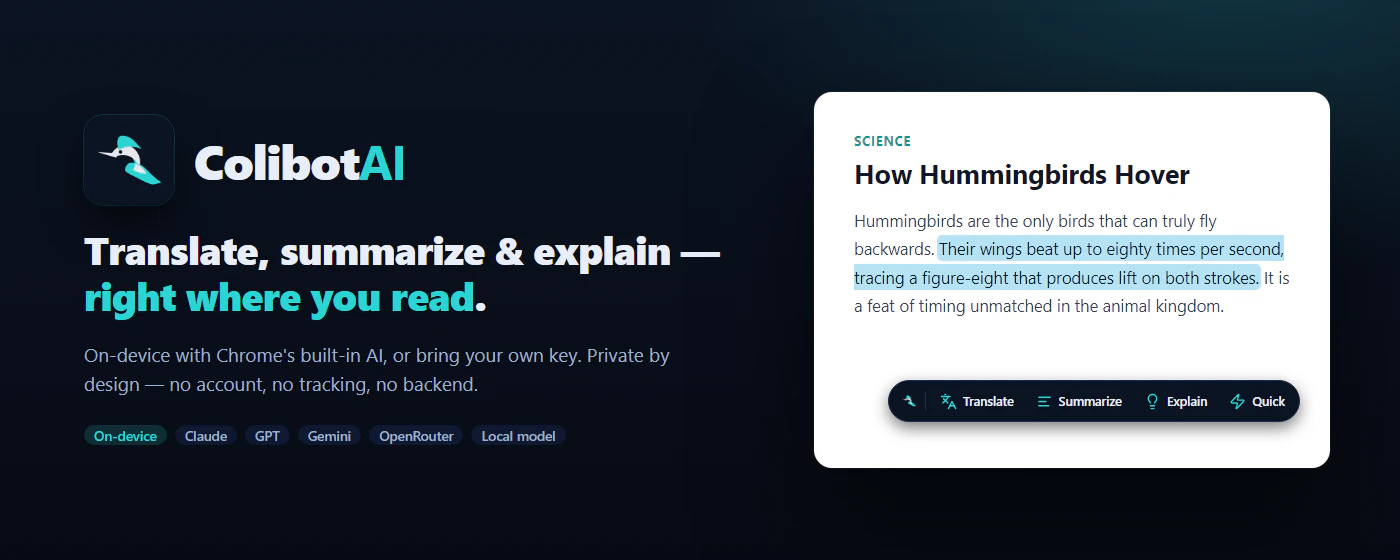
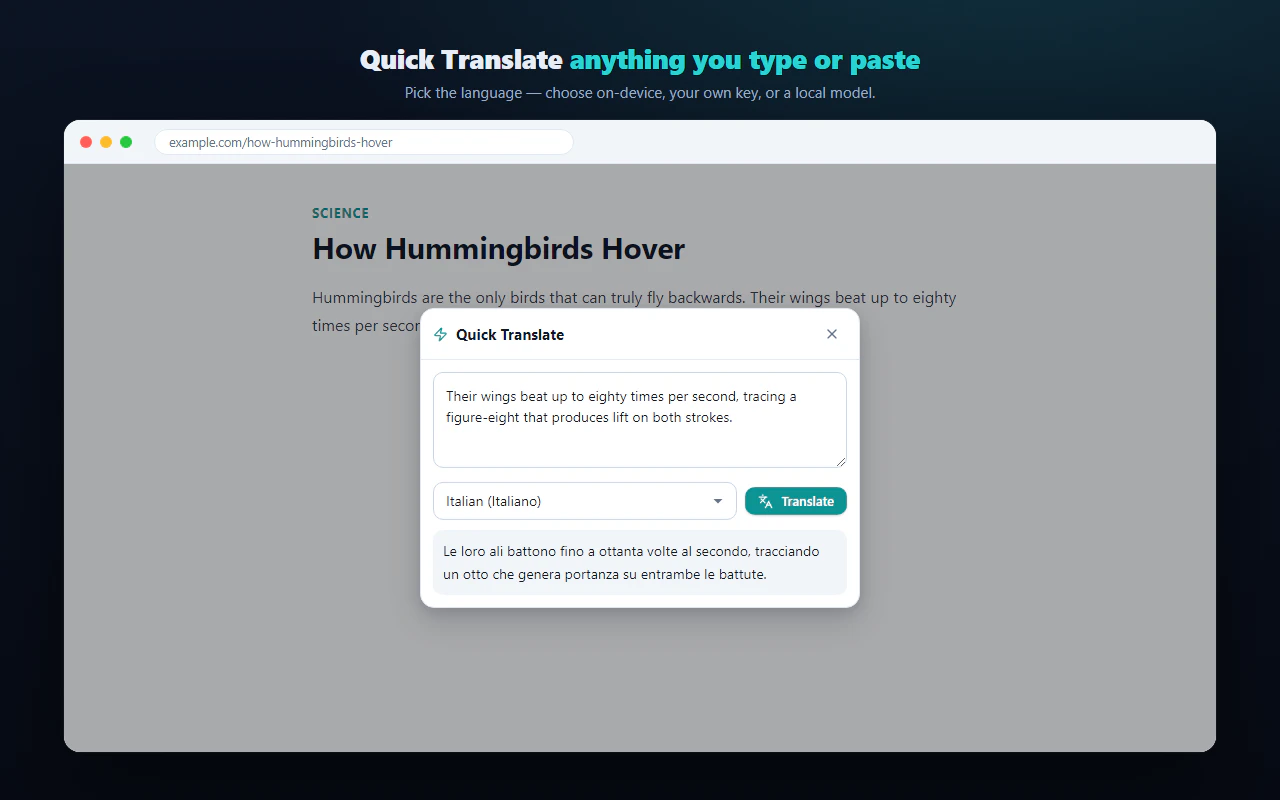
Translate, summarize & explain any text on-device
About ColibotAI
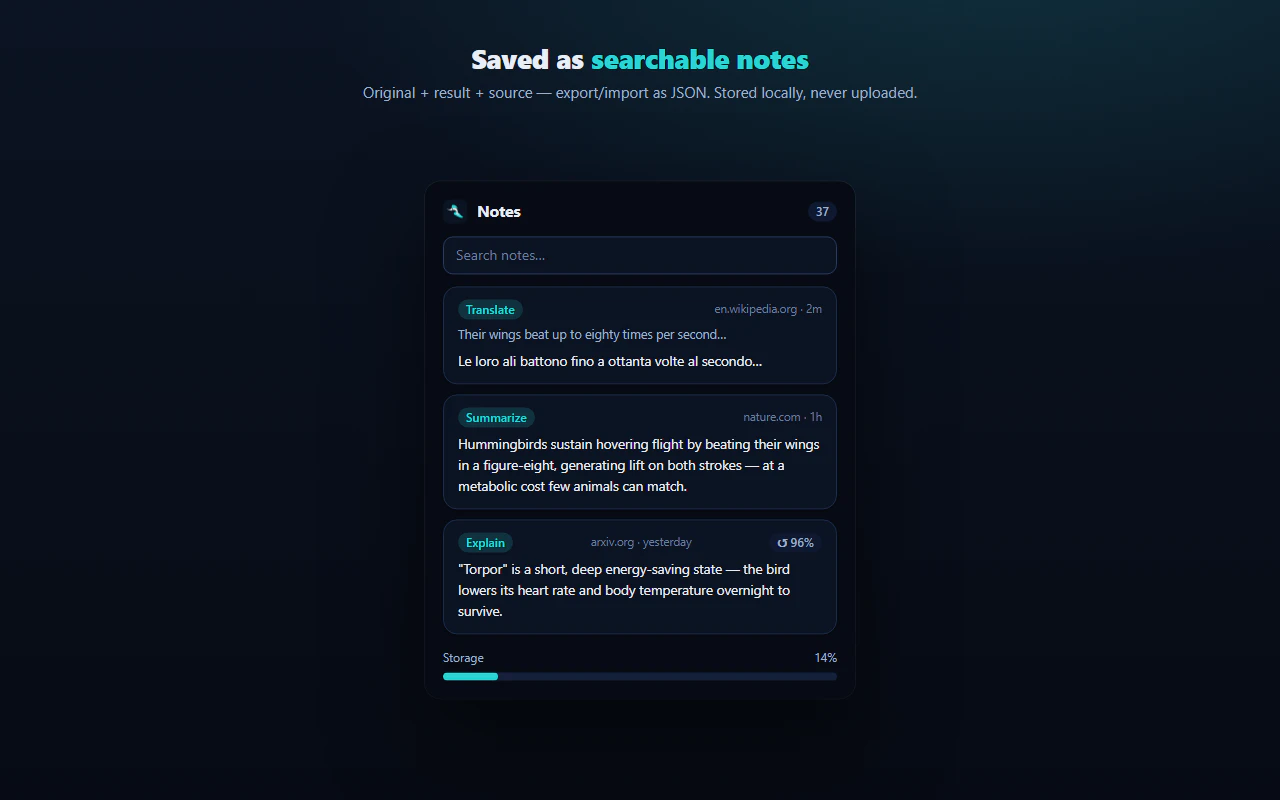
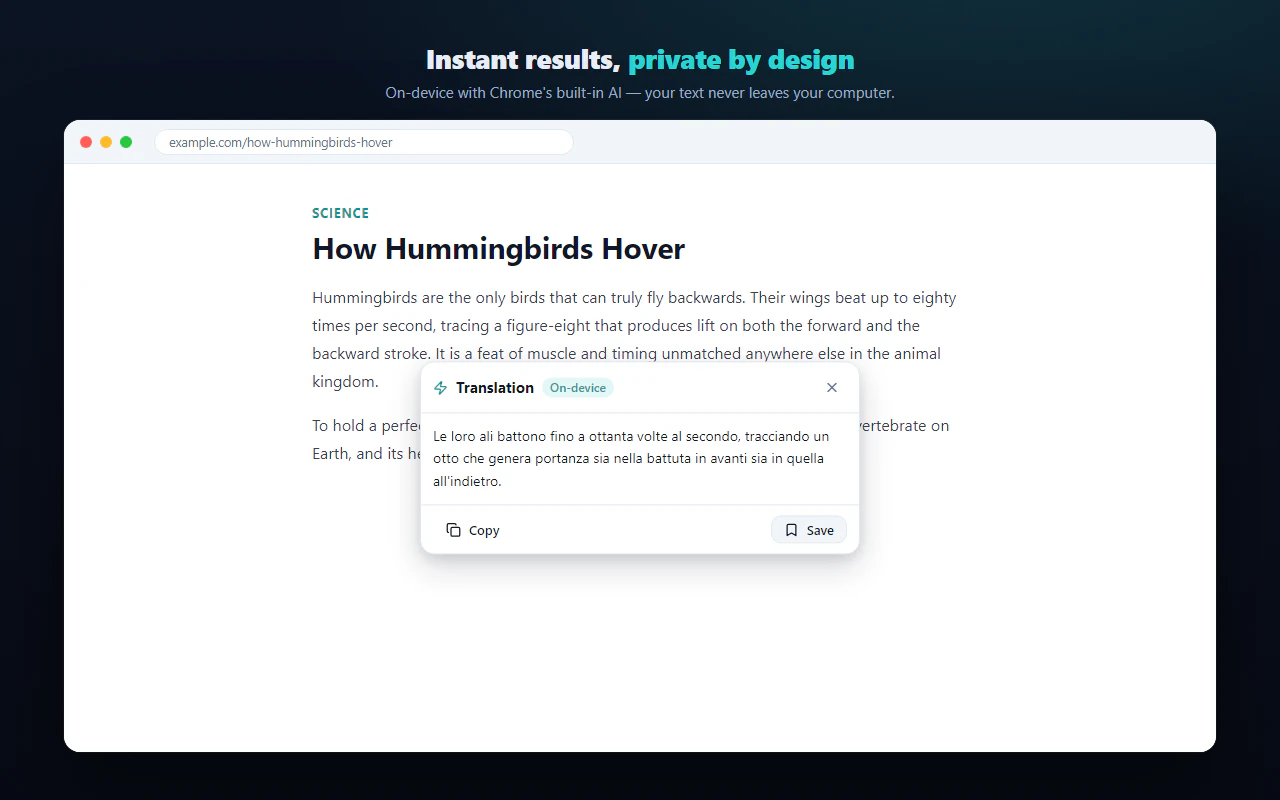
ColibotAI is a privacy-focused AI extension that empowers users to translate, summarize, and explain any selected text directly on their device. Unlike many AI tools that require sending data to external servers, ColibotAI allows users to choose their preferred engine—be it Chrome's built-in AI, their own API keys (such as Claude, GPT, Gemini), or local models like Ollama or LM Studio—ensuring complete data control. This on-device processing guarantees user privacy, no tracking, and no need for accounts or backend services, making it ideal for privacy-conscious professionals, researchers, and students. Additionally, results are saved as searchable local notes, enhancing productivity and reference management. Made in Switzerland, the tool combines ease of use with robust customization options, offering a versatile solution for those seeking secure and flexible AI-powered text handling.
Screenshots
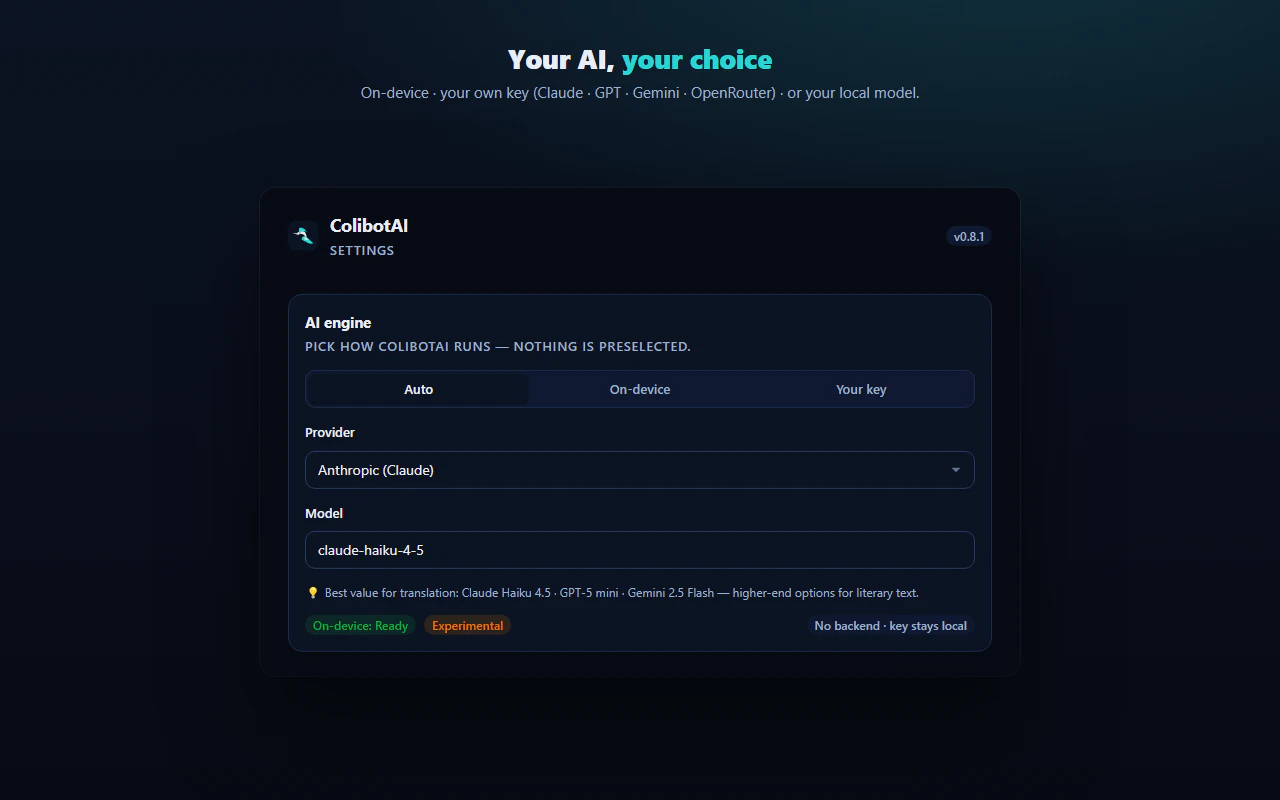
+1 more screenshots
Pros
- ✓Local processing ensures privacy and data security
- ✓Flexible engine selection (cloud, custom API keys, local models)
- ✓No accounts, no tracking, and no backend dependencies
- ✓Results are saved as searchable local notes
- ✓Free to use
Cons
- ✗Requires some technical setup for local models or API keys
- ✗Limited to on-device processing, which might impact performance with large texts
- ✗Features may be basic compared to full cloud-based AI platforms
Use Cases
Pricing
Free and open-source-like approach, with no subscription fees. Users can utilize built-in Chrome AI or integrate their own API keys and local models at no cost, though paid API plans may be used if desired.
Quick Info
Topics
Makers

Edoardo Guzzi
@Mr_edodosAlternatives
Similar Tools in AI Assistants




Embed Badge
Add this badge to your website to show that ColibotAI is featured on Visalytica.
<a href="https://www.visalytica.com/tool/colibotai" target="_blank" rel="noopener noreferrer" style="display:inline-flex;align-items:center;gap:6px;padding:6px 14px;background:#7c3aed;color:#fff;border-radius:8px;font-family:-apple-system,system-ui,sans-serif;font-size:13px;font-weight:600;text-decoration:none;transition:background .2s" onmouseover="this.style.background='#6d28d9'" onmouseout="this.style.background='#7c3aed'"><svg width="14" height="14" viewBox="0 0 24 24" fill="none" stroke="currentColor" stroke-width="2.5" stroke-linecap="round" stroke-linejoin="round"><path d="M12 20V10"/><path d="M18 20V4"/><path d="M6 20v-4"/></svg>Featured on Visalytica</a>