
Coffee Piano
Browser piano studio with visual harmony tools
About Coffee Piano
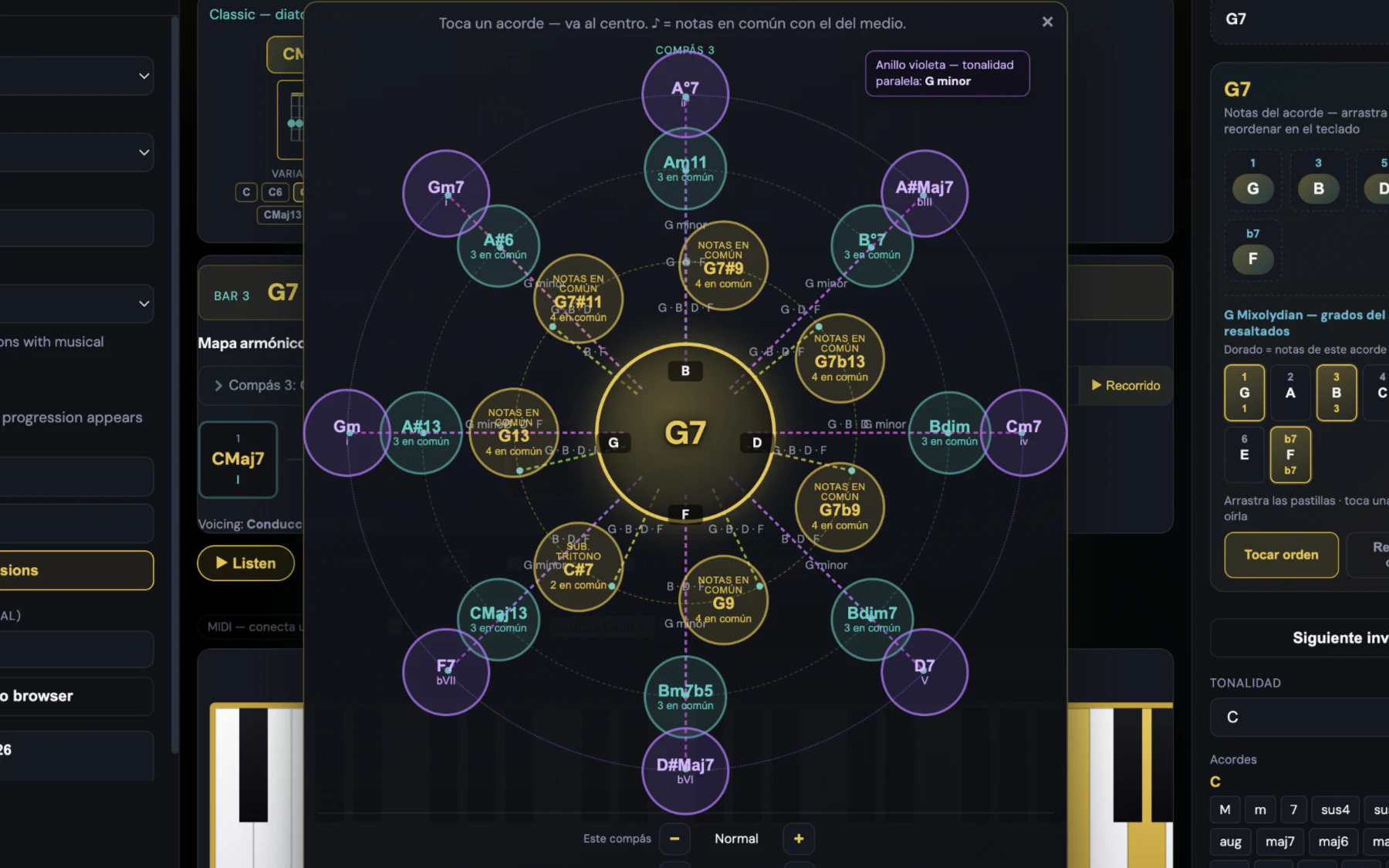
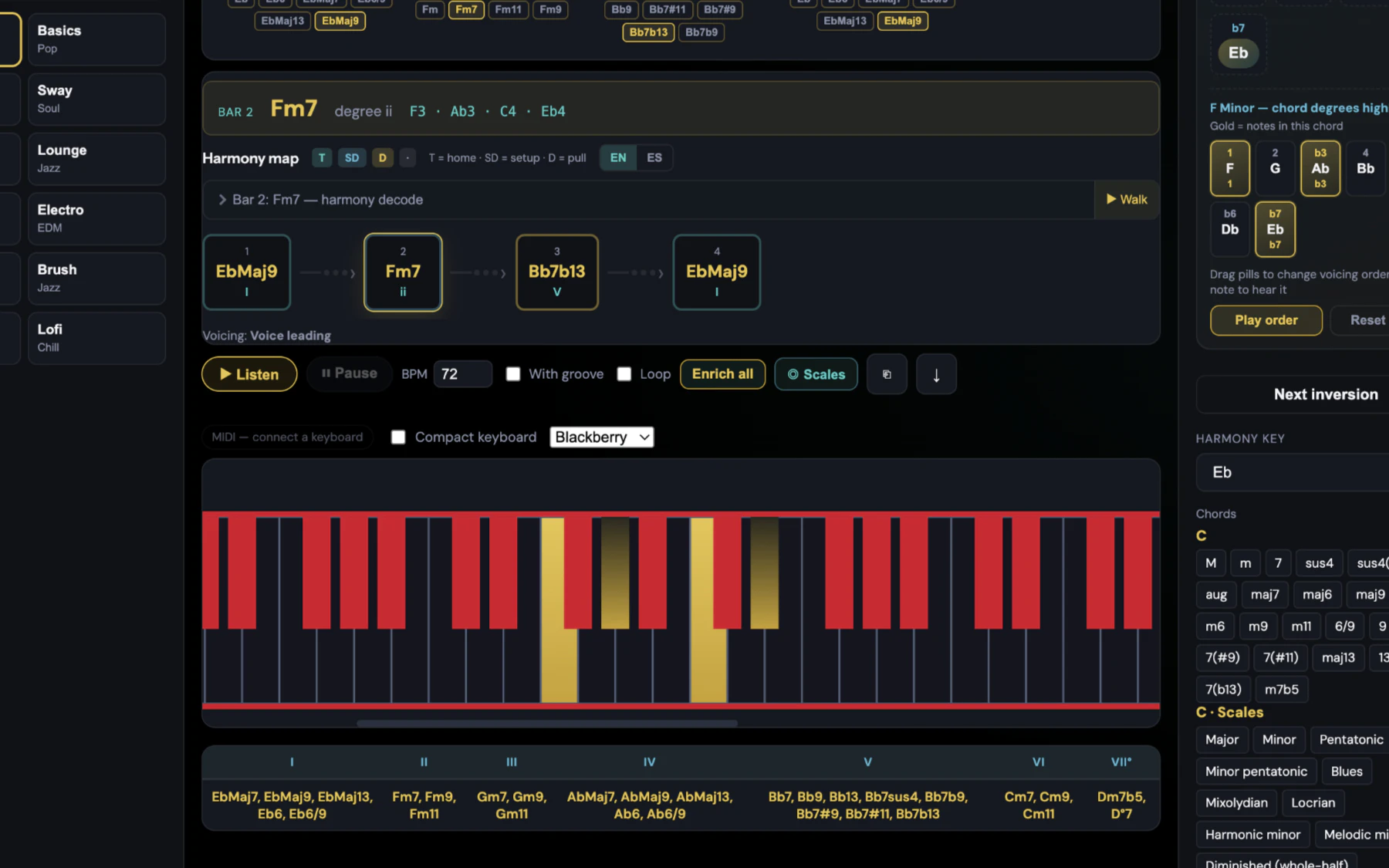
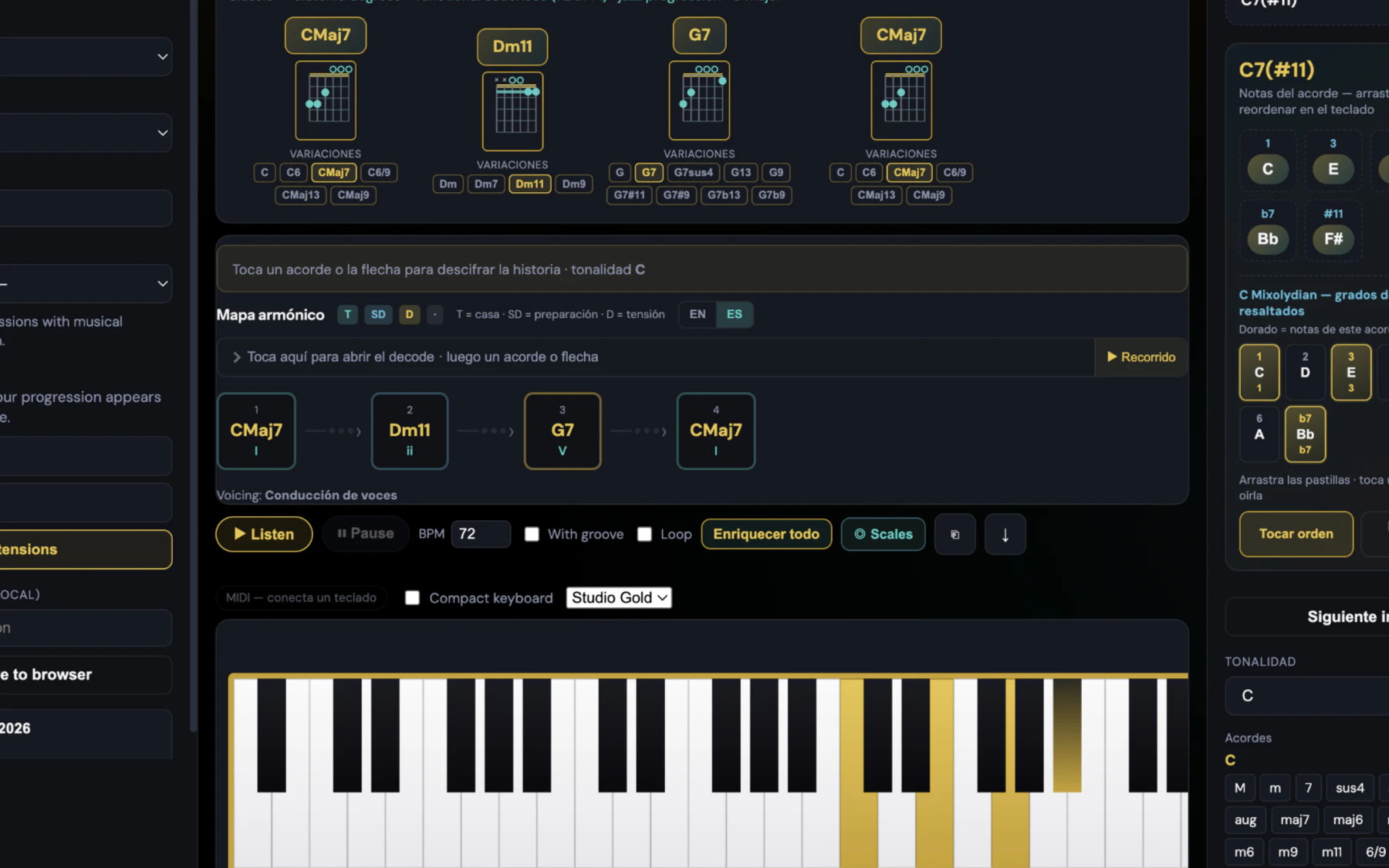
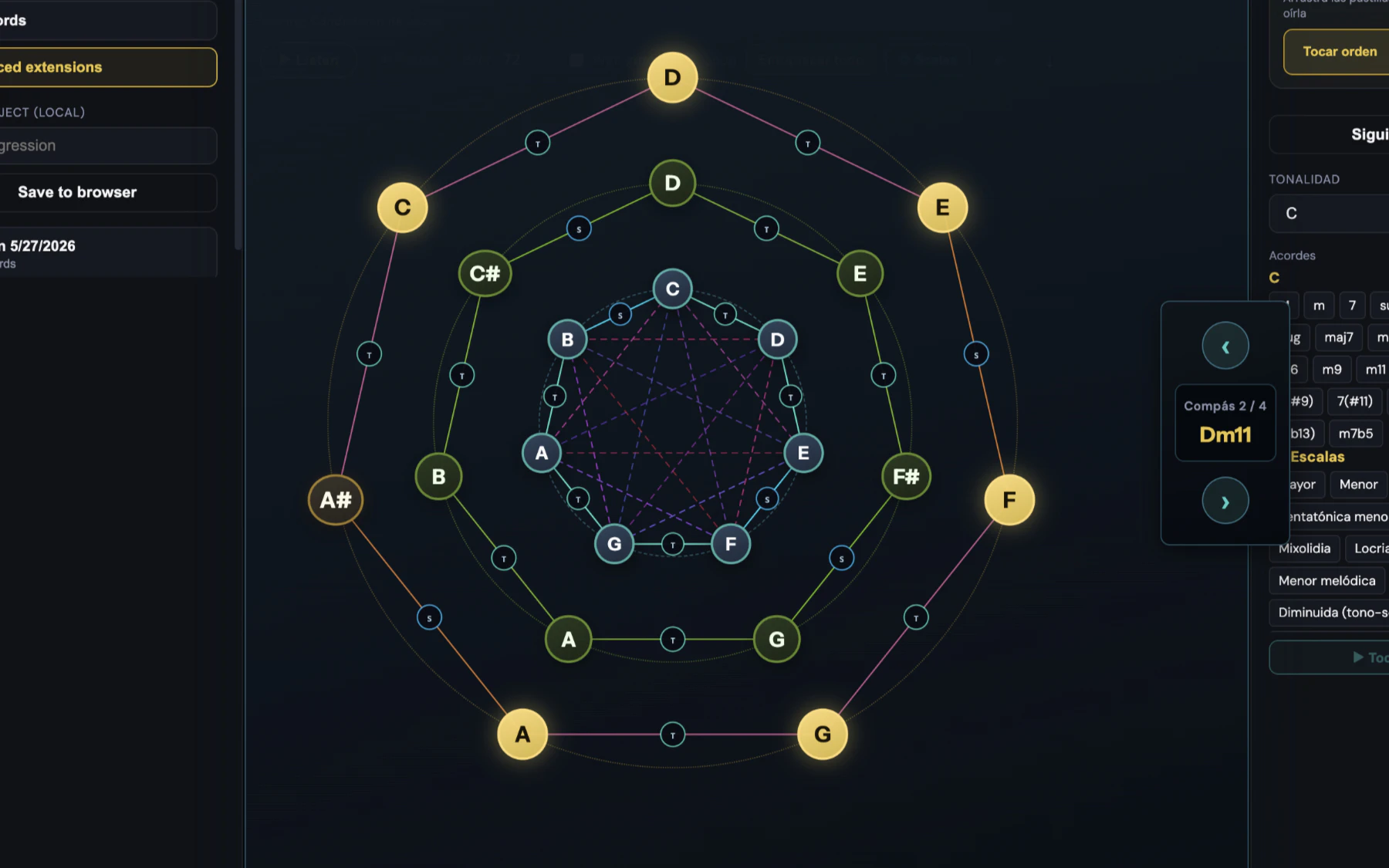
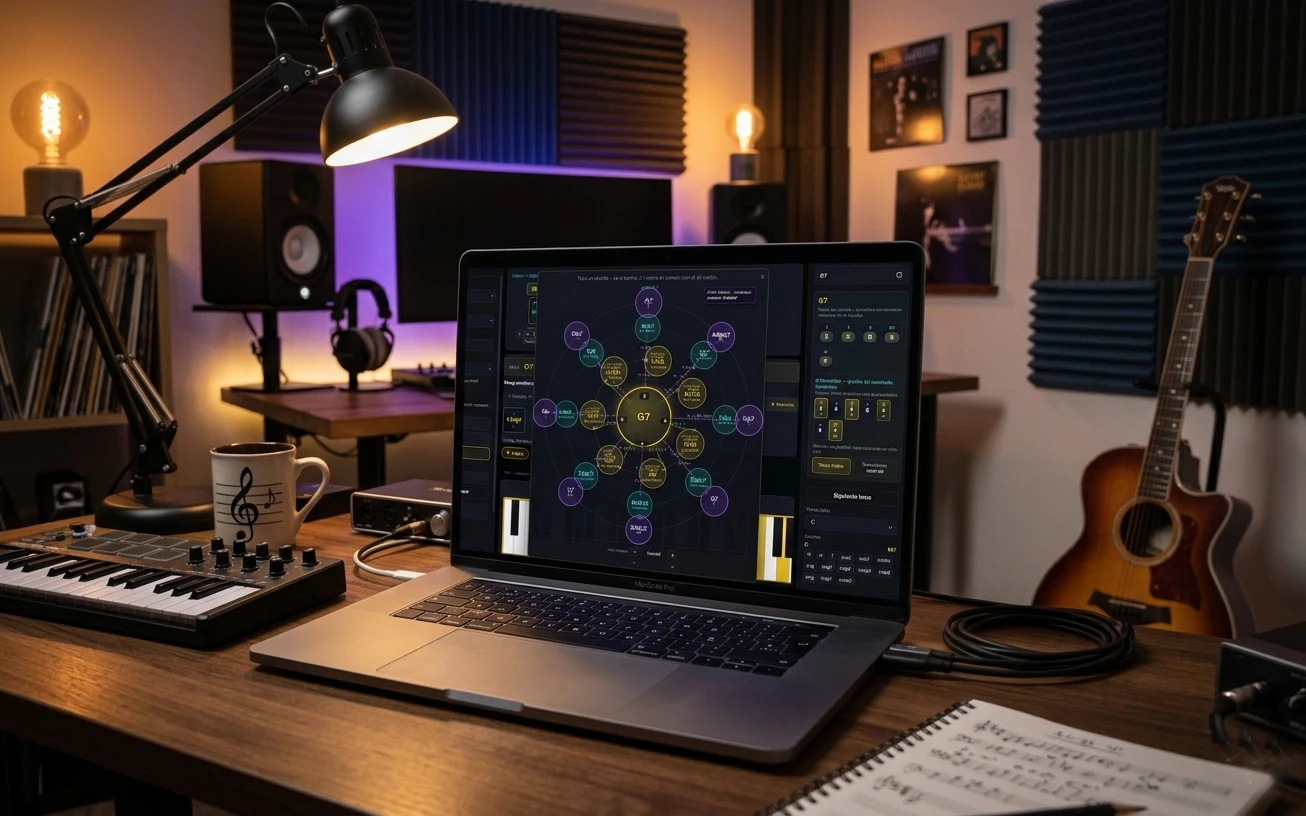
Coffee Piano is an innovative browser-based music studio that seamlessly combines realistic piano sounds with advanced visual harmony tools. Designed for musicians, students, and composers, it offers a rich sampling of Piano and Rhodes sounds, MIDI support, and a sustain pedal, providing an authentic playing experience directly in the browser without any installation. Its standout feature is the visual harmony engine, which includes orbit visuals that display scales and chords as circular maps, and harmony maps that illustrate voice leading and chord functions. These tools make complex harmonic concepts accessible and intuitive, making it ideal for both learning and composition. With quick reharmonization options, guitar diagrams synchronized to every chord, and a bilingual interface, Coffee Piano caters to a global audience and enhances the creative process with a visually engaging approach to harmony.
Screenshots
Pros
- ✓Intuitive visual harmony tools that simplify complex music theory
- ✓Realistic sampled piano and Rhodes sounds with MIDI support
- ✓Browser-based, no installation needed for quick access
- ✓Includes guitar diagrams and reharmonization features
- ✓Bilingual UI broadening accessibility
Cons
- ✗Limited to browser environment, which may restrict advanced editing
- ✗No mention of subscription or pricing details, leaving costs uncertain
- ✗Potential learning curve for beginners unfamiliar with harmony maps
Use Cases
Pricing
Likely offered as a freemium service with free access to core features and optional paid plans for advanced tools and features, although specific pricing details are not publicly available.
Quick Info
Topics
Alternatives
Similar Tools in AI Image & Design




Embed Badge
Add this badge to your website to show that Coffee Piano is featured on Visalytica.
<a href="https://www.visalytica.com/tool/coffee-piano" target="_blank" rel="noopener noreferrer" style="display:inline-flex;align-items:center;gap:6px;padding:6px 14px;background:#7c3aed;color:#fff;border-radius:8px;font-family:-apple-system,system-ui,sans-serif;font-size:13px;font-weight:600;text-decoration:none;transition:background .2s" onmouseover="this.style.background='#6d28d9'" onmouseout="this.style.background='#7c3aed'"><svg width="14" height="14" viewBox="0 0 24 24" fill="none" stroke="currentColor" stroke-width="2.5" stroke-linecap="round" stroke-linejoin="round"><path d="M12 20V10"/><path d="M18 20V4"/><path d="M6 20v-4"/></svg>Featured on Visalytica</a>