
CodexUsageBar
Track your ChatGPT Codex usage limits from the Mac menu bar
About CodexUsageBar
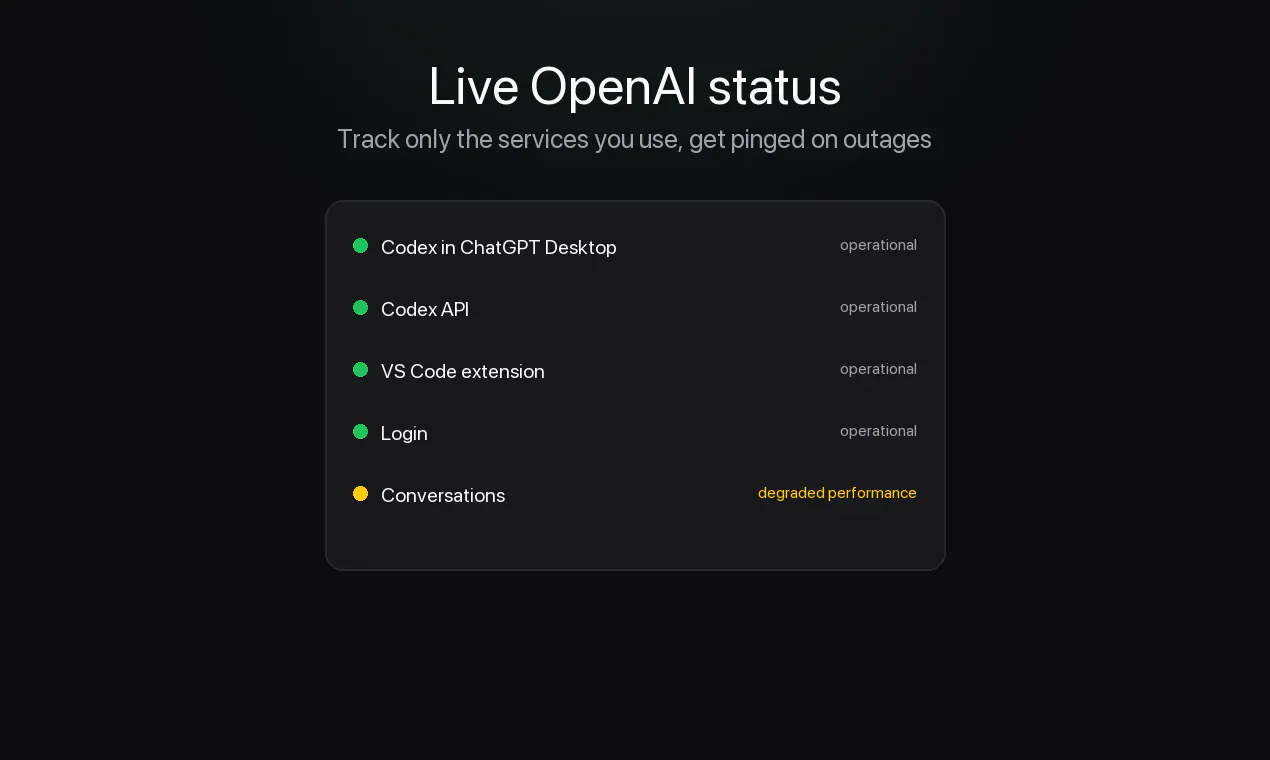
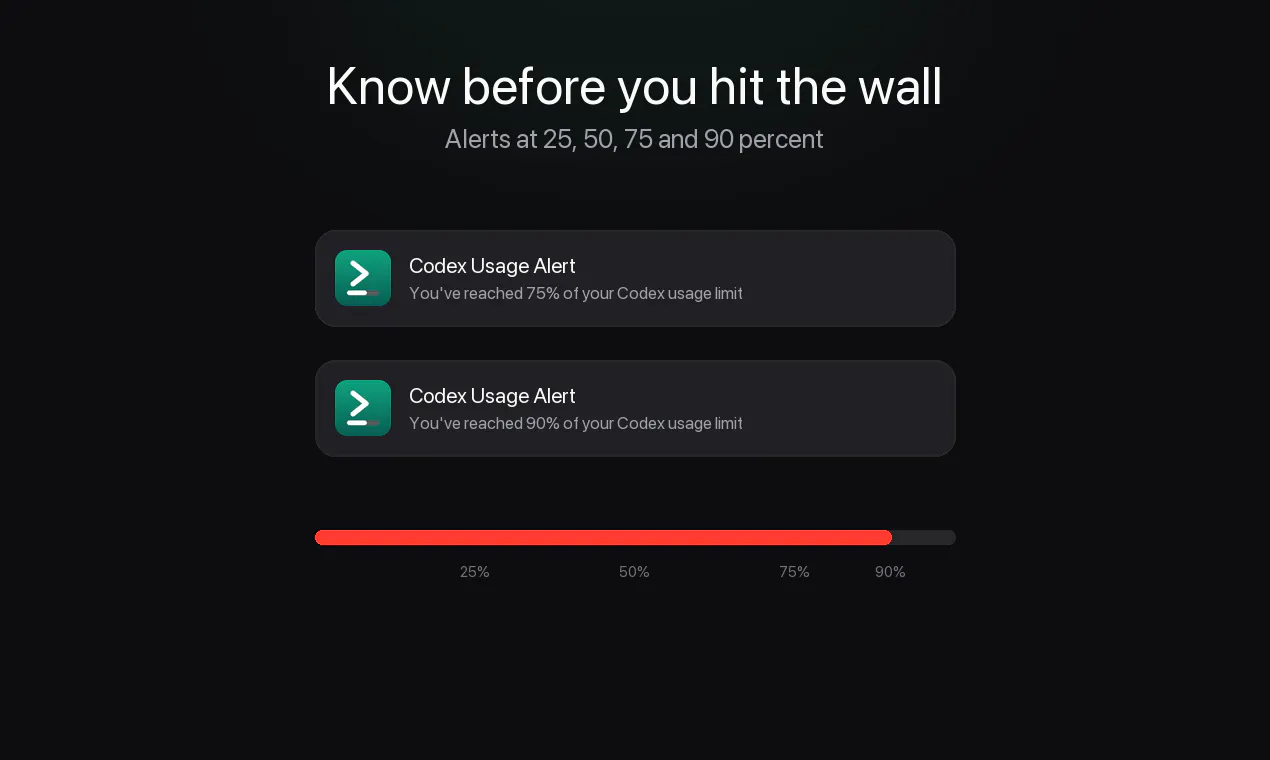
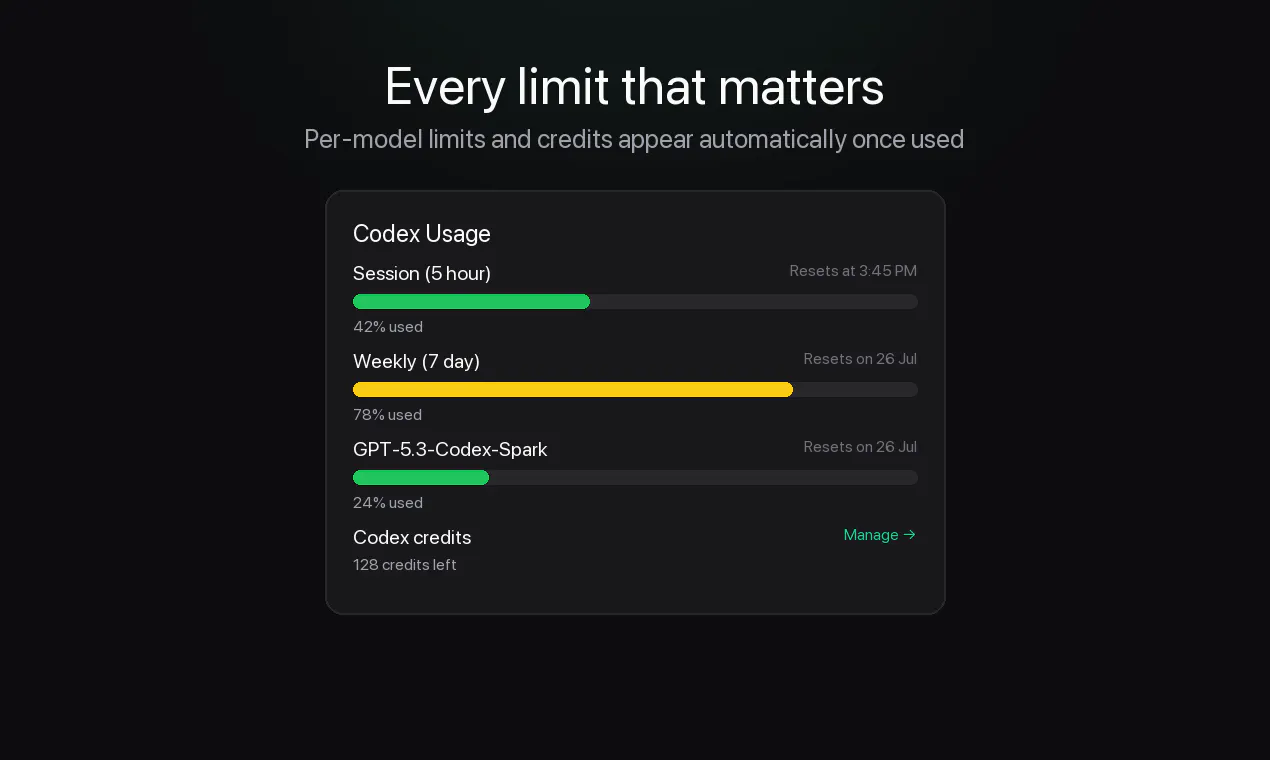
CodexUsageBar is a free, open-source macOS menu bar application designed to help developers and AI enthusiasts monitor their ChatGPT Codex usage limits in real-time. Its lightweight and native design ensures minimal system impact while providing users with instant visibility into their API consumption. By offering timely notifications before reaching usage caps, it helps prevent unexpected disruptions, making it ideal for those who rely heavily on OpenAI’s Codex features for coding, automation, or creative projects. Its privacy-centric approach, coupled with seamless integration into the Mac menu bar, makes it a valuable tool for managing AI resource limits efficiently. Being open-source, it also appeals to the developer community who prefer customizable and transparent solutions.
Screenshots


Pros
- ✓Real-time monitoring of ChatGPT Codex usage limits
- ✓Lightweight and native macOS application for minimal resource use
- ✓Open-source, allowing community customization and transparency
- ✓Privacy-focused, with no data tracking or cloud dependencies
- ✓Provides proactive notifications to avoid hitting limits
Cons
- ✗Limited to macOS, not available on other platforms
- ✗Lacks advanced analytics or historical usage data
- ✗Depends on user familiarity with open-source tools for setup
Use Cases
Pricing
Free and open-source, with no cost for download or usage, supported by community development.
Quick Info
Topics
Makers

Maxime Berger
Alternatives
Similar Tools in Developer Tools




Embed Badge
Add this badge to your website to show that CodexUsageBar is featured on Visalytica.
<a href="https://www.visalytica.com/tool/codexusagebar" target="_blank" rel="noopener noreferrer" style="display:inline-flex;align-items:center;gap:6px;padding:6px 14px;background:#7c3aed;color:#fff;border-radius:8px;font-family:-apple-system,system-ui,sans-serif;font-size:13px;font-weight:600;text-decoration:none;transition:background .2s" onmouseover="this.style.background='#6d28d9'" onmouseout="this.style.background='#7c3aed'"><svg width="14" height="14" viewBox="0 0 24 24" fill="none" stroke="currentColor" stroke-width="2.5" stroke-linecap="round" stroke-linejoin="round"><path d="M12 20V10"/><path d="M18 20V4"/><path d="M6 20v-4"/></svg>Featured on Visalytica</a>