
Codex Remote
Put Codex or Claude Code on your own cloud machine
About Codex Remote
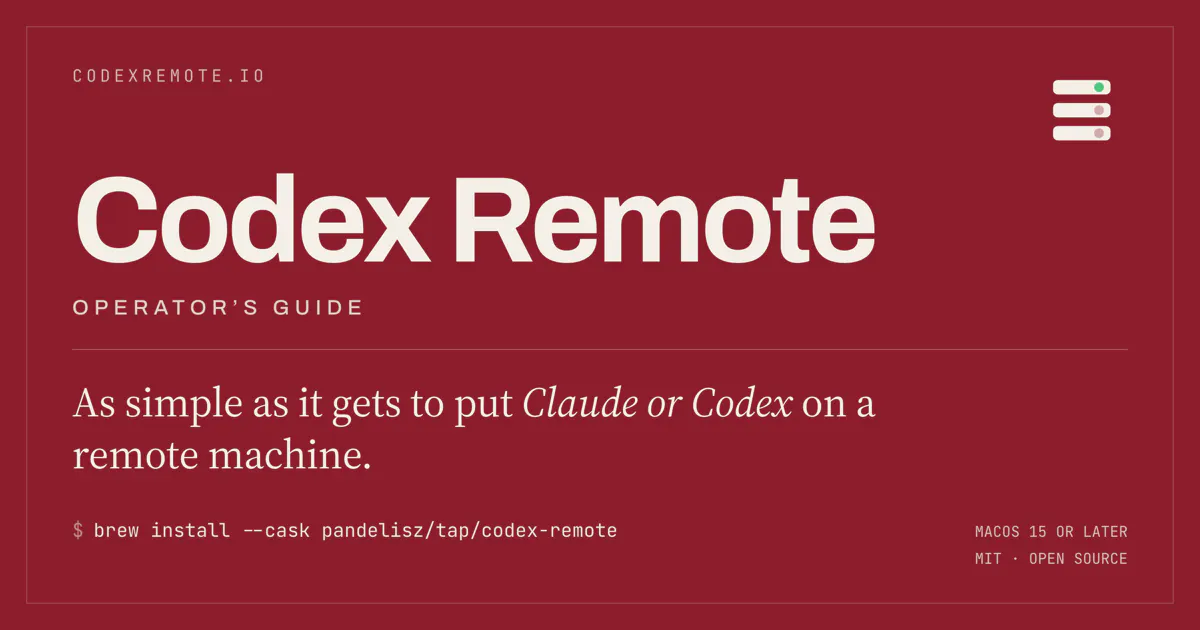
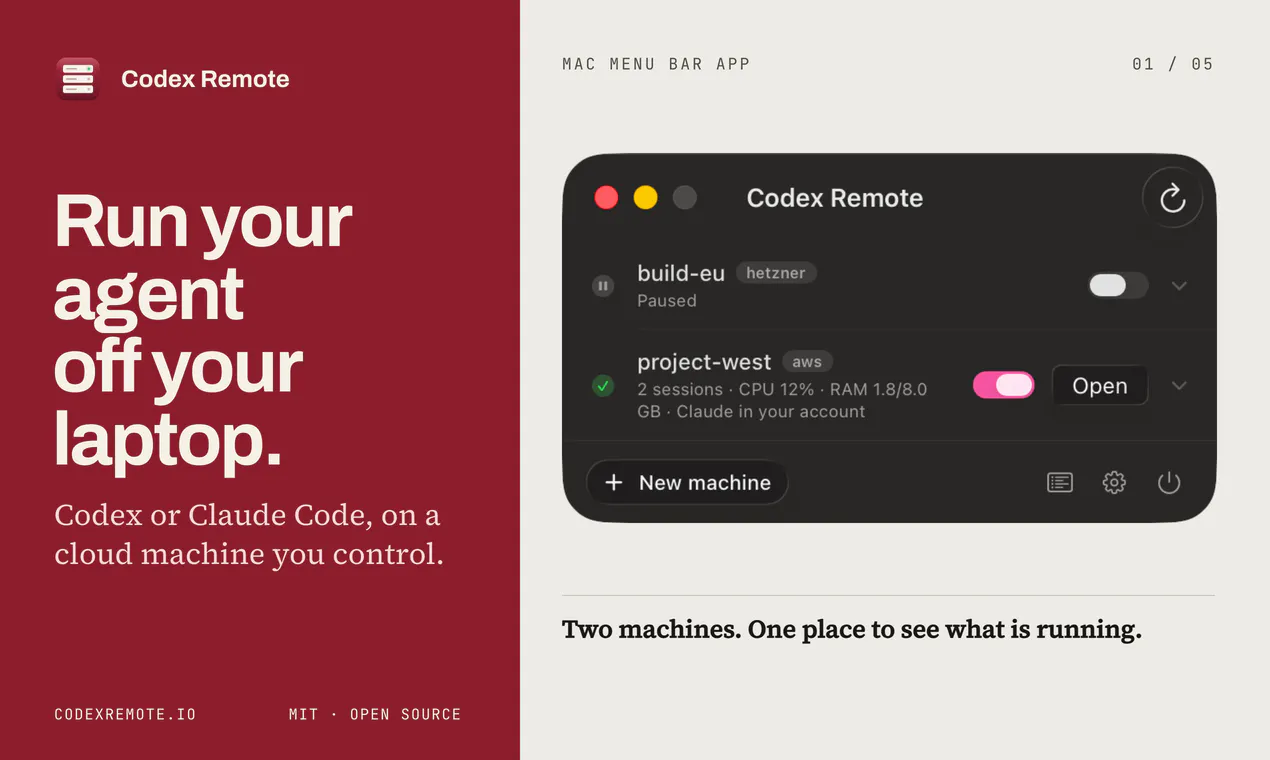
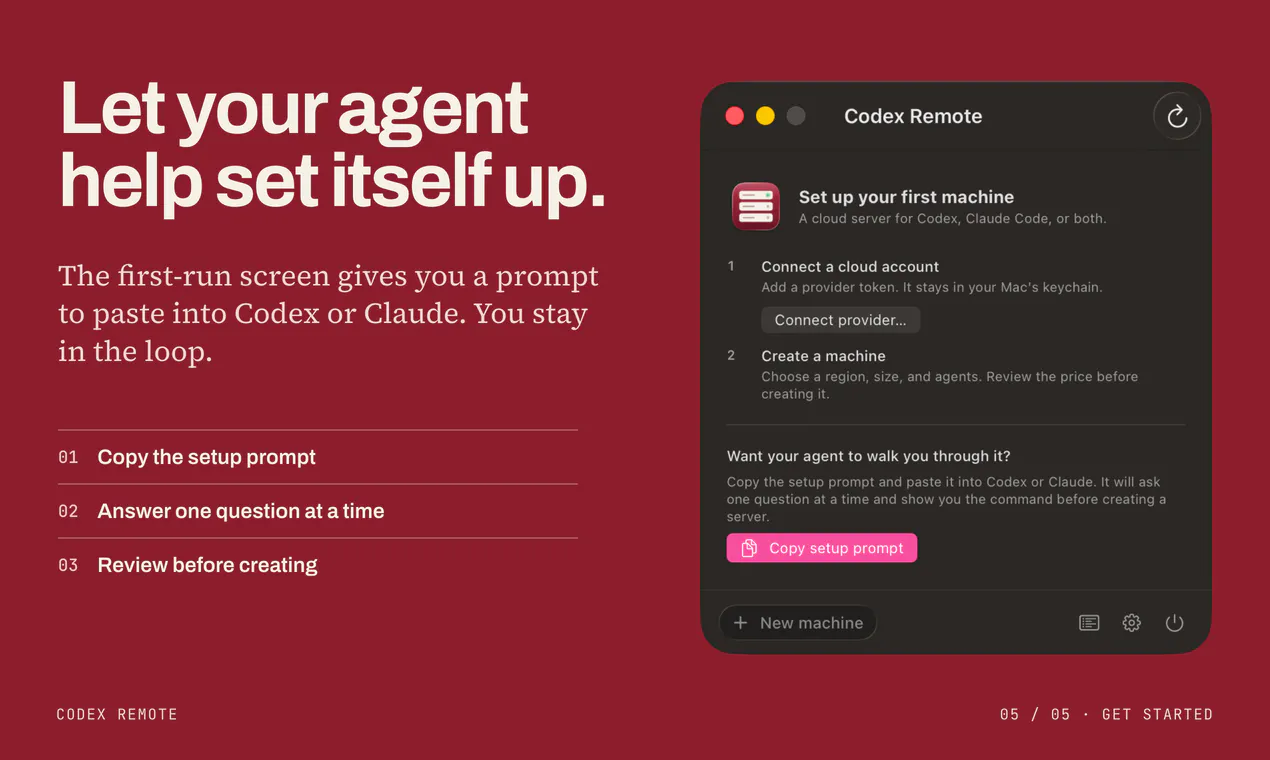
Codex Remote is an innovative open-source Mac menu bar application that empowers developers to run Codex or Claude Code models on their own cloud infrastructure. Designed for AI enthusiasts, developers, and teams, it simplifies the process of provisioning and managing cloud-based AI models without relying on third-party hosted solutions. Users can select cloud providers and server sizes, with the tool automating server setup via OpenTofu, installing necessary agents, and seamlessly connecting to existing development workflows. Its real-time monitoring features include CPU, memory, and session management, along with options to pause idle servers or sync projects effortlessly. Importantly, all cloud credentials remain securely on the user’s Mac, ensuring privacy and control, while the app operates independently of OpenAI and Anthropic, offering a truly open-source, decentralized approach to AI deployment.
Screenshots
Pros
- ✓Open-source, ensuring transparency and customization
- ✓User-controlled cloud deployment for enhanced privacy
- ✓Automated server provisioning and management
- ✓Integration with existing developer workflows
- ✓No reliance on hosted middlemen or third-party services
Cons
- ✗Requires familiarity with cloud infrastructure and deployment
- ✗Setup may be complex for non-technical users
- ✗Limited information on pricing or support options
Use Cases
Pricing
Pricing not verified
Quick Info
Topics
Makers

Pandelis Zembashis
@PandelisZAlternatives
Similar Tools in Developer Tools




Embed Badge
Add this badge to your website to show that Codex Remote is featured on Visalytica.
<a href="https://www.visalytica.com/tool/codex-remote" target="_blank" rel="noopener noreferrer" style="display:inline-flex;align-items:center;gap:6px;padding:6px 14px;background:#7c3aed;color:#fff;border-radius:8px;font-family:-apple-system,system-ui,sans-serif;font-size:13px;font-weight:600;text-decoration:none;transition:background .2s" onmouseover="this.style.background='#6d28d9'" onmouseout="this.style.background='#7c3aed'"><svg width="14" height="14" viewBox="0 0 24 24" fill="none" stroke="currentColor" stroke-width="2.5" stroke-linecap="round" stroke-linejoin="round"><path d="M12 20V10"/><path d="M18 20V4"/><path d="M6 20v-4"/></svg>Featured on Visalytica</a>