
Codex in Chrome
Let Codex navigate and automate tasks in your browser
About Codex in Chrome
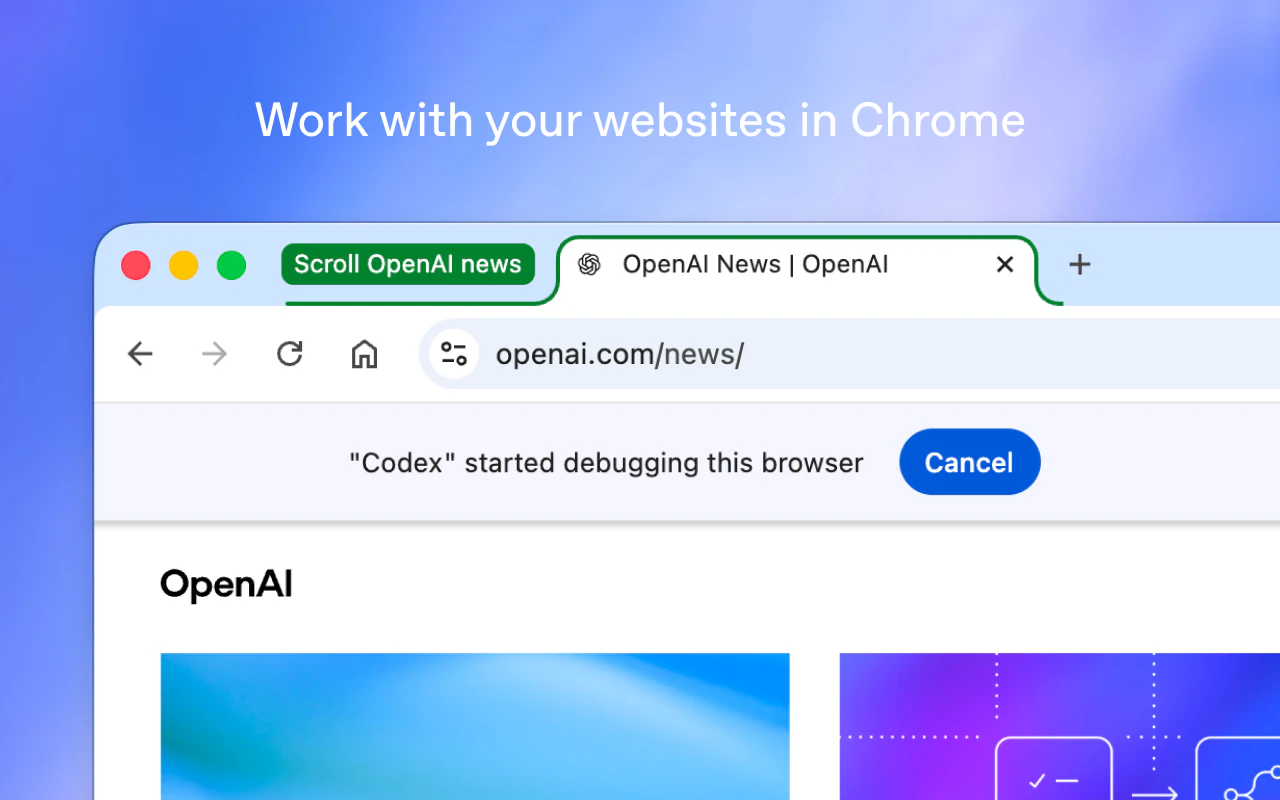
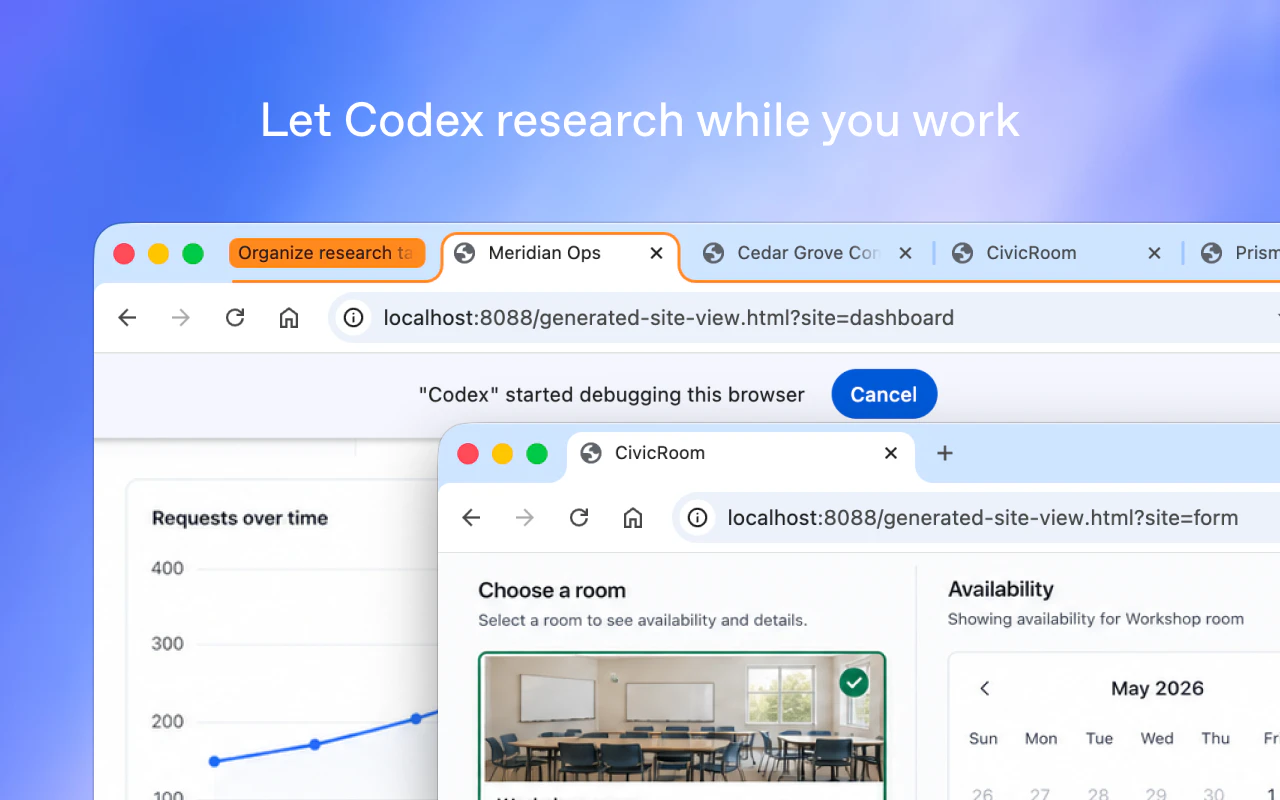
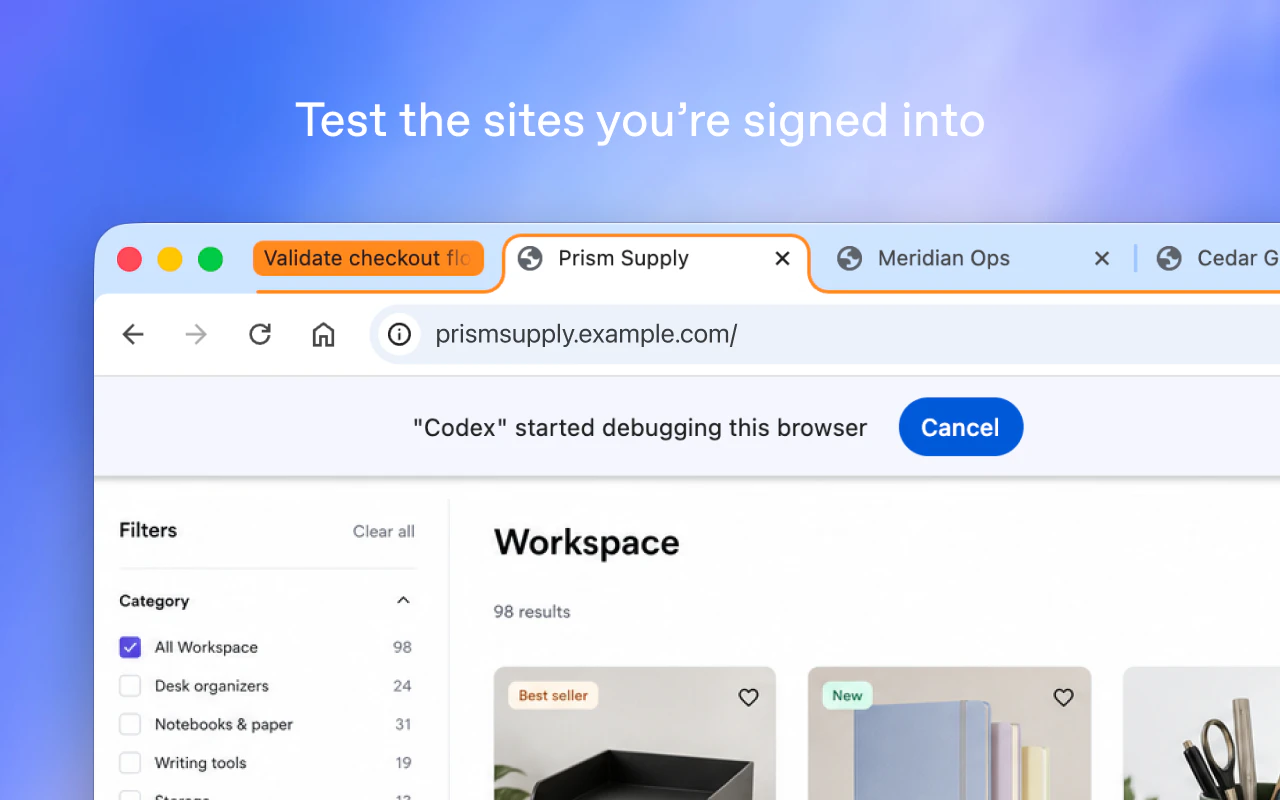
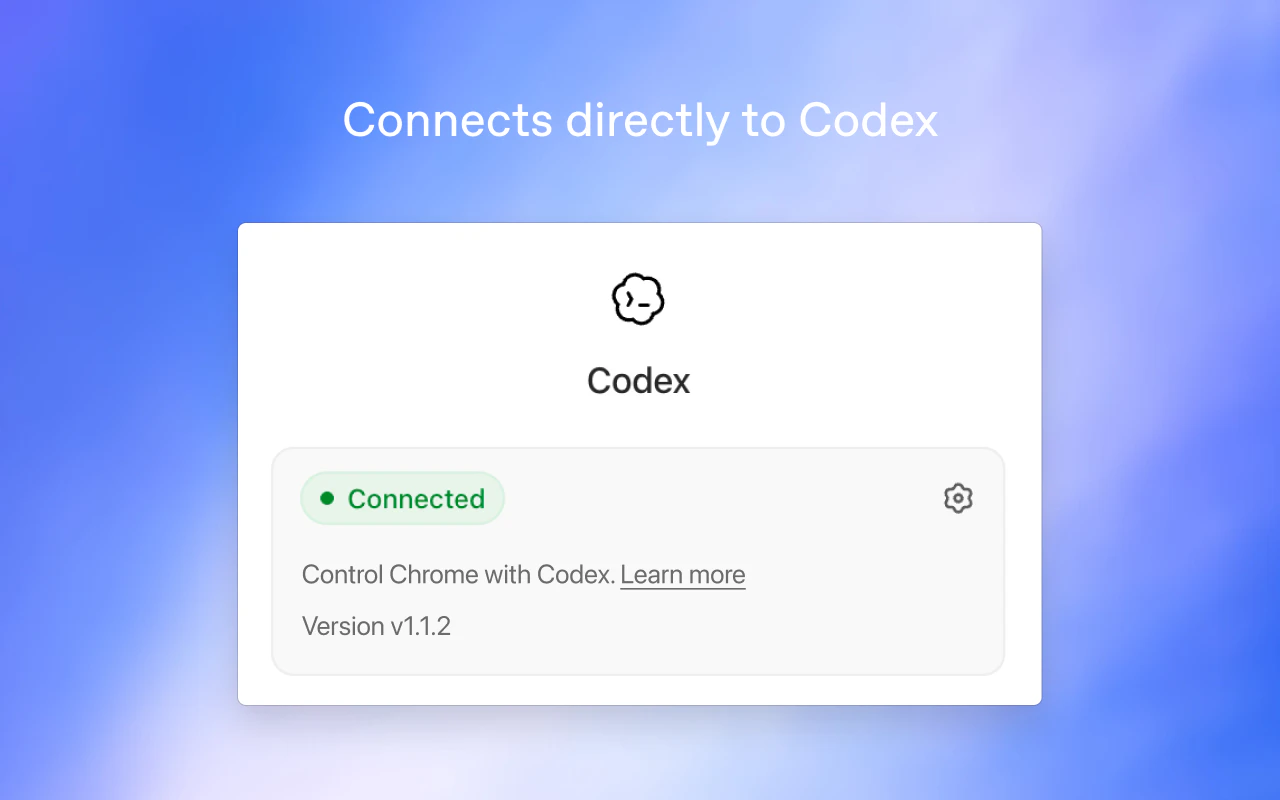
Codex in Chrome is a powerful browser extension that leverages AI to automate and streamline web interactions directly within your browser. By allowing the Codex app to control your browser, it enables users to automate repetitive tasks such as navigating websites, filling out forms, and completing workflows seamlessly in background tab groups. This tool is particularly valuable for power users, developers, and digital professionals seeking to boost productivity and reduce manual effort. Its unique ability to write code that interacts with web pages makes it a flexible and innovative solution for automating complex web-based tasks without the need for extensive scripting knowledge. With its seamless integration and intelligent automation capabilities, Codex in Chrome offers a compelling way to optimize browsing and task management workflows.
Screenshots

Pros
- ✓Automates complex web tasks using AI-generated code
- ✓Supports background tab group automation for multitasking
- ✓Reduces manual effort and increases productivity
- ✓Uses active logins for seamless session management
- ✓Easy to install and integrate into daily workflows
Cons
- ✗Limited user interface transparency; depends on AI accuracy
- ✗Potential security concerns with automated control of browser sessions
- ✗No clear information on pricing or subscription plans
Use Cases
Pricing
Likely based on a freemium model, offering basic features for free with premium plans possibly available for advanced automation and integrations. Exact pricing details are not specified.
Quick Info
Topics
Alternatives
Similar Tools in Developer Tools




Embed Badge
Add this badge to your website to show that Codex in Chrome is featured on Visalytica.
<a href="https://www.visalytica.com/tool/codex-in-chrome" target="_blank" rel="noopener noreferrer" style="display:inline-flex;align-items:center;gap:6px;padding:6px 14px;background:#7c3aed;color:#fff;border-radius:8px;font-family:-apple-system,system-ui,sans-serif;font-size:13px;font-weight:600;text-decoration:none;transition:background .2s" onmouseover="this.style.background='#6d28d9'" onmouseout="this.style.background='#7c3aed'"><svg width="14" height="14" viewBox="0 0 24 24" fill="none" stroke="currentColor" stroke-width="2.5" stroke-linecap="round" stroke-linejoin="round"><path d="M12 20V10"/><path d="M18 20V4"/><path d="M6 20v-4"/></svg>Featured on Visalytica</a>