
Clippo
Orchestrate AI agent teams on a visual canvas
About Clippo
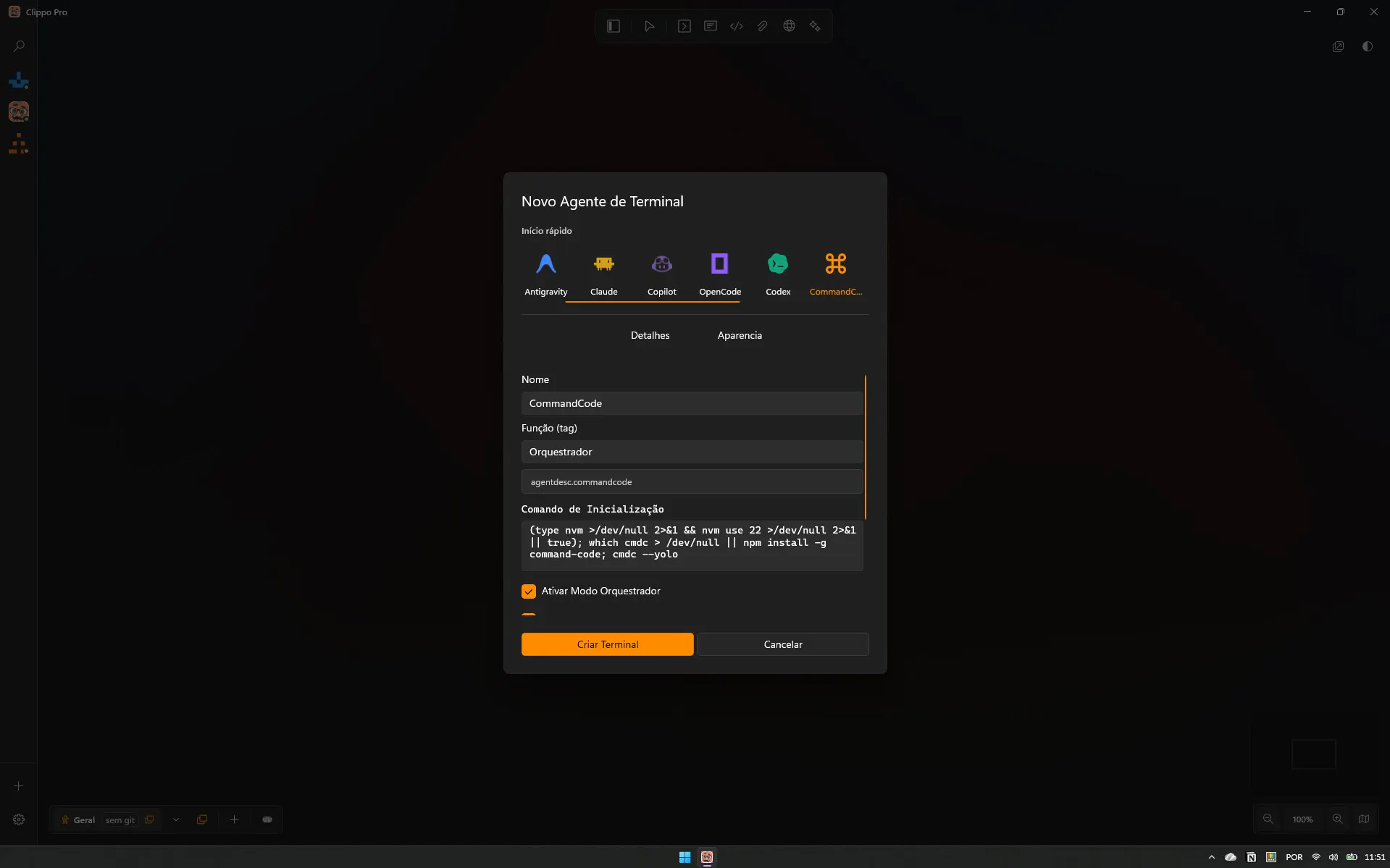
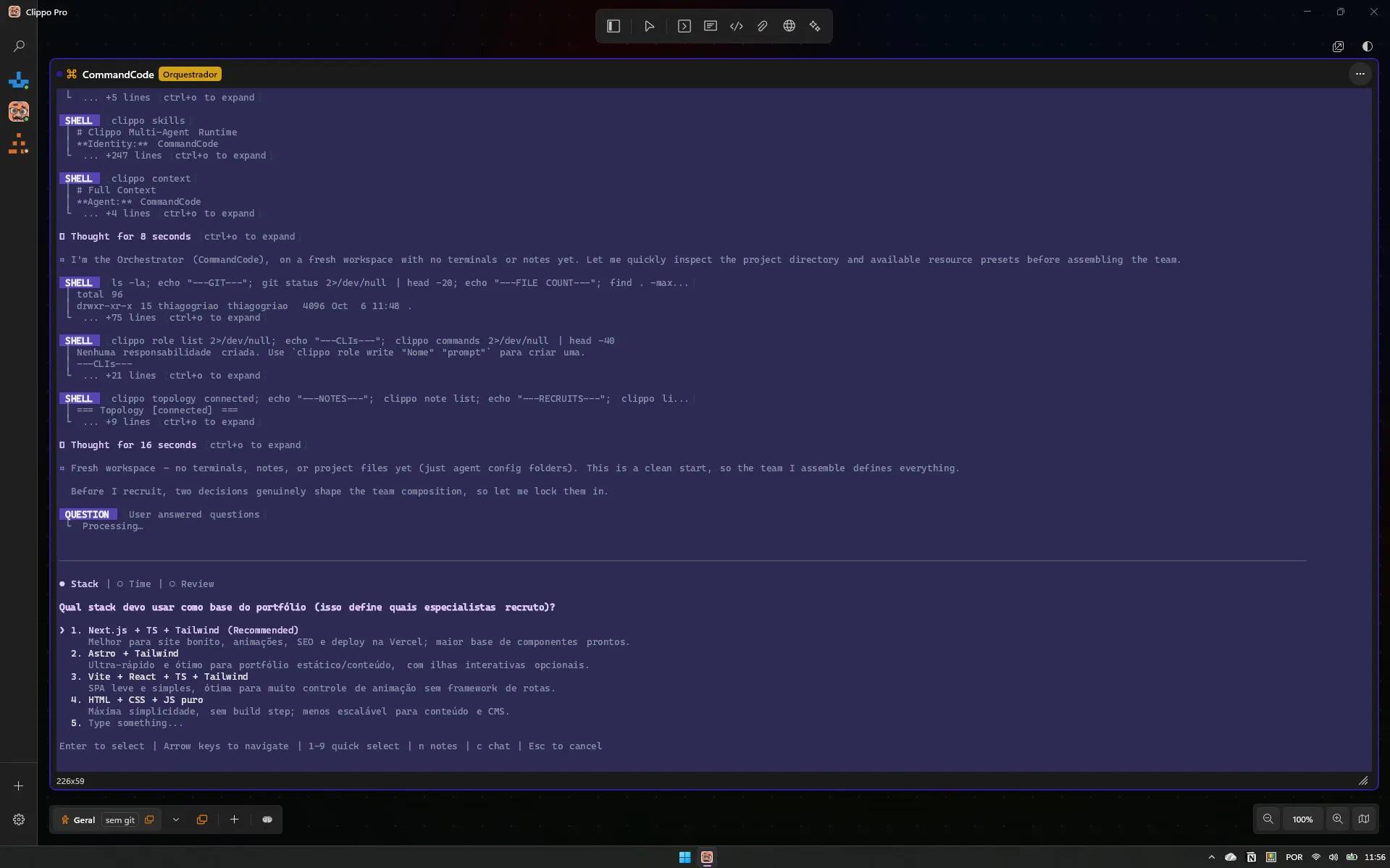
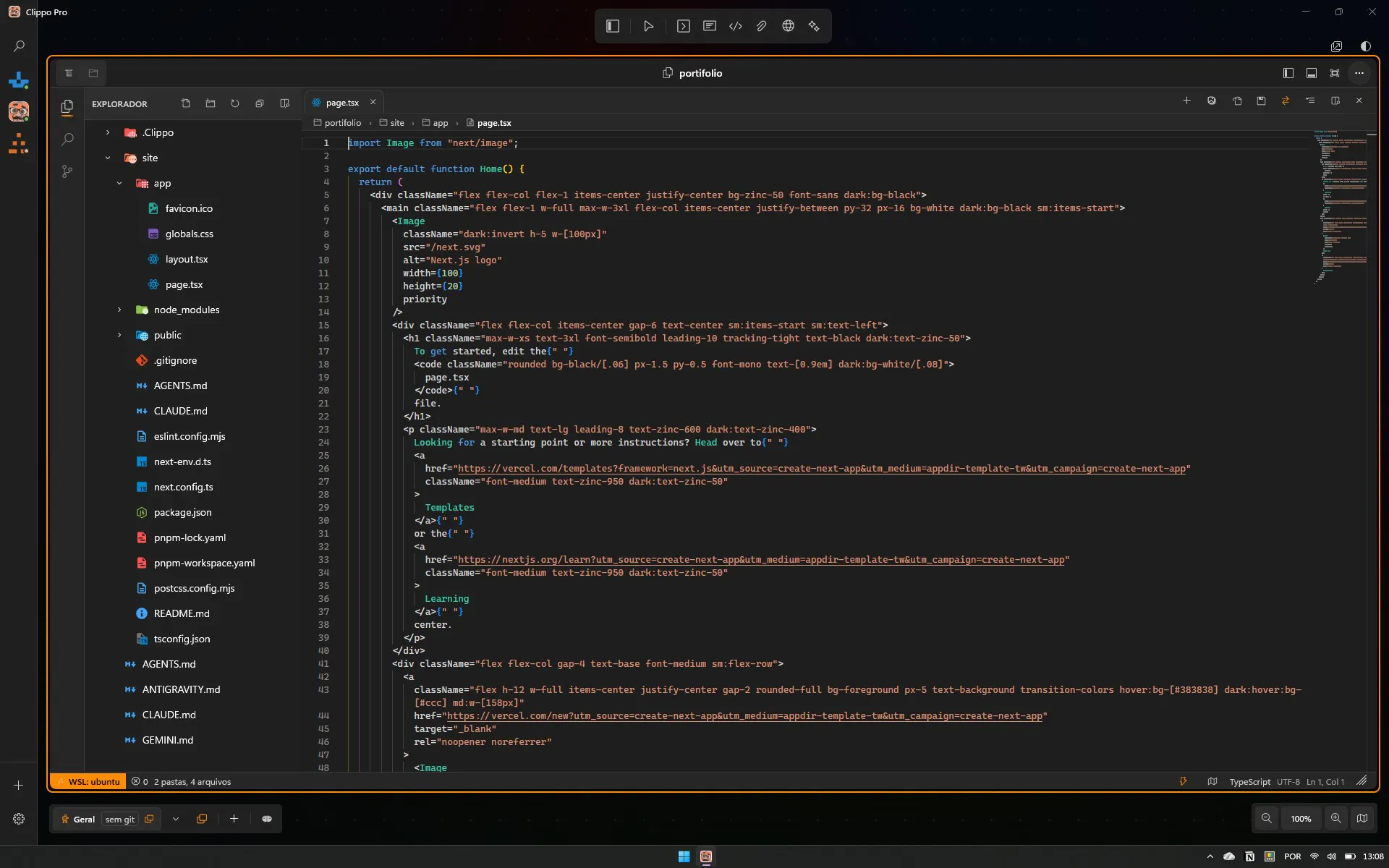
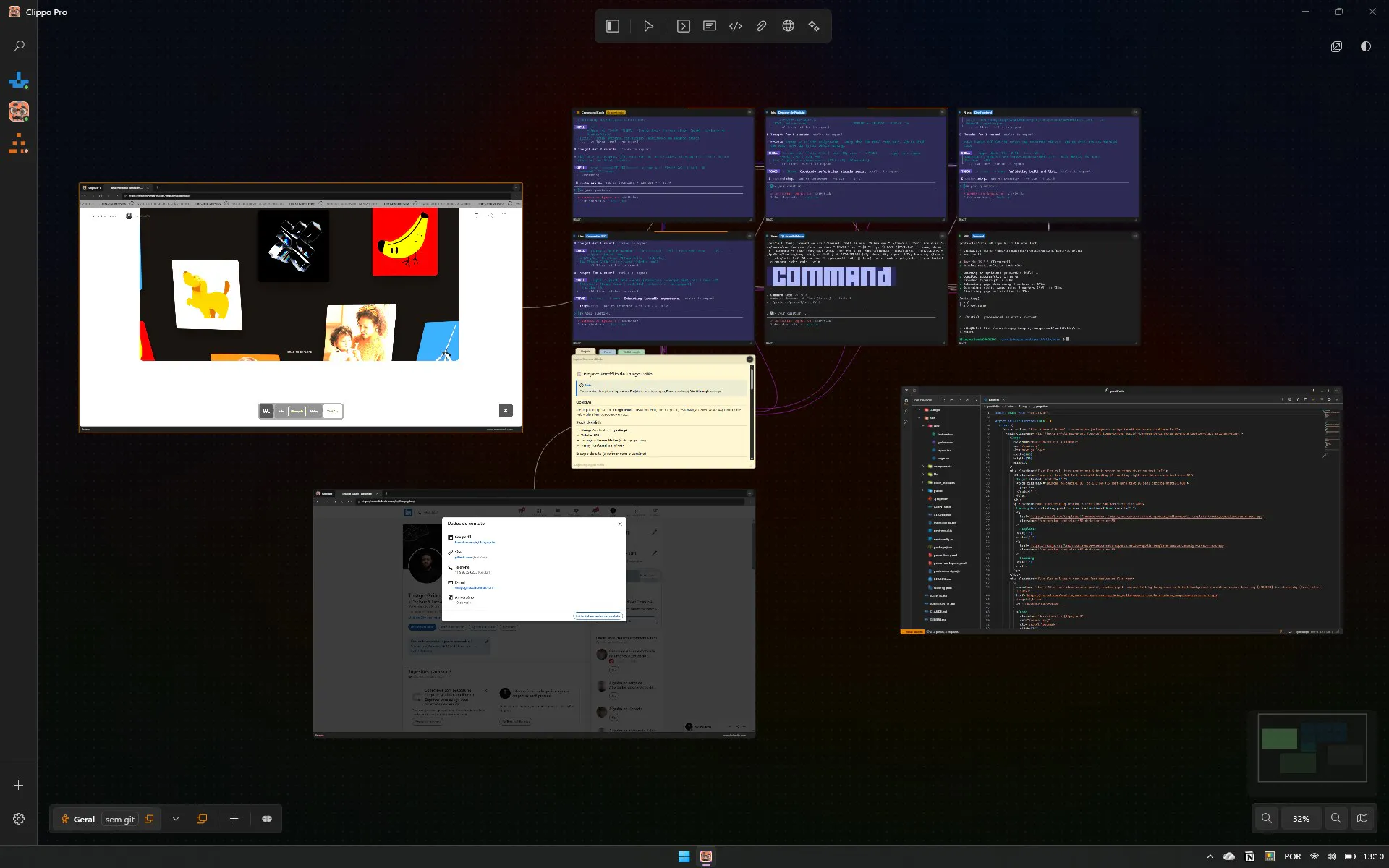
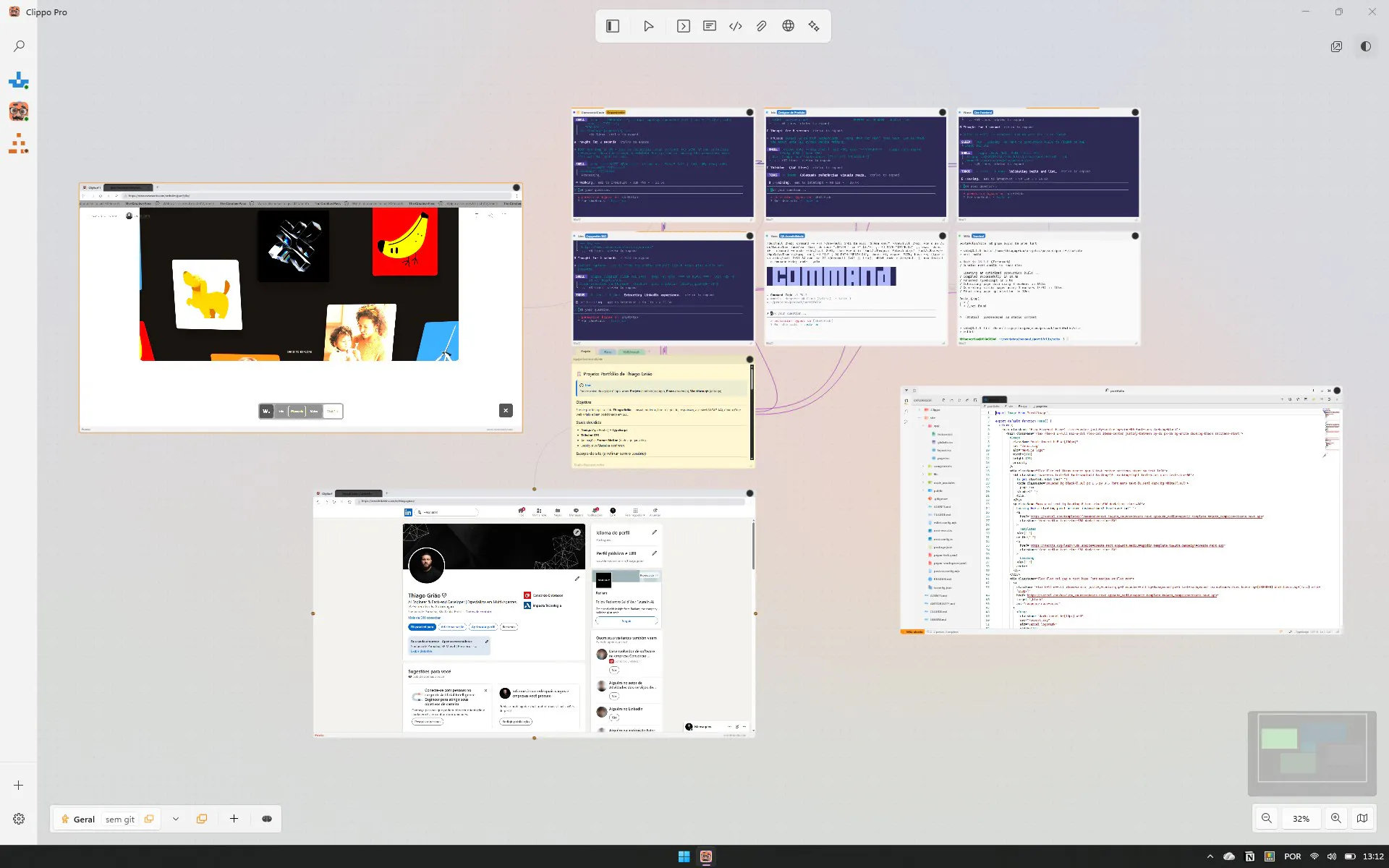
Clippo is a powerful Windows-based tool designed for developers and AI enthusiasts who want to streamline their AI-driven workflows. It transforms traditional command-line interfaces into an intuitive visual command room, allowing users to orchestrate multiple AI agents such as Claude Code, OpenCode, Codex, and others on an infinite canvas. This visual approach simplifies managing complex AI interactions, enabling parallel coding and task execution with ease. With features like native speed, device memory utilization to save tokens, and complete privacy without reliance on cloud services or logins, Clippo offers a secure and efficient environment for AI development and automation. Its visual canvas makes it easy to connect and oversee various AI agents, empowering users to step into the role of a tech lead for their own AI engineering teams. Whether you're debugging, prototyping, or orchestrating AI tasks, Clippo elevates the development experience with a user-friendly, visual interface that enhances productivity and control.
Screenshots
Pros
- ✓Visual, infinite canvas for managing AI agents
- ✓Supports multiple AI models and tools seamlessly
- ✓On-device operation ensures privacy and speed
- ✓No cloud or login requirements for enhanced security
- ✓Simplifies complex AI workflows and parallel coding
Cons
- ✗New tool that may have a learning curve for some users
- ✗Limited information on pricing and long-term support
- ✗Currently lacks extensive integrations with other development tools
Use Cases
Pricing
Pricing not verified
Quick Info
Topics
Makers

Thiago Grião
Alternatives
Similar Tools in Developer Tools




Embed Badge
Add this badge to your website to show that Clippo is featured on Visalytica.
<a href="https://www.visalytica.com/tool/clippo" target="_blank" rel="noopener noreferrer" style="display:inline-flex;align-items:center;gap:6px;padding:6px 14px;background:#7c3aed;color:#fff;border-radius:8px;font-family:-apple-system,system-ui,sans-serif;font-size:13px;font-weight:600;text-decoration:none;transition:background .2s" onmouseover="this.style.background='#6d28d9'" onmouseout="this.style.background='#7c3aed'"><svg width="14" height="14" viewBox="0 0 24 24" fill="none" stroke="currentColor" stroke-width="2.5" stroke-linecap="round" stroke-linejoin="round"><path d="M12 20V10"/><path d="M18 20V4"/><path d="M6 20v-4"/></svg>Featured on Visalytica</a>