
Clipnote
Save your AI conversations so they persist after closing tab
About Clipnote
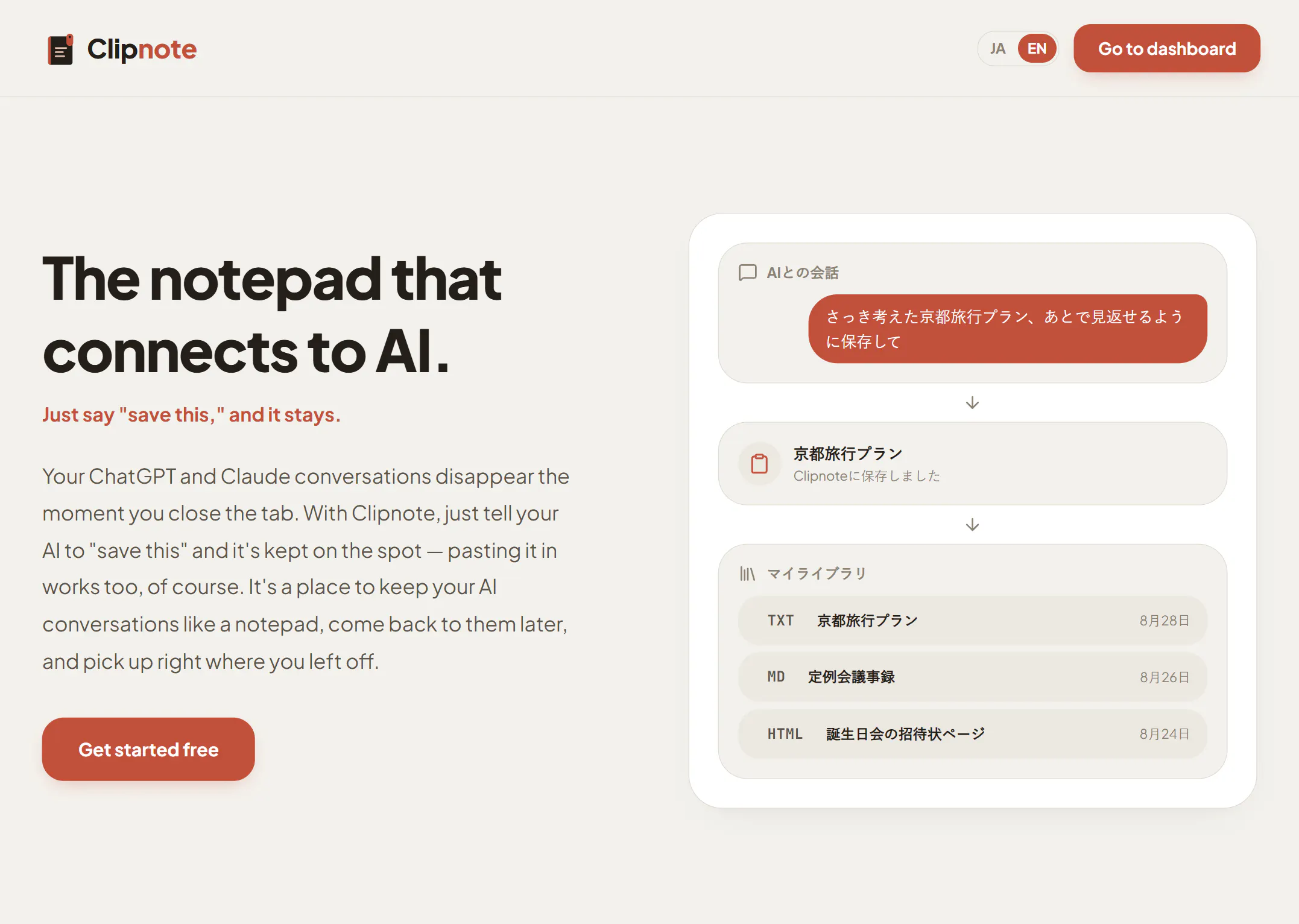
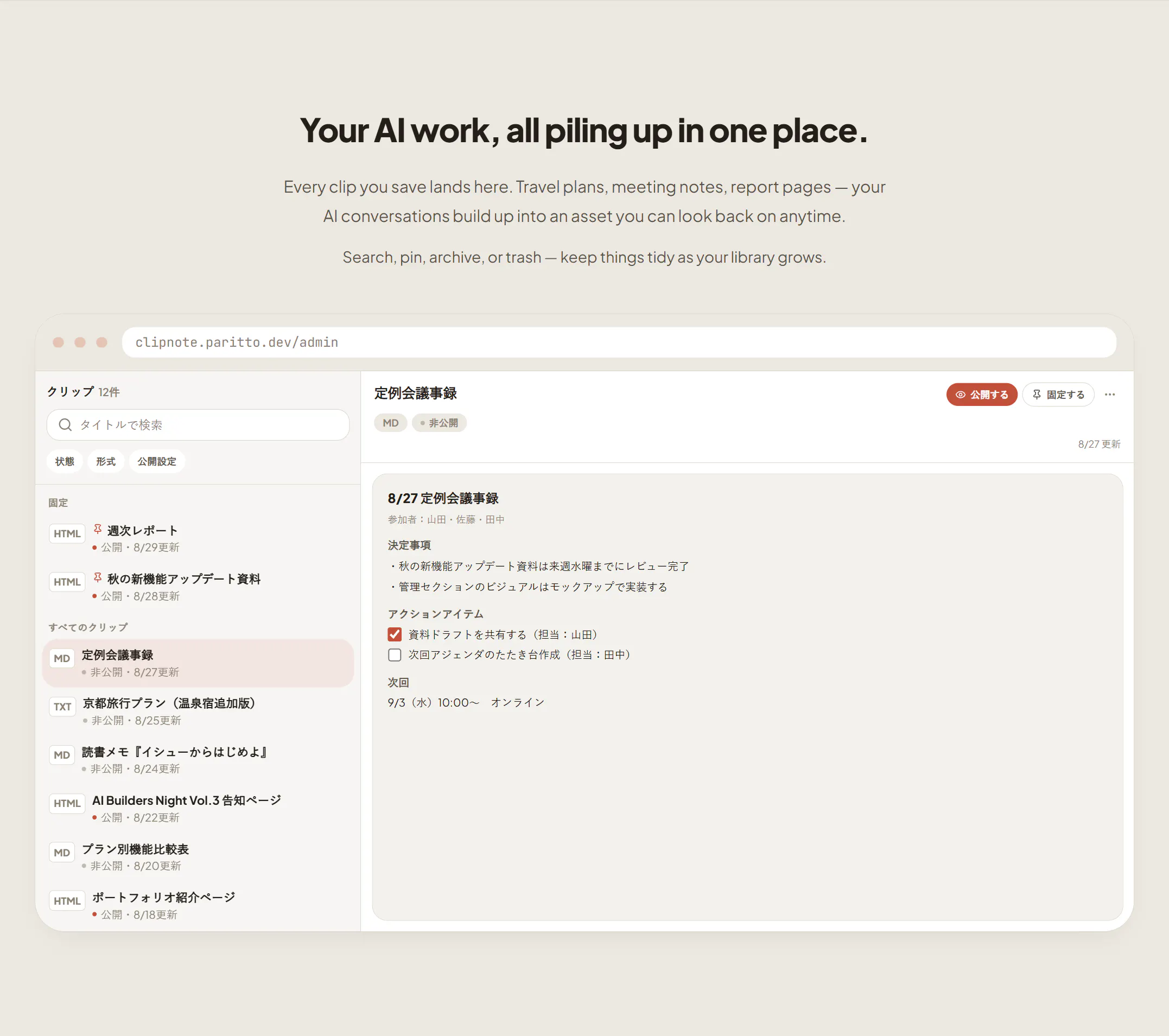
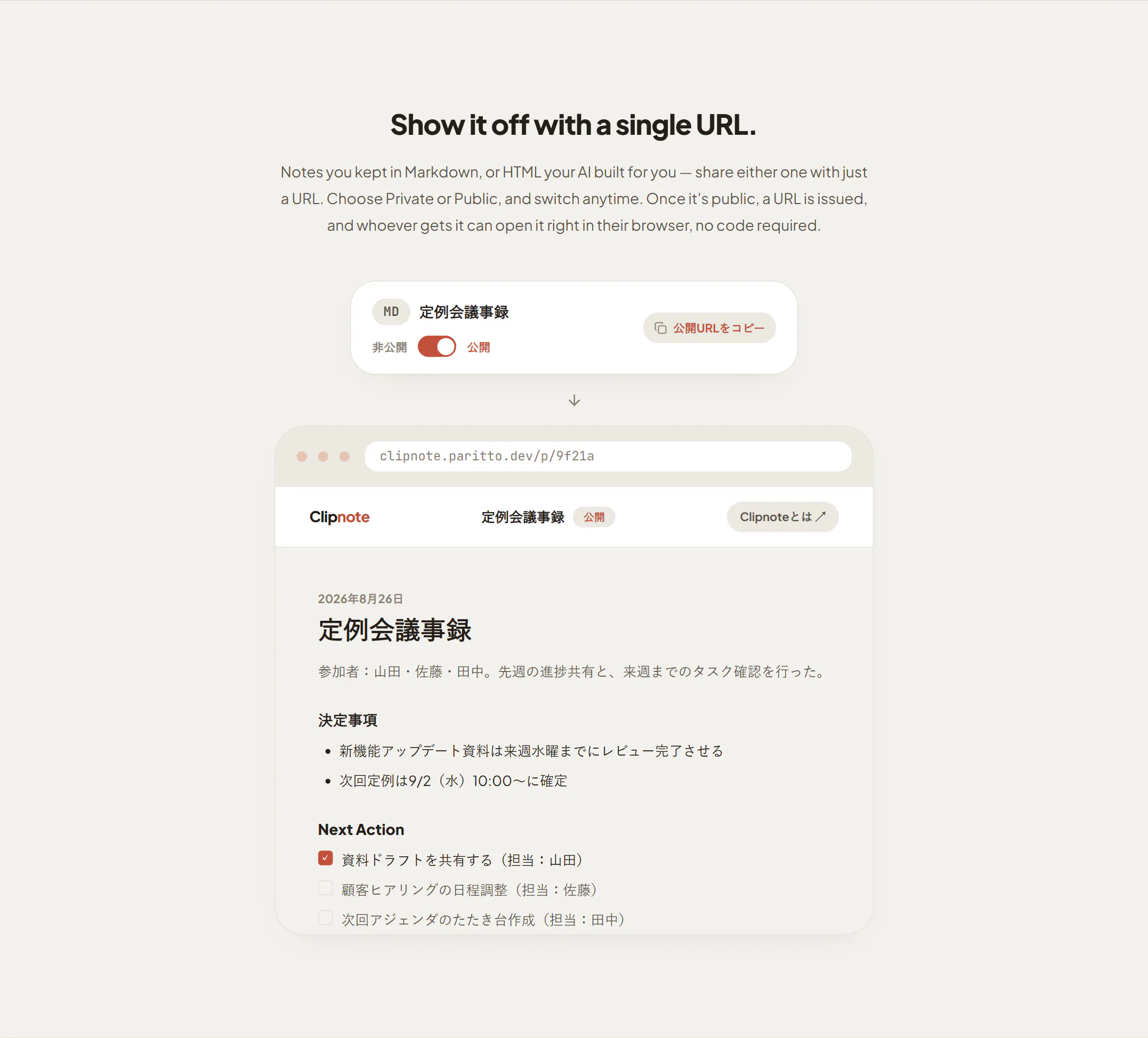
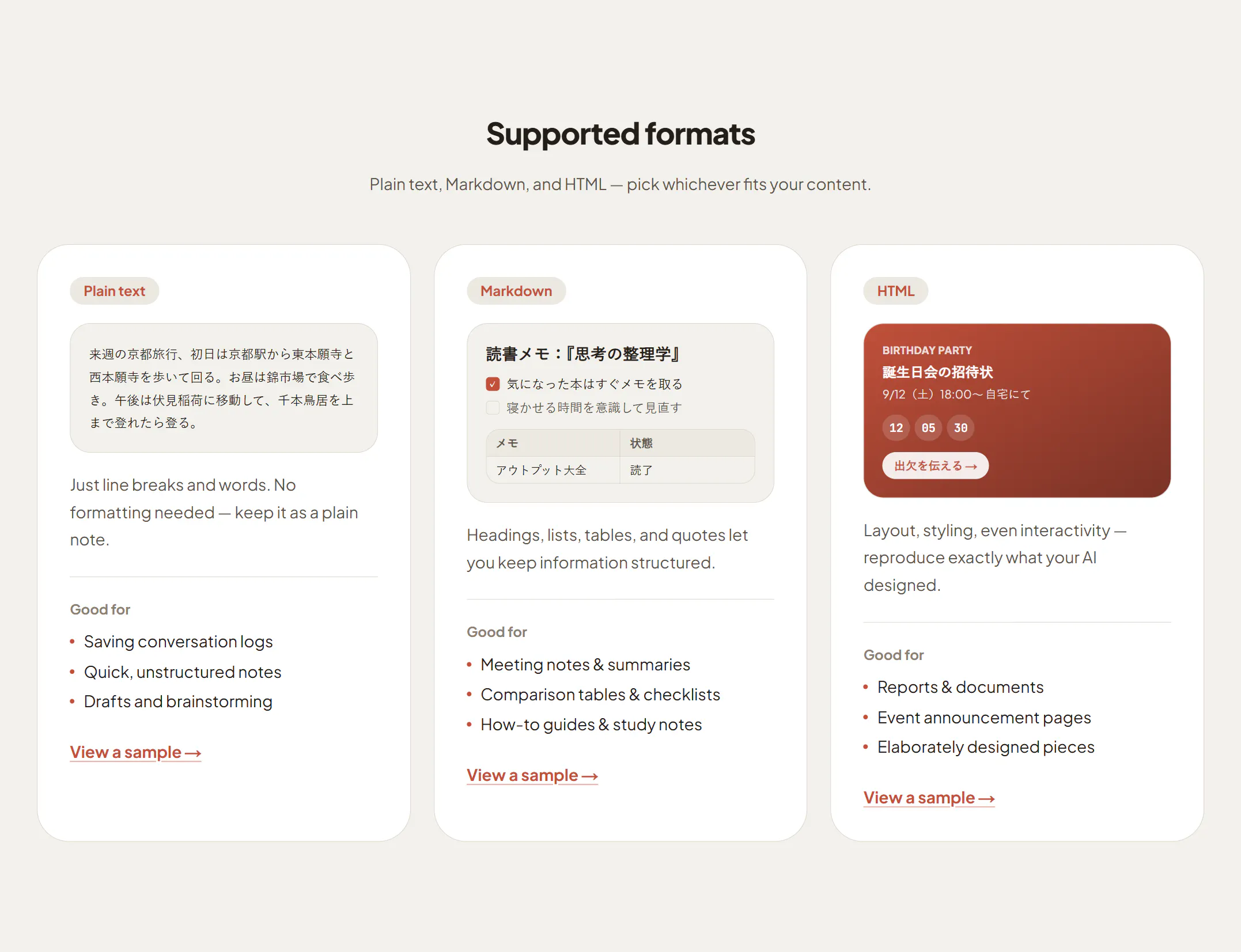
Clipnote is a handy productivity tool designed for users who frequently engage with AI chatbots like ChatGPT and Claude. It addresses the common frustration of losing valuable conversation history when closing a tab by allowing users to easily save and retrieve their AI interactions. With a simple command or paste, conversations are stored within Clipnote, creating a persistent workspace that functions like a digital notepad for AI chats. This makes it especially useful for professionals, students, and researchers who rely on ongoing AI assistance and need to maintain context over multiple sessions. Its intuitive design and seamless integration make it a versatile companion for managing AI conversations efficiently, ensuring that valuable insights, ideas, or instructions are never lost.
Screenshots
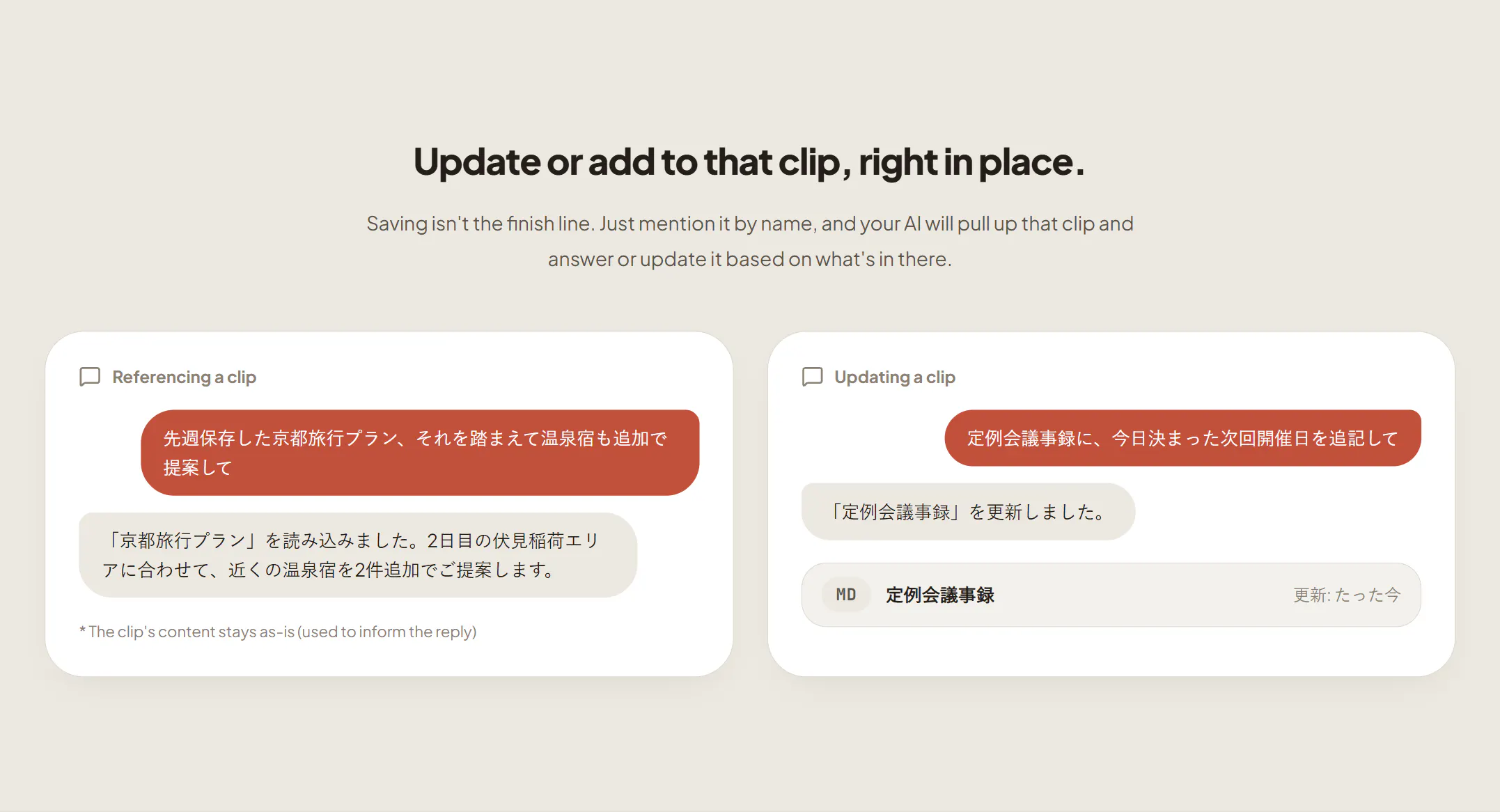
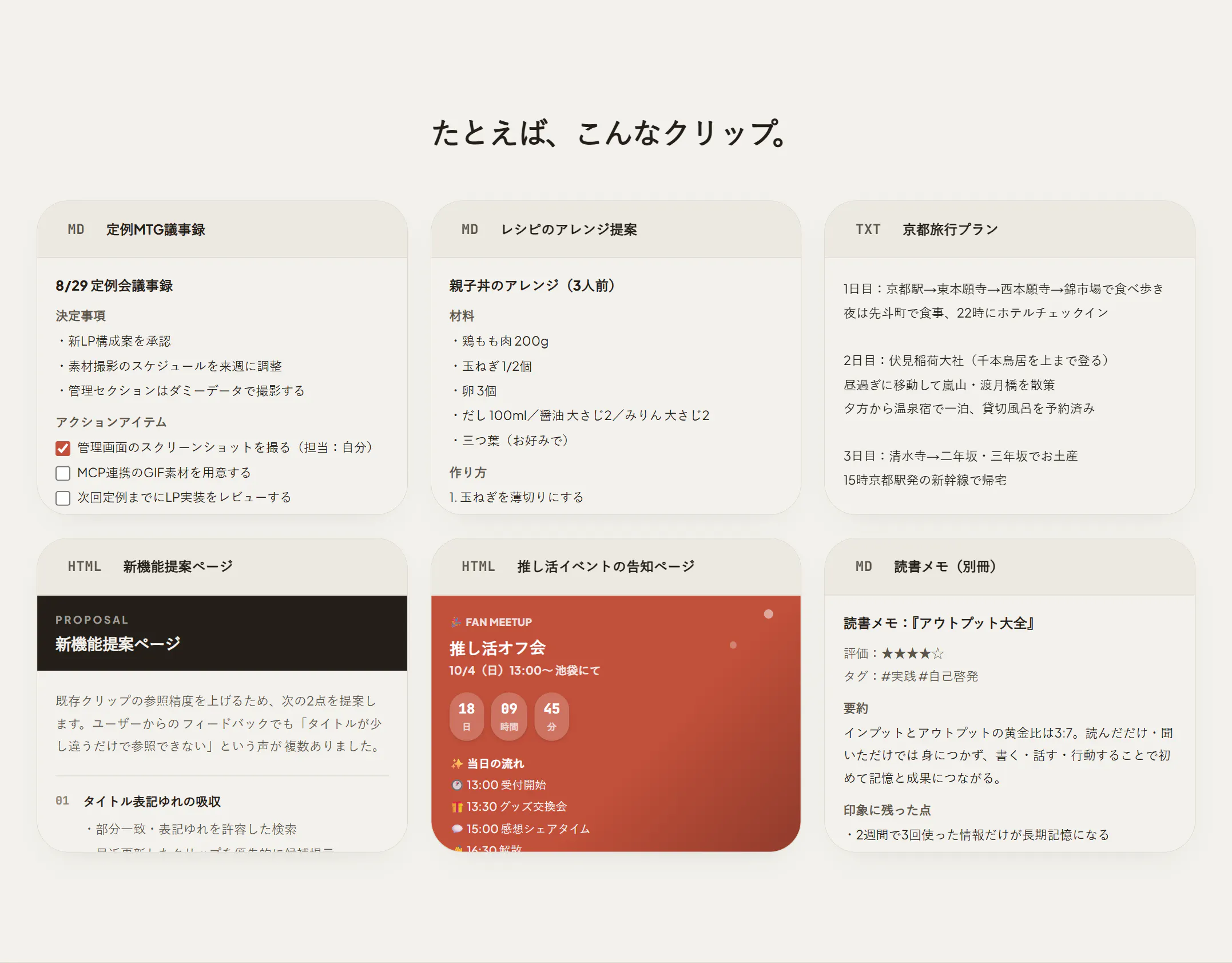
+1 more screenshots
Pros
- ✓Easy to save and retrieve AI conversations with simple commands or pastes
- ✓Creates a persistent, organized archive of chat history
- ✓Enhances productivity by allowing users to pick up conversations where they left off
- ✓Works with popular AI platforms like ChatGPT and Claude
- ✓Lightweight and user-friendly interface
Cons
- ✗Limited information on advanced features or integrations
- ✗Potentially dependent on browser or extension support (not specified)
- ✗No details on pricing or free tier options
Use Cases
Pricing
Pricing not verified
Quick Info
Topics
Makers

Okumura Daichi
Similar Tools in AI Assistants




Embed Badge
Add this badge to your website to show that Clipnote is featured on Visalytica.
<a href="https://www.visalytica.com/tool/clipnote" target="_blank" rel="noopener noreferrer" style="display:inline-flex;align-items:center;gap:6px;padding:6px 14px;background:#7c3aed;color:#fff;border-radius:8px;font-family:-apple-system,system-ui,sans-serif;font-size:13px;font-weight:600;text-decoration:none;transition:background .2s" onmouseover="this.style.background='#6d28d9'" onmouseout="this.style.background='#7c3aed'"><svg width="14" height="14" viewBox="0 0 24 24" fill="none" stroke="currentColor" stroke-width="2.5" stroke-linecap="round" stroke-linejoin="round"><path d="M12 20V10"/><path d="M18 20V4"/><path d="M6 20v-4"/></svg>Featured on Visalytica</a>